


Construction Control — Subcontractor Pay App Bridge
Construction Control — Subcontractor Pay App Bridge (Version 1.1.2)
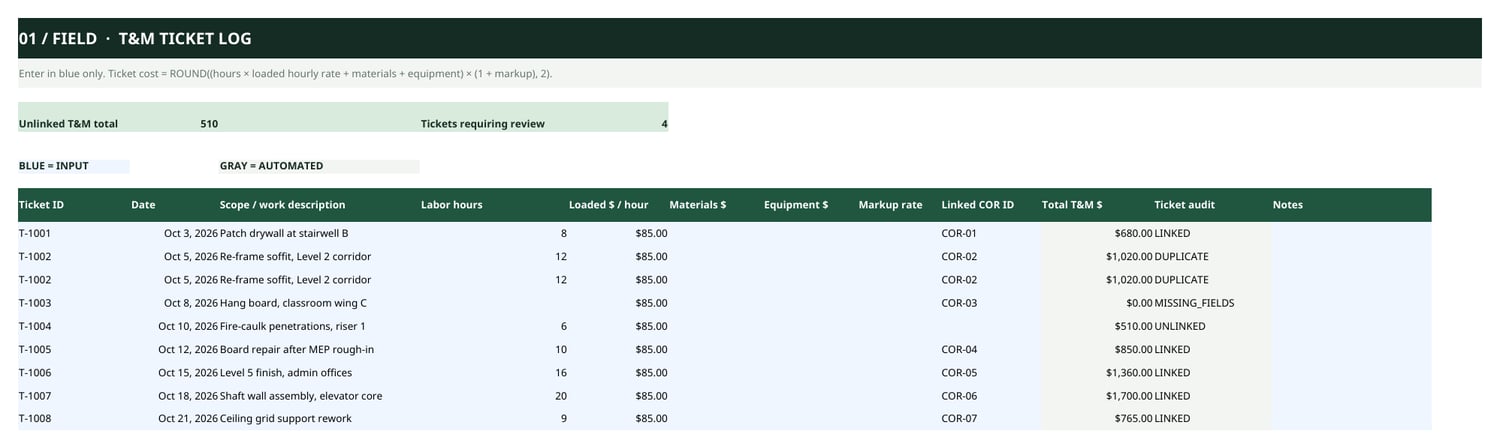
An Excel reconciliation workbook for specialty subcontractors: reconcile T&M tickets to change-order requests to your pay-application Schedule of Values before you submit.
Refund policy: No refunds. This is a digital workbook you keep — please use the free Pay App Pre-Submission Checklist (payhip.com/b/ROCQb) and the sample materials on this page to evaluate it before you buy.
What's included:
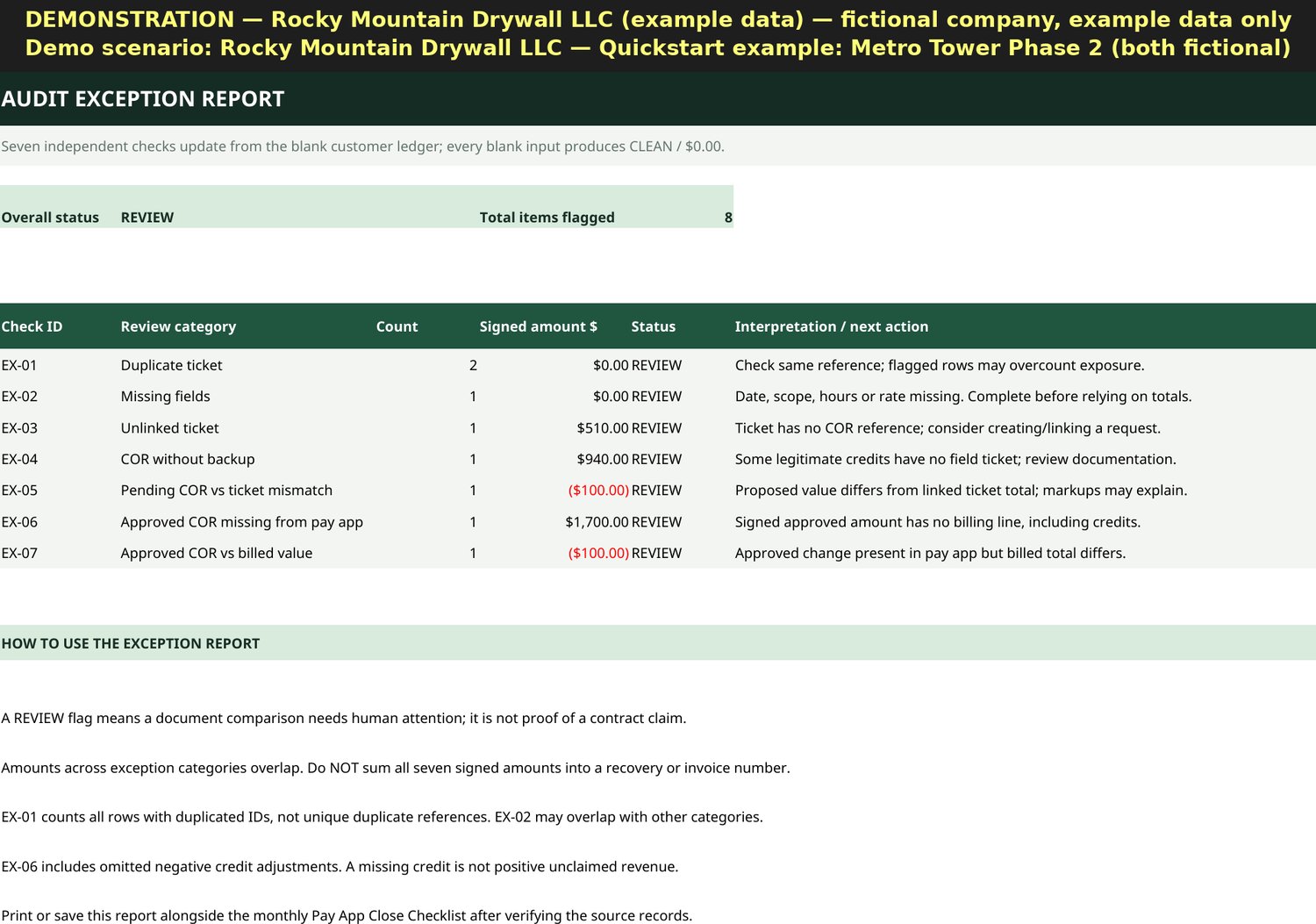
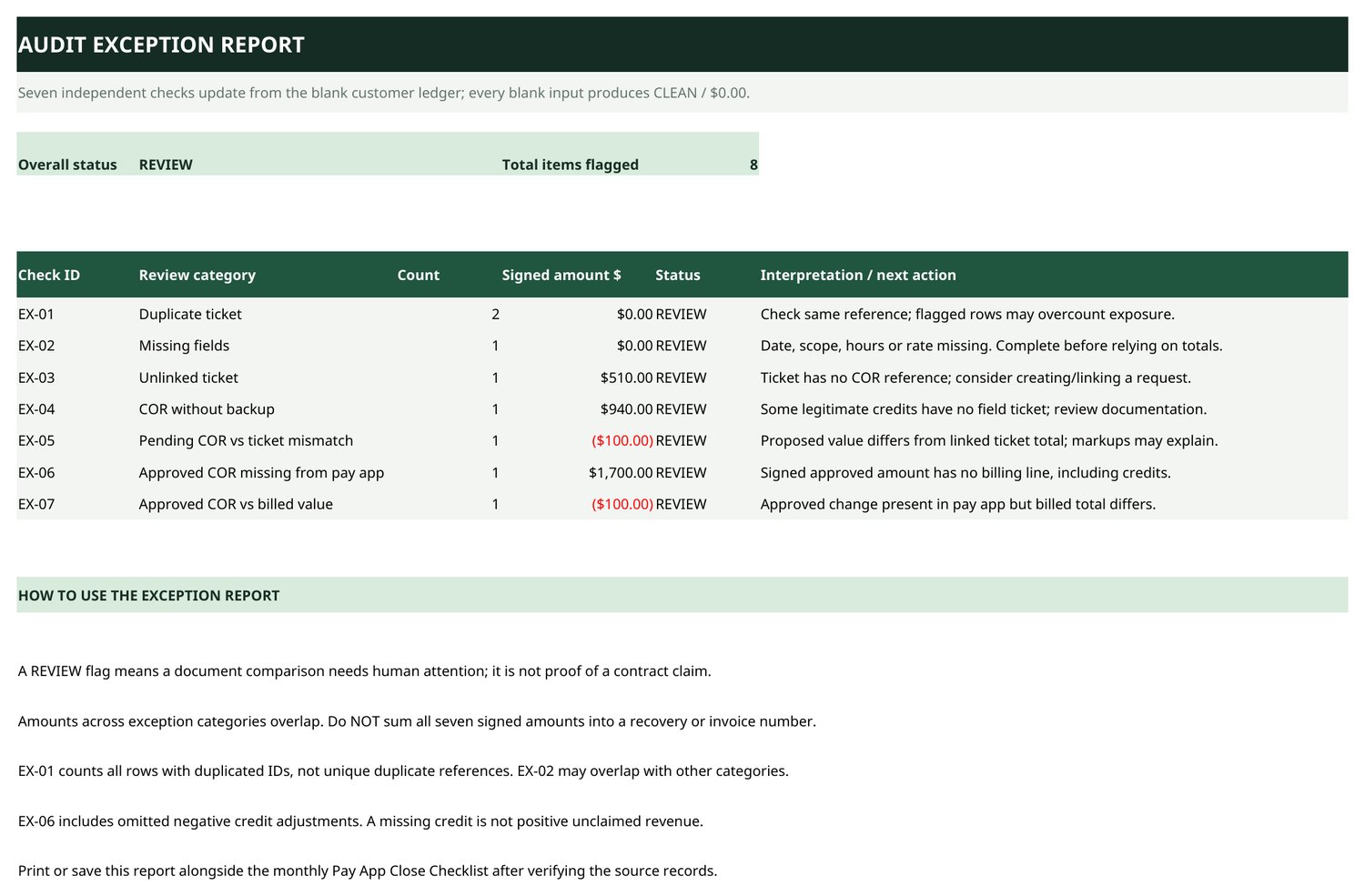
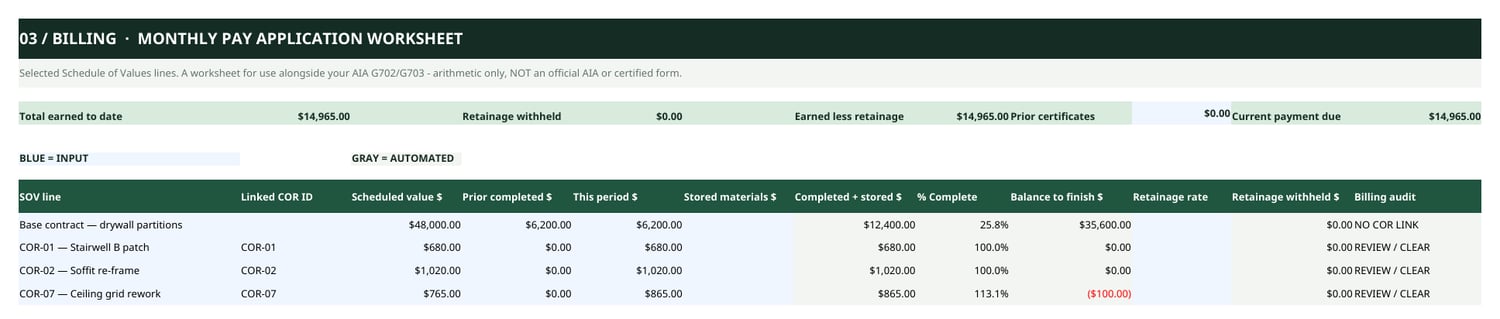
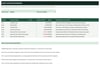
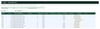
- Excel workbook (.xlsx) with seven exception checks: duplicate ticket, missing fields, unlinked ticket, COR without backup, pending COR vs ticket mismatch, approved COR missing from pay app, and approved COR vs billed value
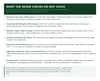
- Quickstart PDF guide
- README and license information
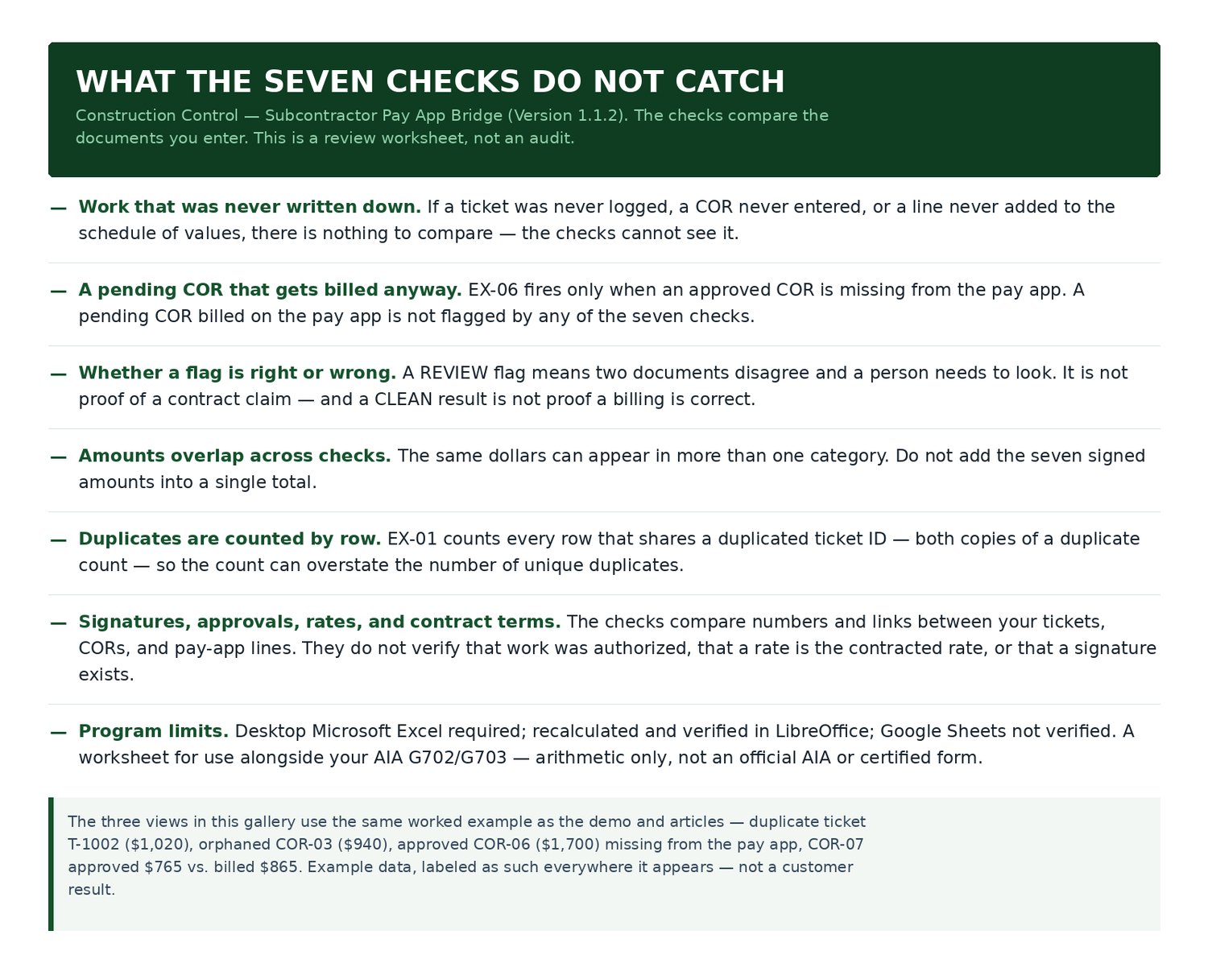
No bonus files are included. The workbook does not automatically flag billing over 100% of scheduled value, incorrect retainage rates, or G702/G703 totals mismatches. Column D is entered manually. Pending change-order requests are checked for discrepancies, but the workbook does not automatically include unapproved change orders in pay-app billing or determine whether they are eligible for payment. It does not flag change orders billed before approval.
One-time purchase: $39. No subscription. Designed for Microsoft Excel. Requires desktop Microsoft Excel (also recalculated and verified in LibreOffice). All formulas use long-standard functions only — no Microsoft 365-only features. Google Sheets: not verified. A reconciliation worksheet for use alongside your AIA G702/G703 — not an official AIA document.
Frequently asked questions
1. What does the workbook actually check?
It reconciles your T&M tickets to your change-order requests (CORs) to your pay-app schedule of values, and flags seven exception types by name: Duplicate ticket, Missing fields, Unlinked ticket, COR without backup, Pending COR vs ticket mismatch, Approved COR missing from pay app, and Approved COR vs billed value. It is a worksheet for use alongside your AIA G702/G703 — it does not replace them.
2. What does it NOT check?
It does not check your G702/G703 totals, your retainage math or rates, or lines billed over 100% of scheduled value. It does not flag change orders billed before approval. It does not approve anything, and it does not guarantee a pay application will be accepted or paid. One input is manual: the "Prior completed $" column (D) on the pay-app sheet is typed in by hand.
3. What Excel versions work?
Requires desktop Microsoft Excel (also recalculated and verified in LibreOffice). All formulas use long-standard functions only — no Microsoft 365-only features. Google Sheets: not verified.
4. What do I get when I buy the workbook?
A ZIP (27KB) with three files: the workbook (Construction-Control-v1.1.2-Ledger.xlsx), a Quickstart Guide (PDF), and a README & license file (TXT). One-time purchase: $39. No subscription.
5. What does the $997 audit cover, and what if I'm not satisfied?
Scope: one pay application, one period, up to 50 T&M tickets and up to 10 change orders, delivered as a PDF report — no revisions. You start by emailing constructioncontrolbilling@gmail.com with your order reference (do not attach confidential records to that first email); you then receive a secure upload location. The report is delivered within 5 business days of receiving your complete documents. Refunds: full refund on request before delivery; non-refundable after the PDF report is delivered; a free correction if the report is materially incomplete against the agreed scope; liability capped at the fee paid.
6. What is the refund policy?
No refunds. The workbook is a digital file you keep, so please evaluate it first with the free Pay App Pre-Submission Checklist and the sample report images on this page. If your files will not download or open, email constructioncontrolbilling@gmail.com or use the contact page and we will help you get it working.