
Sinking Funds Tracker Spreadsheet | Irregular Expense Planner with Savings Goals | Google Sheets Budget
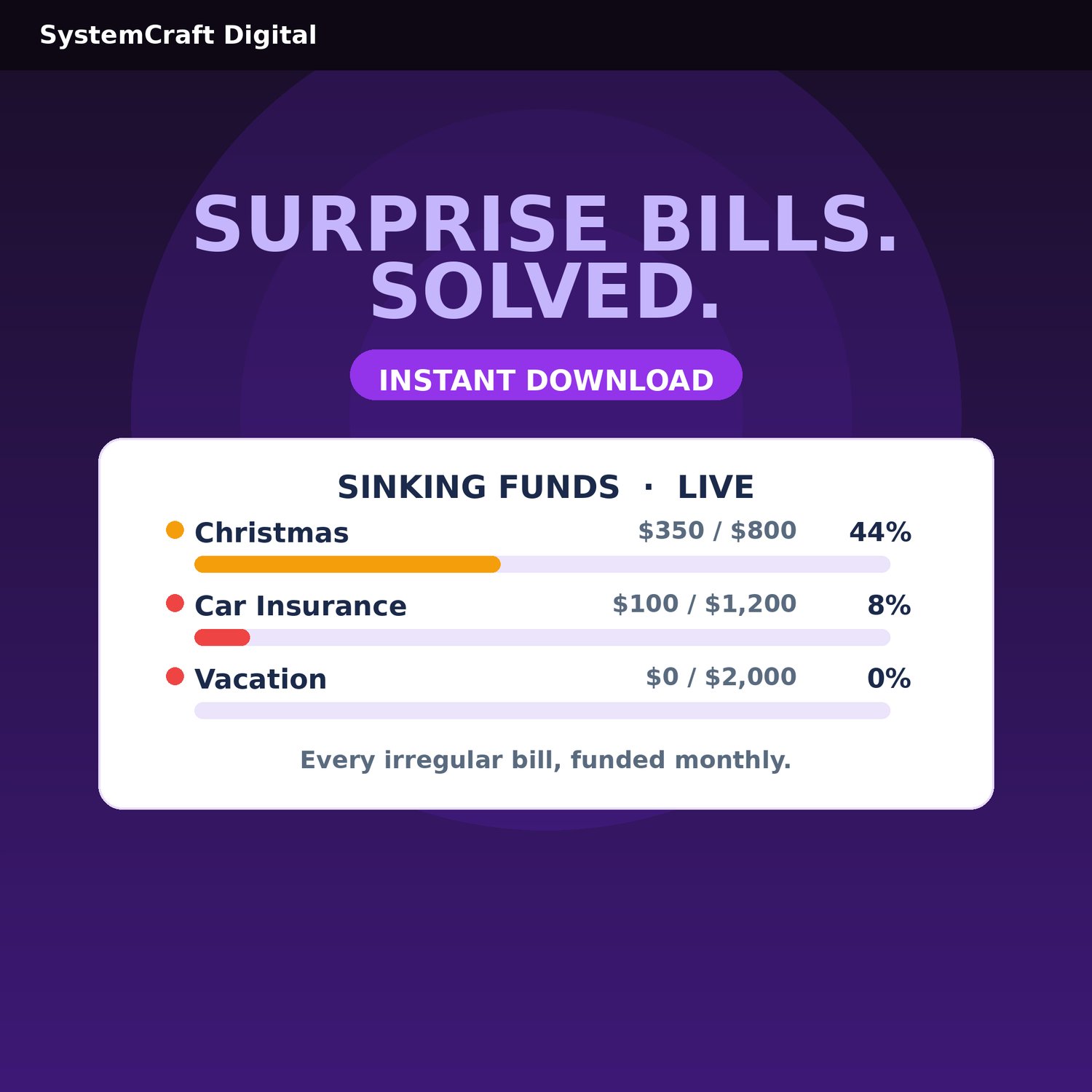
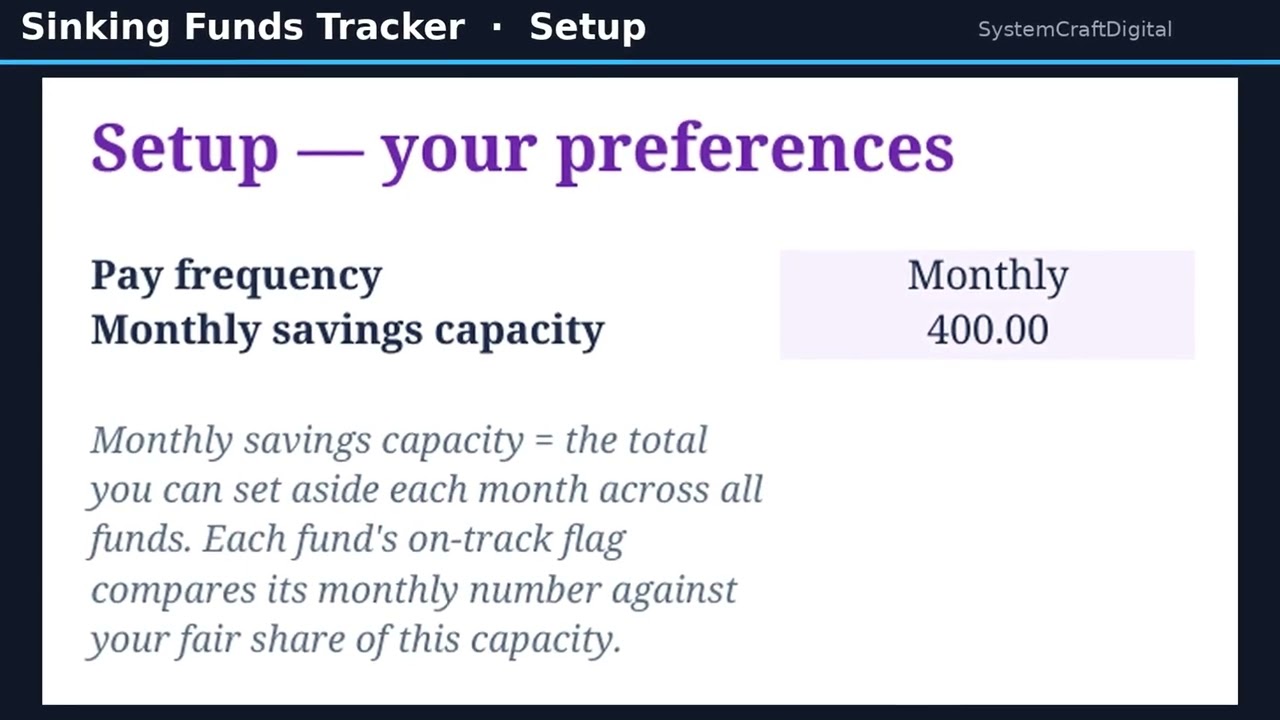
Christmas, car repairs, annual insurance - the "surprise" bills that aren't surprises. Sinking Funds Tracker turns every irregular expense into a calm monthly line item, with auto targets and progress bars. A pre-built system, not a blank template: every formula, progress bar, and on-track flag is already done for you. WHAT'S INCLUDED: Sinking Funds Tracker workbook for Google Sheets (6 tabs: Start Here, Setup, Fund List, Contribution Log, Fund Status, Dashboard) + Quick Start PDF + FAQ & Access Guide PDF. One ZIP file, instant download. KEY FEATURES: Per-fund auto monthly targets; progress bars; on-track/behind flags; due-now alerts; priority ranking (High/Medium/Low); contribution log with dropdown tagging; dashboard with funded-% chart; protected formulas; 100% Sheets-native, no coding, no add-ons. HOW IT WORKS: 1) Purchase and download instantly. 2) Open in Google Sheets, set monthly savings capacity - about 15 minutes. 3) List funds, log contributions - targets, progress bars, flags update automatically. IMPORTANT NOTES: Digital download, nothing ships. Google Sheets ONLY. Due to the nature of digital products, refunds are not available. Single-user license. An organizational and planning tool, not financial advice. LIKE THIS SYSTEM? See the full SystemCraftDigital collection - cash flow, invoicing, tax planning, budgeting, and more - in my shop: https://payhip.com/SystemCraftDigital