
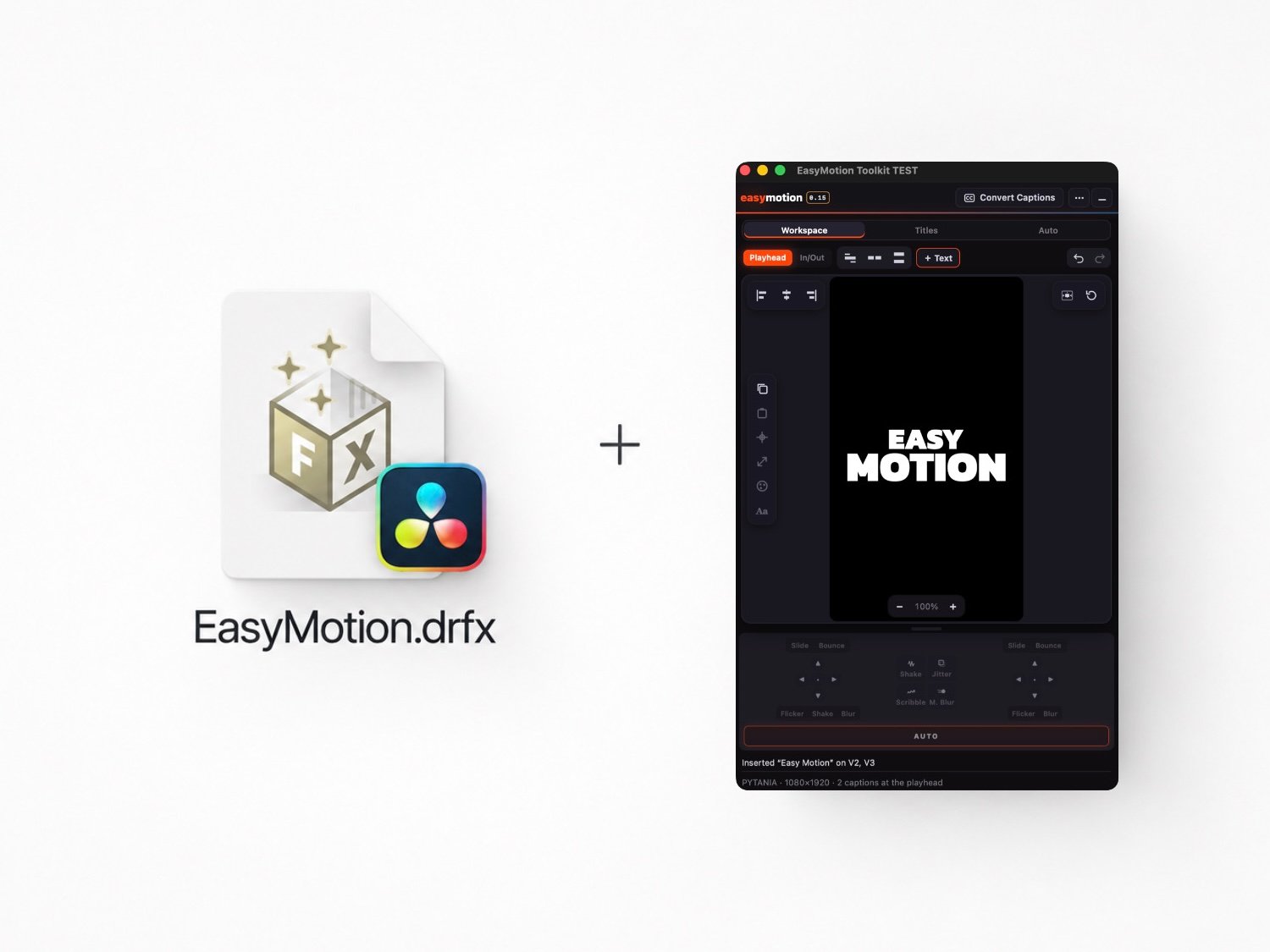



EasyMotion + free beta tool (Mac OS)
On Sale
$99.00
(% off)
$79.00
Already + 500 Users!
Please note: the EasyMotion presets and the whole EasyMotion workflow work on both Windows and macOS only with Studio version of Davinci Resolve
The EasyMotion Toolkit panel (beta) works only on macOS Apple silicon (M1 or newer)
— it cannot be installed or used on Windows.
Windows version coming very soon!
EasyMotion Presets — Animated Titles & Motion Presets for DaVinci Resolve
Create animated Text+ titles without keyframing.
- 21 IN/OUT animations
- 6 continuous effects: Glow, Blur, Shake, Jitter, Scribble & CRT
- Direction, distance, duration & motion controls
- Automatic timing when clips are trimmed
- Native Fusion nodes — no third-party plugins
- macOS & Windows
Important: The Snap Captions shown in the demo video are not included with EasyMotion and need to be downloaded separately. The free version of Snap Captions 2 works perfectly with EasyMotion.
Requirements & Performance
- EasyMotion is built for DaVinci Resolve Fusion and works on macOS and Windows.
- For the smoothest editing experience, I recommend working on a 1080p timeline and switching to 4K before final rendering if needed.