


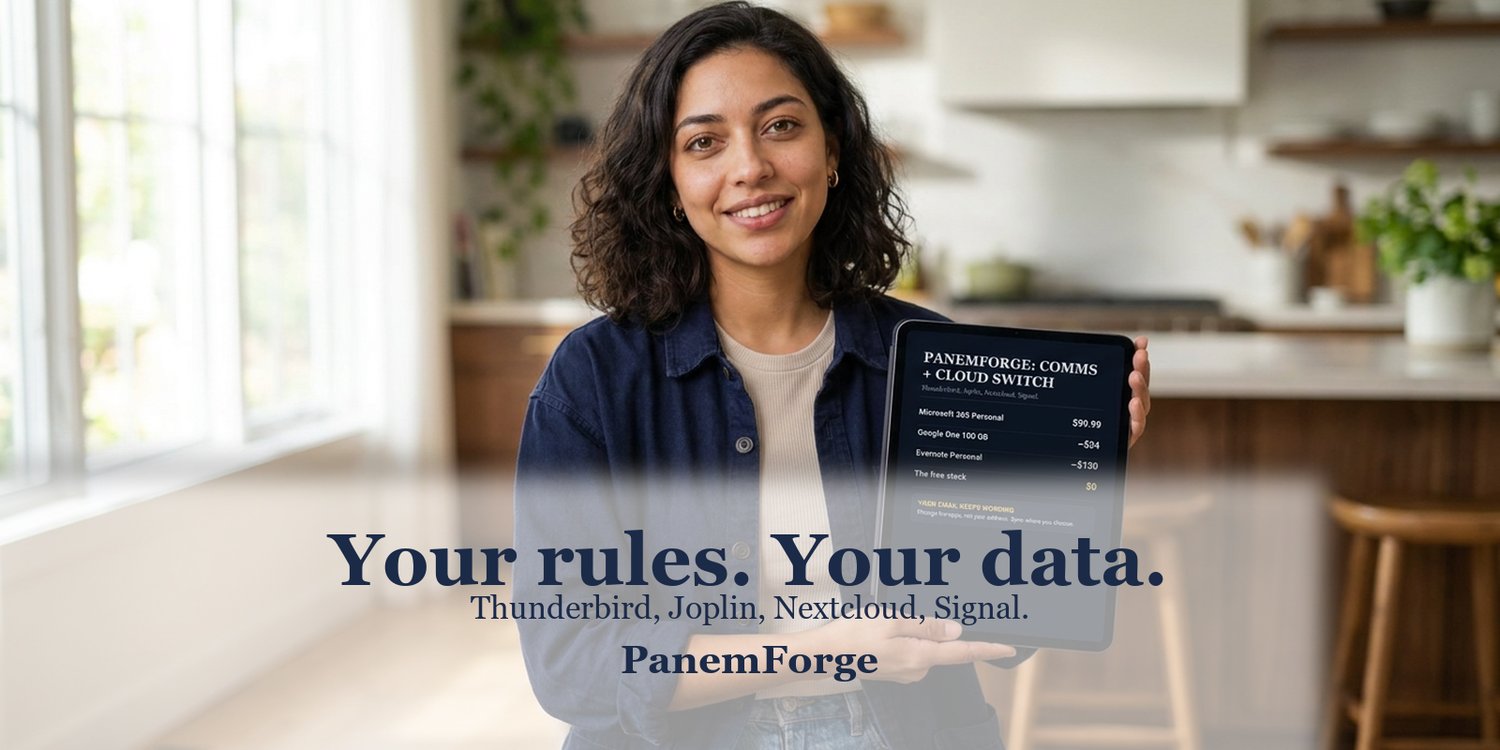




Communications & Cloud Kit (Cut-the-Cord)
Your email, notes, files, and messages may be tied to a $99.99-a-year ecosystem. 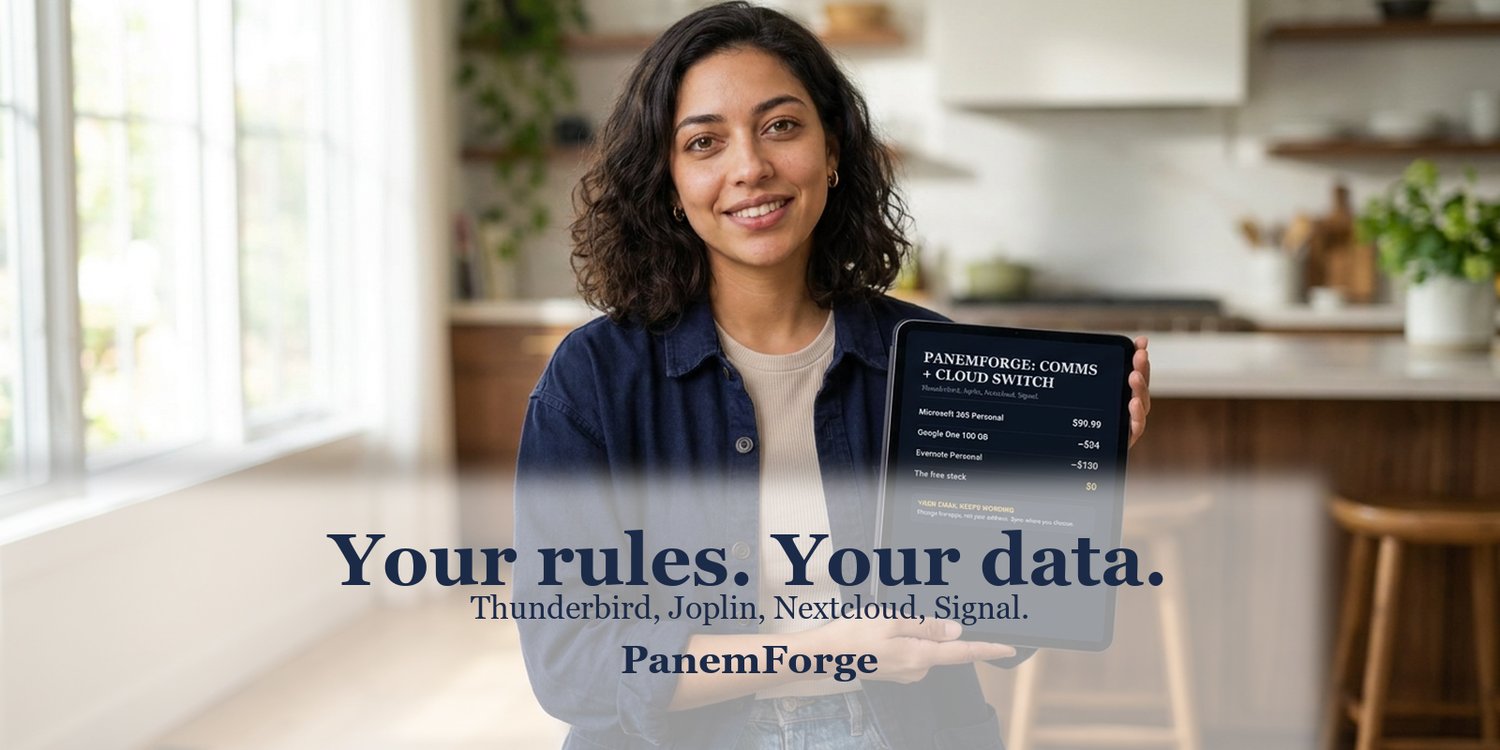 If you stop paying, you may need to work with the company to get to your own files.
This kit shows you how to switch to Thunderbird for email, Joplin for notes, Nextcloud for files, and Signal for messaging. All free. All open-source. All yours.
This is a switch kit for anyone who wants to use hardware they control for their digital life. It includes four short, plain-English guides that take you from "I just have a Gmail account" to a working, backed-up setup in one afternoon. No subscriptions, no accounts to buy, and no cloud service you can't leave.
WHAT YOU GET: 6 downloads covering 4 files. The AI Prompt Pack comes as both a polished PDF and a copy-paste plain-text version:
- The Communications & Cloud Switch Guide (PDF): Learn the four parts of a subscription-free digital life, see the money comparison (Microsoft 365 Personal $99.99/yr vs. $0, and the Google One ~$24/yr storage tier for everyone else), find installs from each tool's ONE official source, and follow the 45-minute first-session checklist. The guide includes marked links to the official sources.
- The Everyday Playbook (PDF): Learn how a normal week works with the free setup: 5-minute email triage in Thunderbird, including a keyboard routine; note capture and web clipping in Joplin; file syncing and sharing on your terms; and one-time moves for mail, OneNote/Evernote, and OneDrive/Drive.
- The Compatibility Cheat Sheet (PDF): See what moves over cleanly. Your existing email address needs NO migration at all. Evernote imports to Joplin losslessly. The guide also includes an Honesty Table with the real limits: OneNote has no official Markdown export, WhatsApp history doesn't transfer to Signal, corporate Exchange delegate workflows belong to Outlook, and self-hosting means YOU are the IT department. The honesty IS the product.
- The AI Prompt Pack (PDF + TXT): Get ten copy-paste prompts that turn any AI you already use into a tutor. Topics include account fixing, inbox triage design, notebook organization, sync troubleshooting, deciding between self-hosting and a free tier, setting up a server step by step, planning a migration, explaining things in plain English, writing a family invitation for Signal, and reviewing data ownership each quarter.
- README Quick Start: Follow the 10-minute setup path.
WHY IT'S DIFFERENT: Most "de-Google your life" content is either a fan's list of links or a fear-based sales pitch. This is a working manual from a publisher whose entire catalog runs on free software. It explains the trade-offs plainly:
- Running Nextcloud on your own hardware takes an afternoon of setup, and you become the person responsible for running the system. The guide also gives you the "just use free tiers" option as an equally valid answer.
- Signal only works if the people you message install it too.
- If you truly want zero decisions, staying on the subscription is a fair choice. We say so in print.
WHO IT'S FOR: This is for freelancers, professionals, and households who want to leave the ongoing subscription cycle but aren't IT people. It's for people who are curious about privacy, watching their budget, or have lost files after canceling a subscription.
It's not for Exchange delegate/corporate-mail admins or teams that need shared-notebook management. Those features are in paid tiers, and the Cheat Sheet helps you check in five minutes.
IMPORTANT FACTS: The tools are free and open-source:
- Thunderbird (Mozilla)
- Joplin (AGPL clients, sync via WebDAV, Nextcloud, Dropbox, OneDrive, or S3)
- Nextcloud (self-hosted, free)
- Signal (nonprofit, free)
Download them yourself from their official sites. The marked links in the guide go to those exact sources.
PanemForge is an independent publisher, not affiliated with or endorsed by any company named in this kit. Product names are trademarks of their owners.
Prices verified October 2026: Microsoft 365 Personal $99.99/yr; Google One 100 GB ~$1.99/mo (~$24/yr); Evernote Personal ~$130/yr.
REQUIREMENTS: You need any Windows, macOS, or Linux computer for Thunderbird, Joplin, and the Nextcloud desktop client. You also need any smartphone for Signal and Joplin mobile.
Your existing email address works, and nothing changes for your contacts.
SALES POLICY: All sales are final. Digital files can't be returned. If a file won't open or is damaged, reply to your purchase email, and we'll send a fixed or replacement file, free.
FAQ

Q: Do I lose my email address?
A: No. Email is a way for different services and apps to communicate. Thunderbird reads your existing Gmail, Outlook.com, or custom-domain account directly. Your address, folders, and history stay where they are. You're changing the app, not the address.
Q: Do I need to run my own server?
A: No. The guide gives you two options.
Path A: Run Nextcloud on your own hardware. This takes an afternoon, and you become responsible for running and maintaining the system.
Path B: Keep using free-tier cloud services as simple storage: Google Drive 15 GB, OneDrive 5 GB, or Dropbox 2 GB. Joplin syncs through them.
You still own your notes either way.
Q: What happens to my OneNote notebooks?
A: The honest answer is that there's no official OneNote-to-Markdown export. The Playbook gives you two practical options: copy and paste the notebooks you actually use, or run a community converter and review the results. Evernote, by contrast, imports into Joplin cleanly and losslessly.
Q: Can my family/team actually use Signal?
A: Only the people who install it. It's an invitation, not a mandate. The Prompt Pack includes a short, warm, zero-pressure invitation message that explains what's in it for them in plain words. Free, private, better calls.
Q: Is this legal/safe? What's the catch?
A: Entirely legal. These are mainstream open-source projects used by millions: Thunderbird by Mozilla, Signal by a nonprofit, and Nextcloud by enterprises worldwide.
The catch is stated plainly in every file: free software trades some hands-on help for control. You make a few decisions that a subscription would have made for you.
Q: Which AI does the prompt pack work with?
A: Any capable AI chat, including ChatGPT, Claude, Gemini, Copilot, or a local model on your own machine. The prompts are plain text. Paste and go.
Q: What if it doesn't work for me?
A: Digital files can't be returned, so all sales are final. If a file won't open or is damaged, reply to your purchase email. We'll send a fixed or replacement file free, with no forms.
See the tools in action: Watch short commercials on YouTube (youtube.com/@PanemForge) and daily pins on Pinterest (pinterest.com/panemforge).