
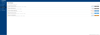
Work Order Request
Facilities and maintenance requests, from report to confirmed fix.
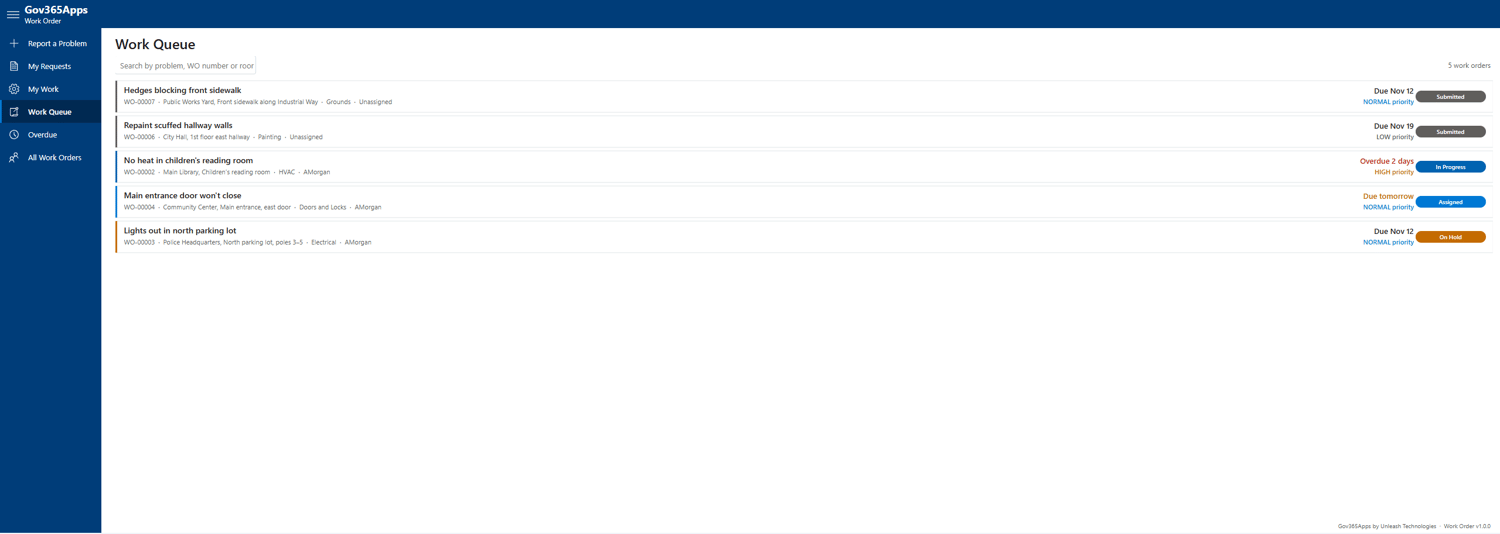
Give every employee one place to report a broken light, a leak or a door that won't lock. Supervisors assign each job from a work queue, technicians start, hold and complete it with hours and materials, and the person who reported it confirms it's fixed.
FEATURES
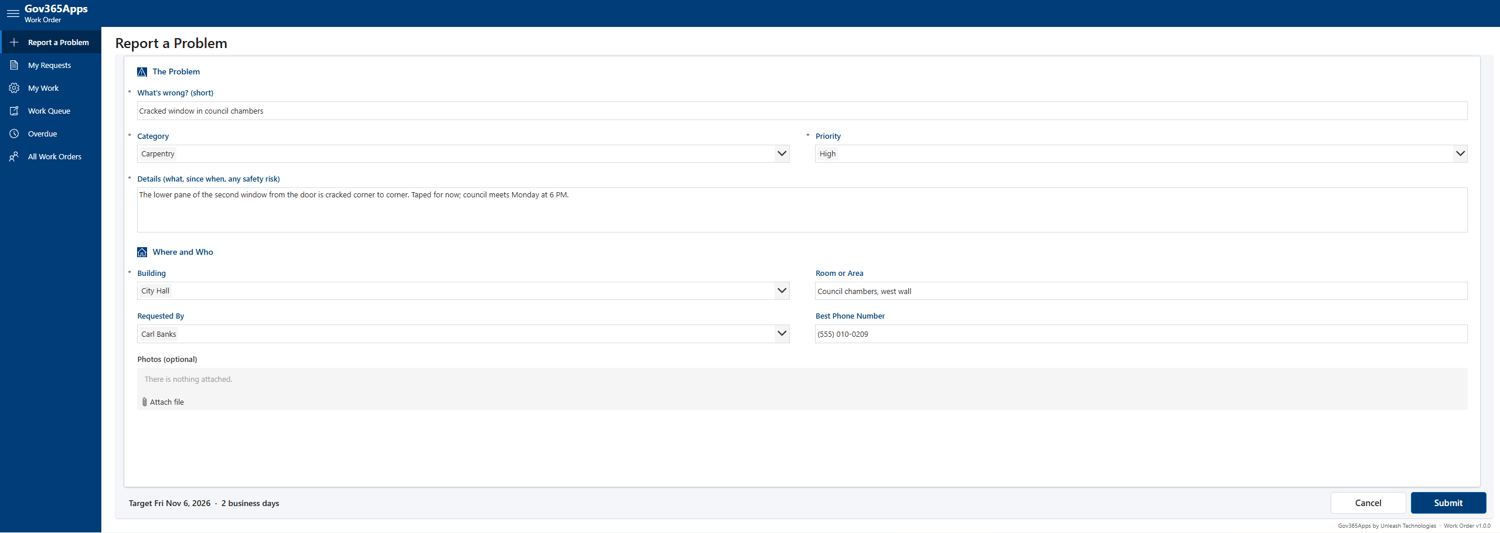
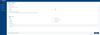
• Report a problem in a minute: building and room, category, priority, phone number and photos
• Target dates by priority: Emergency same day, High 2, Normal 5, Low 10 business days (you set the days)
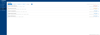
• Work queue for supervisors: unassigned first, then by priority and target date
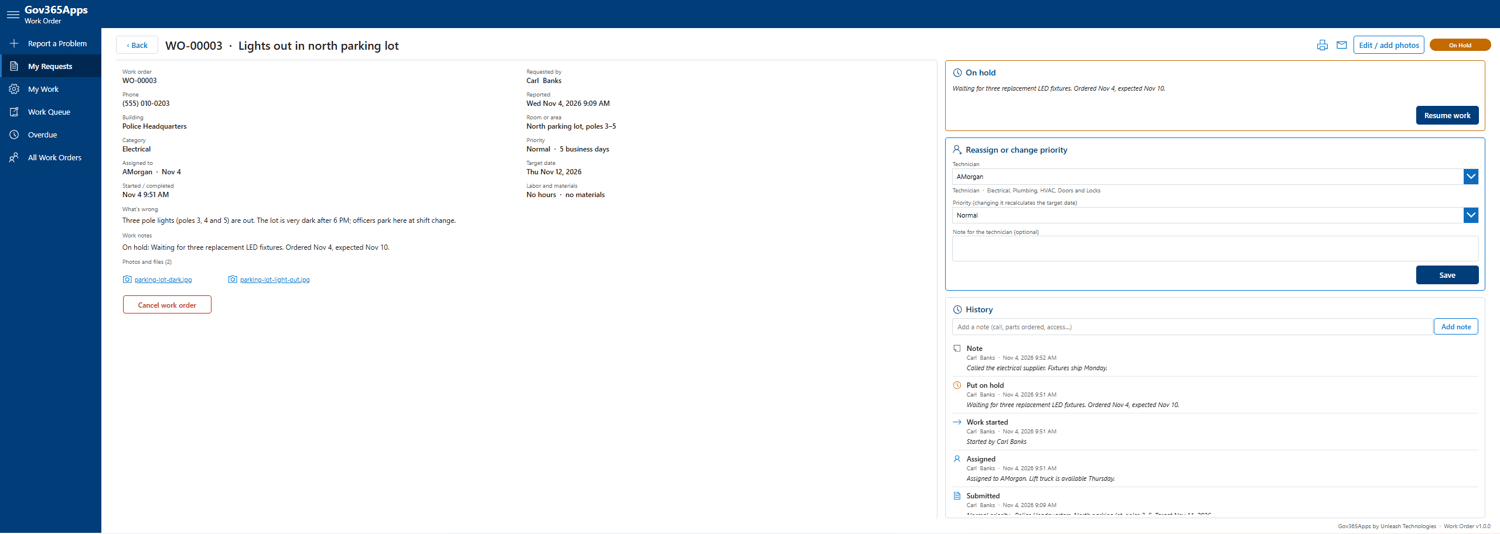
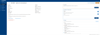
• Start, hold with a reason, and complete with notes, labor hours and materials cost
• The requester gets an email and confirms the fix or reopens the job
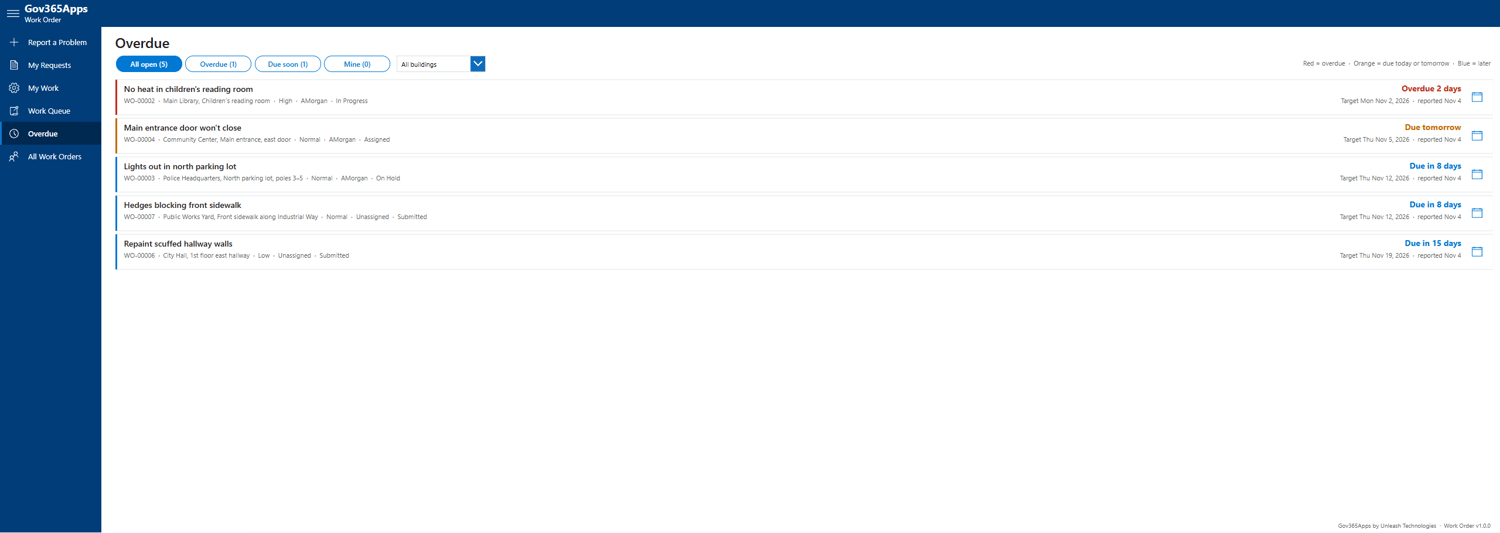
• Overdue board by building, a full history, Print and Email me a copy
WHAT'S IN THE DOWNLOAD
• Work Order.msapp, the complete app
• Setup script that creates the four SharePoint lists, with sample US federal holidays
• YAML for every screen
• Install Guide, Quick Reference Guide, Admin & Technical Guide (PDF)
• App icon in three sizes
WORKS WITH
Microsoft 365 Commercial, GCC and GCC High. SharePoint Online and Office 365 Outlook only: no premium licenses and no Power Automate. About 45 minutes to install with the Install Guide.
LICENSE
One purchase covers one organization with unlimited users. Save 15% with code GovApp15Off. Paying by PO or invoice? Email Sales@Gov365Apps.com.