
How to smoke-test a mobile holiday checkout before a promotion
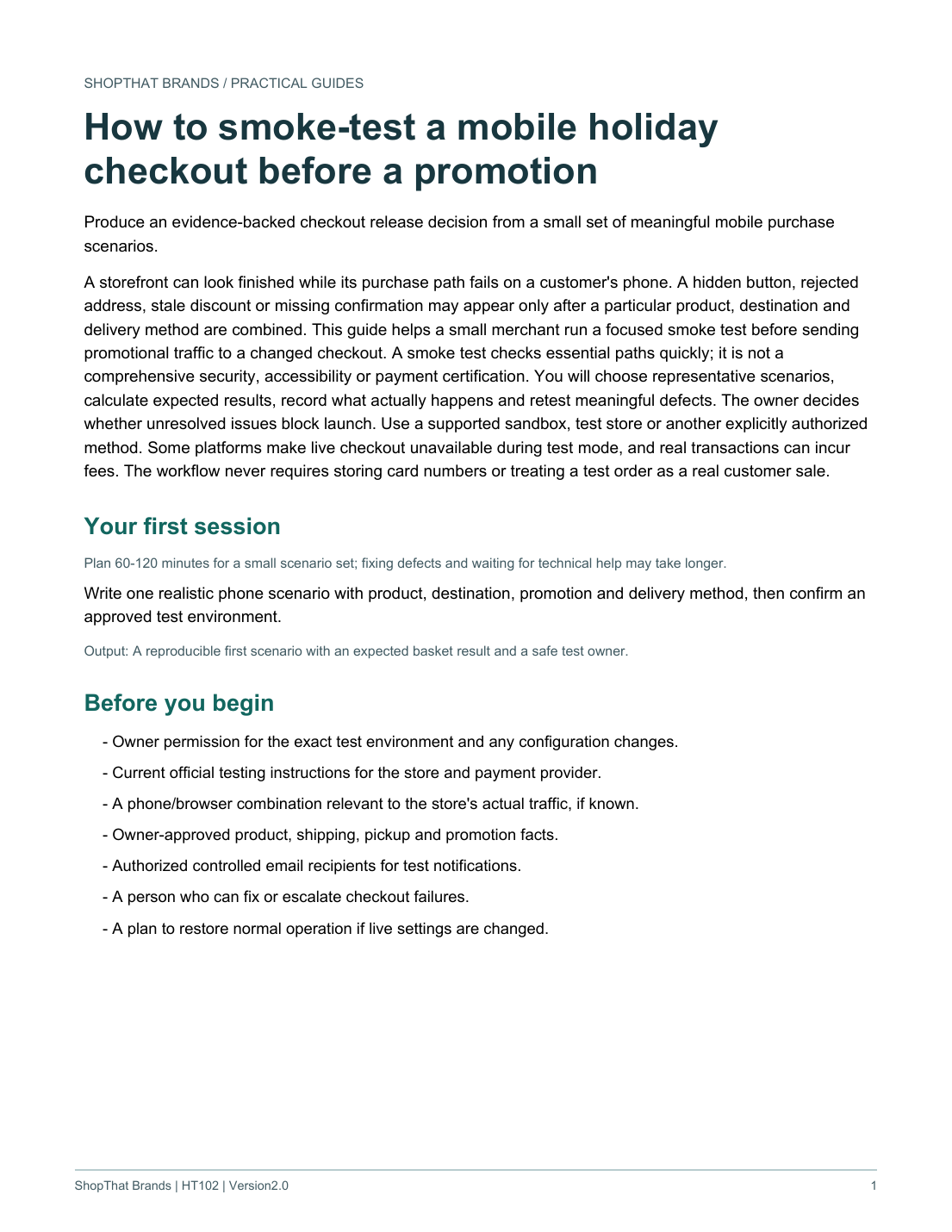
A mobile checkout can fail in ways a desktop preview misses. This practical guide helps a small merchant check the exact purchase paths a holiday promotion will use, with a clear record of what passed, what failed and what remains untested.
Eight explained steps cover scenario selection, safe test authorization, expected basket arithmetic, the phone journey, order and email checks, defect triage, focused retesting and an owner release decision. The fictional stationery example follows a rejected promotion code from a $41 before-tax observation to the approved $37.40 result after a verified correction. It also leaves an unsupported pickup test visibly unresolved.
Eight distinct tools provide a customer-path/device matrix, authorization card, expected basket sheet, checkout observation log, order/notification check, defect triage record, retest record and release/restoration gate. Every tool includes field help and a completed fictional example. Task-specific troubleshooting covers unavailable test methods, keyboard interference, unexplained totals, accidental fulfillment and desktop-only fixes.
Use with your platform's current official testing method and an authorized owner. The guide does not require real card details or promise a conversion increase. It provides a bounded functional check, with explicit limits around live settings, potential transaction fees and untested devices.
Included files: PDF guide, offline HTML guide, 8 distinct editable tools in HTML and TXT. Extract the ZIP before use. No paid software is required to read this guide or edit its supplied tools. Third-party services discussed may have their own costs. No XLSX, Canva, Notion or video files are included.
Text and template wording were generated with AI and reviewed for clarity and consistency.
License: Personal or internal business use only. You may edit the templates for that use; do not redistribute or resell the supplied files or templates.
HTML tools do not autosave. Use Save filled copy before closing to download and keep your completed entries.