
【DaVinci Resolve / Fusion Script】F-Ease Everything
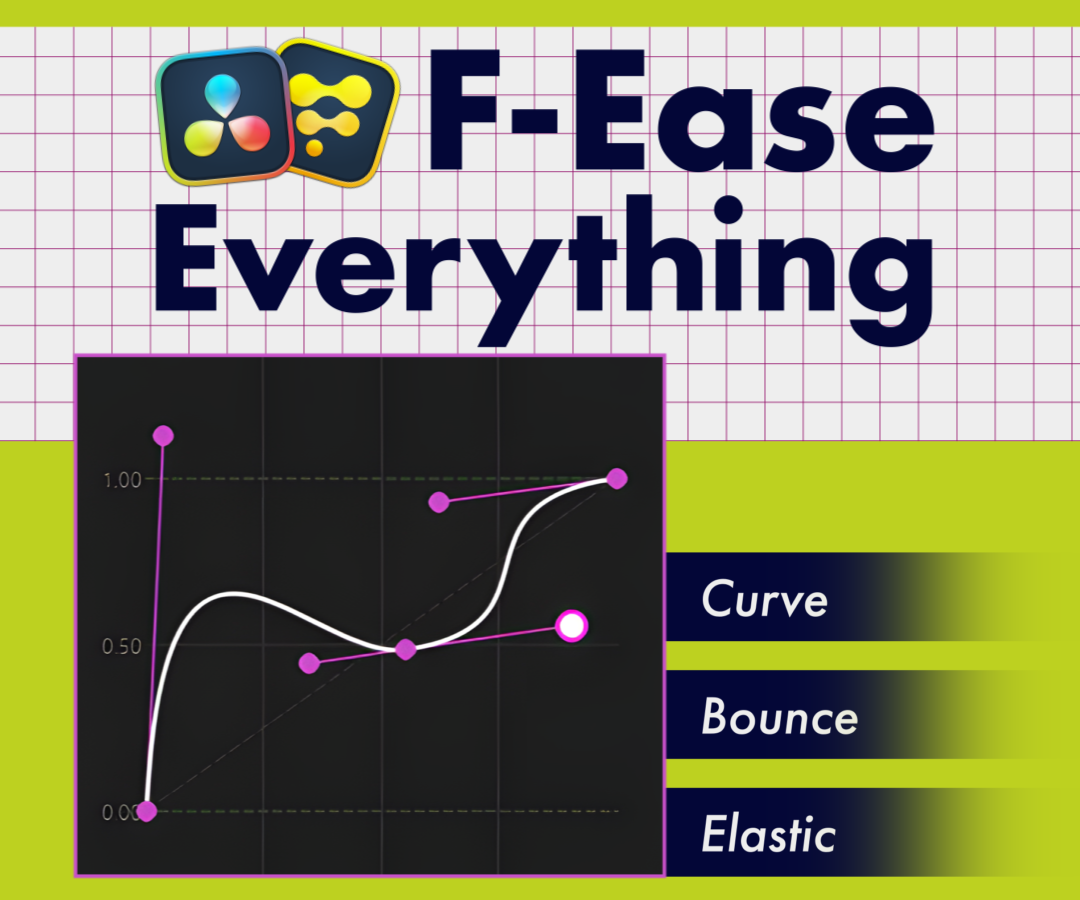
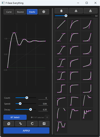
A Python script that lets you apply easing to keyframes on DaVinci Resolve's Fusion page / standalone Fusion with intuitive, visual controls. Create curves, bounces, and elastic motion visually, then save them as presets to build a reusable library for faster, smoother motion work.
This script installs the external library PySide6. Please note that this requires approximately 650 MB of free space (about 1.2 GB on Mac).
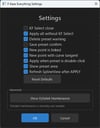
*The trial version can run APPLY up to 100 times. Because it counts each run, it operates slower than the full version.
System Requirements
・Software: DaVinci Resolve / Fusion (both free and Studio versions supported)
└ Tested with: 20.3, 21.0,21.1
DaVinci Resolve / Fusion (Studio versions only)
└ Tested with: 21.1
・OS: Windows / macOS
・Python 3 64-bit
・PySide6 (installed automatically by the installer; requires approx. 650 MB of free space / about 1.2 GB on Mac)
[Contents]
・Install_FEaseEverything.py (installer)
・F_EaseEverything.py (main script)
・PySide6Bootstrap.py
・SamplePresets.txt (25 sample presets)
・Uninstall_FEaseEverything.py (uninstaller)
・README_FEaseEverything_ja.PDF / README_FEaseEverything_en.PDF (Japanese & English manuals)
[Installation]
- Extract the downloaded Zip file.
- Open Workspace > Console (the Console tab in standalone Fusion).
- Switch the console language to Python 3 (Py3).
- Drag and drop Install_FEaseEverything.py into the console to run it.
- Installation is complete when the completion message appears.
- If the required PySide6 is not present, the installer will install it automatically (this may take a few minutes).
- For details, please refer to the included manual (PDF).
Key Features
◆ Curve Editing
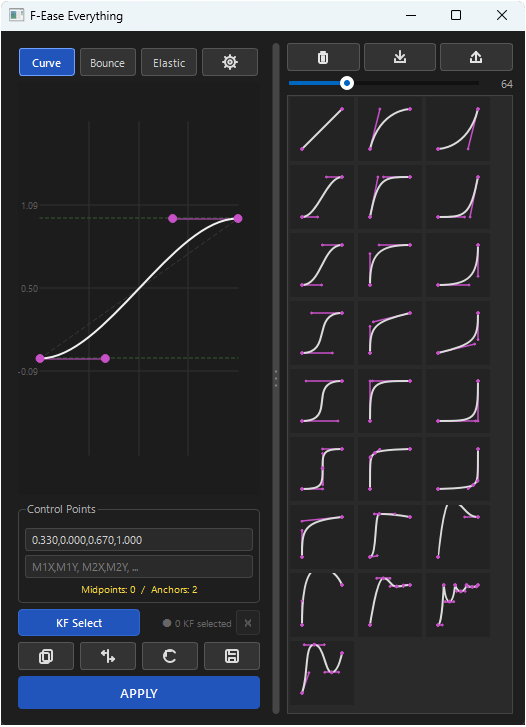
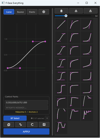
・Edit Bezier curves directly with handles to freely adjust Ease In / Out
・Add intermediate points to create complex, multi-segment motion
・Direct numerical input is also supported
・The curve editor supports zoom, pan, and fit-to-view
◆ Bounce / Elastic Modes
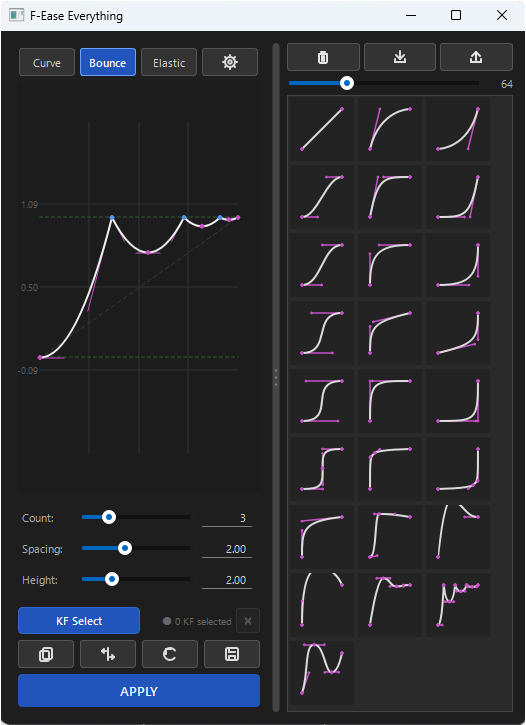
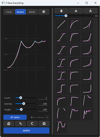
・Generate a bouncing curve that lands at the end point using sliders alone (count, spacing, height)
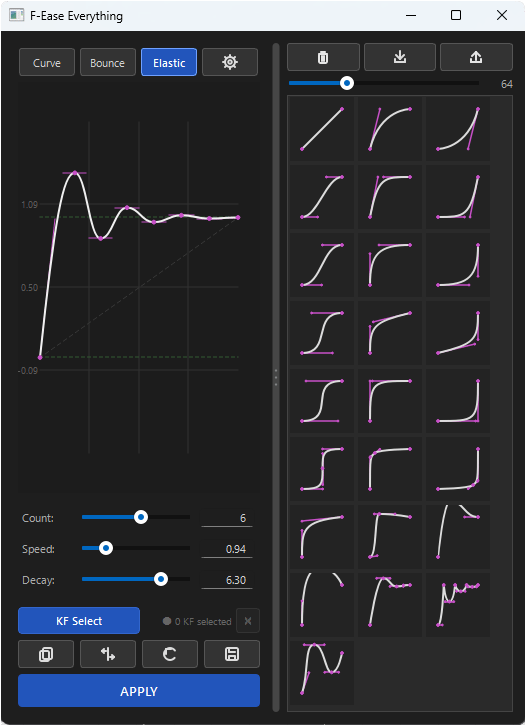
・Generate a spring-like elastic curve that oscillates and settles (count, speed, decay)
・Save the result as a preset, or fine-tune it further in Curve mode
◆ KF Select (Keyframe Selection Window)
・Freely select the keyframes you want to target by dragging
・Filter by parameter name or tool name, with modifier hierarchy display
◆ APPLY
・Apply easing to the selected keyframes with a single click
・Automatically adds or repositions keys according to the curve's anchor count
◆ Preset Features
・Save and load your created curves as presets
・Import / export presets to share them across environments
・25 sample presets included
・Supports importing presets exported from the Adobe After Effects extension "Everything" (up to Ver. 1.6.3)
Support & Terms of Use
・This script may be used freely for both commercial and non-commercial purposes.
・The author assumes no responsibility for any damages arising from the use of this script. Please use it at your own discretion.
・Redistribution, resale, and modification are strictly prohibited.
・For bug reports and inquiries, please reach out on Twitter (X) via reply or DM. ID: @Blaamaan