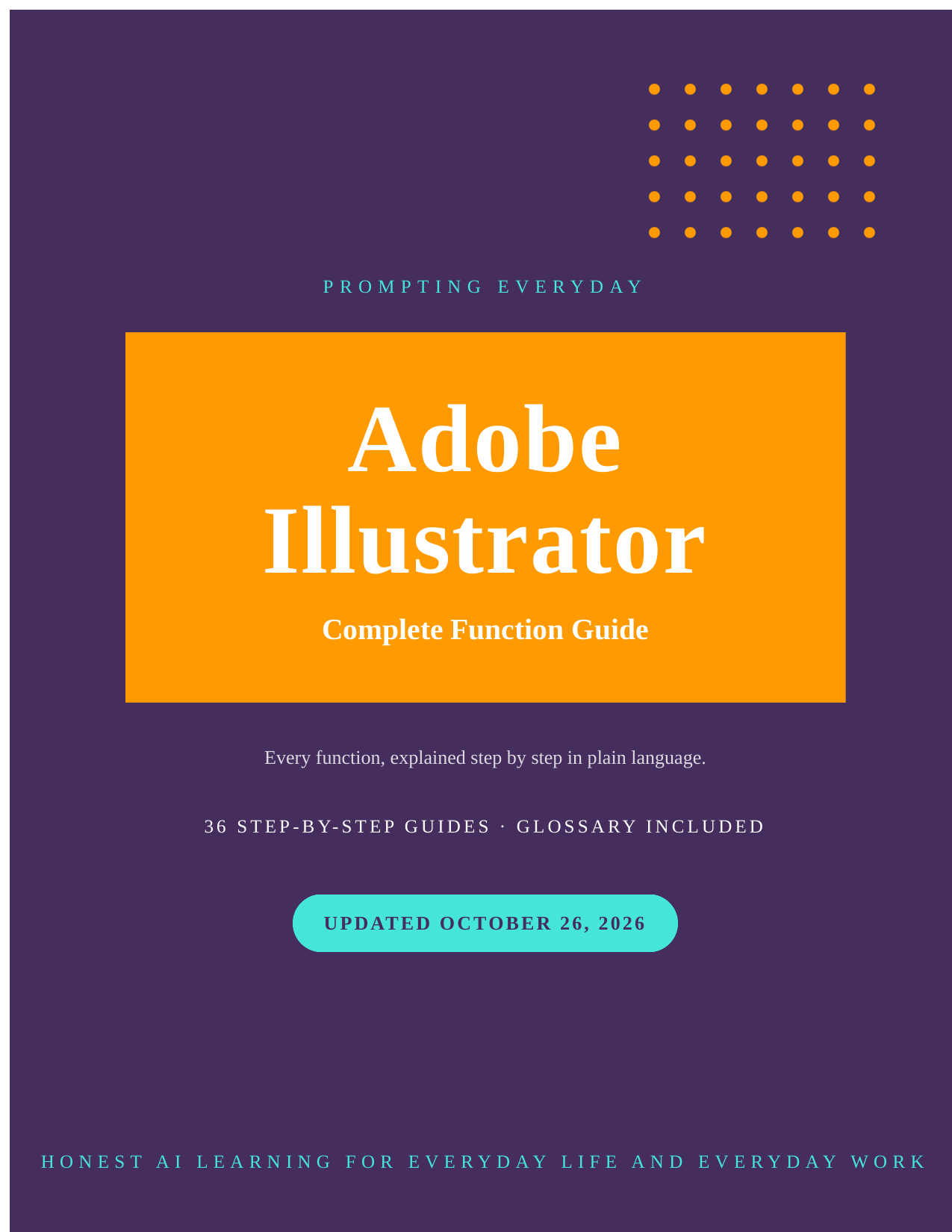
Adobe Illustrator Function Guide — Vector Graphics Tutorial
Adobe Illustrator Function Guide — Vector Graphics Tutorial
URL slug: adobe-illustrator-function-guide
Adobe Illustrator Function Guide — Vector Graphics Tutorial
Learn how to use Adobe Illustrator with 36 step-by-step function guides, explained in
plain language.
Adobe Illustrator is Adobe's vector graphics editor — the tool for logos, icons, and
illustrations that need to scale. This collection includes 36 individual function guides
covering Adobe Illustrator features such as documents and artboards, drawing with the
pen and curvature tools, shapes and the shape builder tool, editing paths and anchor
points, and color swatches and gradients. Each guide explains what a function does,
where to find it, how to use it, and provides a practical example. You'll also receive the
complete 172-page Adobe Illustrator reference book in PDF and EPUB formats.
Inside the collection: Documents, Artboards, and Setup, Selection, Grouping, and
Isolation Mode, Drawing with the Pen and Curvature Tools, Pencil, Shaper, and
Paintbrush Tools, Shapes and the Shape Builder Tool, Editing Paths and Anchor Points —
and the rest of the complete list, one guide per function.
36 guides in total.
Who it's for: Designers, illustrators, and anyone who makes logos or graphics for print
and web.
Not for: Anyone looking for ready-made prompts — these are function guides,
not prompt packs.
What you get: all 36 individual guides, plus the complete Adobe Illustrator book — 172
pages — as a PDF and an EPUB.
How it's delivered: Delivered as a Google Drive folder link after purchase. One-time
purchase.
Updates: Updates are included while the collection is maintained — if a guide changes,
the folder copy is updated.
Disclaimers: These are reference guides that teach the app, they are not prompt packs,
and they don't include a subscription to the app itself.