
Window Cleaning Business Tracker — Google Sheets Client, Job & Invoice Log
5-minute setup: a Google Sheets and Excel workbook for independent window cleaners to log clients, properties, jobs, invoices, expenses, and mileage, including next-visit-due flags. Sample data is fictional. This tracker does not promise jobs, accounts, or income.
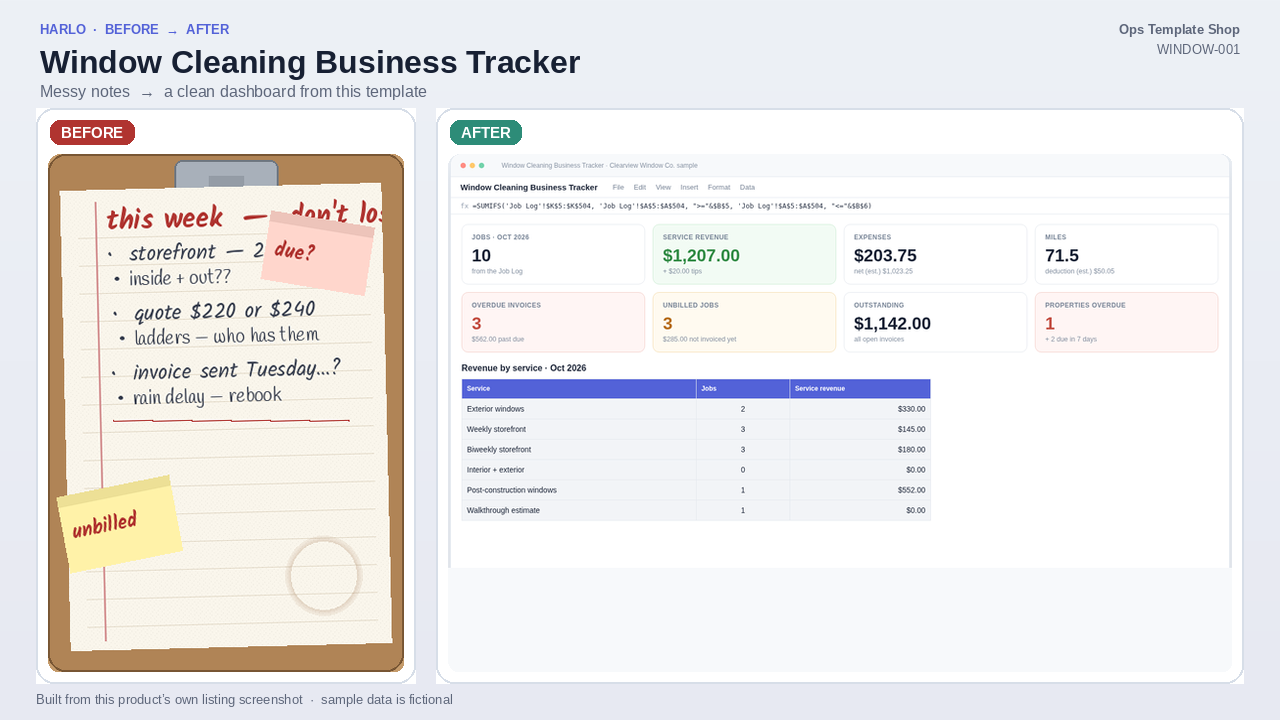
Window Cleaning Business Tracker is a Google Sheets / Excel workbook from Ops Template Shop for independent window cleaners and small window cleaning crews. Keep clients and properties in one place, log jobs as you finish them, and let the sheet price each job, roll jobs into invoices, flag what's overdue, show which recurring storefronts and homes are due next and total your month.
What’s inside
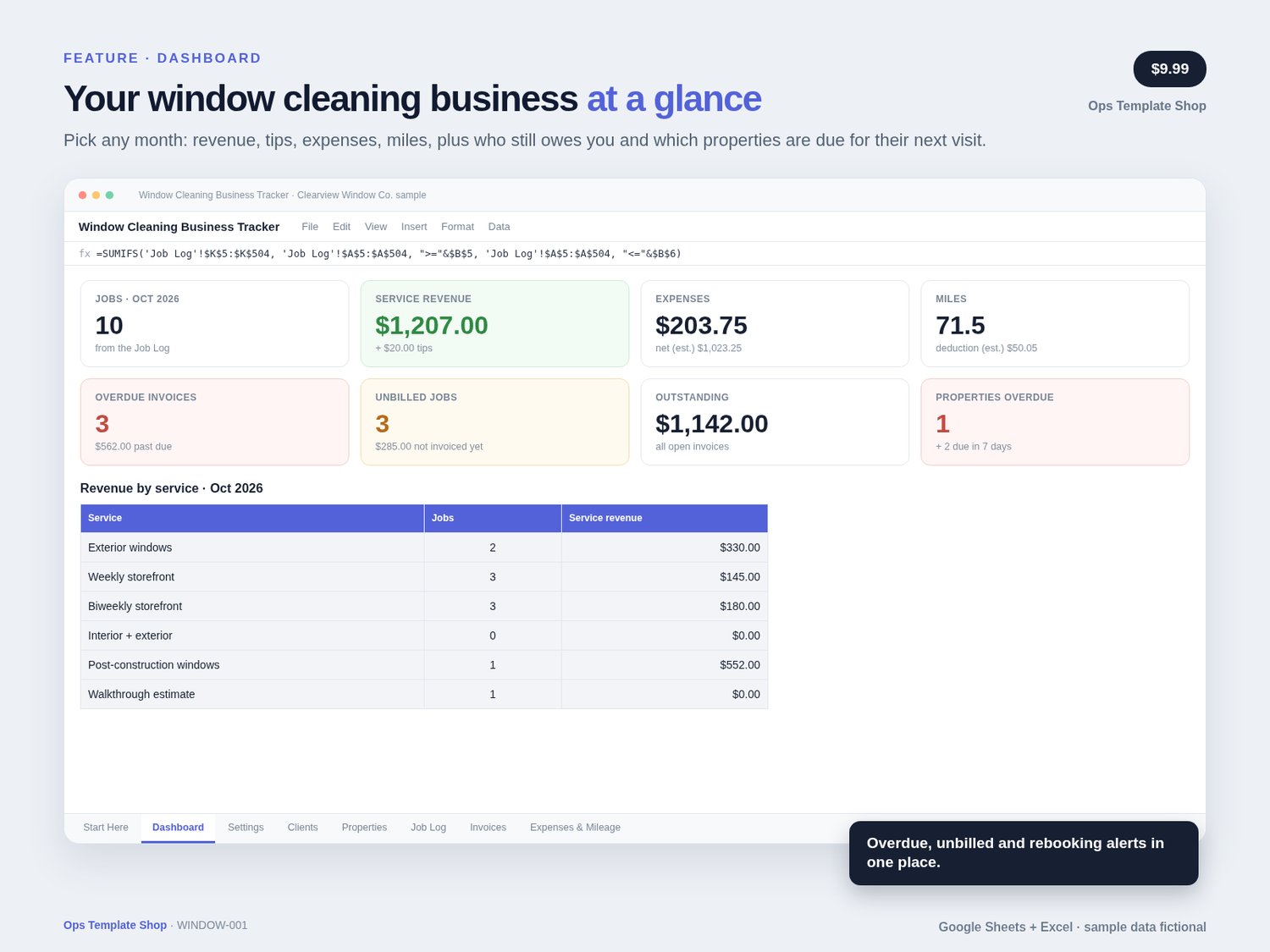
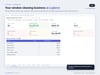
- Dashboard: pick any month to see jobs, service revenue, tips, expenses, net estimate and miles, plus outstanding and overdue invoices, unbilled jobs, checklists not done, properties overdue or due for their next visit, invoices to check, revenue by service and a 12-month year view
- Settings: business details, payment terms, rush surcharge, mileage rate, service frequencies, and a Services & Prices table (up to 20 services, base price plus fee per add-on)
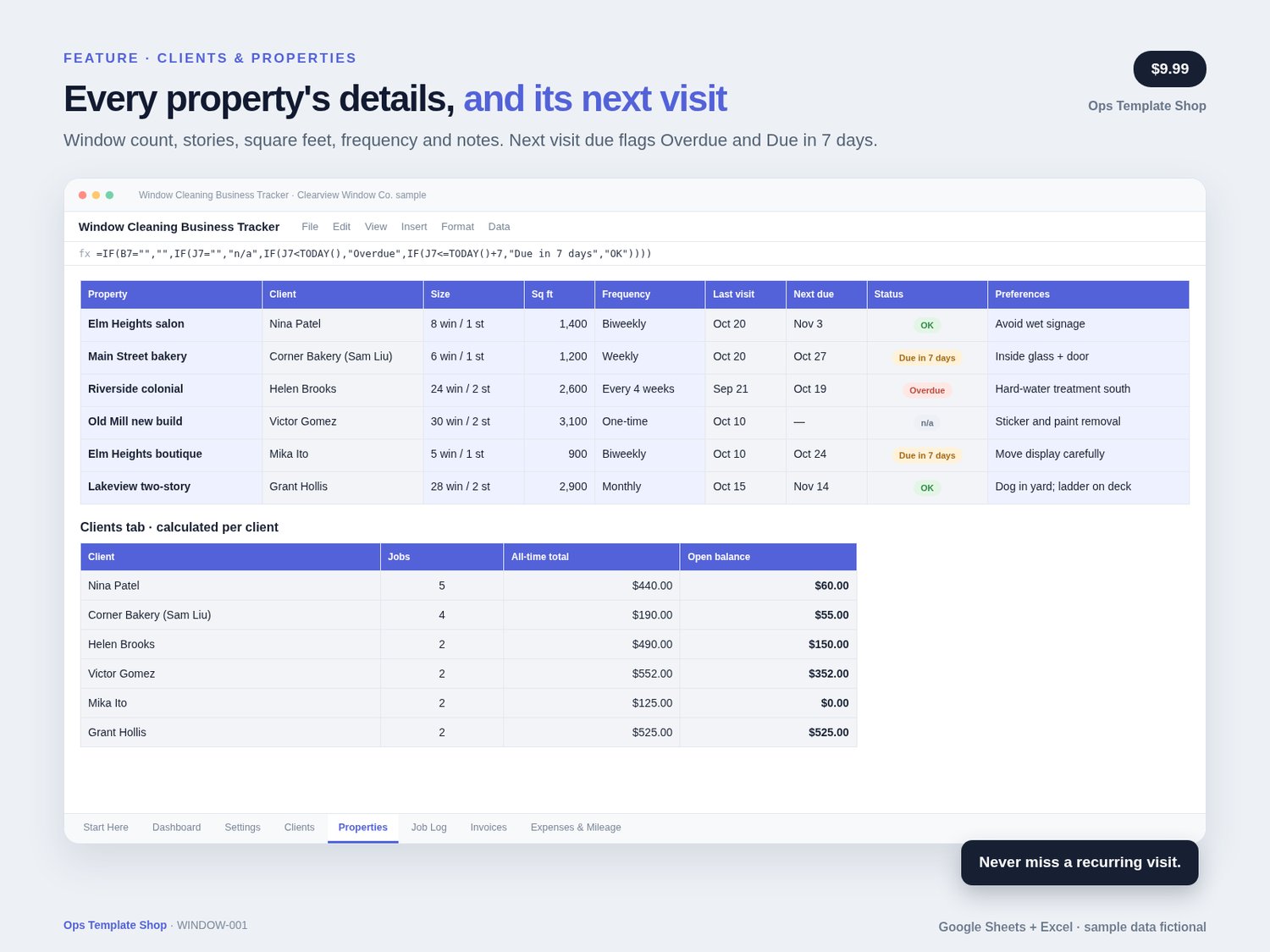
- Clients: contact, area, preferred contact, status and notes, with jobs, all-time total, open balance and last visit calculated
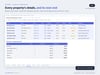
- Properties: one row per property with window count, stories, sq ft, frequency, access notes and other notes; last visit, next visit due and an Overdue / Due in 7 days flag calculate
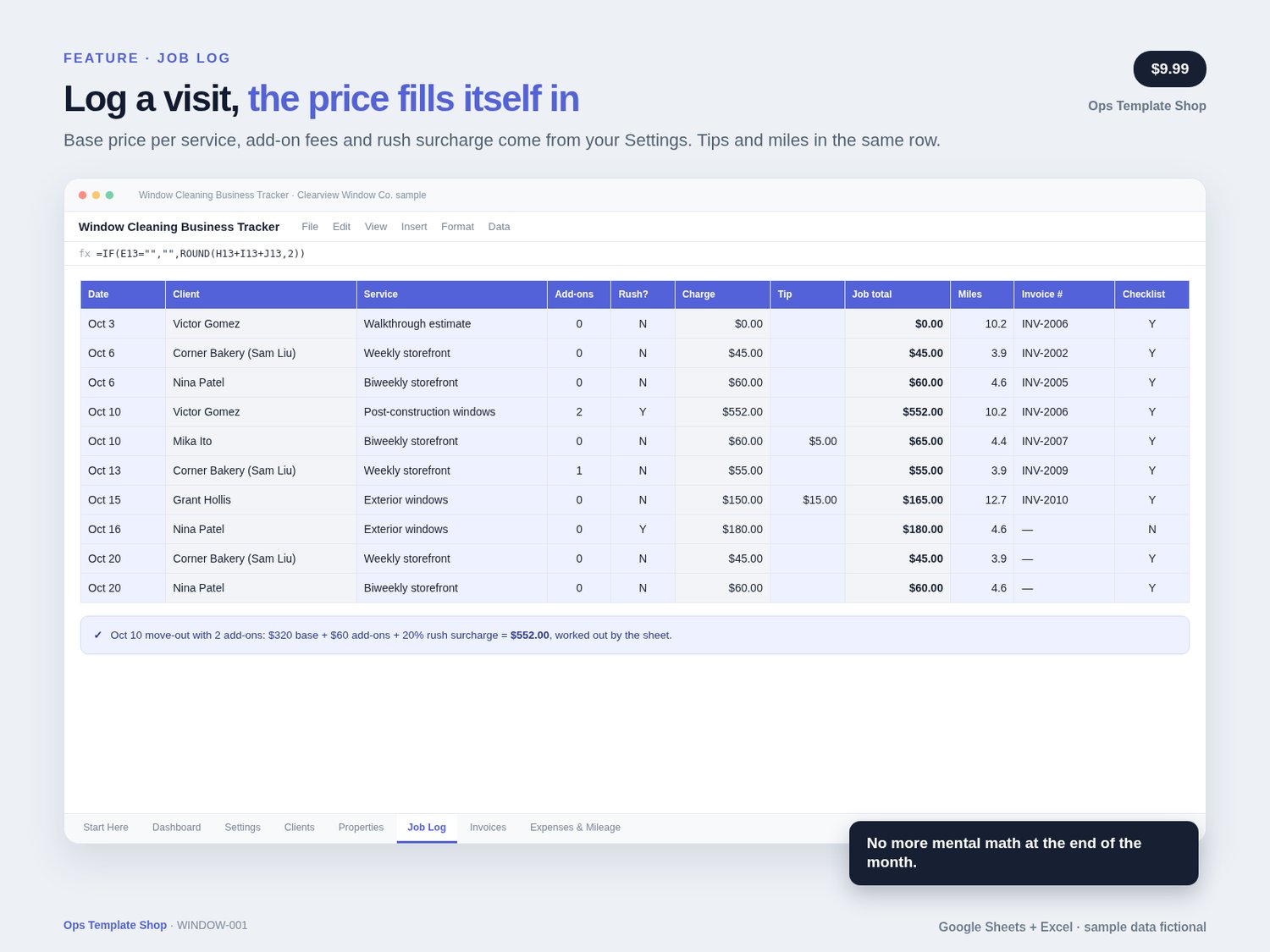
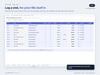
- Job Log: date, client, service, number of add-ons, rush and tip; base price, add-on fees, rush surcharge and job total calculate for you, plus miles, invoice number and a checklist check
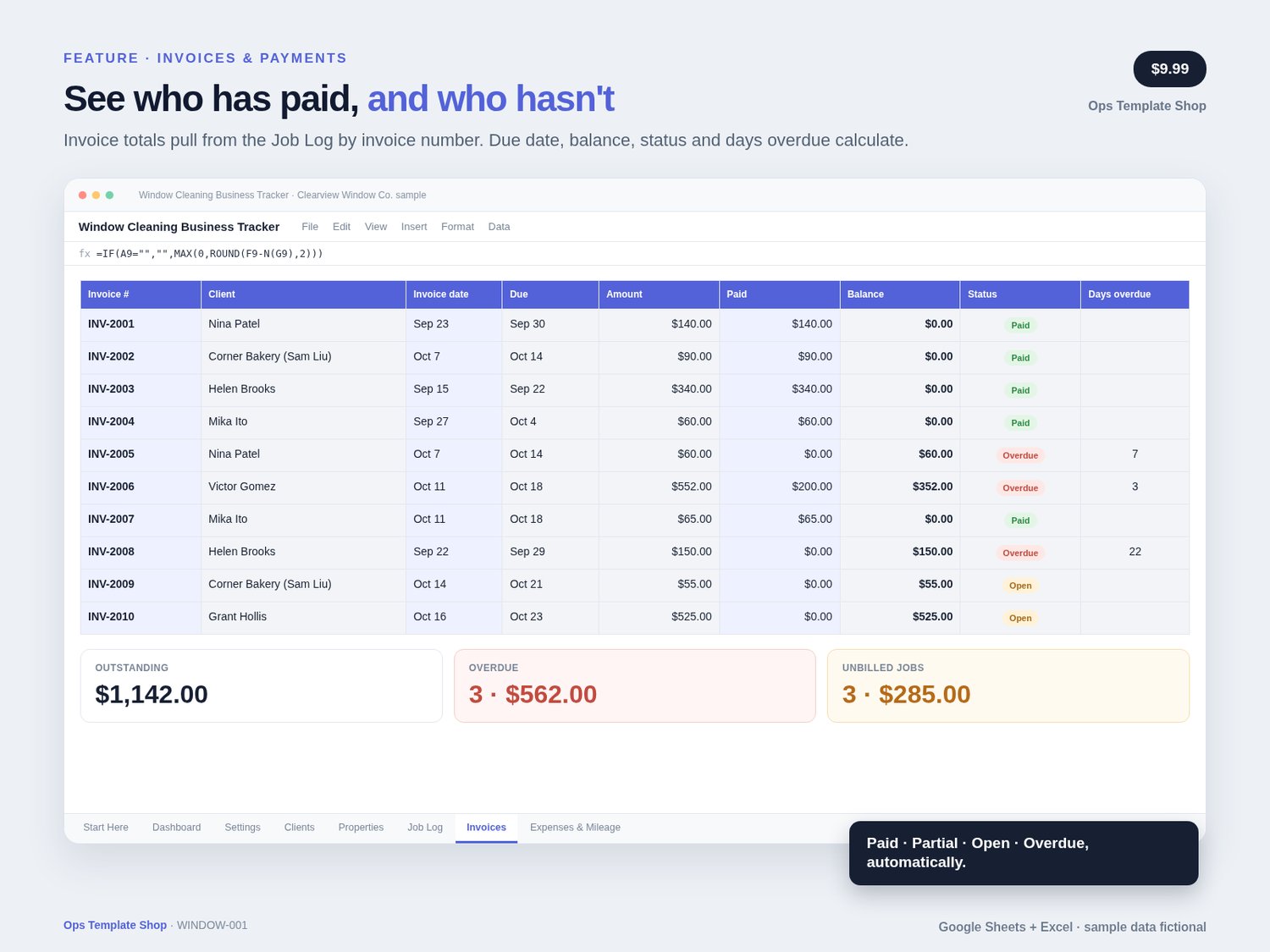
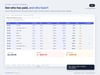
- Invoices: totals pull from the Job Log by invoice number; due date, balance (never below $0), status (Paid, Partial, Open, Overdue, plus No jobs and Overpaid warnings) and days overdue calculate
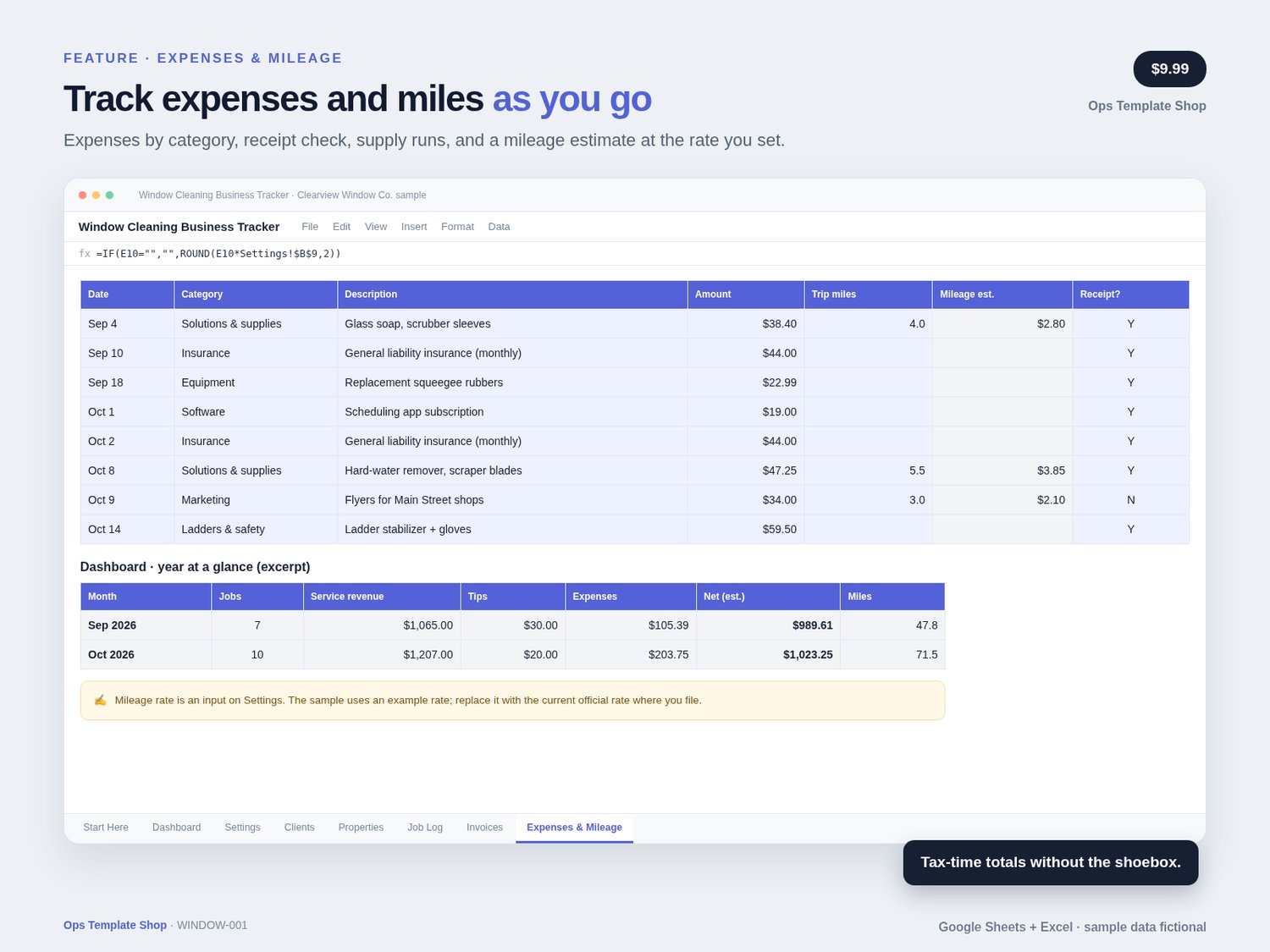
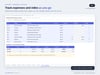
- Expenses & Mileage: expenses by category, receipt check and non-job trips with a mileage estimate at your rate
- Dropdowns for clients, services, frequencies, categories and payment methods, color-coded status flags, and frozen headers
- Sample data: fictional “Clearview Window Co.” with 6 clients, 6 properties, 17 jobs, 10 invoices and 8 expenses, so you can see it working before you add your own
- Setup Guide PDF with import steps, a tab-by-tab tour and a first-week checklist
Best for
Solo window cleaners, side-hustle window washers going full-time, and small crews who bill residential and storefront clients directly and want simple, accurate records without paying for a monthly app.
Not for
Online booking, automatic reminders, payroll or card payments (it's a spreadsheet, not an app); high-rise rope access or commercial building contracts; tax, legal, or financial advice.
How to use
Import the workbook into Google Sheets (or open it in Excel) → set your prices on Settings → add clients and properties → log each job → give finished jobs an invoice number and add the invoice → record payments → check the Dashboard weekly.
How delivery works
- Buy on Payhip (payhip.com/PromptPackShop)
- Download the .xlsx workbook and the Setup Guide PDF
- Google Sheets: Drive → New → File upload → open the .xlsx with Google Sheets → File → Save as Google Sheets (Excel: just open it)
- Read Start Here, set your prices on Settings, then replace the sample rows with your own clients, properties and jobs
FAQ
Do I need Google Sheets or Excel?
Either works. Import the .xlsx into Google Sheets with a free Google account, or open it in Excel 2010 or later. Formulas use standard functions that work in both.
Can I change my prices and services?
Yes. Edit the Services & Prices table on Settings (up to 20 services). New jobs pick up the new prices. Jobs already logged recalculate too, so record a price change as a new service name if you want old jobs to keep their old price.
How does the recurring schedule work?
Pick a frequency for each property (weekly, biweekly, every 4 weeks, monthly or one-time). The sheet adds those days to the last visit on the Job Log and flags properties that are overdue or due in the next 7 days. It's a reminder, not a booking calendar.
Does it send invoices or take payments?
No. It tracks invoices and payments. Send invoices and collect payment however you do today, then record them here.
Is the mileage figure a tax deduction?
It's an estimate at the rate you type in. The sample uses an example rate, and official rates can change, even mid-year. Check the current official rate and your own situation with a tax professional.
How do refunds work?
Because this is a digital download, all sales are final; if you have trouble accessing or importing the workbook, contact me through the store and I'll help or make it right.
Notes
- Instant download digital product: Google Sheets-compatible Excel workbook (.xlsx, 8 tabs) + Setup Guide PDF. No physical item
- Free Google account (Google Sheets) or Excel
- Keep gate, garage and alarm codes off the sheet; the template reminds you
- Not tax, legal, or financial advice; mileage and net figures are estimates.
- Original Ops Template Shop product. Use it in your own business after purchase; don't resell the template itself
- Support: message the seller via the Payhip storefront at https://payhip.com/PromptPackShop. Typical reply 1–2 business days (America/Denver).
- Sample business, people, properties and phone numbers are fictional. Google Sheets and Excel are trademarks of their respective owners; this product isn't affiliated with or endorsed by them.