
Editable Bingo Game Generator – Digital Resource for Classroom BINGO Activities
On Sale
$0.00
Transform any lesson into an engaging review with this Digital Resource Bingo Game Generator—perfect for vocabulary, test prep, exit tickets, icebreakers, and more. Create interactive or printable Bingo boards instantly in your browser.
What It Does:
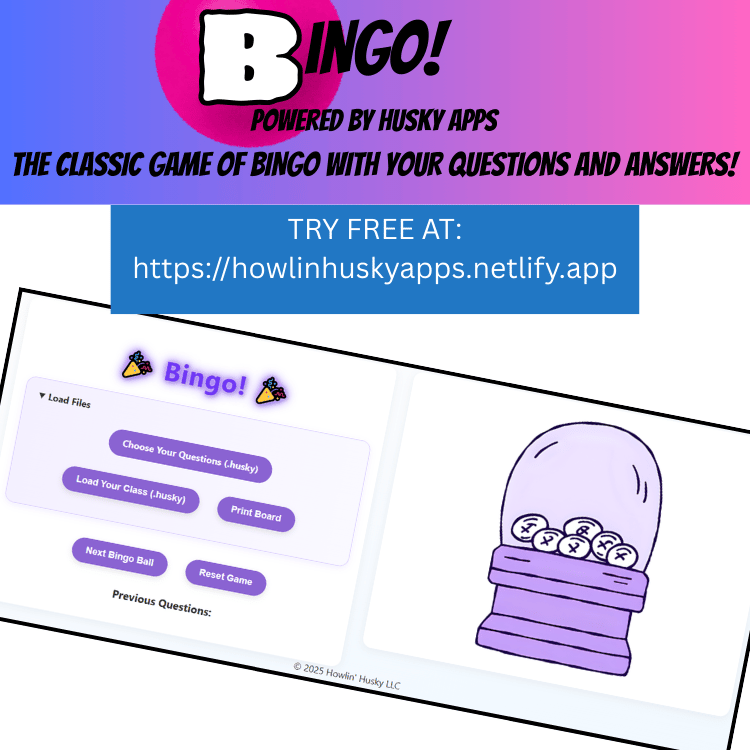
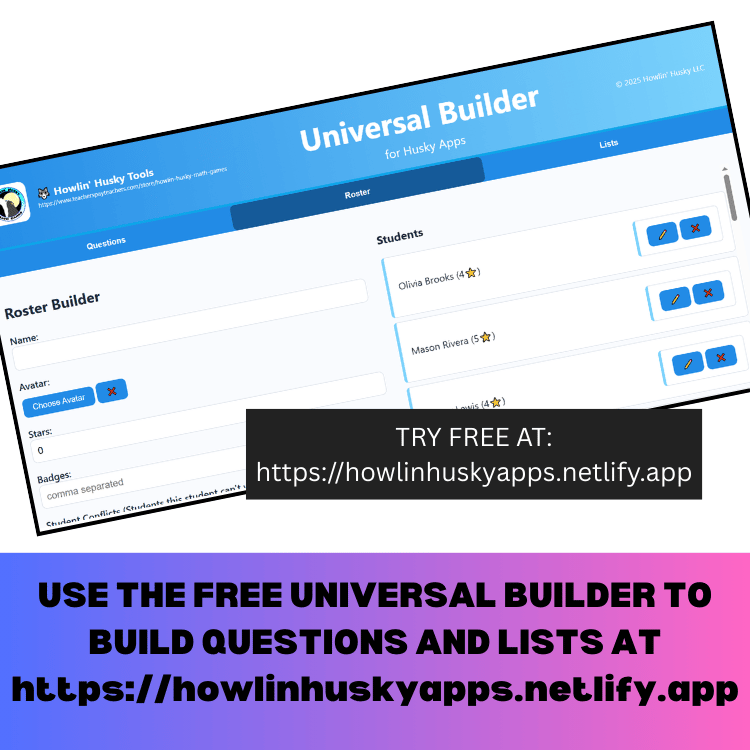
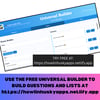
- Browser-based and online: Create your own questions and student data using the FREE Universal Builder or download a list from https://howlinhuskyapps.netlify.app
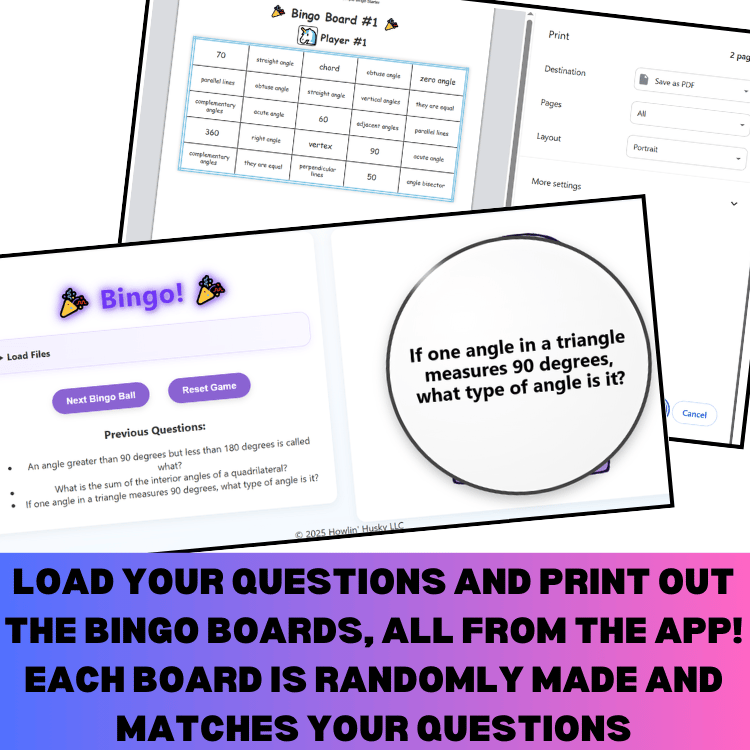
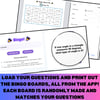
- Random board generation: Automatically assign questions to personalized BINGO cards
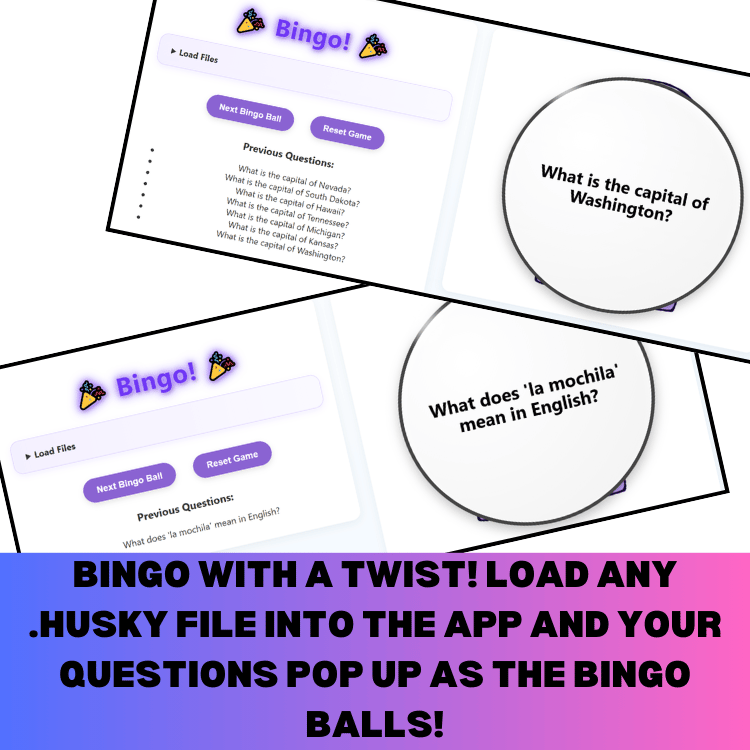
- Animated draw feature: Call the next question with a fun animation and track draws
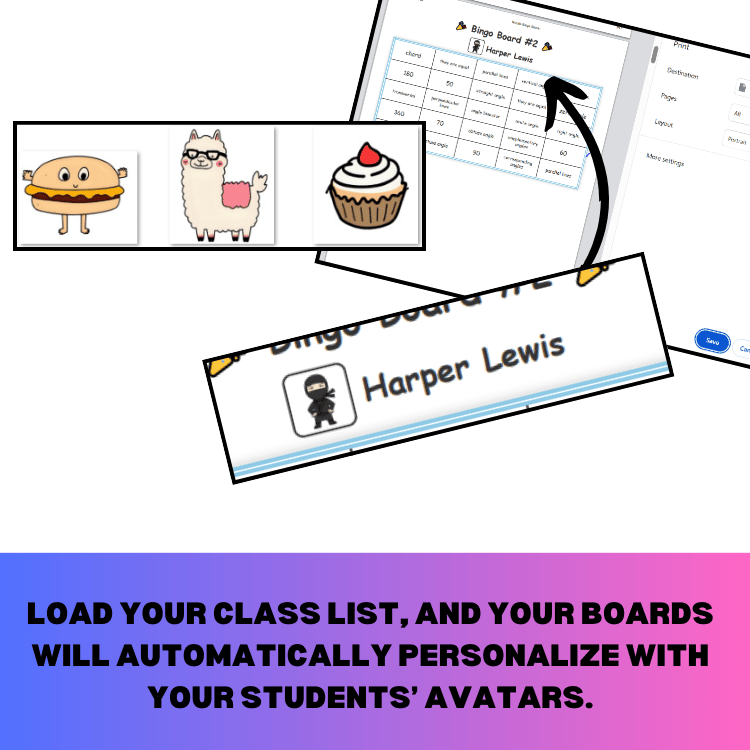
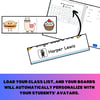
- Personalized printing: Print cards with student names and avatars or emojis
- Subject-flexible: Ideal for vocabulary, math facts, science review, reading comprehension, team-building, and more
IMPORTANT: What You’re Buying:
When you purchase this item, you receive a PDF that includes:
- A password unlock code for full access at howlinhuskyapps.netlify.app
- Step-by-step instructions for setup and use
- A link to try all Husky Apps free via the demo dashboard
TRY IT FREE: Visit howlinhuskyapps.netlify.app → click Dashboard to explore this and other tools free!
Classroom Uses:
- Vocabulary BINGO and math fact drills
- Exit-ticket style review during test prep
- Icebreaker or end-of-year games
- Team-building and classroom competitions
- Any subject that uses question-answer pairs
How It Works:
- Visit howlinhuskyapps.netlify.app click the dashboard—no installs or logins needed. No ads!
- Open the Bingo app and load your .husky file with custom questions and/or student list. You can grab a list of questions on the site and make a roster using the FREE Universal Builder.
- Click “Print Boards” to create unique bingo cards. You need at least 25 questions or there will be repeats because the cards have 25 spaces.
- Print cards instantly for each student
- Use the “Next Bingo Ball” button to use the animated calling questions feature
Why You'll Love It:
- Saves time—no formatting or manual board creation
- Fully printable and digital-ready—use on screen and paper
- Personalized layouts with names and avatar
- Designed by a teacher, for real classroom needs
Use it live on projector! Apps made by a teacher, for teachers!