

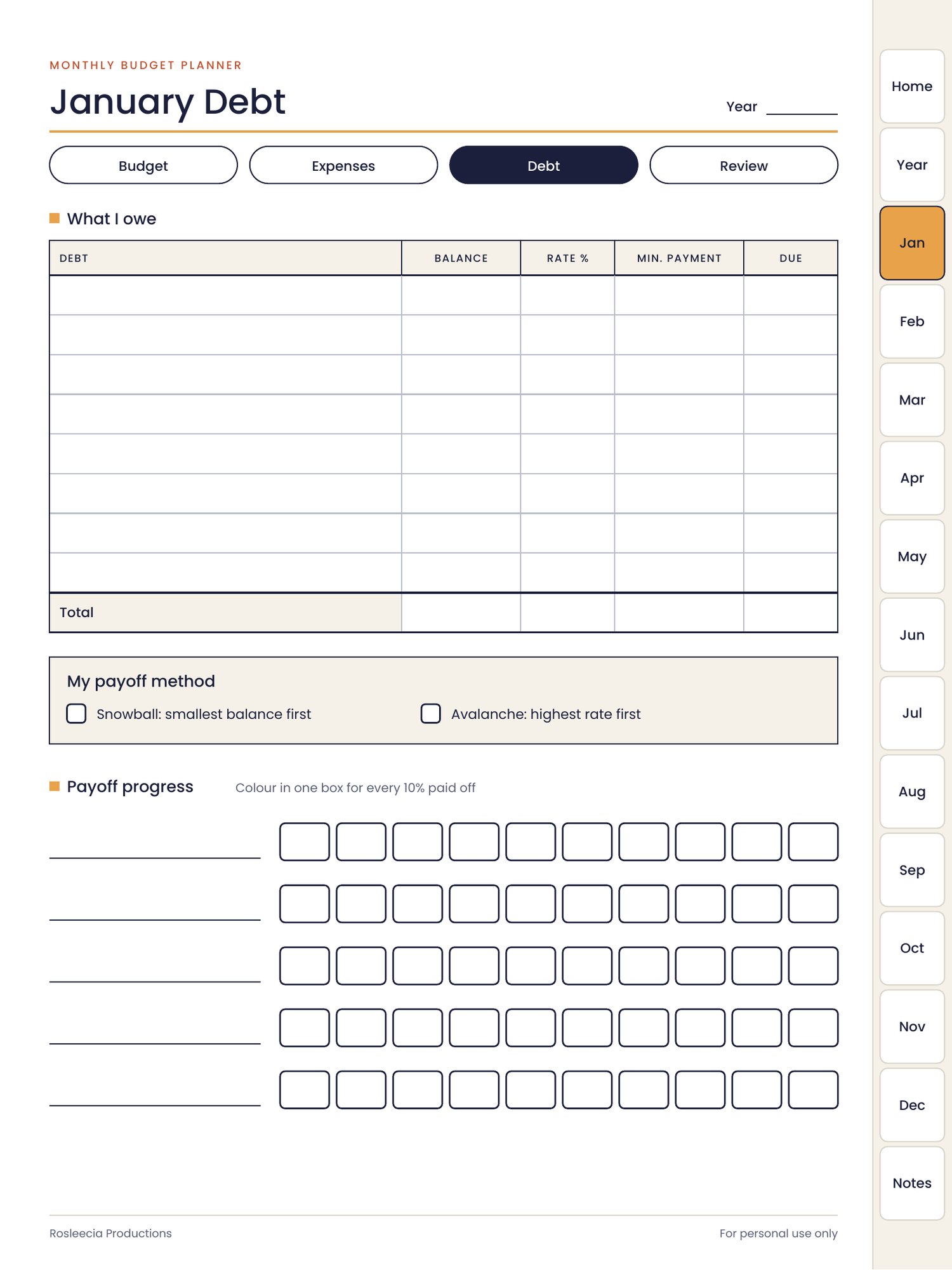
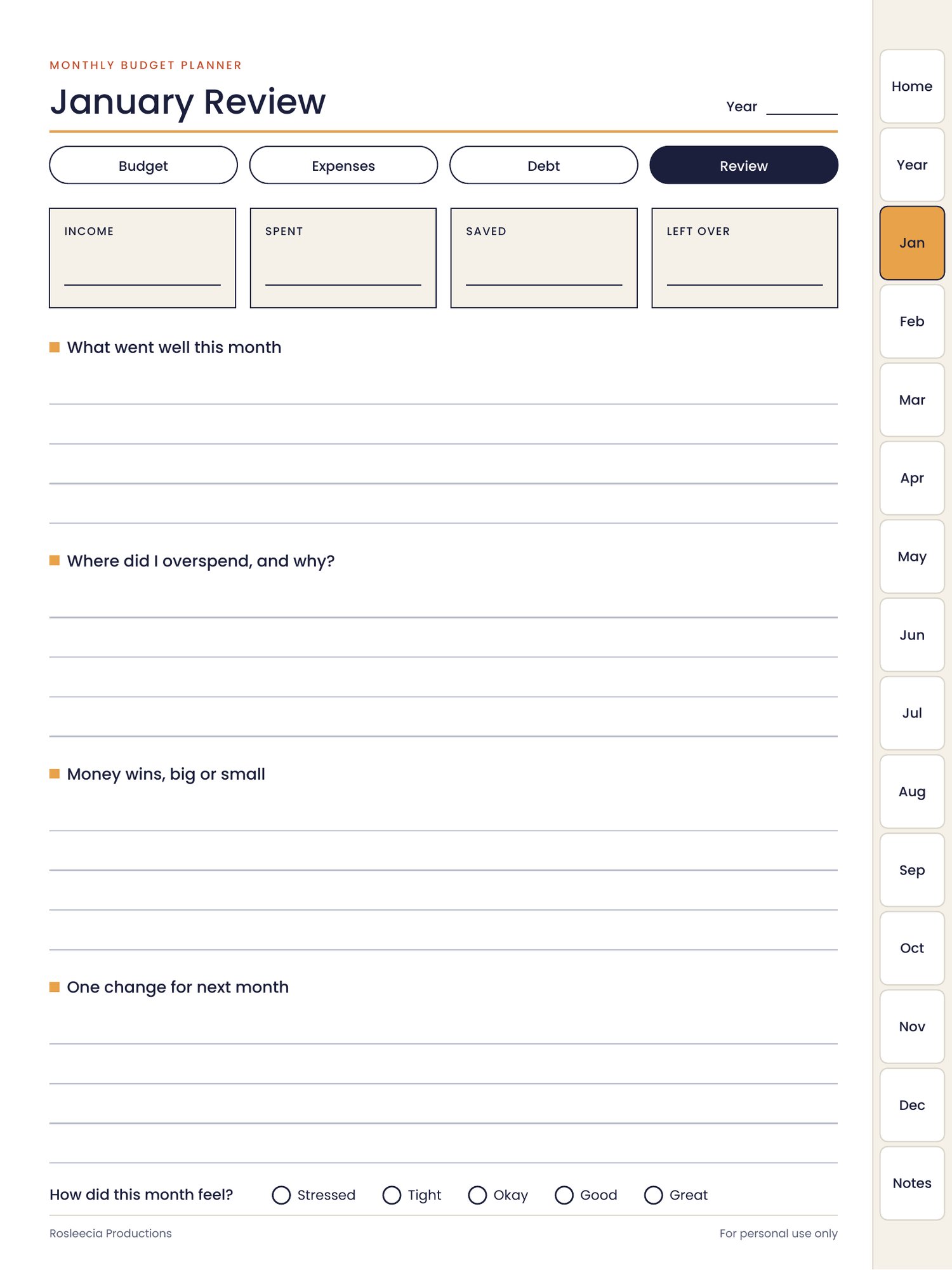
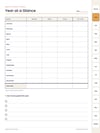
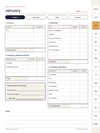
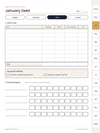
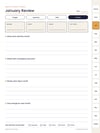
Monthly Budget Planner (Digital)
Compatibility
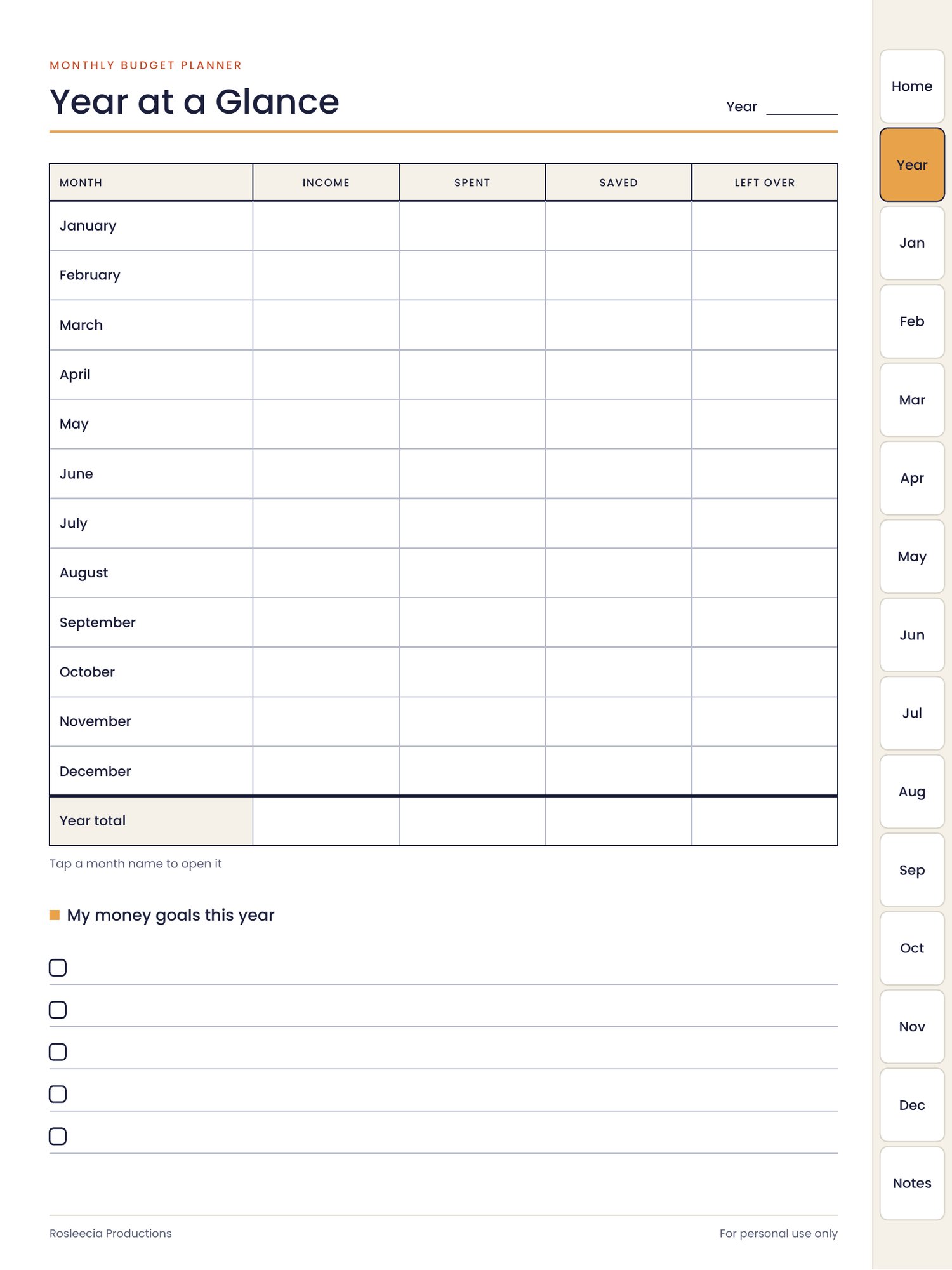
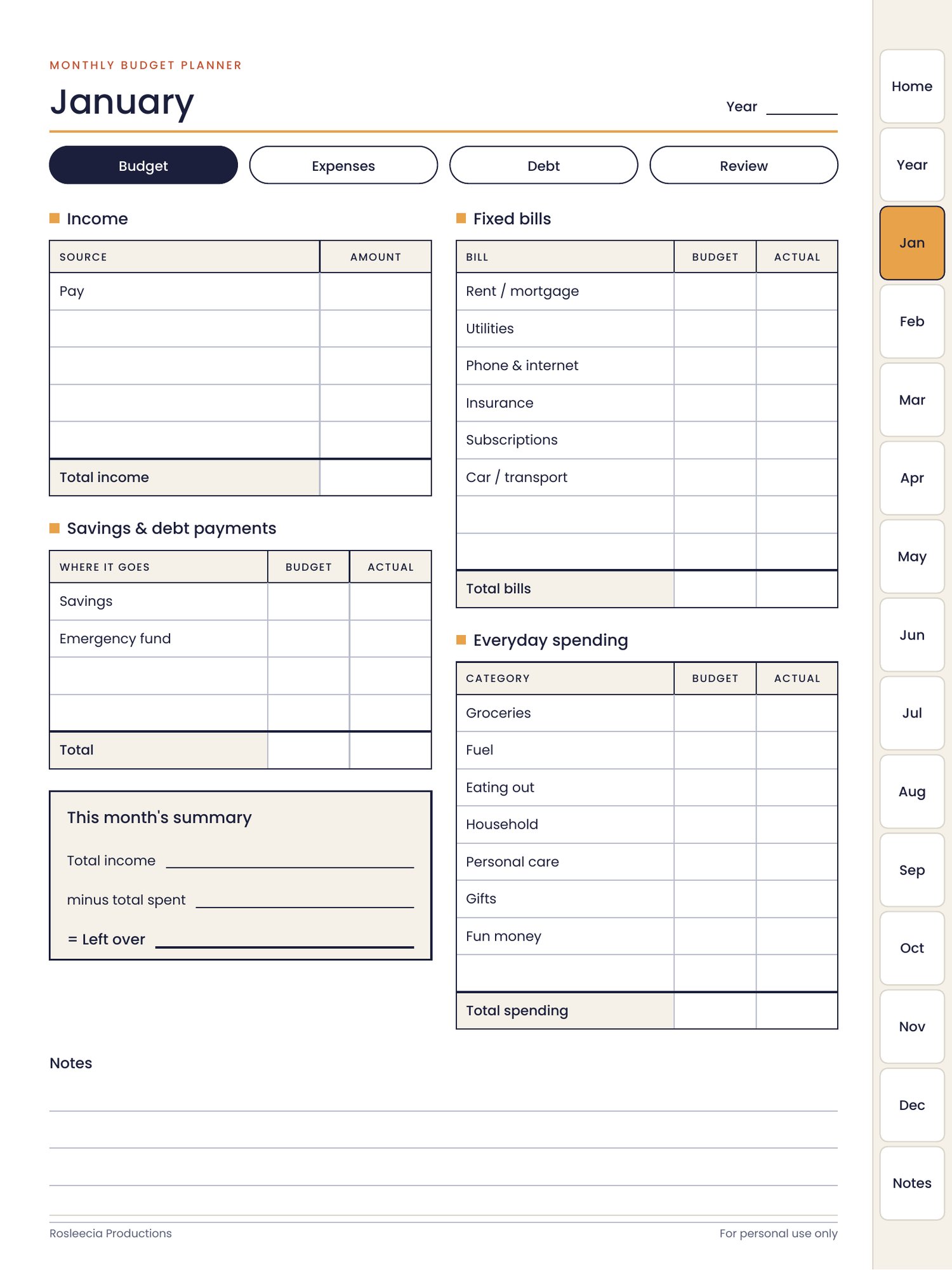
This is a 55 page digital download (PDF) for use with a PDF annotation app. It works with:
- GoodNotes
- Notability
- Xodo (free)
- Adobe Acrobat Reader (free)
- Samsung Notes, Noteshelf and other apps that can open and write on PDF files
A stylus (such as an Apple Pencil or Samsung S Pen) is recommended for handwriting, but you can also type or write with your finger in most apps.
Best on a tablet
This planner is designed for tablets such as an iPad or Android tablet. It will open on a phone, but the pages are small on a phone screen, so a tablet gives the best experience.
How to import your planner
- After purchase, download the PDF file to your device.
- Open your planner app, such as GoodNotes, Notability or Xodo.
- Import the PDF into the app, or open the file and choose "Open in" or "Share to" your planner app.
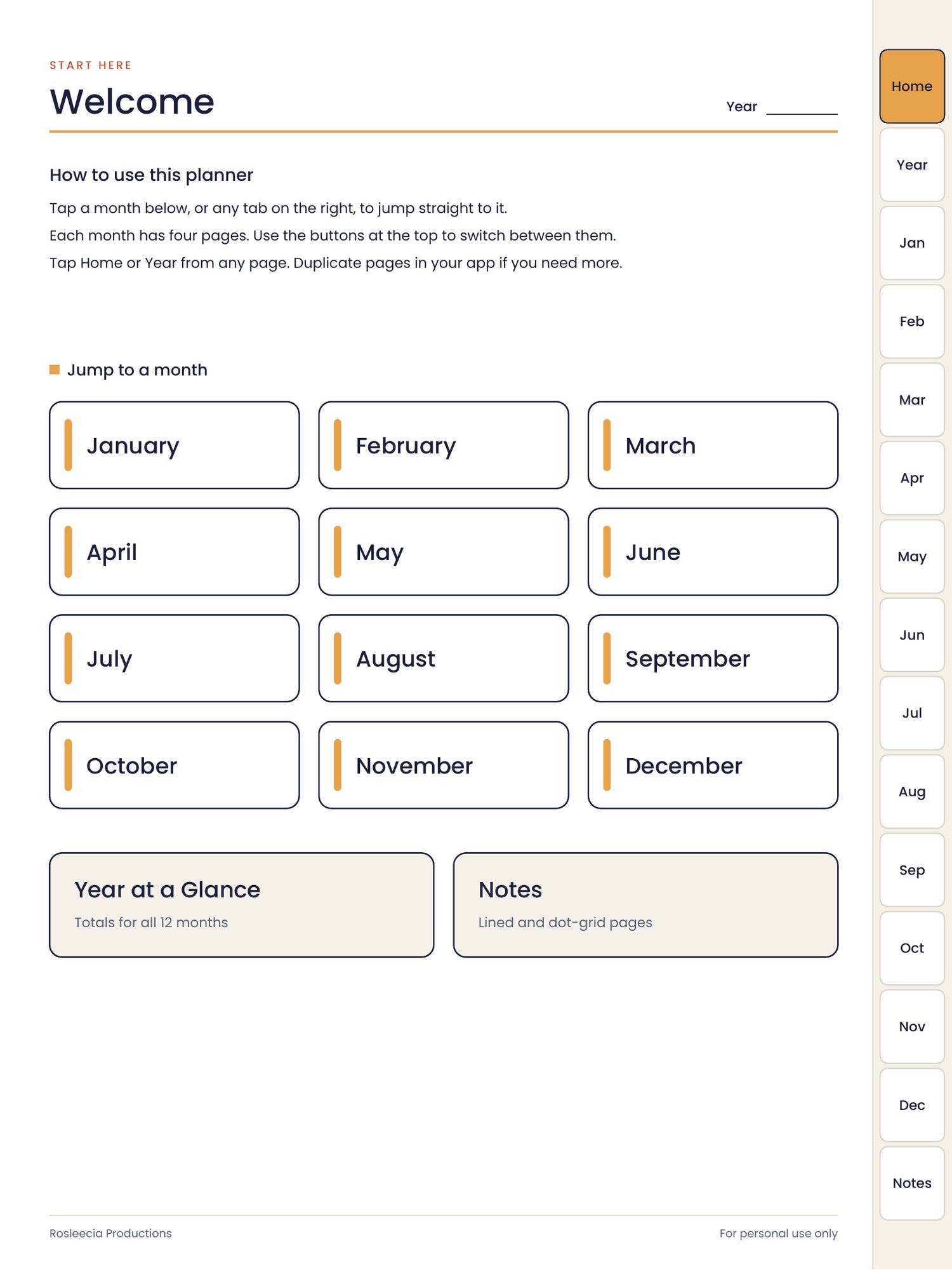
- Tap the tabs and buttons to move around the planner. In GoodNotes, switch to read-only mode or tap with your finger if the links don't respond while you're in writing mode.
Tip: before you start writing, save a blank copy of the file so you can start fresh next year.
Prefer paper?
A printable A4 version is also available in my shop Here
Please note
This is a digital product and nothing will be posted to you. The file is for personal use only and may not be shared or resold.