




MusicIndex v1.1
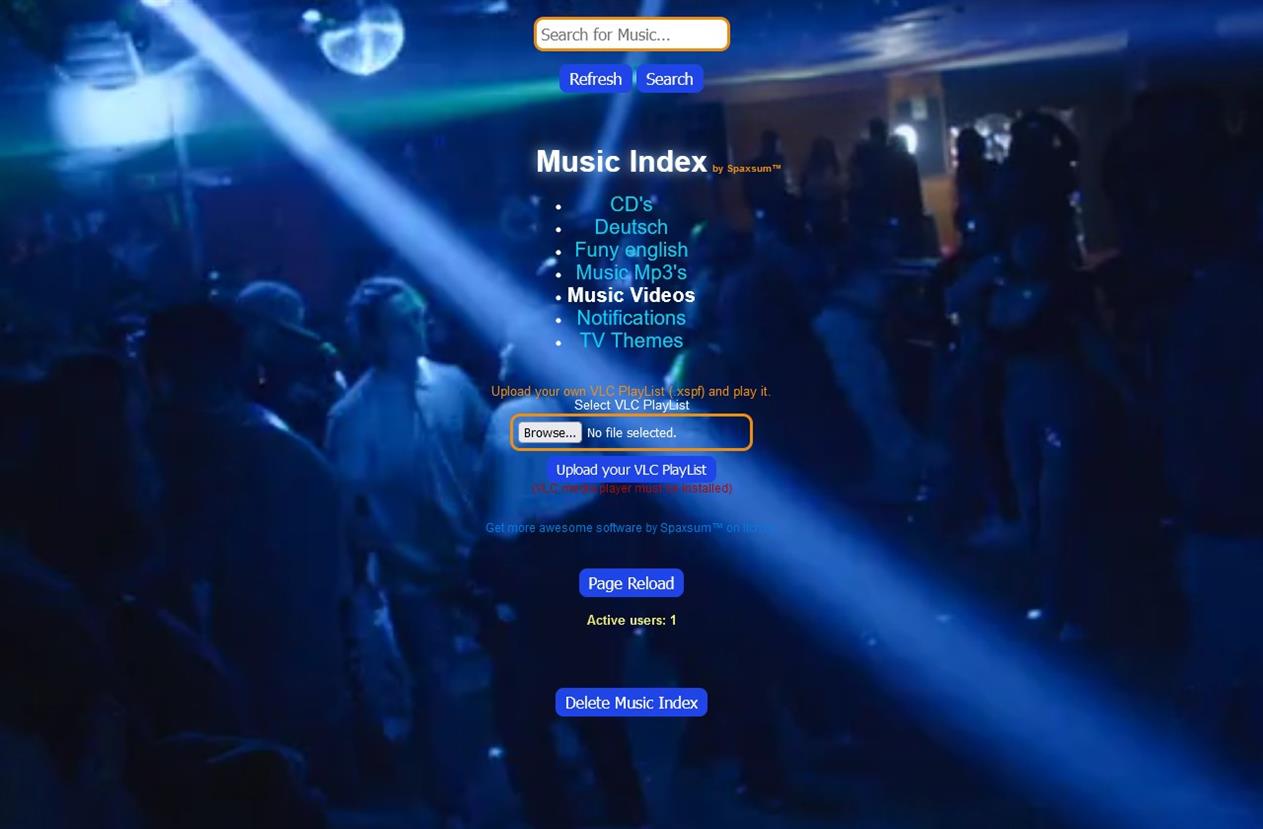
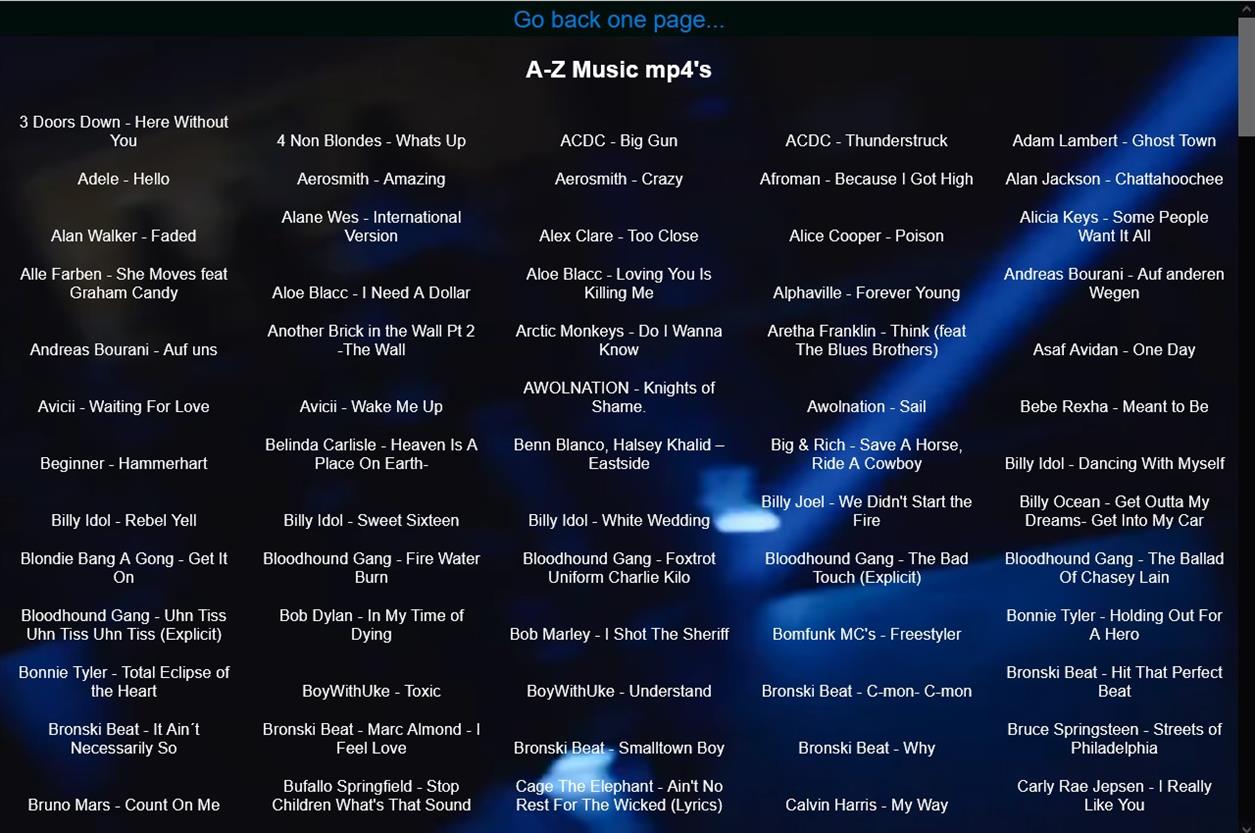
Your Music Database Creator! Create your own music database using the audio files stored on your computer and share it online within a VPN private network or local network with family and friends. Supported audio formats include: .mp3, .mp4, .webm, .aac, .ogg, .opus, .wav, .m4a, .3gp, .aiff, .au, and .amr. If your browser does not support certain formats, those files will be automatically downloaded, allowing you to play them with another player, such as VLC. If you have VLC Player and VLC playlists, you can download and play them directly from Music Index as well.
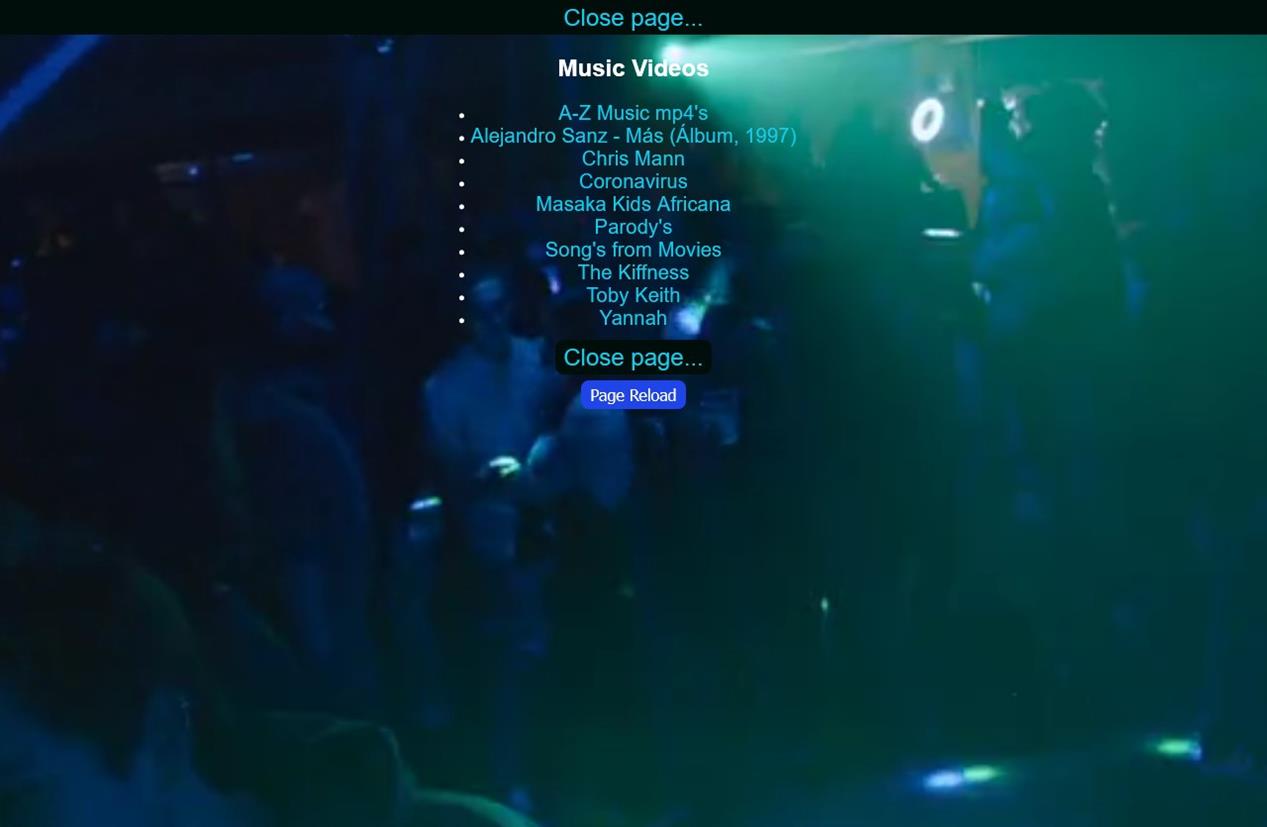
Additionally, if you save an image in formats like .jpg, .jpeg, .gif, .png, .webp, or .bmp with the same name as your audio file, that image will be displayed alongside the audio file. The HTML structure is organized similarly to your directory structure on your hard drive, and you have the option to hide specific directories. By renaming a directory with the extension _no order _private, it will be excluded from the system and not listed. Each time you launch Music Index, you can specify your drive, and your HTML network will be created. Any changes made to your directory structure or music files will be updated automatically upon startup. The search function is designed to yield more results the fewer characters you enter.
If you decide to stop using Music Index, you can utilize the CleanIndex option to delete the entire HTML structure you created, leaving no remnants behind.
Installation Instructions
Download the MusicIndex Package
Download the packaged MusicIndex.rar file.
Extract the Files
Unpack it using a RAR extraction tool.
Install the Program
Run MusicIndex Installer.exe with administrator rights.
If you run the program via the shortcut and it opens after your entry, then close it without showing any errors.
There is an error with the administrator rights, please go to the installation directory "C:\Program Files (x86)\Music Index\ and set administrator rights to CleanIndex.exe, CleanUP.exe and Music Index.exe.
Running the Program
As Music Index Server:
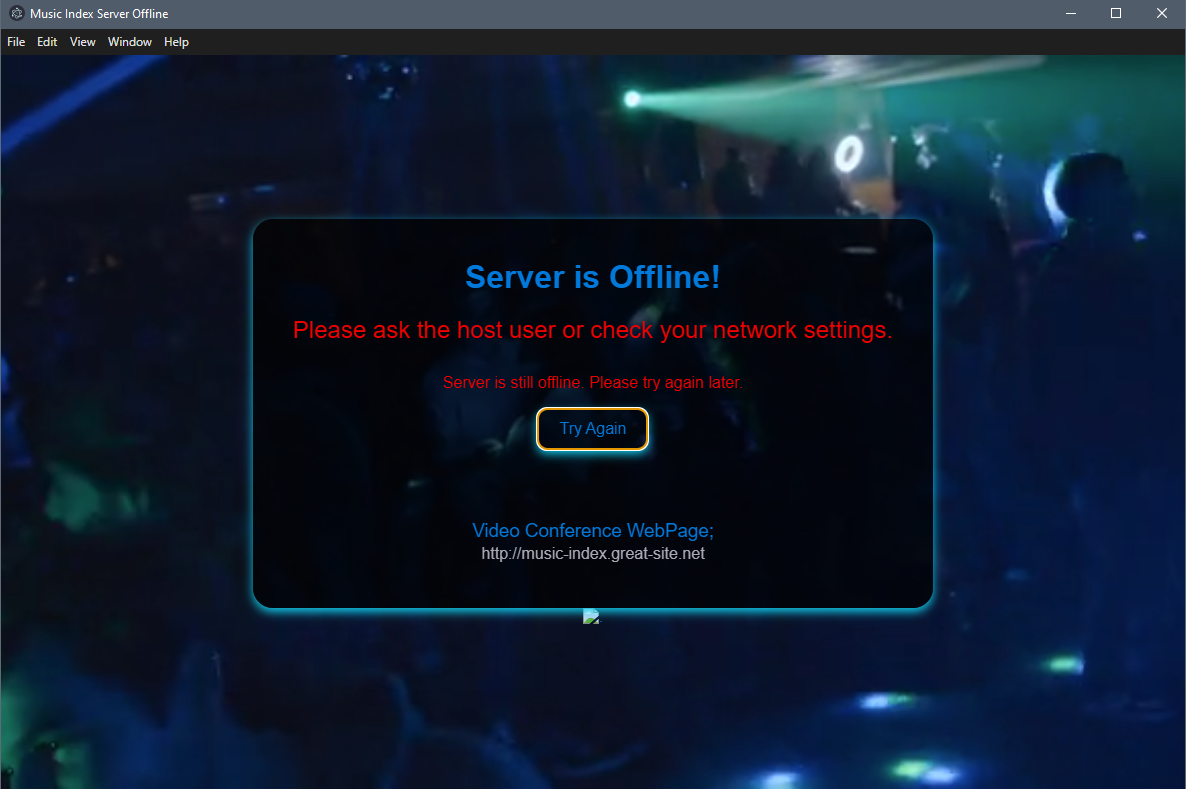
Double-click on the "Music Index Server" icon, or use the shortcut from the Windows Start menu or your desktop to launch the program.
Enter your VPN or localhost IP address and press Enter.
Then, enter your working directory where you want to create the music index. (Note: music files are only read in the subdirectories of the main directory. So, if D:\ is the main directory, all music files located in subdirectories of D:\ will be read and included.)
This will open Music Index in your browser, enabling seamless interaction.
As Music Index Visitors:
Double-click on the "Music Index Visitors" icon, or use the shortcut from the Windows Start menu or your desktop to launch the program.
Enter the VPN or localhost IP address provided by the Host-User and press Enter.
This will open Music Index in your browser, allowing for seamless interaction as well.
As Music Index CleanUp:
Double-click on the "Music Index CleanUp" icon, or use the shortcut from the Windows Start menu to launch the program.
A prompt will appear: "Do you want to clean up the Music Index immediately? (Y/N)"
If you choose "No," the CleanIndex-Server will start after 20 seconds. You can then start the process from Music Index.
Press Y for Yes or N for No. The cleanup process can be used on Music Index as a host user only. CleanUp always uses the last directory path you used to create the Music Index.
Creating and Playing Playlists
If you have created your own music playlists, for example, with VLC Player, you can play them in Music Index. Press the "Browse" button and add your playlist.xspf, then press the "Upload your VLC Playlist" button. You will see a download in your browser as soon as it has finished loading (2-4 seconds). Click on this file in the browser to start playing the playlist. This playlist file is not needed; it only serves as a starting point and will be deleted from your download directory after 10 seconds. (If you are not quick enough, you will have to repeat this process.)
Enjoy your online Music Index experience with your new Music Database Creator!
Thank you for using Music Index!
For feedback, please visit: https://onlyregistered.github.io/appfeedback/
This software is provided for free for personal and non-commercial use. You may share the compiled application, but the source code is not available for public use or redistribution. All rights reserved.