
Life & Work OS: The All-in-One Notion Template for Freelancers & Busy Professionals
On Sale
$14.99
$14.99
Tired of five apps and a to-do list that never shrinks?
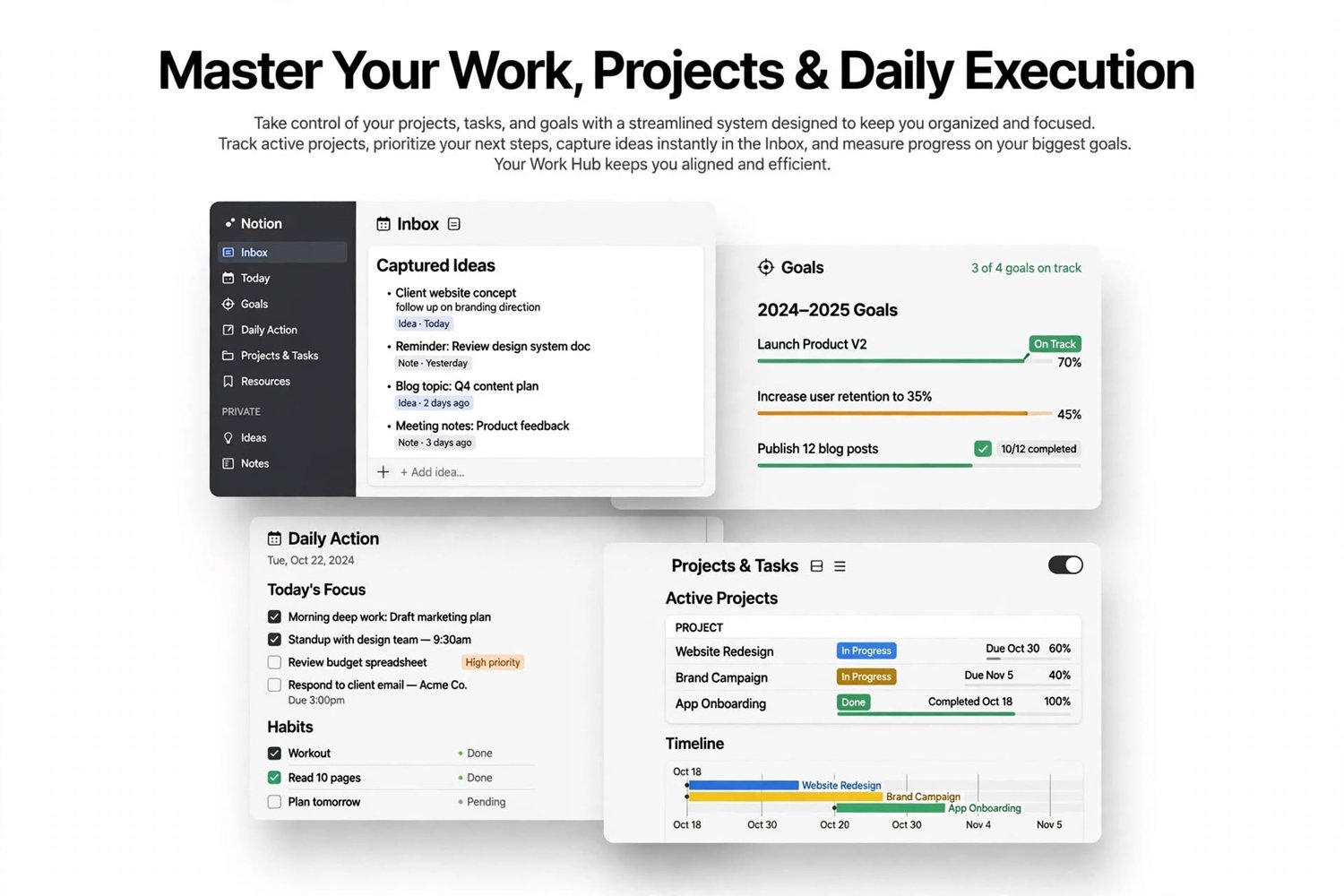
The Life & Work OS pulls everything into one Notion workspace where it’s all connected. Enter something once, and it shows up everywhere it’s relevant. Add a task, and it appears in Today’s Tasks, in its project and in its area of life.
Built for
- Freelancers and solo business owners
- Remote workers and busy professionals
- Anyone who wants one calm place to run work and life
What you get
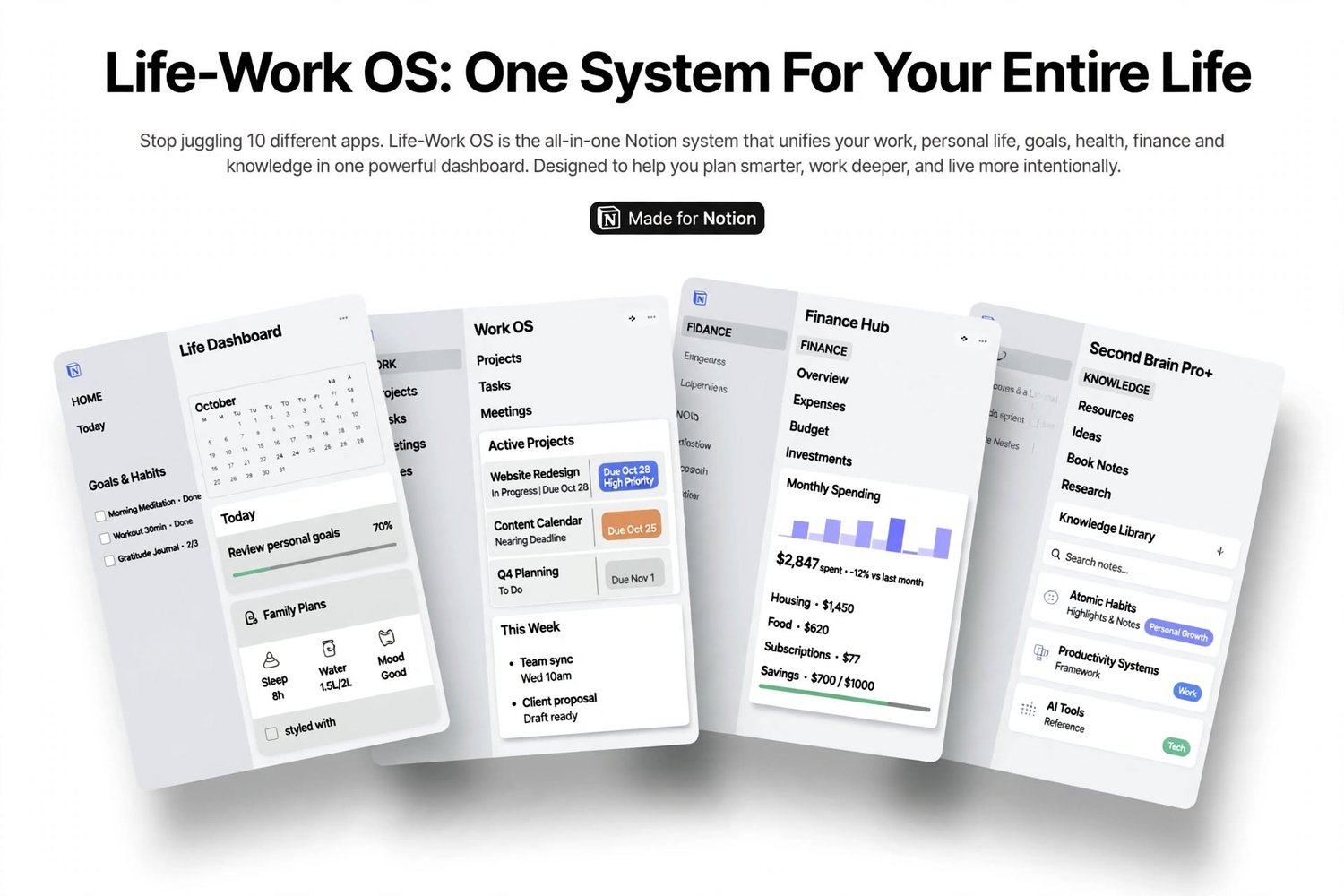
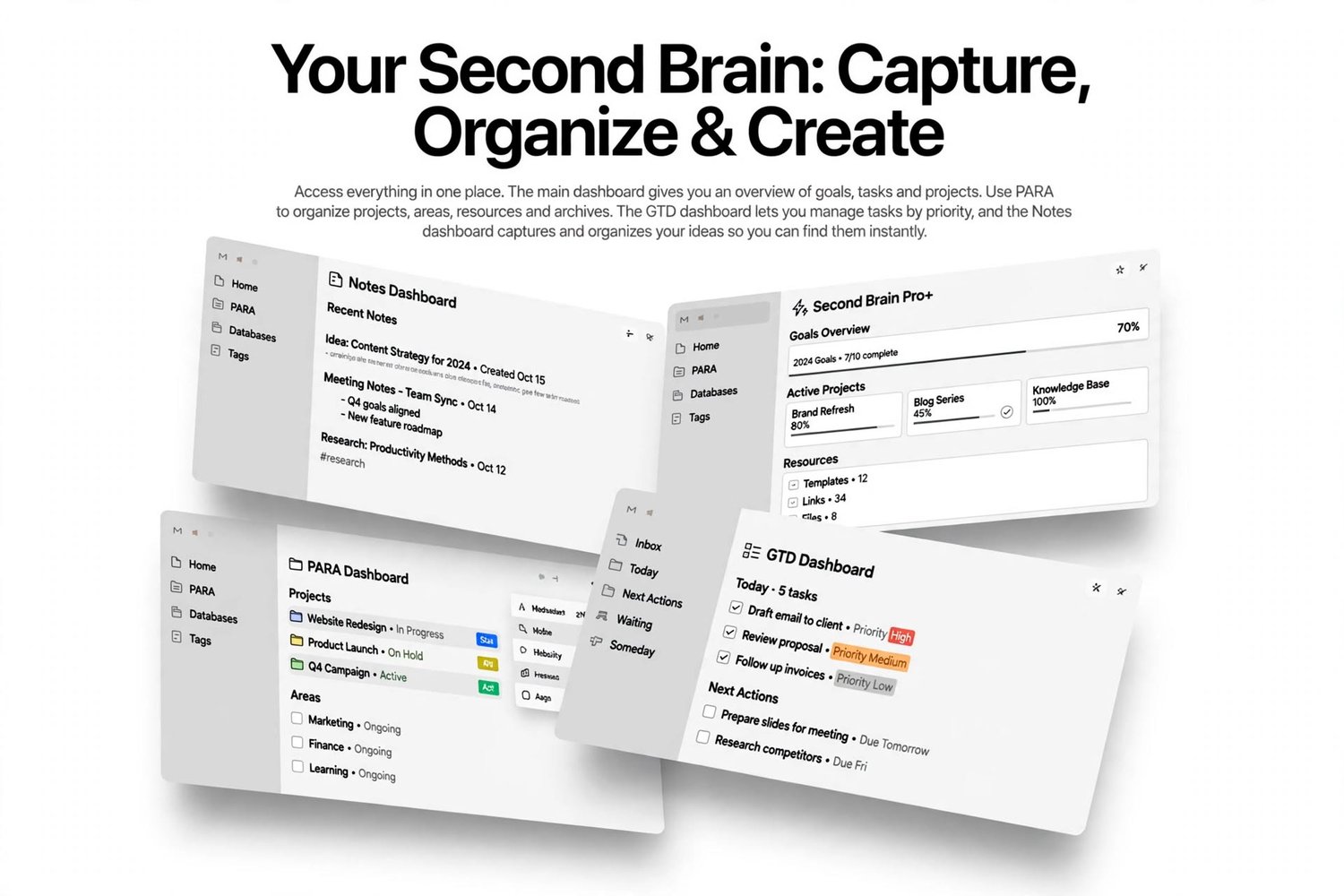
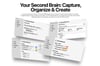
- 7 connected databases: Tasks, Projects, Clients (CRM), Finance, Knowledge (Second Brain), Habits and Areas
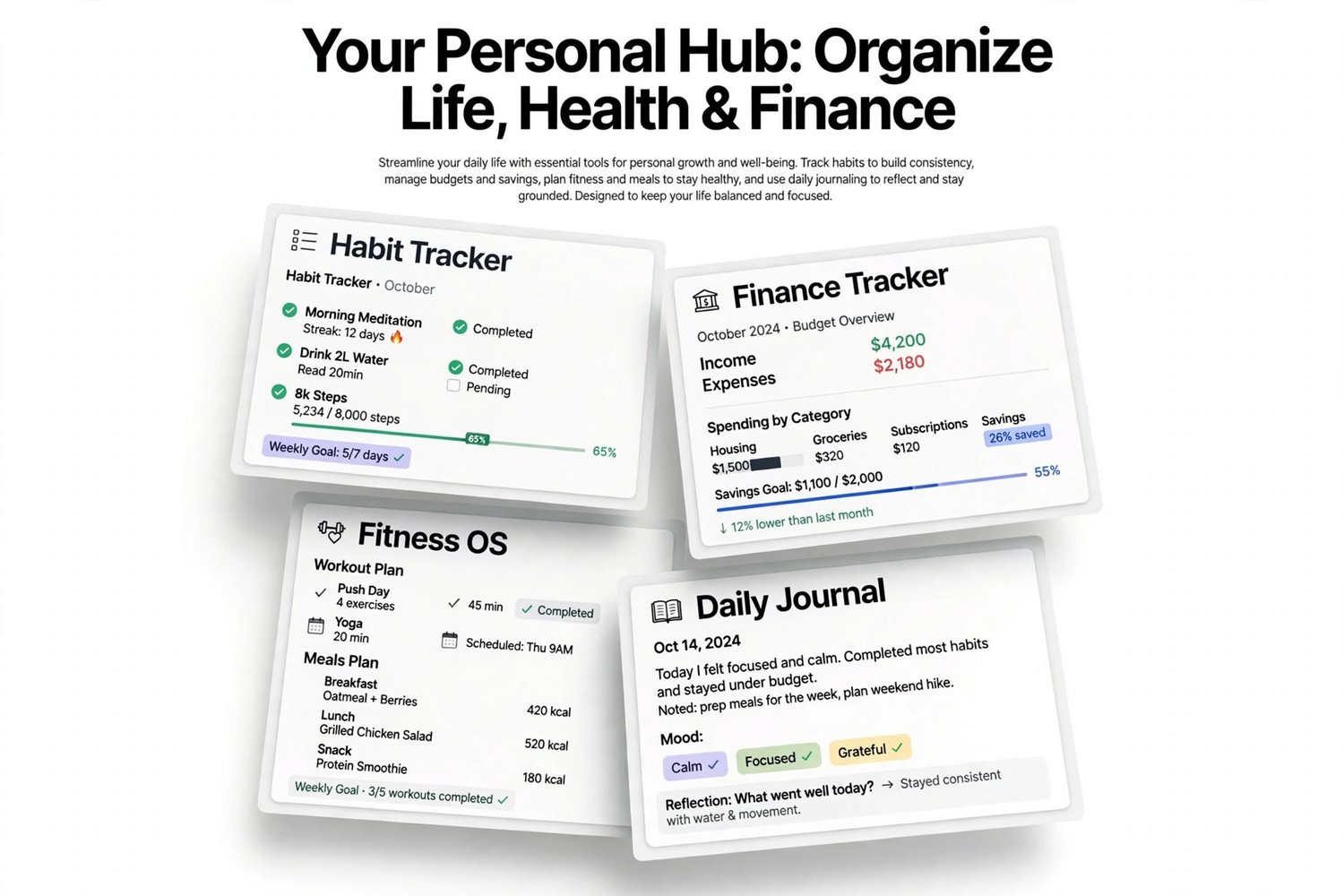
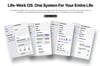
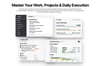
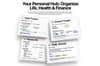
- 4 ready-made dashboards: Main Control Center, Freelance & Client CRM Hub, Life, Habits & Finance Hub and Second Brain
- Today’s Tasks, Quick Wins and Active Projects with automatic progress bars
- A client pipeline board: Lead, Proposal Sent, Active Client, Completed and Retainer
- Revenue tracking, an income vs. expense chart and a subscriptions list
- A weekly habit grid with automatic completion percentages
- A built-in onboarding page with setup steps, a weekly review routine and quick fixes
- A “How It Works” PDF guide
How it works
- Duplicate the template into your Notion workspace.
- Explore the sample data (every sample row starts with “Example:”).
- Add your first real task and see it appear in Today’s Tasks.
- Delete the examples and make it yours.
Setup takes about 10 minutes.
Features that save you time
- Priorities from P0 to P3, time estimates and energy levels, so you can pick the right task for the moment
- Project progress that updates on its own as you complete tasks
- Finance entries linked to clients, so you can see what each one is worth
- Next-follow-up dates on every lead, so nothing slips
What you need
A Notion account. It works in the Notion web, desktop and mobile apps.
Please note
This is a digital product. You’ll receive the template link and the PDF guide after purchase.