

Safety Stock + Reorder Point Mini-Calculator — Free Excel Tool
On Sale
$0.00
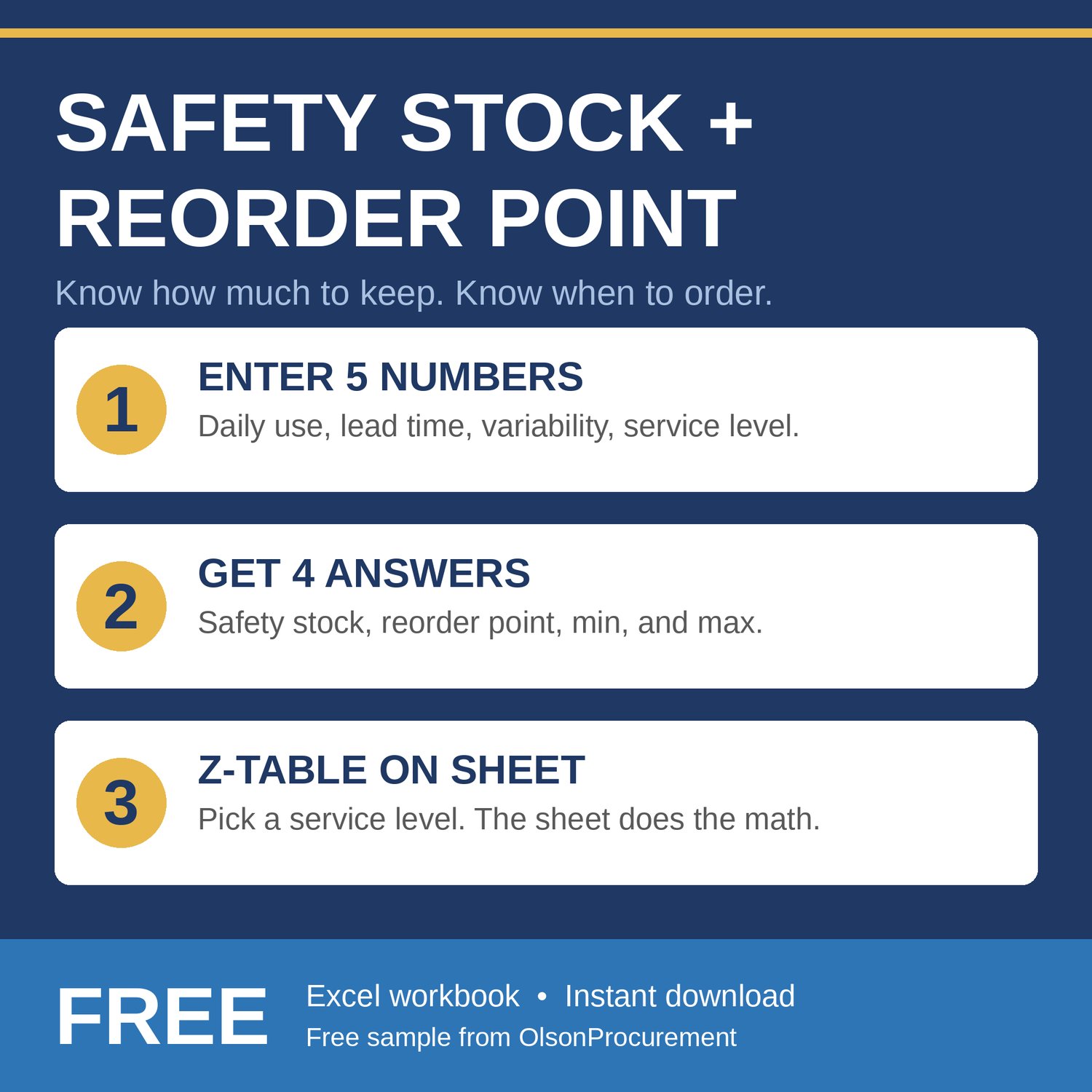
Stop guessing how much stock to keep. This free sheet sets safety stock and a reorder point for one item.
You type five numbers. The sheet does the rest. It gives you safety stock, reorder point, min, and max. The service level table sits on the sheet. You pick a level. The sheet finds the Z value for you.
What you get:
- One Excel file with live formulas. It works in Excel and Google Sheets.
- Two sheets: Start Here instructions and the Calculator.
- A service level table on the sheet: 50% to 99.9%, with Z values.
- One fictional example item with full math. Replace it with your own item.
What it computes:
- Z value: looked up from your service level.
- Demand during lead time: daily use times lead time.
- Safety stock: covers swings in use and in lead time.
- Reorder point: demand during lead time plus safety stock.
- Min: same as the reorder point.
- Max: reorder point plus one lead time of use.
How you use it:
- Type daily usage, lead time, usage variability, and lead-time variability.
- Pick a service level from the table. 95% is a common choice.
- Read the blue results. Set your stock to Min and Max.
- Order when stock on hand falls to the reorder point.
Who it fits:
- Owners and buyers at small manufacturers and machine shops.
- Anyone who runs out of one key part again and again.
- Anyone who holds too much stock on one shelf.
What you need:
- Microsoft Excel or Google Sheets.
- One item with daily use, lead time, and a sense of how much each one swings.
This is a free sample. It covers one item. The full Inventory Min/Max & Reorder Calculator runs your whole part list.
No setup. No monthly fee. One file. Use it in your shop. Do not resell it.