
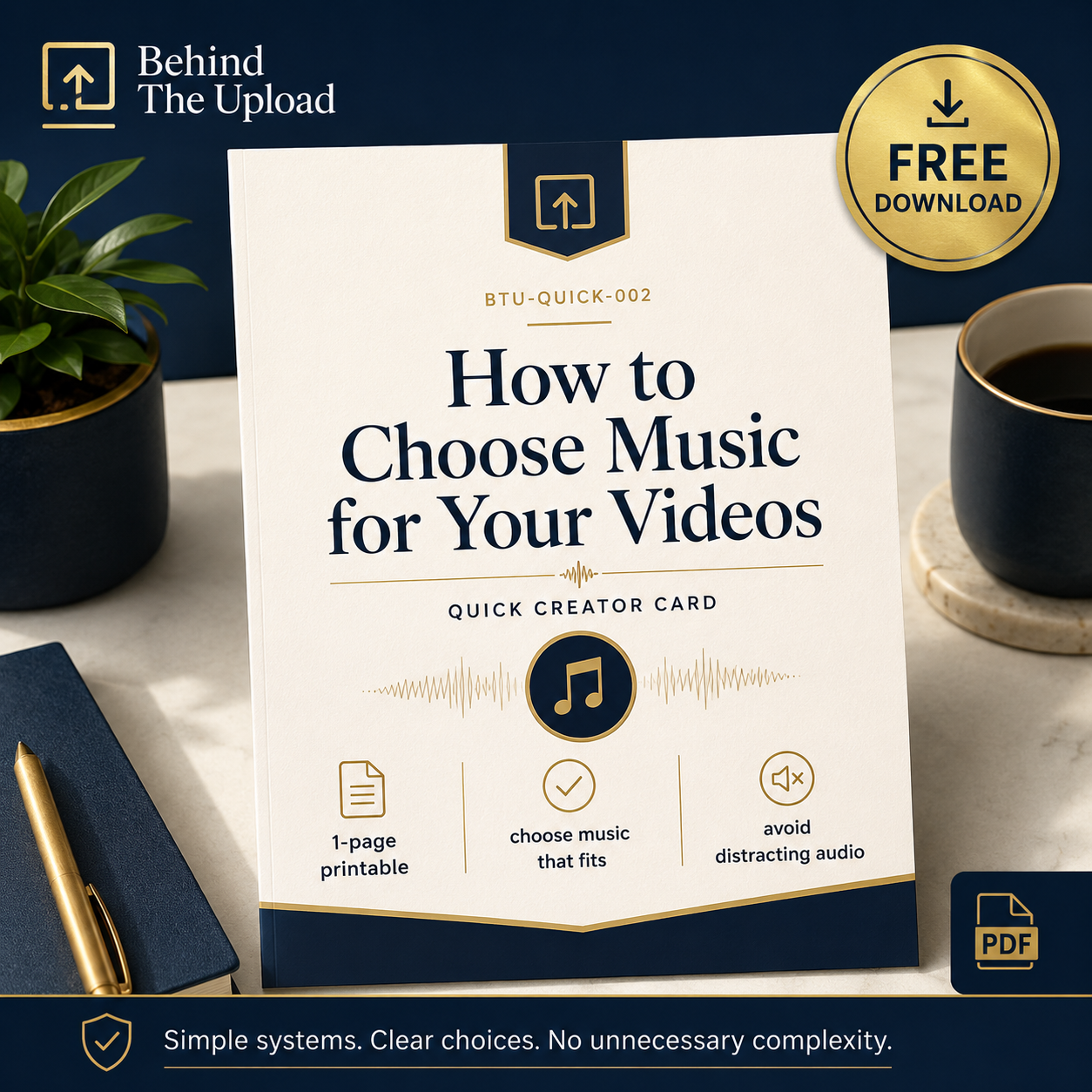
How to Choose Music for Your Videos — Free Quick Creator Card
Where this fits:
This product is part of the Behind The Upload Small Creator Learning Path.
Use this when you want to improve:
[thumbnail clarity / first 30 seconds / comments / viewer journey / analytics etc.]
How to Choose Music for Your Videos
Free Quick Creator Card for Small YouTube Creators
Music can improve a video.
But the wrong track can distract from the message, compete with the voice, or make the whole video feel less clear.
This free one-page printable Quick Creator Card helps small YouTube creators choose music more confidently without overthinking the process.
Use This Card to Check:
- what mood the video needs;
- whether the video needs music at all;
- whether the track supports the message;
- whether the music is too loud beneath the voice;
- whether the style fits your channel;
- whether the track changes too much;
- whether the copyright and licence terms are clear.
The Core Question
Before adding music, ask:
Does the music help the video, or does it get in the way?
Sometimes the best choice is a quiet background track.
Sometimes the best choice is no music at all.
The aim is not to make the video busier.
The aim is to make the message clearer.
What You Will Receive
You will receive:
BTU-QUICK-002 — How to Choose Music for Your Videos
This is a digital one-page printable PDF.
No physical product will be posted.
Important Note
Always check the licence terms before using music in your videos.
This free card provides practical educational guidance only. It does not guarantee views, subscribers, monetisation, income, or channel growth.
Simple systems. Clear choices. No unnecessary complexity.