




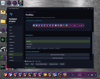
EMX TASKBAR STUDIO
EMX Taskbar Studio
Short description:
Upgrade your Windows desktop with a fully customizable taskbar, animated backgrounds, unique icon designs, and built-in audio controls—all styled your way.
Full description:
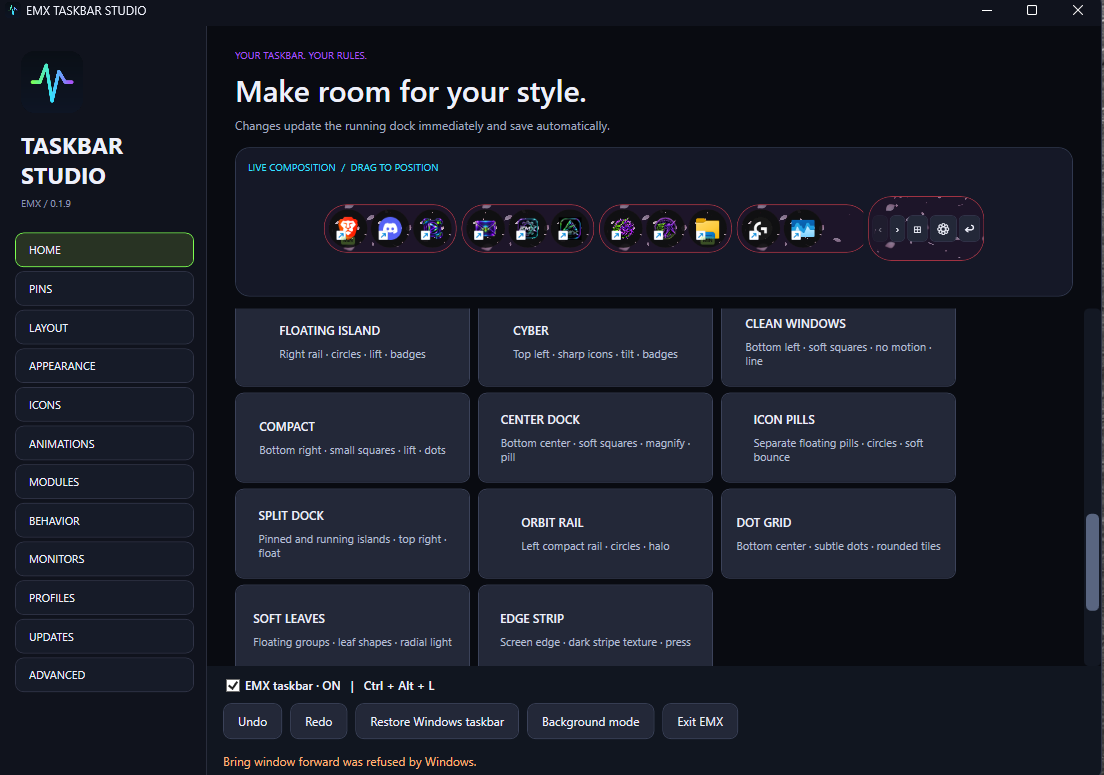
Make your desktop your own with EMX Taskbar Studio. Build a clean floating dock, a compact pill, or a bold animated taskbar using live controls that let you fine-tune its appearance and placement.
Customize your look
- Choose from taskbar designs and presets, then adjust size, shape, spacing, colors, borders, and transparency.
- Add your own image or MP4 background to the taskbar and app icon backgrounds.
- Style app buttons with circles, diamonds, triangles, stars, shields, and more.
- Add smooth hover effects, including continuous bounce and float animations.
Keep your favorite apps within reach
- Pin installed Windows apps, local programs, and supported game shortcuts.
- Search installed apps without needing to locate their EXE files.
- Click app icons to launch or switch to your apps.
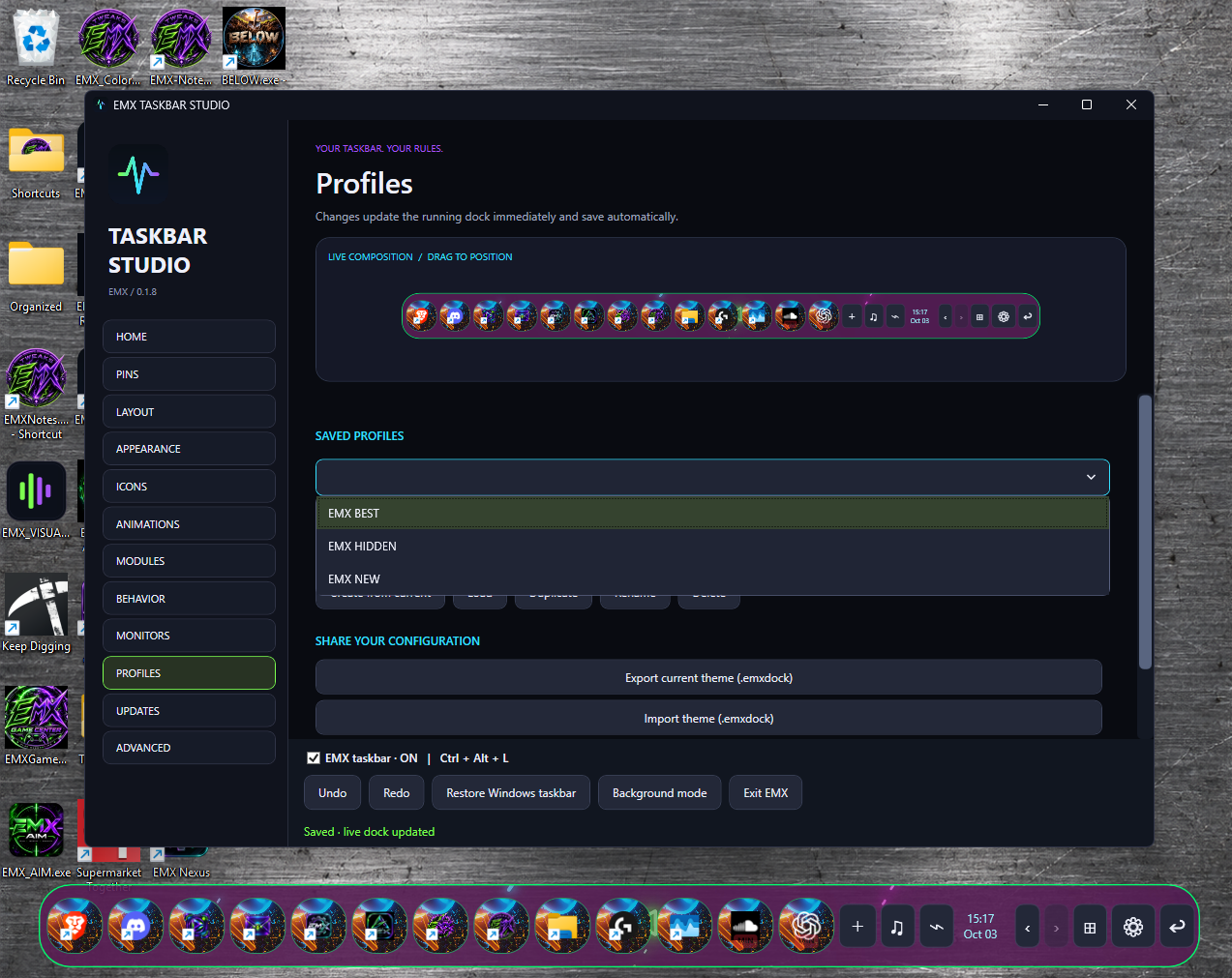
- Save multiple profiles for different desktop styles, then load, edit, rename, or delete them.
Control your audio from one panel
- Adjust Windows master volume and mute.
- Control app and browser audio levels separately through the Windows audio mixer.
- See song information and artwork from compatible media apps and browsers.
- Use play, pause, previous, and next controls when supported.
- Resize and move the audio panel, with its size and position remembered.
Keep your desktop clear
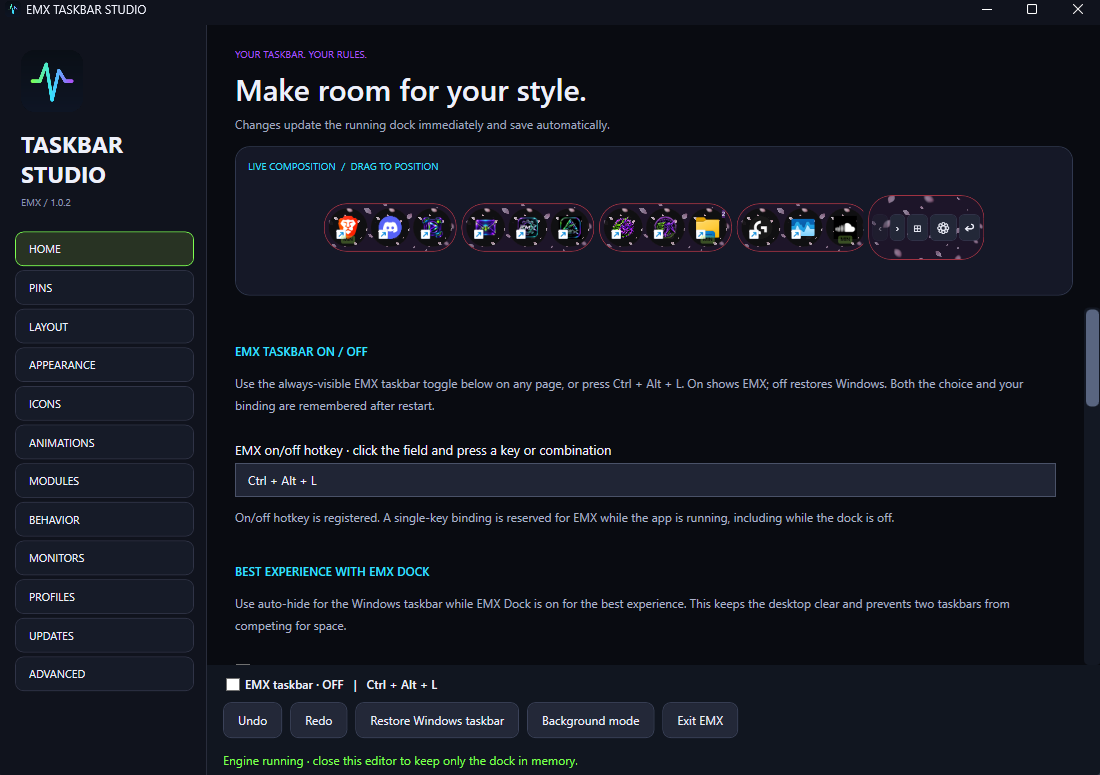
- Turn the EMX taskbar on or off using a clear toggle or a customizable hotkey.
- Enable auto-hide and reveal the dock by hovering near its screen edge.
- Manage the Windows taskbar while EMX is running and restore it when needed.
- Check for updates from inside the app.
Requirements: Windows 10 or Windows 11, 64-bit. Internet access is required for initial license activation. Each license activates on one PC, with up to 72 hours of offline use after successful verification.
Now-playing information and playback controls depend on what the app or browser shares with Windows. Browser volume controls may affect multiple audio tabs; these controls adjust Windows audio sessions rather than a website’s internal volume slider.
Download includes: A ZIP containing the EMX Taskbar Studio setup EXE. A valid license key is required to install and use the app.