
Starshard Shades — Sunglasses to Floating Crown for VRChat
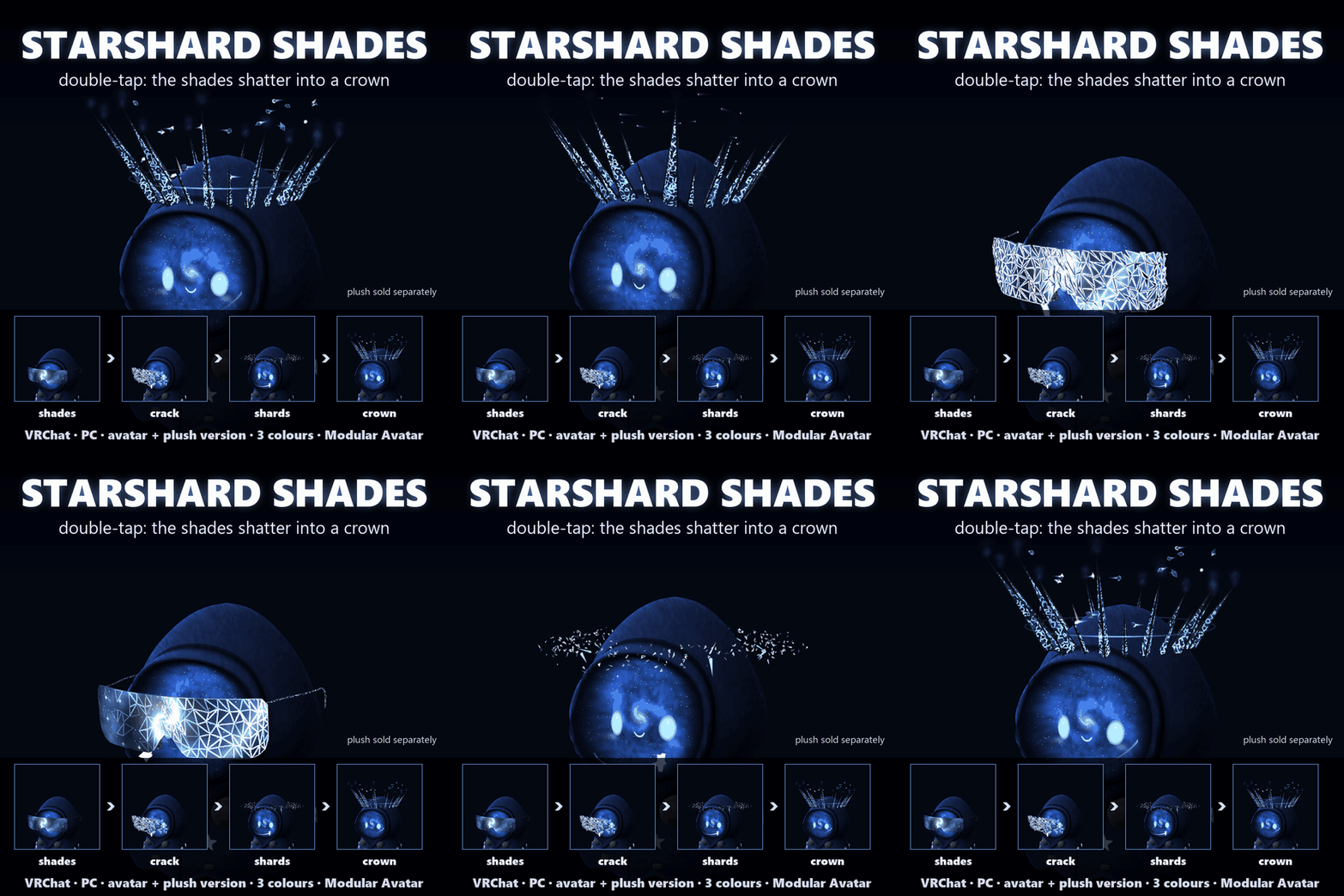
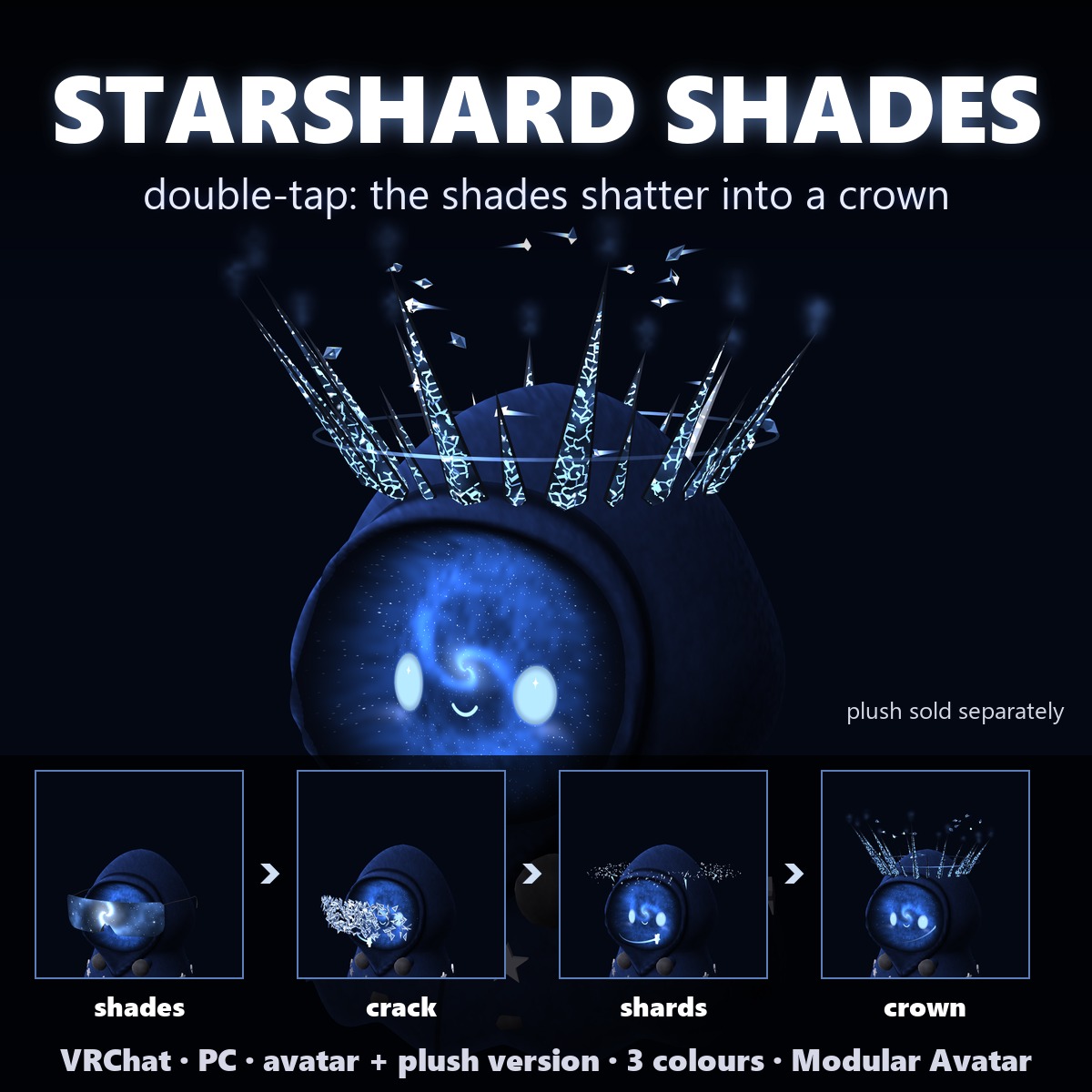
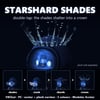
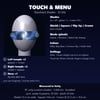
Galaxy sunglasses that shatter into a floating crown of starglass spikes. Double-tap your temple to break them, double-tap again and the shards fall back into your shades.
▶ VRChat accessory · PC only · needs Modular Avatar (free, from VCC) · no lilToon needed · drag-and-drop prefab · plush version included
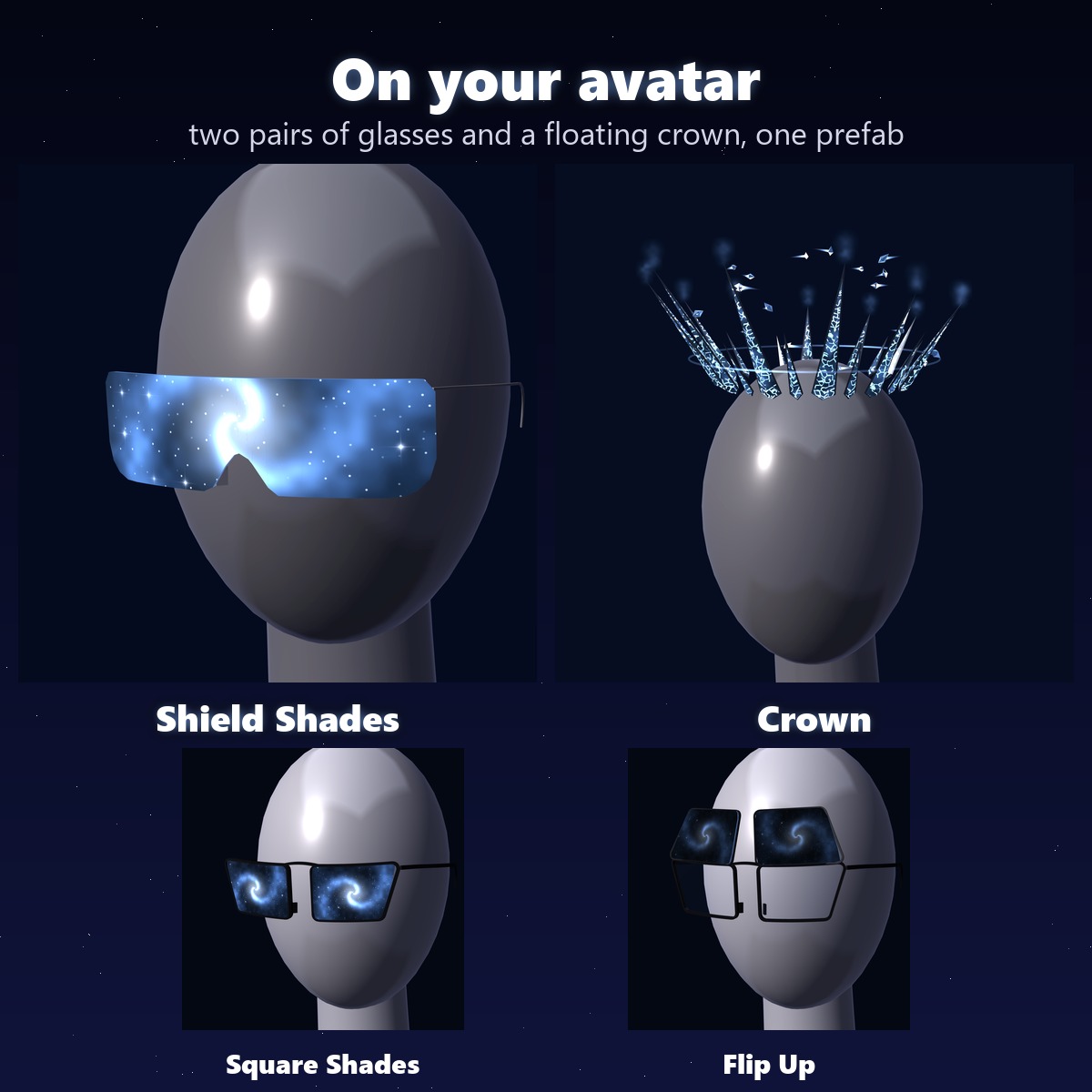
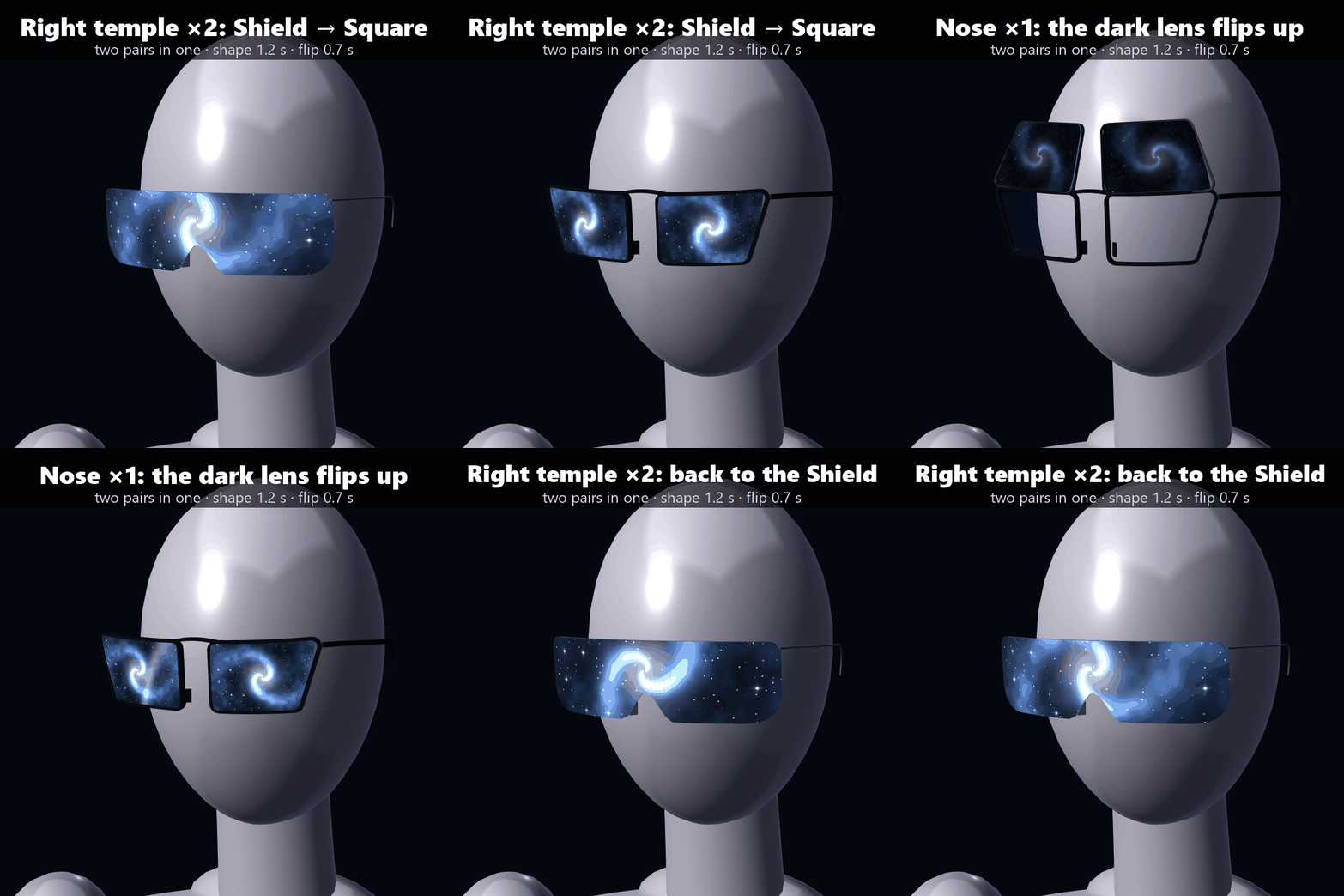
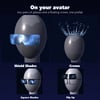
Two pairs in one: a rimless one-piece Shield lens, and an angular black Square frame whose dark front lens flips up over a clear one. A slow galaxy turns inside the glass the whole time: one big galaxy across the Shield, one in each lens of the Square.
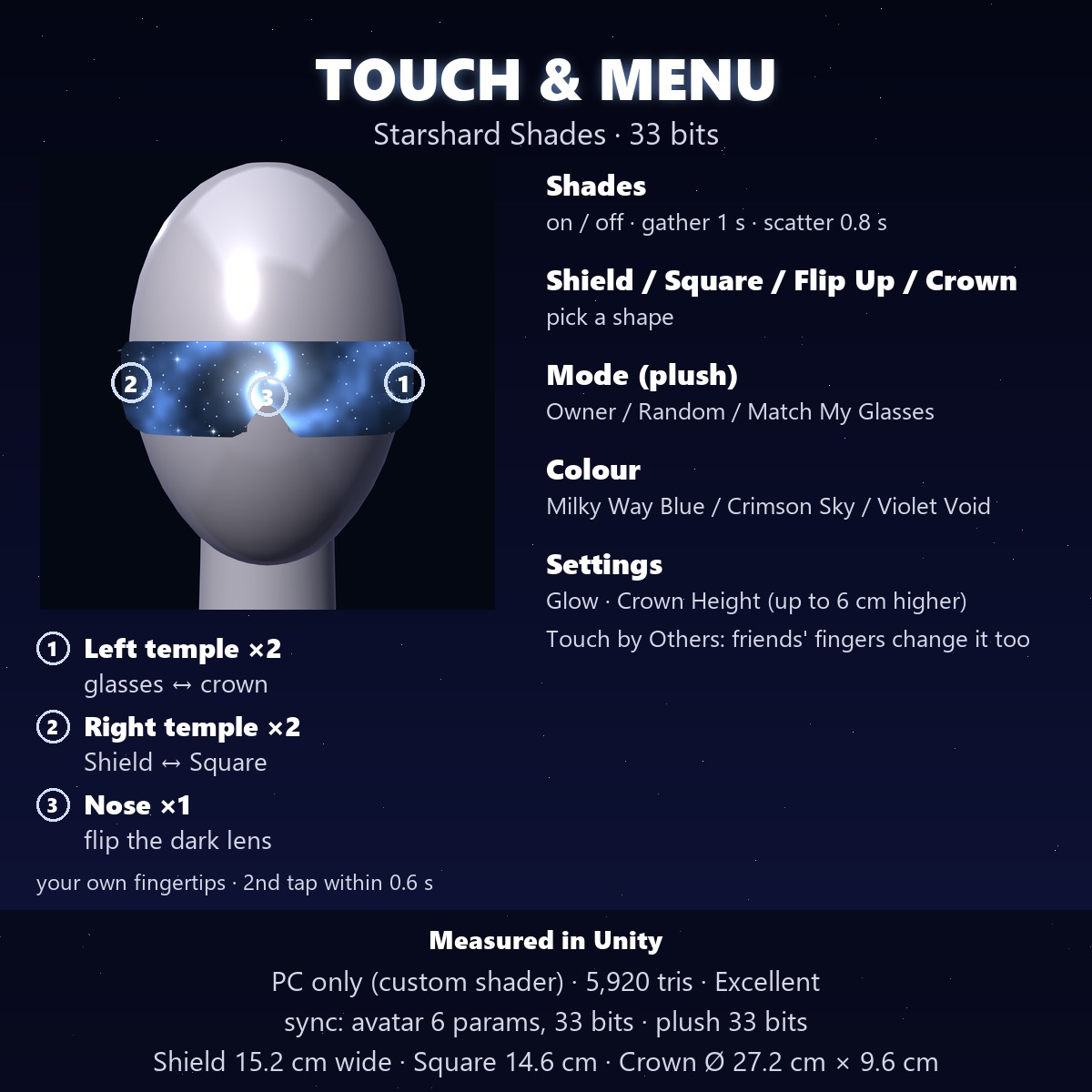
TOUCH TO CHANGE (your own fingertips; the menu does the same)
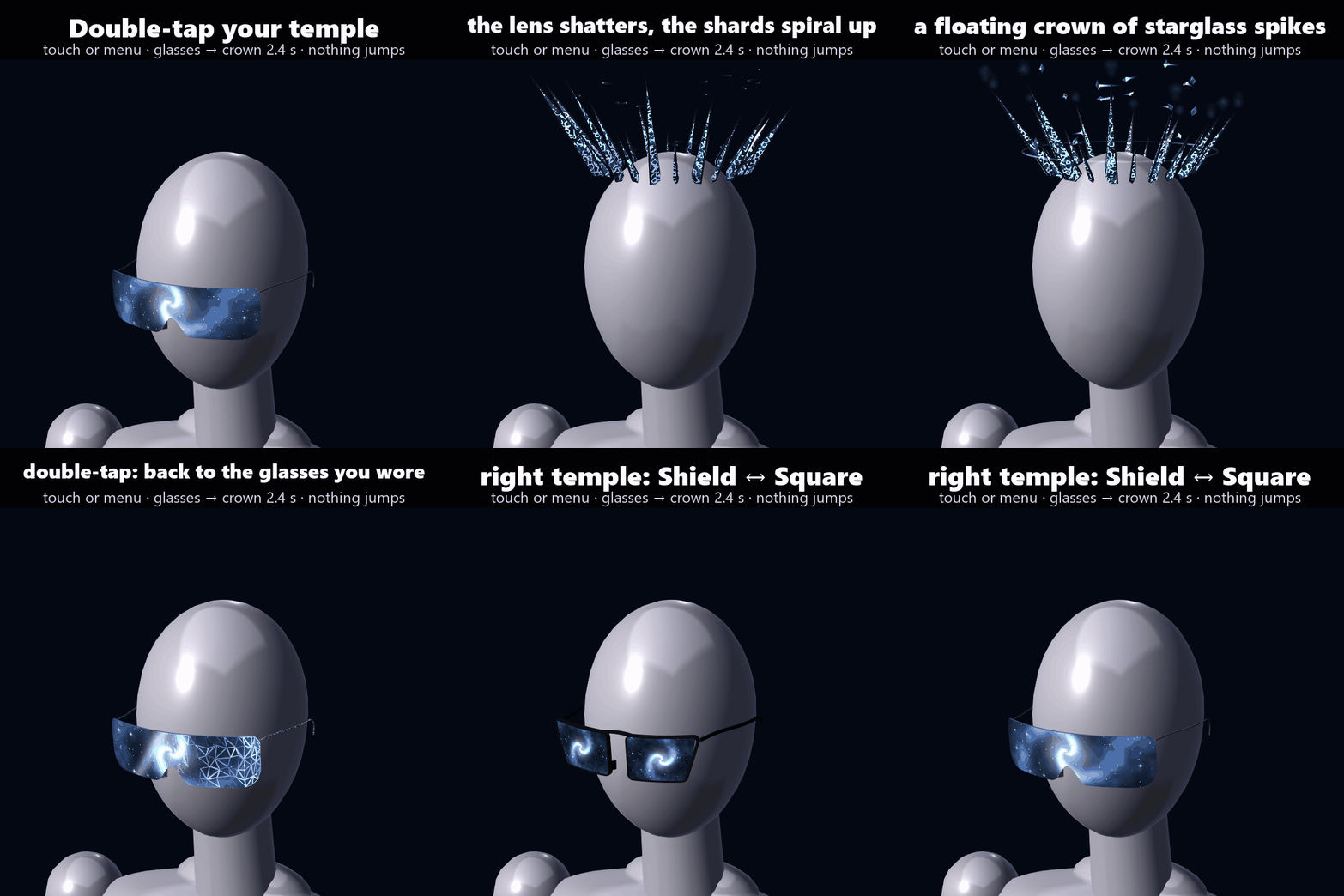
- Double-tap the left temple: glasses ⇄ crown (the crown comes back as the glasses you were wearing)
- Double-tap the right temple: Shield ⇄ Square
- Tap the nose bridge once: flip the Square's dark lens up / down
The second tap within 0.6 s. Turn on Settings › Touch by Others and friends can do it too.
THE CHANGES (nothing jumps: every step moves)
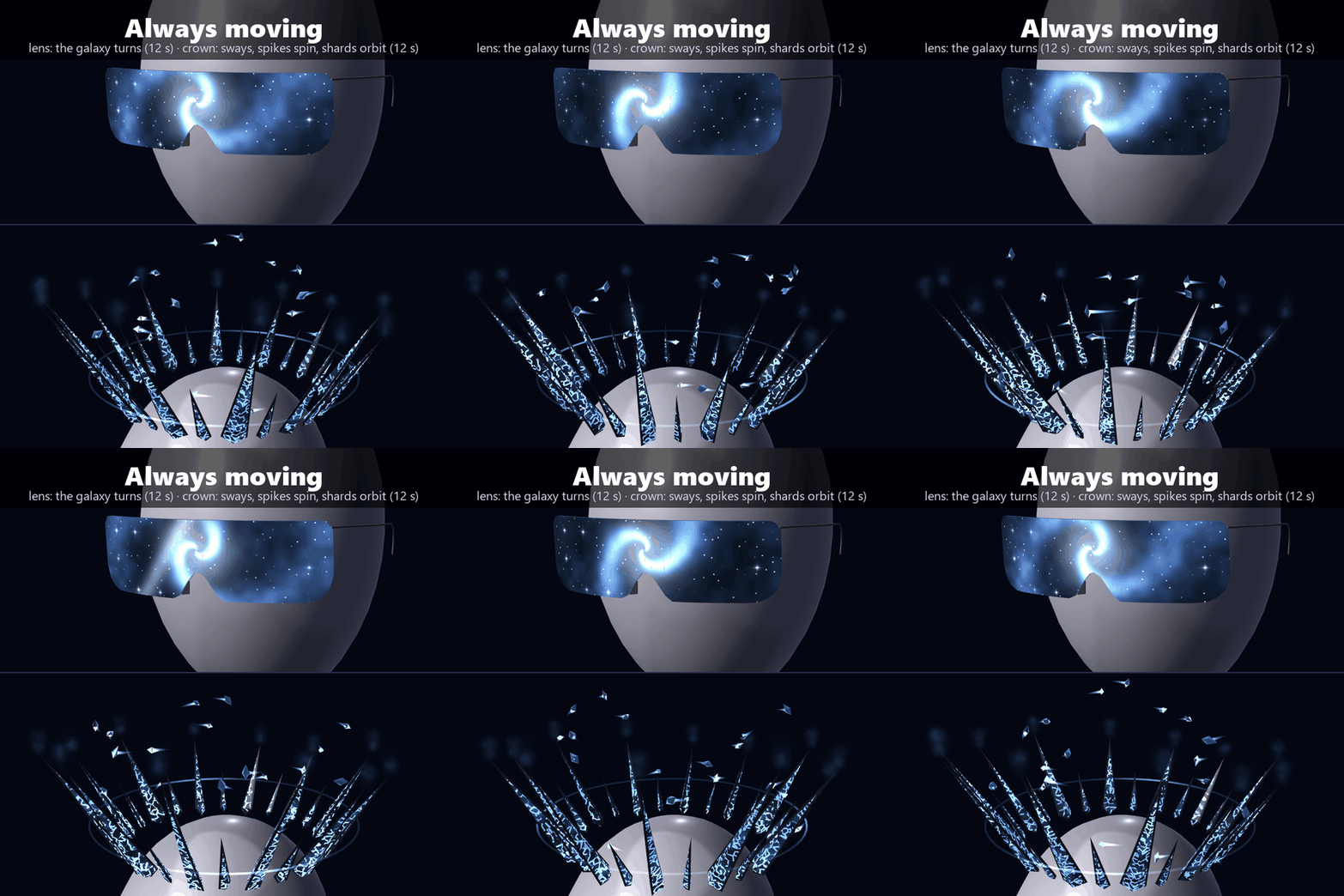
- Glasses → crown (2.4 s): cracks run across the lens, it breaks into starglass shards, they spiral up, the big ones stretch into spikes and close into a ring above your head, the small ones keep flying
- Crown → glasses: the shards drop back down and lock into the glasses you had on
- Shield ⇄ Square (1.2 s): the one-piece lens and its galaxy split down the middle into two, and the black frame draws itself round each half
- Flip up (0.7 s): the dark lens swings up on its top hinge
ALWAYS MOVING (no menu, shader time)
- Lens: the galaxy inside turns (once every 12 s) and a glint slides across (every 6 s)
- Crown: it sways as it turns (12 s), each spike spins (12 s), and star shards trail light between them (once round every 12 s)
No extra parameters and no particle systems for any of it.
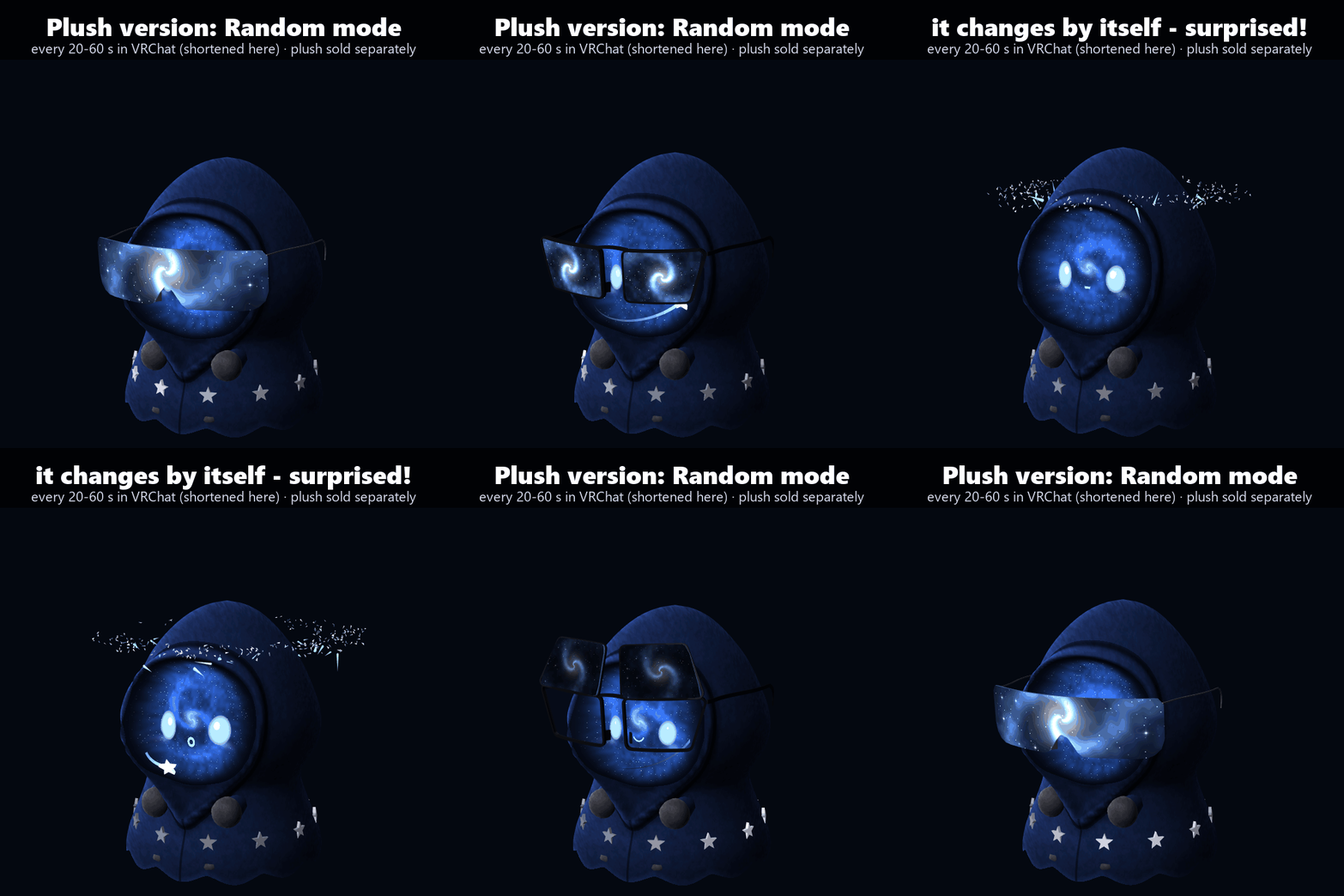
PLUSH VERSION (for my Hooded Galaxy Spirit plush, sold separately)
A second prefab puts the glasses on the plush's head; they stay on when it moves to your hand, shoulder, head or follows you. Its menu "Starshard Shades (Plush)" has a Mode:
- Owner: you change it from the menu or by tapping
- Random: the plush changes shape by itself, every 20-60 s (a new wait each time, never to the shape it's already in), and makes a surprised face for 1.6 s each time (when its face is on Auto)
- Match My Glasses: it changes together with the pair on your own avatar (when you wear both)
THE MENU (Expressions menu "Starshard Shades" · all remembered)
- Shades: on / off. The shards gather (1 s) and scatter (0.8 s), never a jump
- Shield Shades / Square Shades / Flip Up / Crown: pick a shape
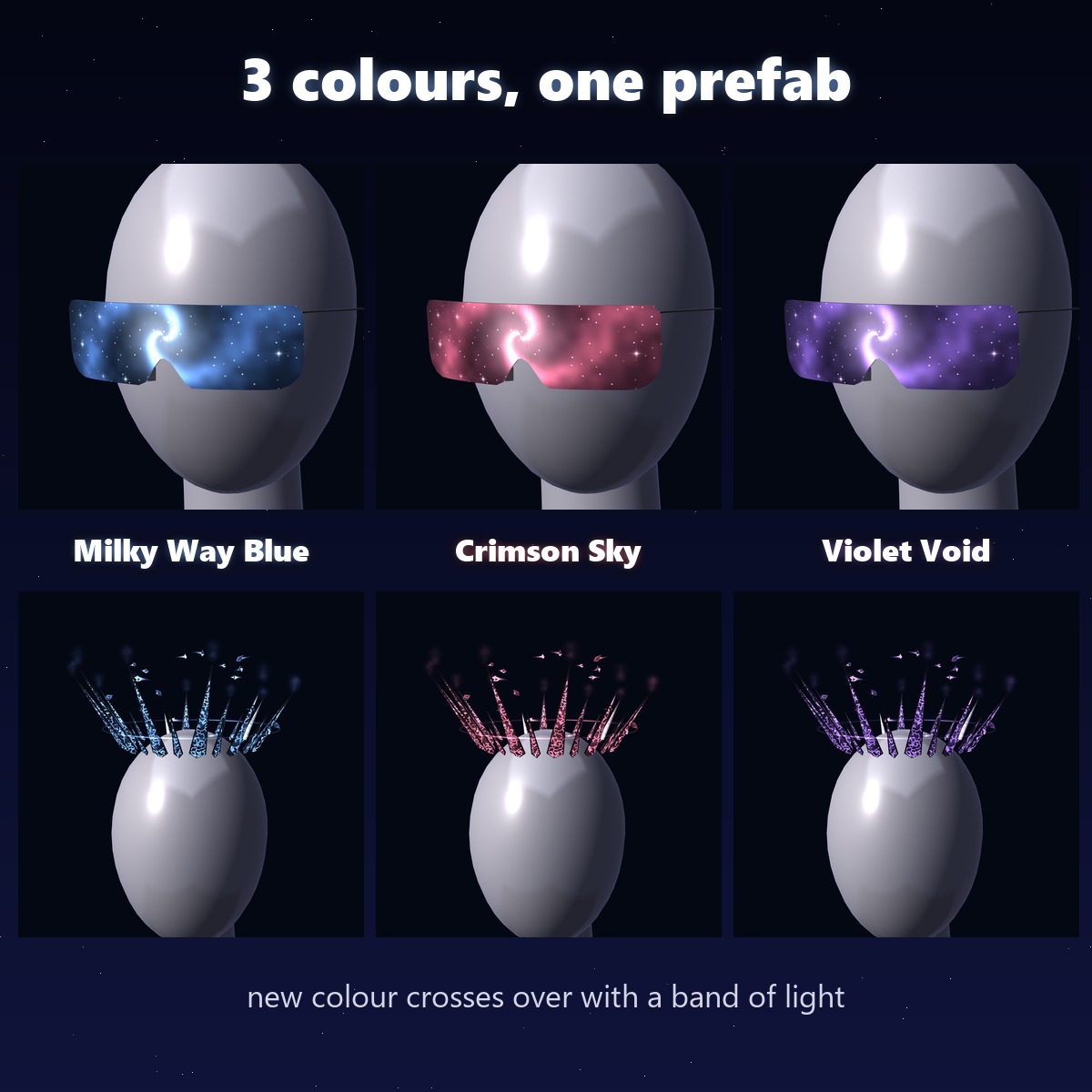
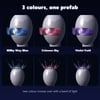
- Colour: Milky Way Blue / Crimson Sky / Violet Void. The colours cross over in 0.9 s while a band of light runs across
- Settings: Glow (a radial for the light) · Crown Height (a radial, up to 6 cm higher, for big hair) · Touch by Others (let friends' fingers change it too)
SIZES (measured in Unity, on an average head)
- Shield: 15.2 cm wide · Square: 14.6 cm wide
- Crown: 27.2 cm across, 9.6 cm tall
HOW IT SITS
It follows the Head bone (Modular Avatar Bone Proxy). The prefab is placed for an average head; if it doesn't sit right on your face, move and scale the "Shades" object (SS_StarshardShades_Avatar > Anchor > Shades) in Unity.
WHAT YOU GET
- SS_1.0.0.unitypackage: 2 prefabs (avatar, plush), 1 shader made for these glasses, 2 materials, menus, animators (no textures)
- README in English and Japanese
PERFORMANCE (this item alone, measured in Unity)
- 5,920 triangles · 1 mesh · 1 material · no textures · no PhysBones · no particle systems · no lights
- Synced: avatar version 6 parameters, 33 bits · plush version 33 bits (the taps and the Mode run on your own client only, so they cost no bits)
- VRChat SDK performance rank: PC Excellent
GOOD TO KNOW
- PC only: it uses its own shader, and Quest avatars can't use custom shaders.
- Needs Modular Avatar (free, from the VRChat Creator Companion). No lilToon needed.
- Needs a humanoid avatar (a Head bone). The plush version needs the Hooded Galaxy Spirit plush.
- The glow looks best in worlds with bloom.
SUPPORT
The taps, the changes, the plush modes or anything else not working as described in VRChat? Message me and I'll fix it and send you the update for free.
TESTED WITH
Unity 2022.3.22f1 · VRChat SDK 3.10.5 · Modular Avatar 1.18.7
TERMS
- OK to use on your avatar in VRChat and other platforms
- OK to stream, record, and post on social media
- Editing is fine
- Please don't redistribute or resell the files, edited or not
UPDATES
- v1.0.0 (2026-11-05) first release
⭐ If you like it, a quick rating helps a small new shop a lot. Thank you!