

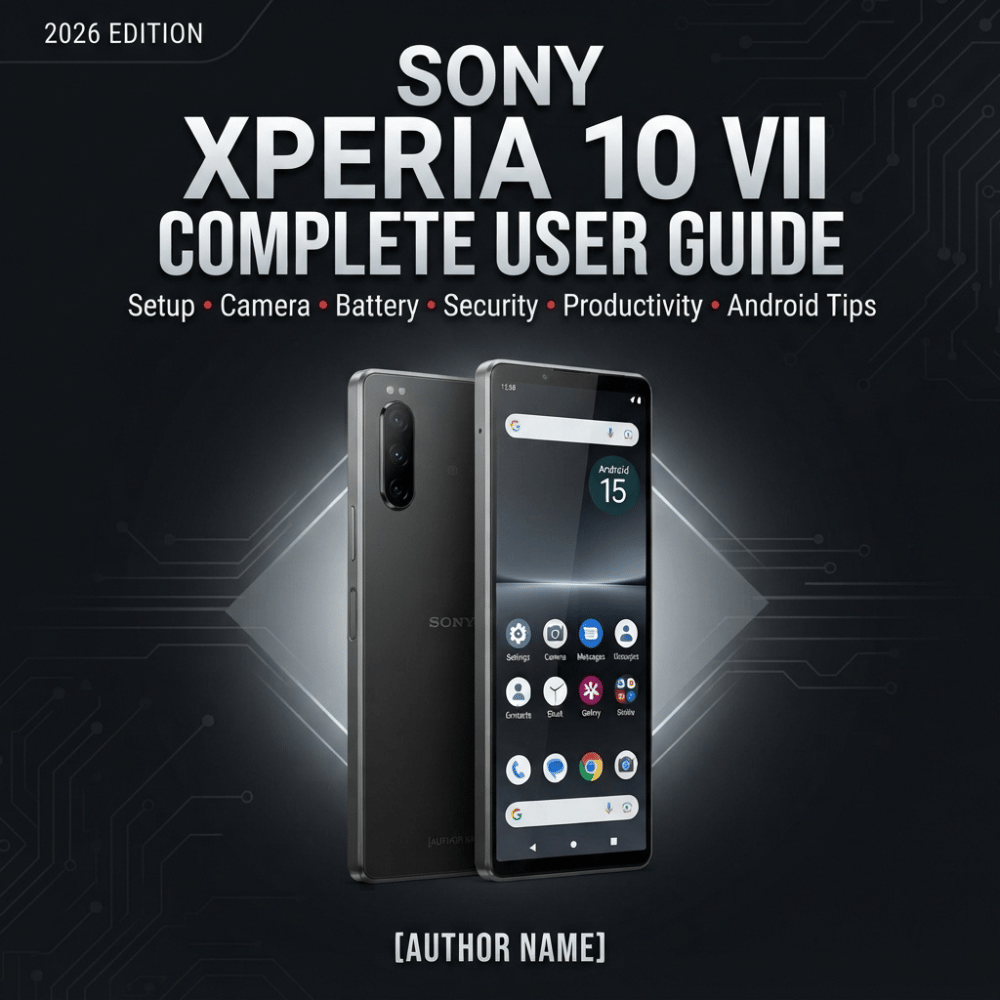
Sony Xperia 10 VII Complete User Guide 2026: Setup, Camera, Battery, Security, Hidden Features & Android Tips
Sony Xperia 10 VII Complete User Guide 2026 is a practical, beginner-friendly manual designed to help new Xperia 10 VII owners understand, configure, and get the most from their smartphone.
Learn how to set up your Xperia 10 VII, transfer data from your old phone, customize the home screen, manage Android settings, take better photos and videos, extend battery life, protect your privacy, manage storage, connect Bluetooth and Wi-Fi devices, use Google apps, improve productivity, troubleshoot common problems, and discover useful Android and Xperia features.
This easy-to-follow guide uses step-by-step instructions, practical examples, quick tips, security advice, camera guidance, battery-saving techniques, troubleshooting tables, and power-user recommendations.
Perfect for beginners, older adults, students, parents, professionals, travelers, business owners, content creators, and anyone switching from Samsung, Google Pixel, Motorola, iPhone, or another smartphone.
Important: Features, menus, applications, and settings may vary according to Android version, software updates, carrier, country, region, and device configuration. This is an independent instructional guide and is not an official Sony publication or endorsement.
Who this guide is for
- First-time Xperia users who need a complete introduction.
- Android beginners who want simple, step-by-step instructions.
- Older adults who want clear explanations without unnecessary technical jargon.
- People switching from Samsung, Pixel, Motorola or iPhone.
- Students using the phone for study, communication and entertainment.
- Parents and families who want to understand security, privacy and everyday smartphone functions.
- Professionals and small-business owners using their phone for email, documents, meetings, social media and business communication.
- Content creators interested in photography, video and mobile content production.
- Travelers who need reliable guidance on connectivity, navigation, Bluetooth and mobile data.
- Power users who want to explore Android settings, customization, battery management and advanced features.
- New phone buyers who want a single reference guide instead of searching for individual tutorials online.