
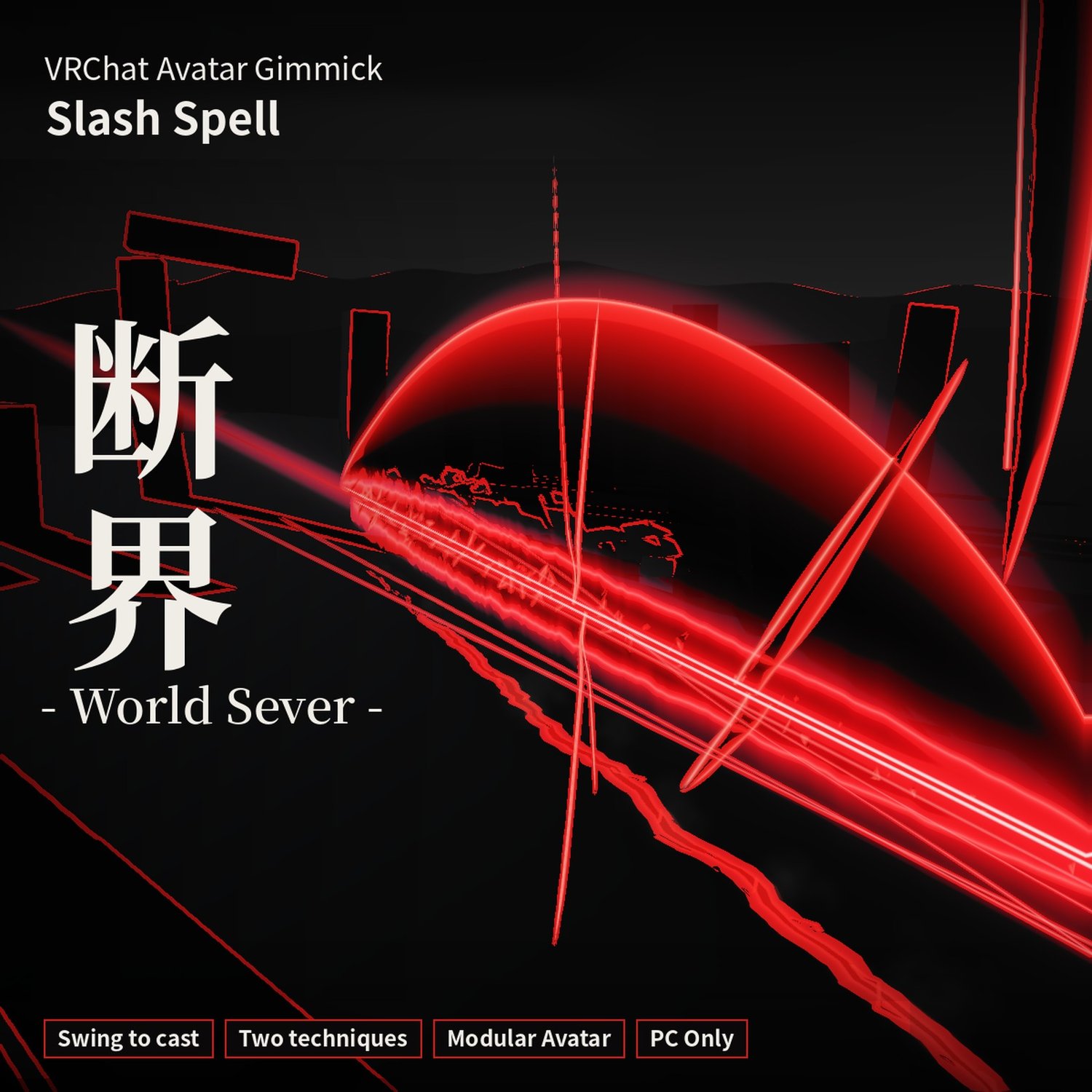





World Sever (断界) — Hand-Swing Slash Spell [VRChat / Modular Avatar]
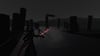
One swing of the hand cuts through the scenery itself.
A slash spell for VRChat avatars. Turn on Stance and swing a knife-hand to cast it. The cutting plane follows your palm and the direction follows your face: swing sideways for a horizontal cut, vertically for a vertical one.
Sequence
- Stance: turn on 「構え」 (Stance) in the menu.
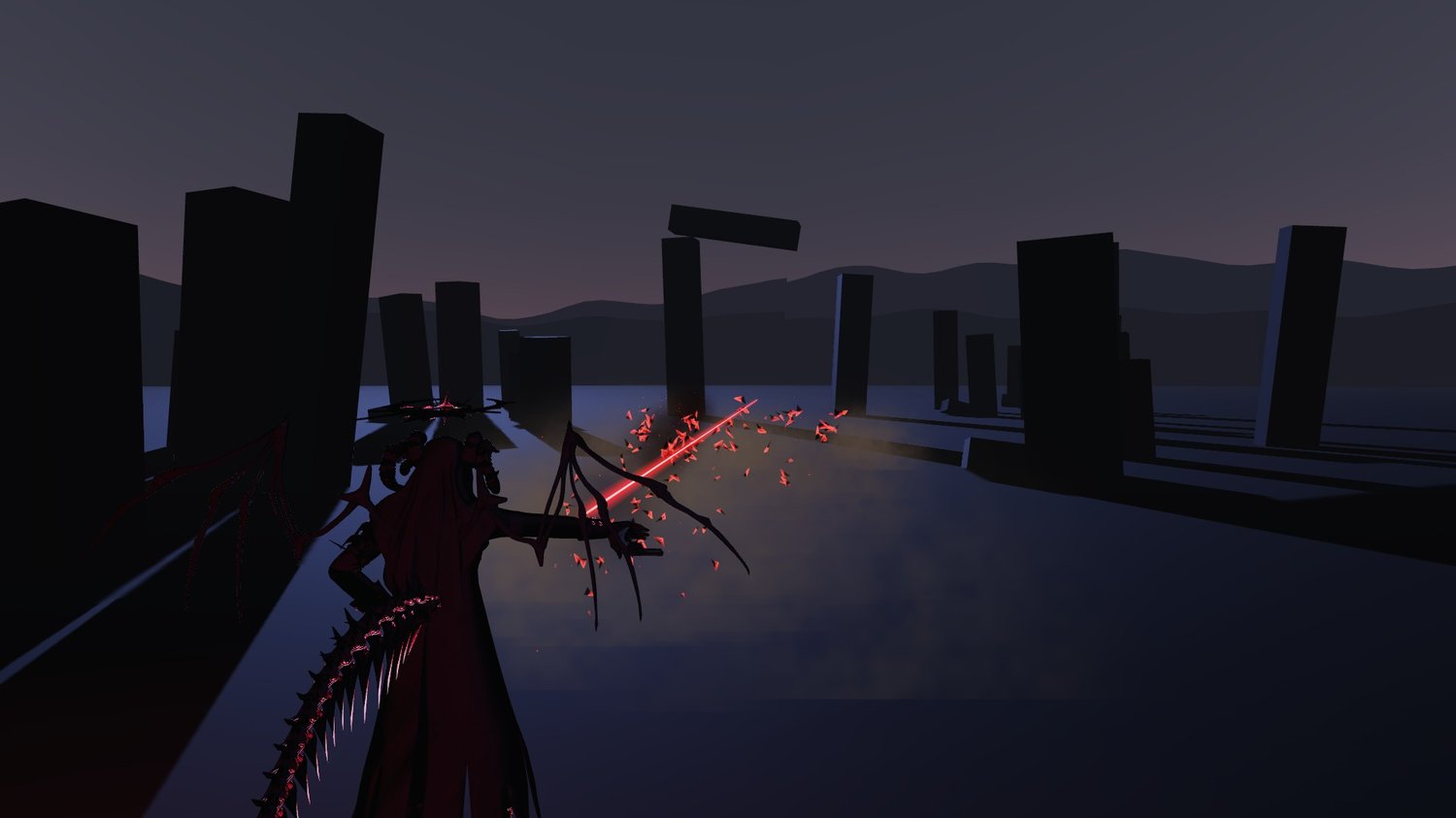
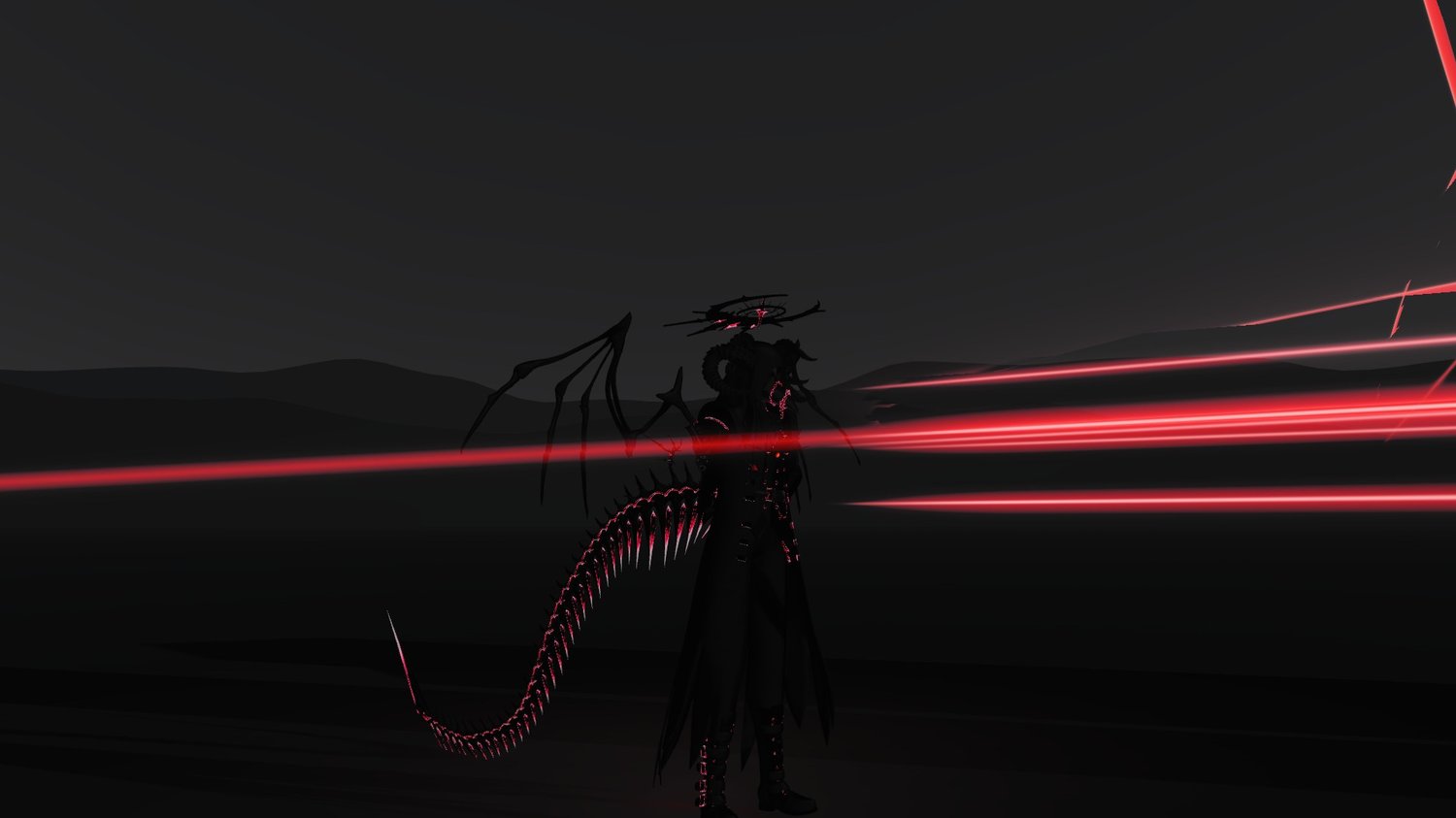
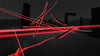
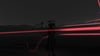
- The line runs: swing, and a crimson line runs forward (about 24 m long).
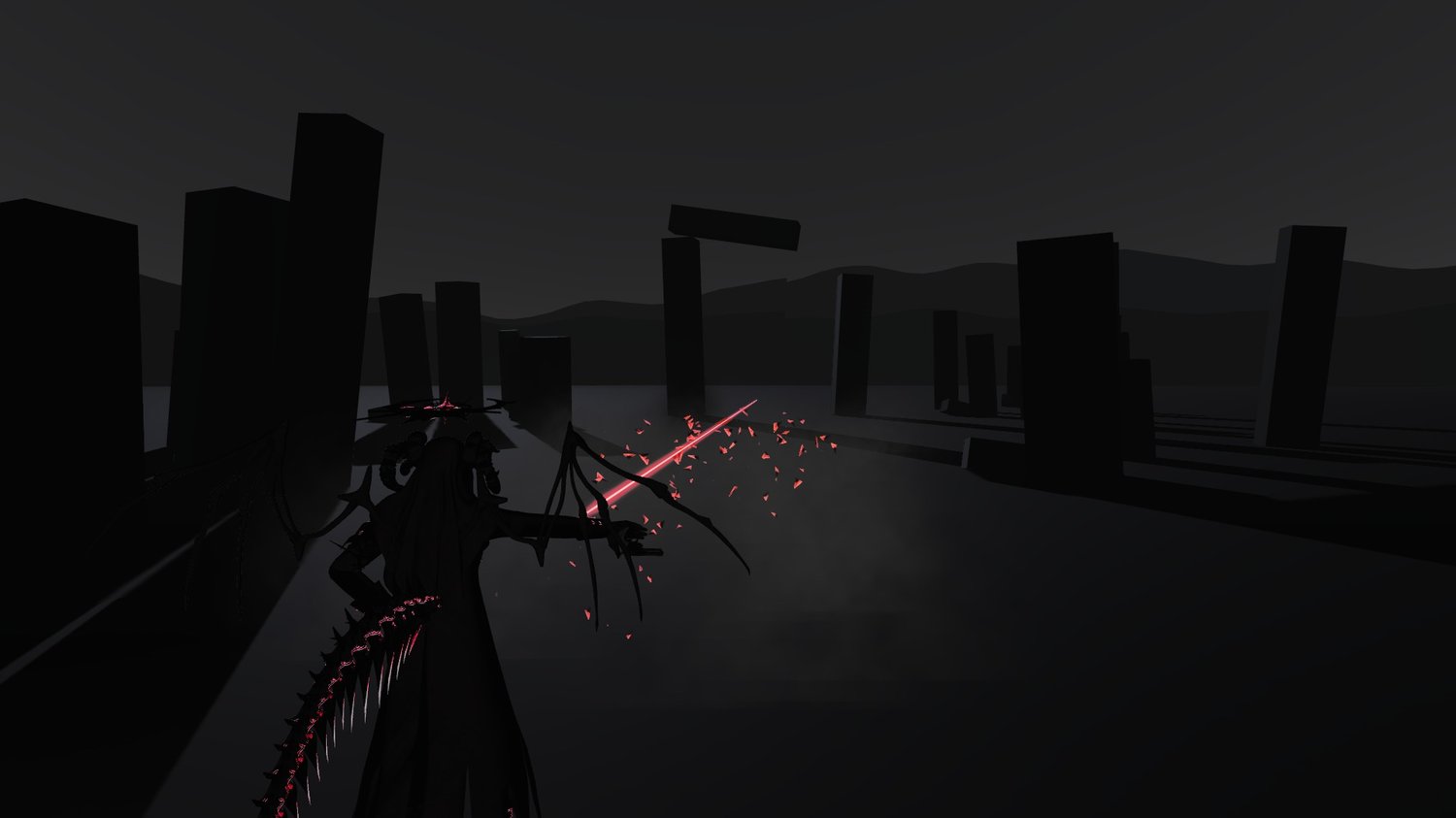
- Color drains: for one beat, color drains from the scenery around you and only the crimson line remains.
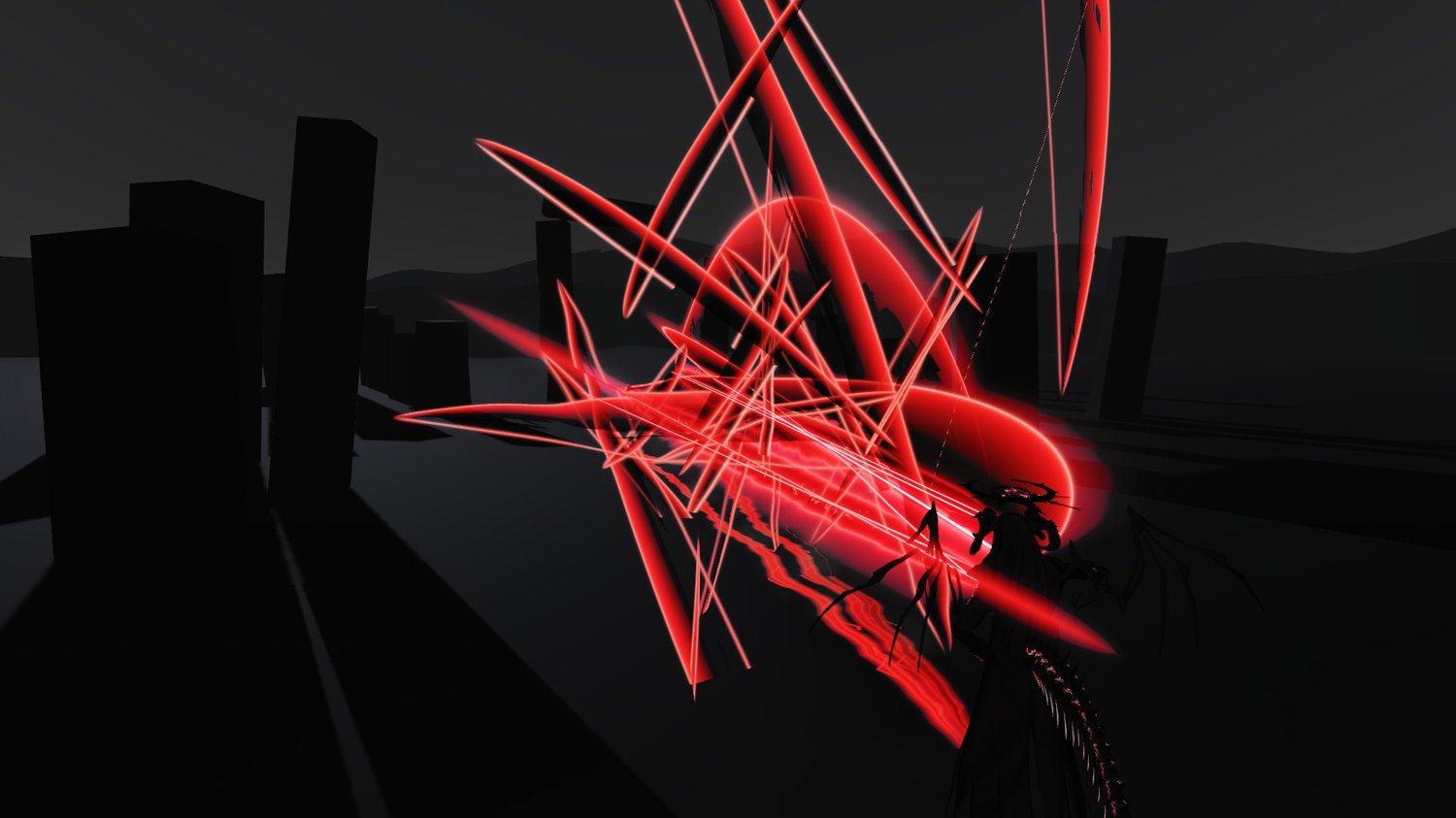
- It cuts: for an instant the world turns to line art and a black crescent slash opens. The scenery shifts along the line and black fragments scatter.
- The ground splits: the ground beneath the line splits, debris and dust fly, and a gust arrives a moment later.
Two techniques
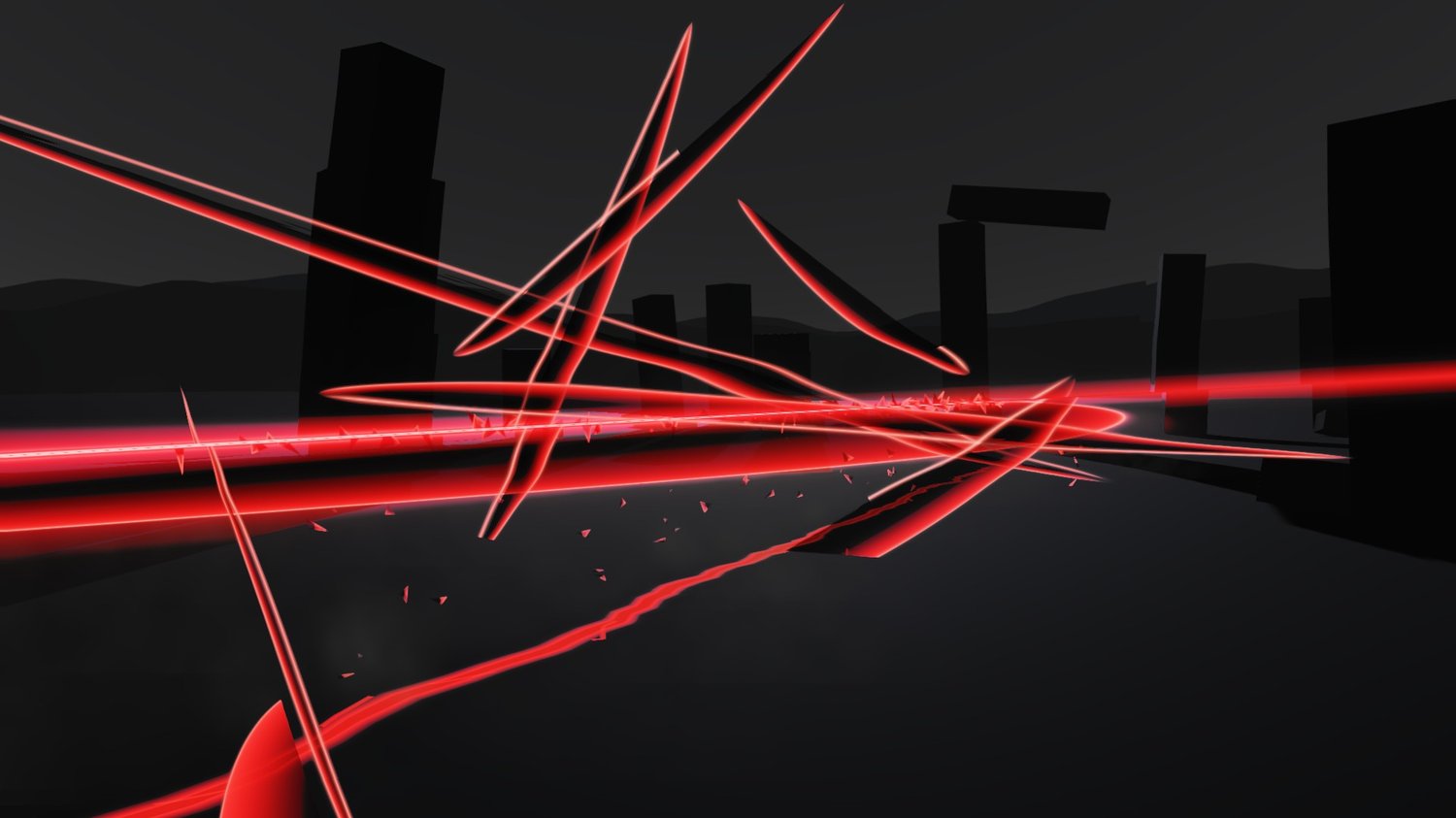
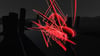
- 散 (Scatter, default): countless small slashes run around the main cut at the same moment.
- 溜め (Charge, menu: 「溜め斬り」 Charged cut): each swing leaves only a line in the air (up to 5). About 1.5 seconds after your last swing, or on the 5th, color drains and every line opens in order.
Menu (Action menu → 「断界」)
- 「構え(振って斬る)」 Stance (swing to cut): while on, a fast knife-hand swing casts it (off by default)
- 「溜め斬り」 Charged cut: switches between Scatter and Charge (off by default = Scatter)
- 「斬る」 Cut: casts it with a button (for desktop and testing)
- 「画面効果」 Screen effects: color drain, line art and scenery shift, all on/off together (on by default)
Features
- Swing to cast: it reads the speed of your hand, so no button is needed (a Cut button is included for desktop).
- Stays where it was cut: move after swinging and the slash, rift and fragments remain in place.
- Everyone around you sees and hears it.
- One-click install from the Tools menu.
- Inspector settings: swing hand (right by default), trigger speed, slash length, arc size, color, screen effect range, volume.
Screen effects (photosensitivity and VR sickness)
- Color drain, line art and scenery shift can all be turned off with 「画面効果」 (Screen effects) in the menu (on by default).
- Once, at the moment of the cut, the screen becomes black-and-white line art with a red-black inversion for about 0.1 s. This counts as a flash; turn screen effects off near people who are sensitive to light.
- Screen effects reach about 30 m from the caster and are not visible in VRChat mirrors.
- No full-screen shake.
- With screen effects off, the slash itself still appears.
Install
Modular Avatar based. In Unity: Tools → 天禍堂 (Tenkado) → 断界 (World Sever) → 「選択中のアバターに導入」 (Install to selected avatar), then upload.
The line, slash, ground rift, sound, swing detection and menu are generated at upload. Your original avatar is not modified. To update from an earlier version, just import the new unitypackage over it.
Unity and in-game menu labels are in Japanese; Install_EN.txt gives the English meaning of each one.
Requirements
- VRChat PC only (no Quest / Android)
- Unity 2022.3 / VRChat SDK - Avatars 3.10 or later
- Modular Avatar (required, install separately)
- Humanoid avatar
Please note
- Uses 13 bits of synced parameters.
- Uses Contacts for swing detection (1 Sender, 2 Receivers).
- Screen effects also appear on the screens of people nearby. Where there are strangers around, such as public instances, turn 「画面効果」 off and don't aim it at other people.
- Uses custom shaders. Viewers who block shaders won't see it.
- Depending on viewers' safety settings, some effects or sounds may not show.
Sound
Made from CC0 sources, processed and layered by Tenkado. No credit required. Sources are listed in Audio/CREDITS.txt.
Included
- WorldSever_v1.1.1.unitypackage (gimmick, shaders, 5 sound effects)
- Install_EN.txt / 導入方法.txt
- Terms_EN.txt / 利用規約.txt
Terms (summary)
- Editing OK / reusing parts OK
- No use to harass anyone
- No redistribution, transfer, or resale of the data, edited or not
- Full terms in Terms_EN.txt
Version history
- v1.1.1 (2026/11/12): fixed the slash going toward your arm instead of straight ahead in your own view.
- v1.1.0: new slash look (black crescent with a crimson edge, black fragments). Added the color drain during the beat and the line-art frame at the cut. 「景色のずれ」 (Scenery shift) became 「画面効果」 (Screen effects), which switches color drain and line art too. Default color changed to deep crimson.
- v1.0.1 (2026/10/16): fixed the unitypackage failing to import into Unity (no content changes).
Avatar shown: Komano (狛乃)
Made by Tenkado (天禍堂), Japan.