


Visual Table Library
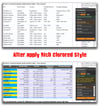
Visual Table Library (VTL) is a CEP panel for Adobe InDesign. It is a visual constructor and a local library of table looks — not a replacement for InDesign Table Styles or Cell Styles. Those tools stay as they are. VTL never writes them.
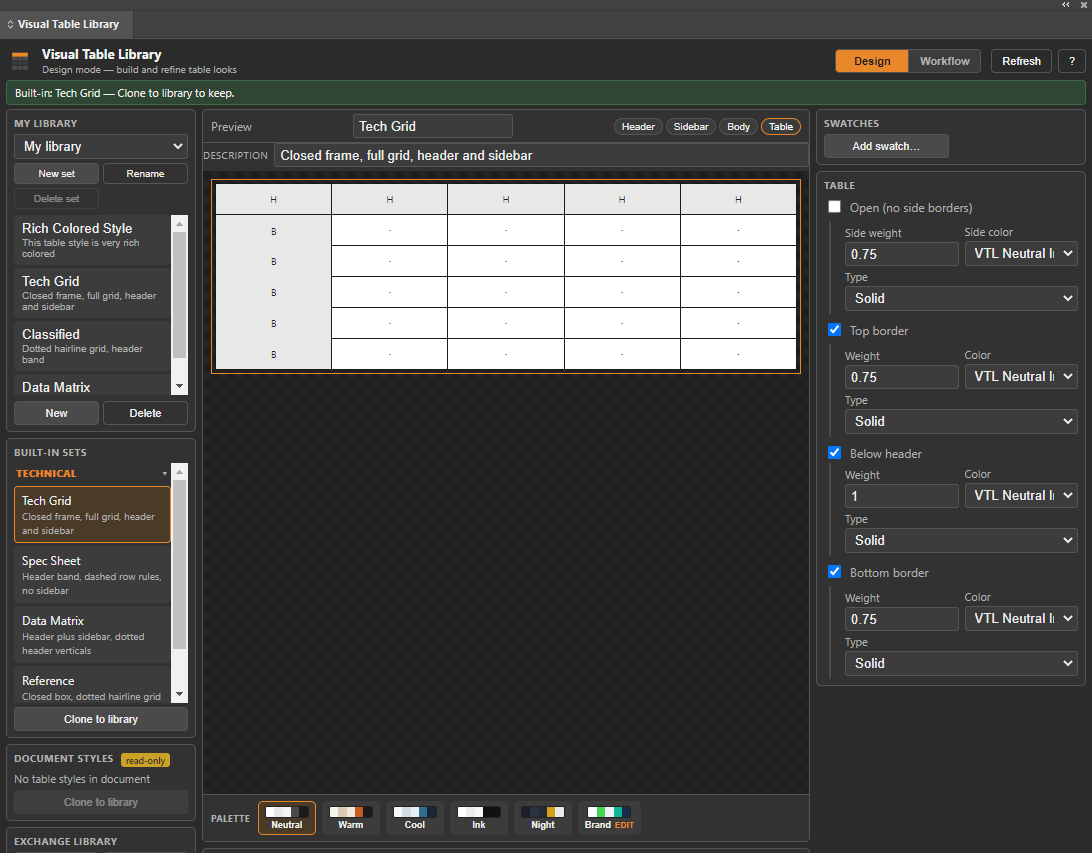
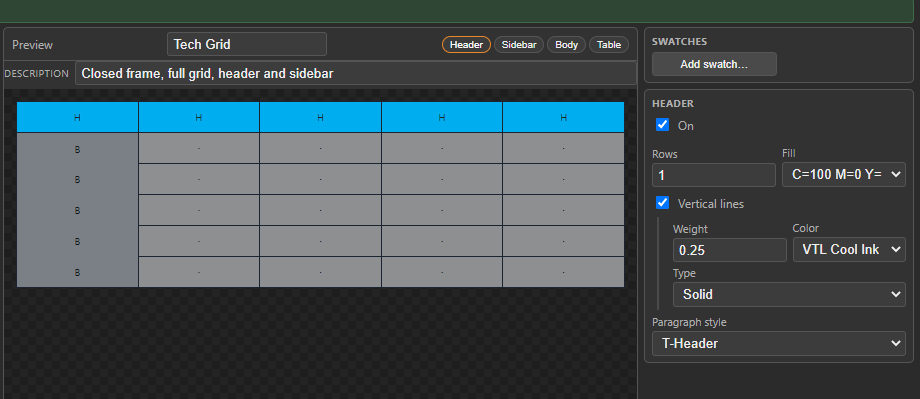
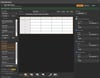
You design how a table should look: Header, Sidebar, Body, and the outer frame. The preview updates as you work. Looks live in named JSON libraries on your computer, not inside the InDesign file. Keep one set per client or title. Each set can store its own Brand colors.
What you get
- Signed ZXP for InDesign 2020–2026 (Windows and macOS)
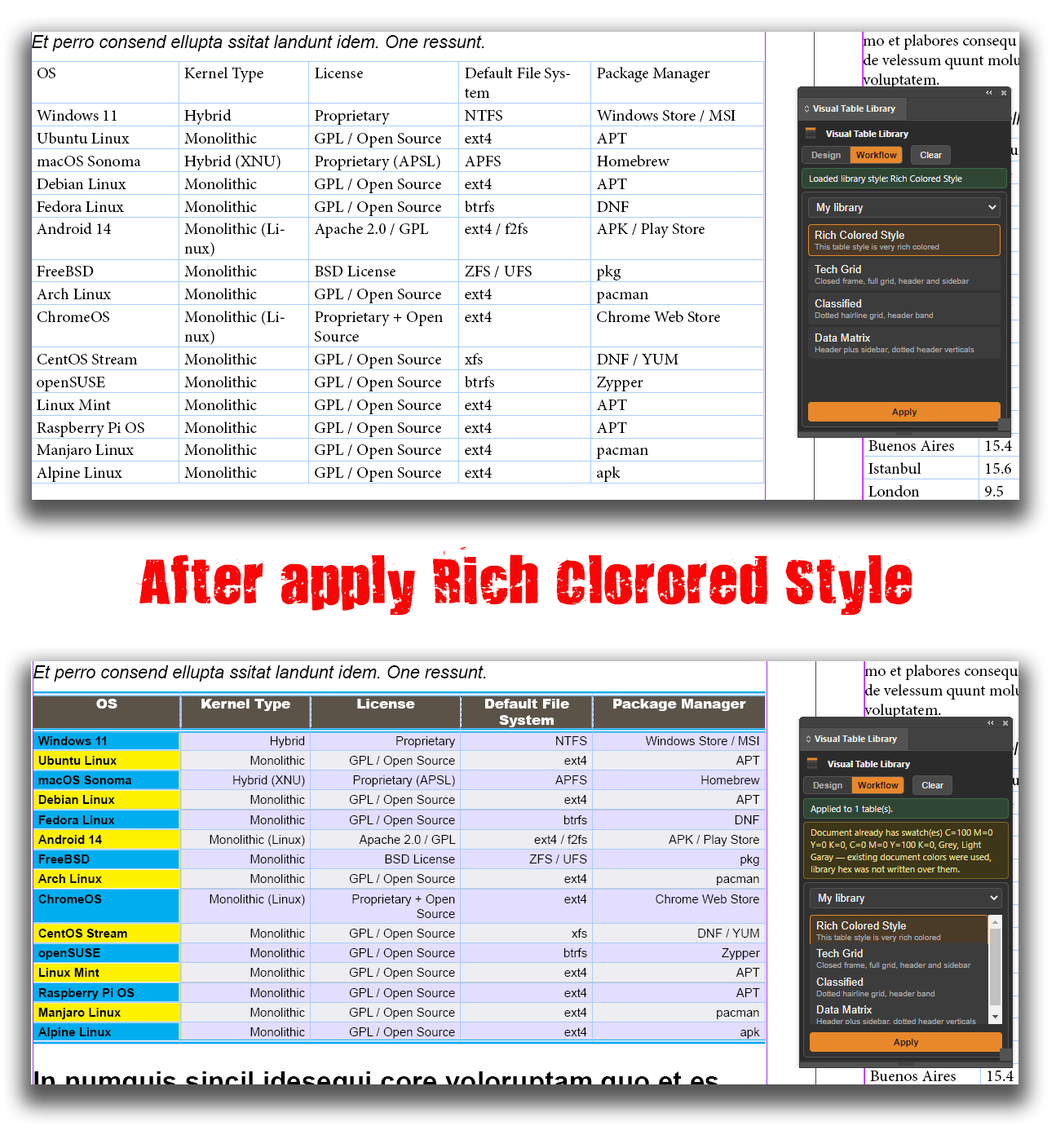
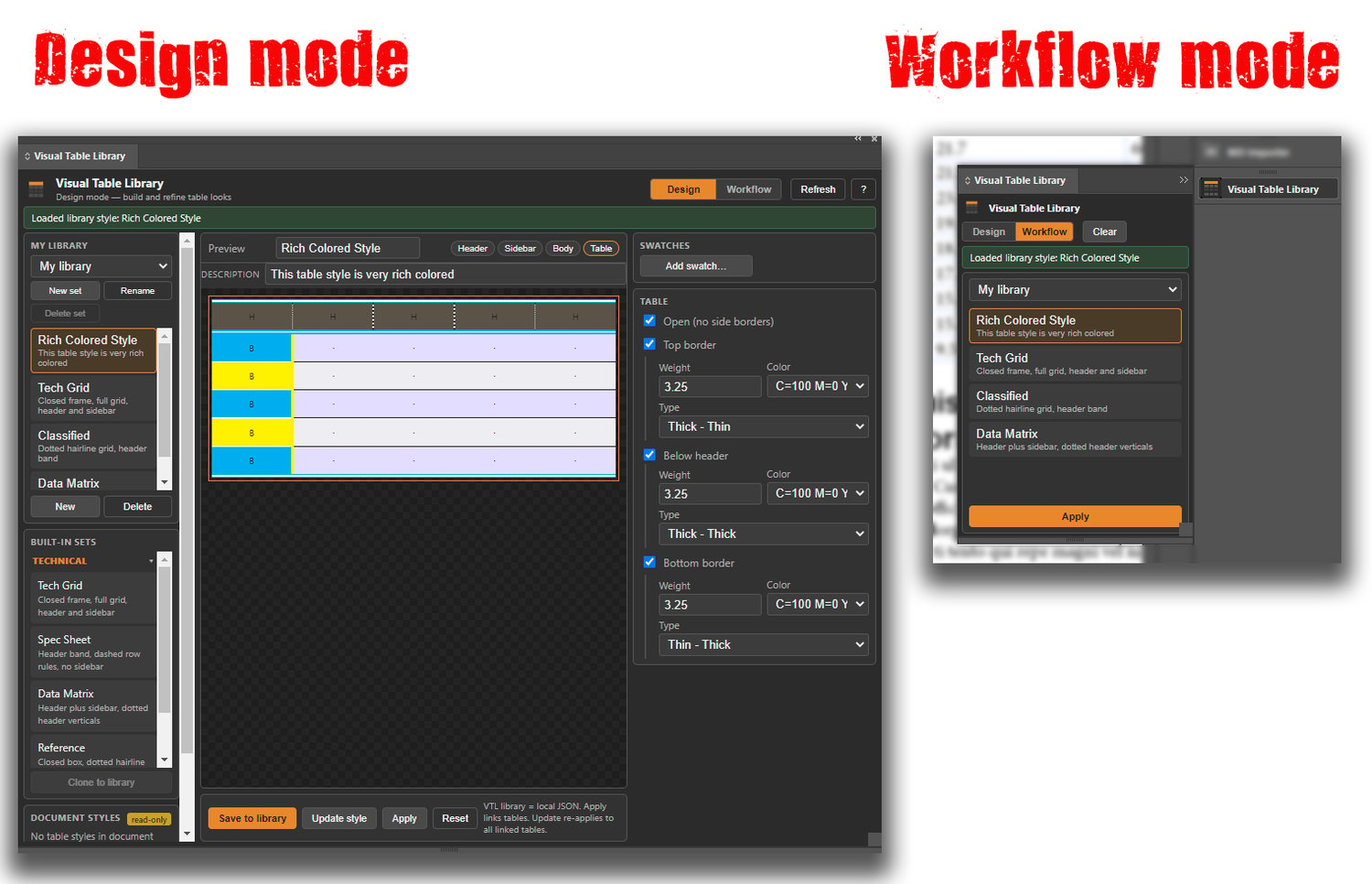
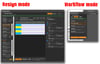
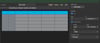
- Design mode to build looks; Workflow mode to Apply and Clear
- Twelve built-in looks (Technical, Magazine, Newspaper)
- Palettes: Neutral, Warm, Cool, Ink, Night, plus Brand
- Apply paints selected tables, links them, and checks the result
- Update style re-applies a look to every linked table in the document
- Export / Import a library as JSON (import always creates a new set)
Requirements
Adobe InDesign 2020 (15.0) through InDesign 2026. An open document and a selected frame that contains a table. English UI.
Install
- Buy and download the ZIP.
- Quit InDesign.
- Install VTL.zxp with Anastasiy’s Extension Manager or Adobe ExManCmd.
- Start InDesign → Window → Extensions → Visual Table Library.
Do not drop an unsigned folder into CEP/extensions. Use the signed ZXP from this purchase.
License
Perpetual license for computers you own or control. Looks and JSON libraries you create remain yours. Support: ryzl@hotmail.com
This is the same 0.2.6 product as on Adobe Exchange. Buy once on either channel; you do not need both.