



Project & Task Tracker — Interactive Web App (No App Required)
You know that feeling when you have 4 projects running at once, tasks scattered across sticky notes, and no clear picture of what's actually getting done?
This fixes that.
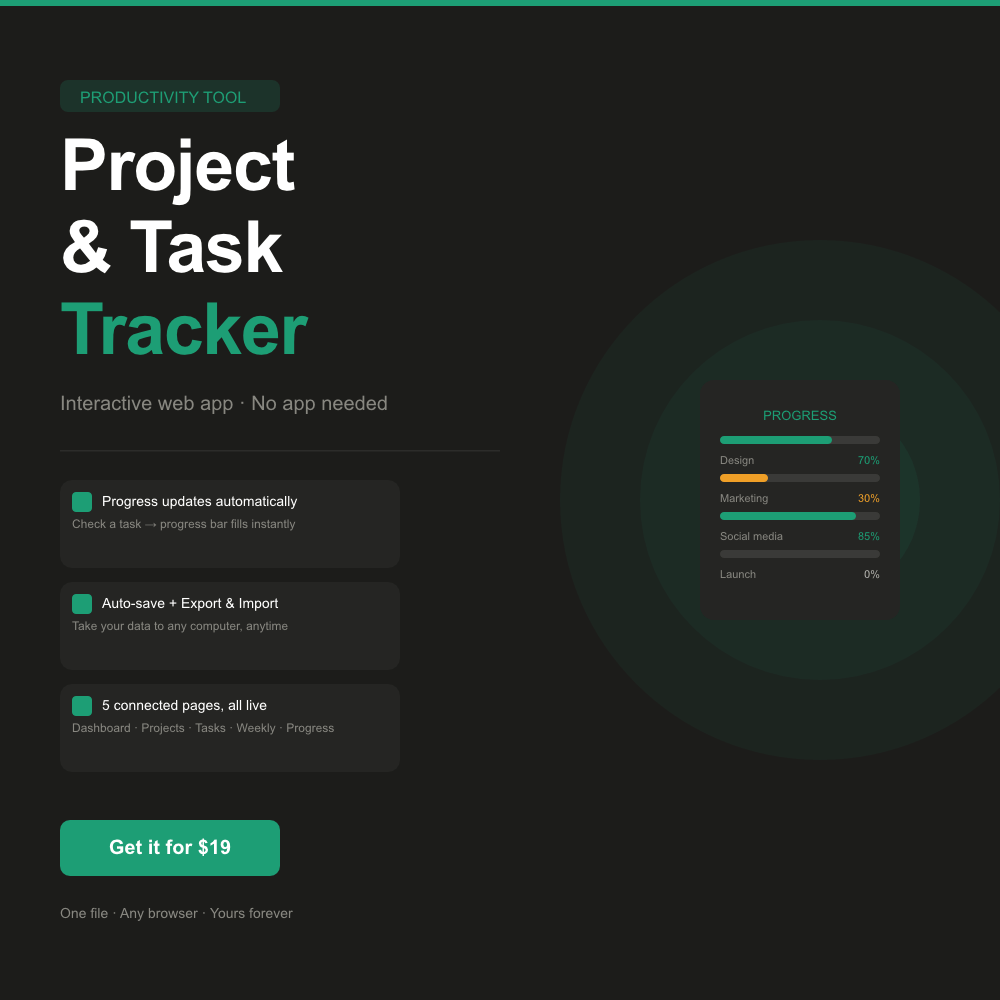
The Project & Task Tracker is a fully interactive web app that runs in any browser — no subscription, no login, no app to install. Open it, add your projects, check off your tasks, and watch your progress bars update in real time.
─────────────────────────────
✦ WHAT MAKES THIS DIFFERENT
─────────────────────────────
Most productivity templates are static. You fill in a table, nothing talks to anything else, and you manually update percentages. This one is alive.
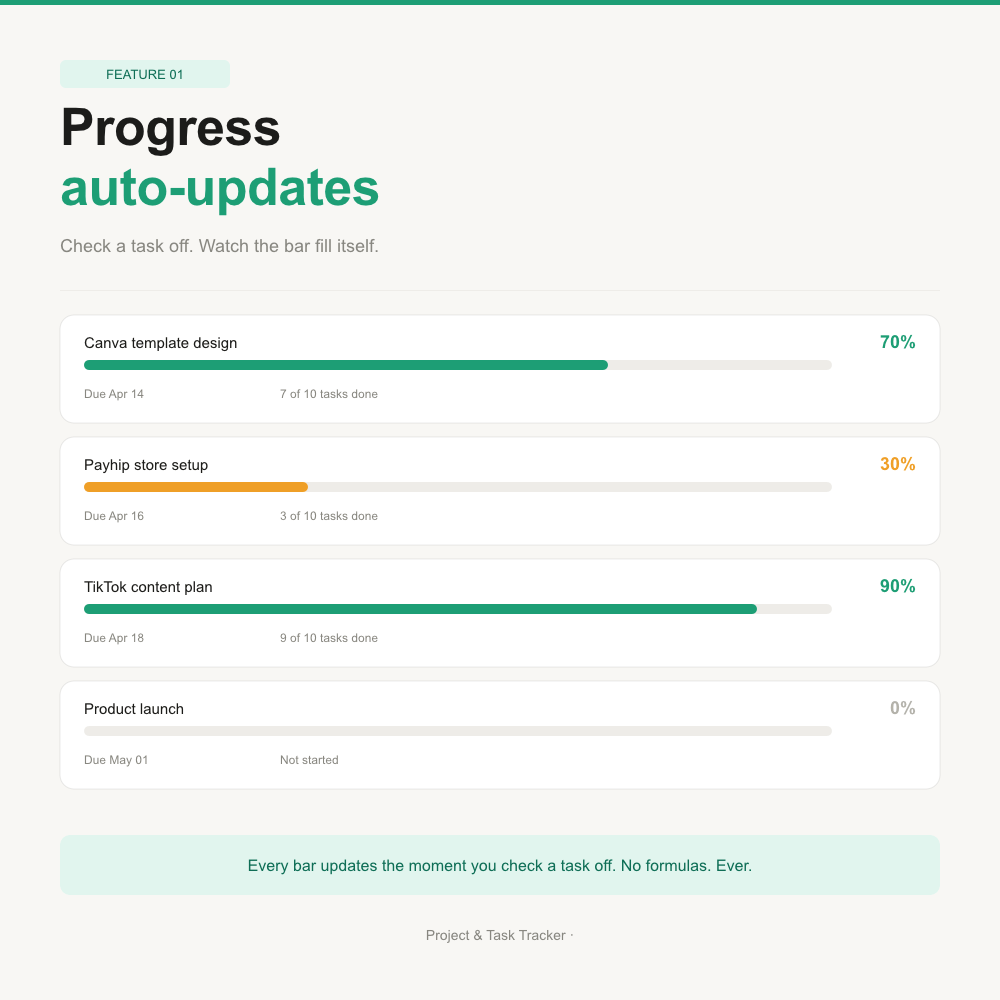
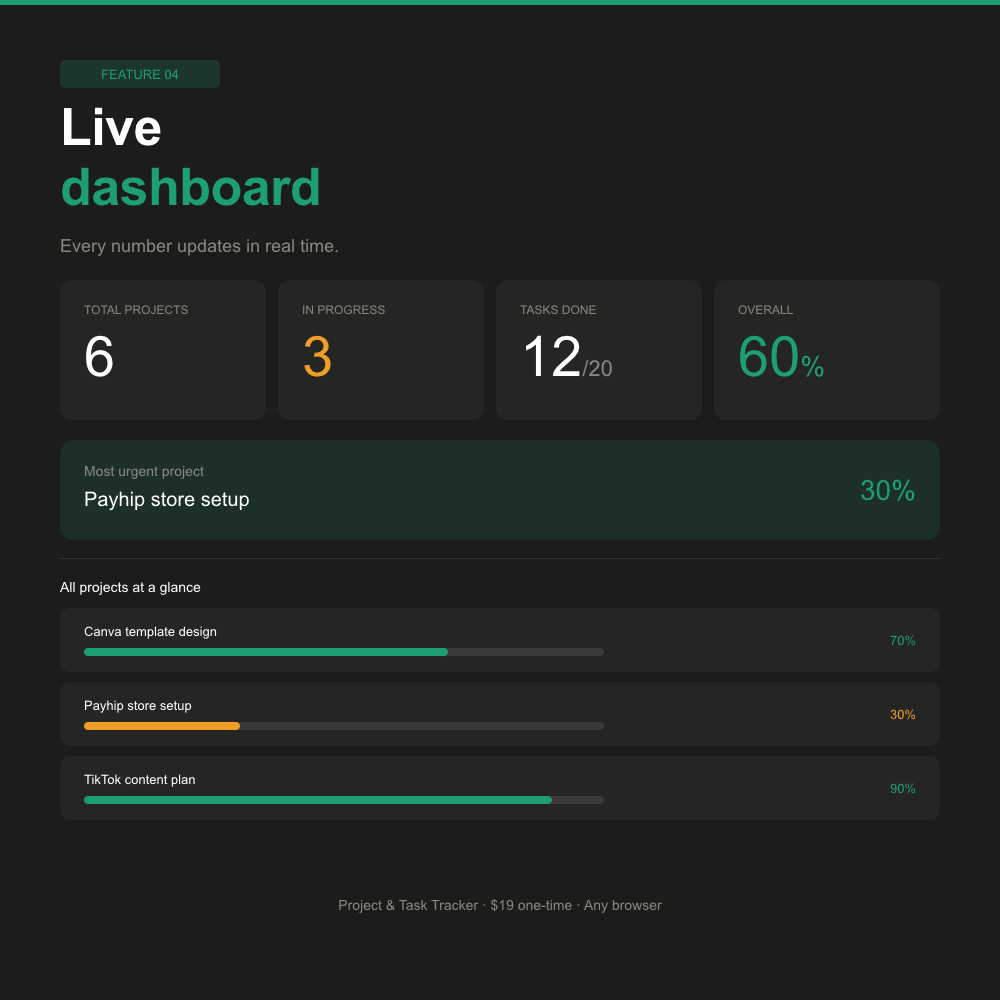
The moment you mark a task as Done, the progress bar moves—the dashboard stats update. The project status changes automatically. Everything is connected.
─────────────────────────────
✦ WHAT'S INSIDE
─────────────────────────────
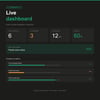
► Dashboard — Live summary of all your projects, tasks done, and overall progress at a glance
► Projects Page — Full overview table with category, deadline, priority, and auto-calculated status for every project
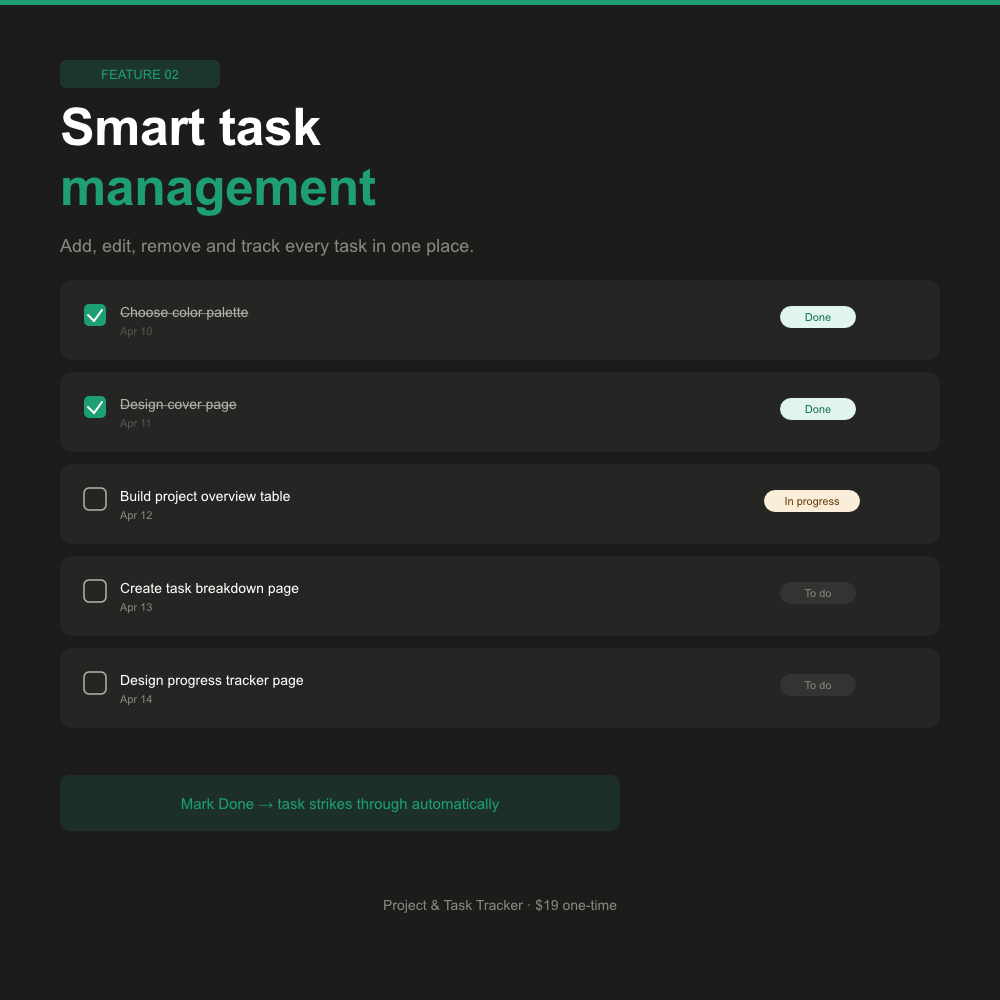
► Tasks Page — Check tasks off, change status (To do / In progress / Done), edit task names and due dates inline, add new tasks, remove unwanted ones — all in one place
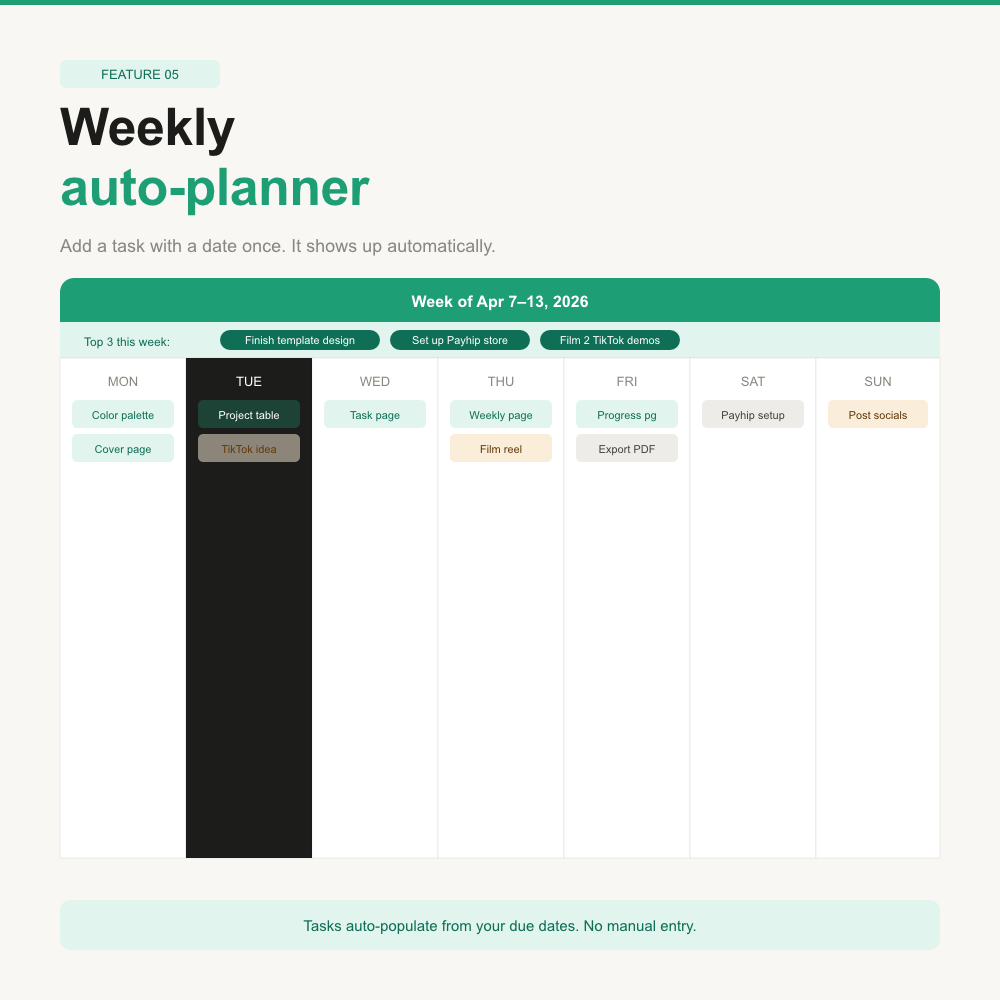
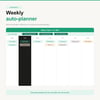
► Weekly Planner — Automatically shows which tasks and deadlines fall on each day of the current week—no manual entry.
► Progress Tracker — The star of the show. Every progress bar fills itself based on your completed tasks. Mark a task done → bar moves. No formulas. No manual updates. Ever.
─────────────────────────────
✦ SMART SAVING — NEVER LOSE YOUR WORK
─────────────────────────────
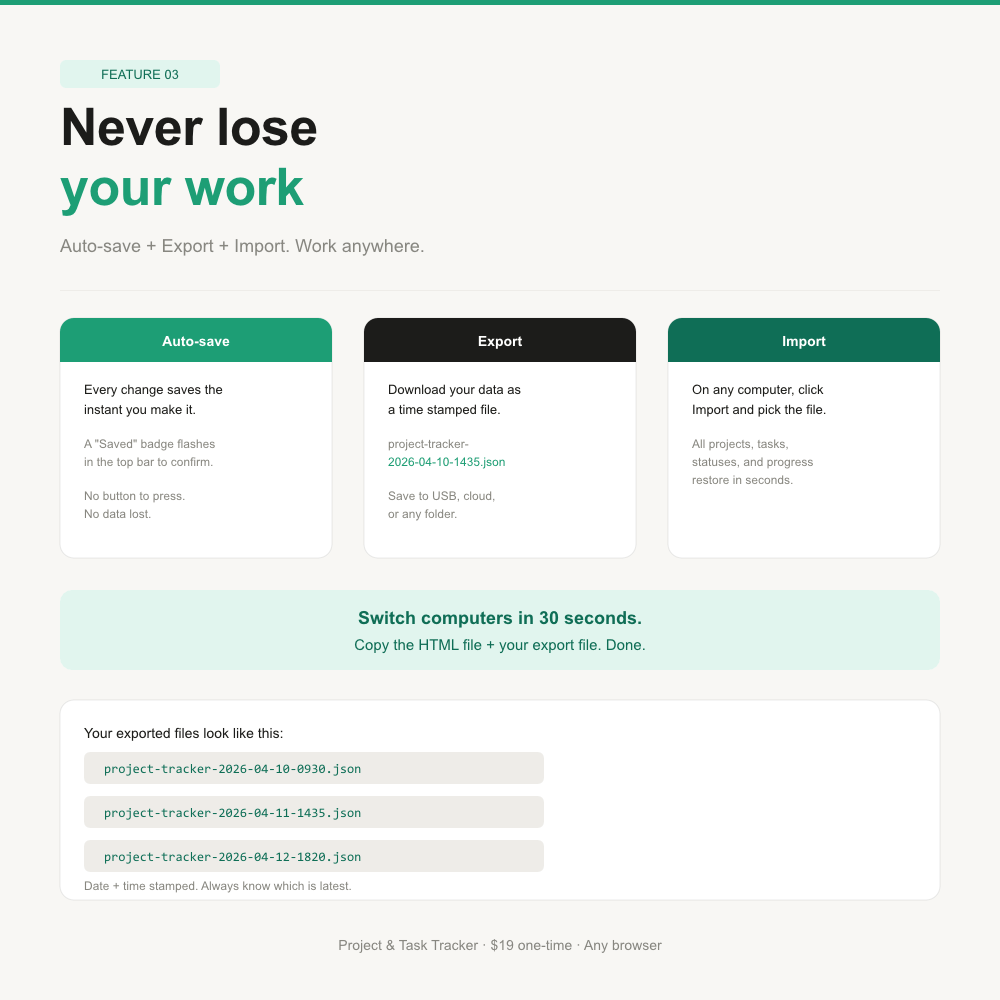
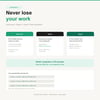
► Auto-saves to your browser every single time you make a change
► Export your data as a uniquely named .json file (e.g., project-tracker-2026-04-10-1435.json) and save it to your computer, USB drive, or cloud folder
► Import it back instantly on any computer — switch devices without losing a single task
► A small "Saved" badge confirms every auto-save, so you always know your work is safe
─────────────────────────────
✦ WHO THIS IS FOR
─────────────────────────────
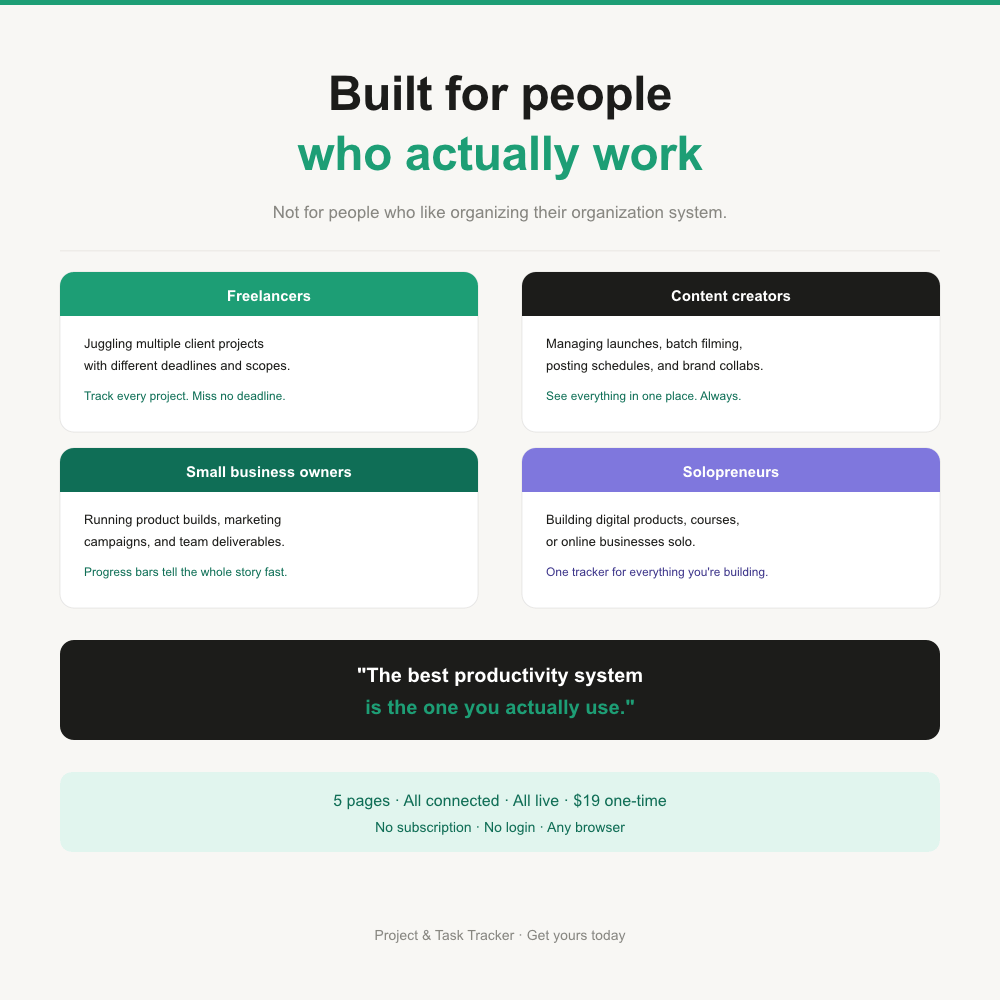
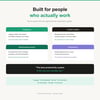
► Freelancers juggling multiple clients
► Content creators managing launches, batch filming, and posting schedules
► Small business owners tracking product builds and marketing campaigns
► Anyone who has ever lost track of what needs to happen next
─────────────────────────────
✦ HOW TO USE IT
─────────────────────────────
1. Purchase and download the single HTML file
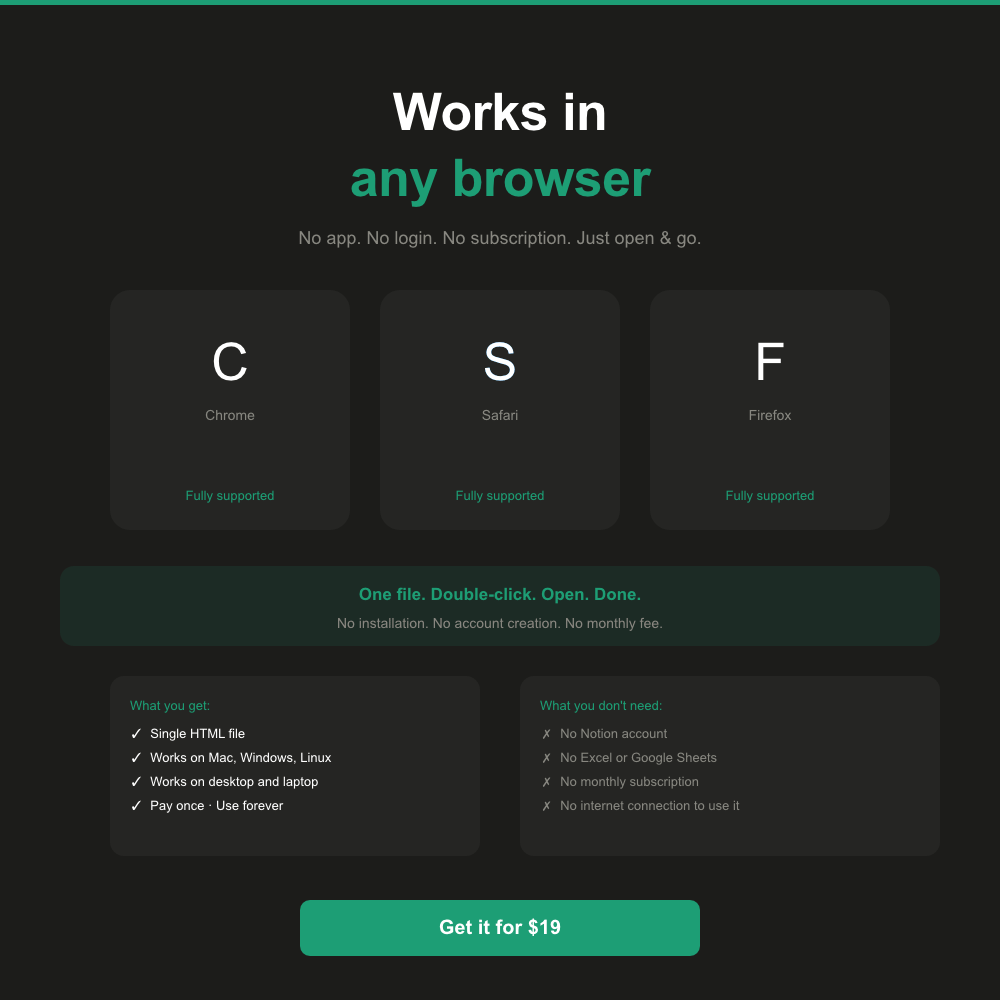
2. Open it in any browser (Chrome, Safari, Firefox — your choice)
3. Add your projects and tasks
4. That's it. Everything else is automatic.
─────────────────────────────
✦ WHAT YOU GET
─────────────────────────────
► 1 x HTML file (open in any browser, no installation needed)
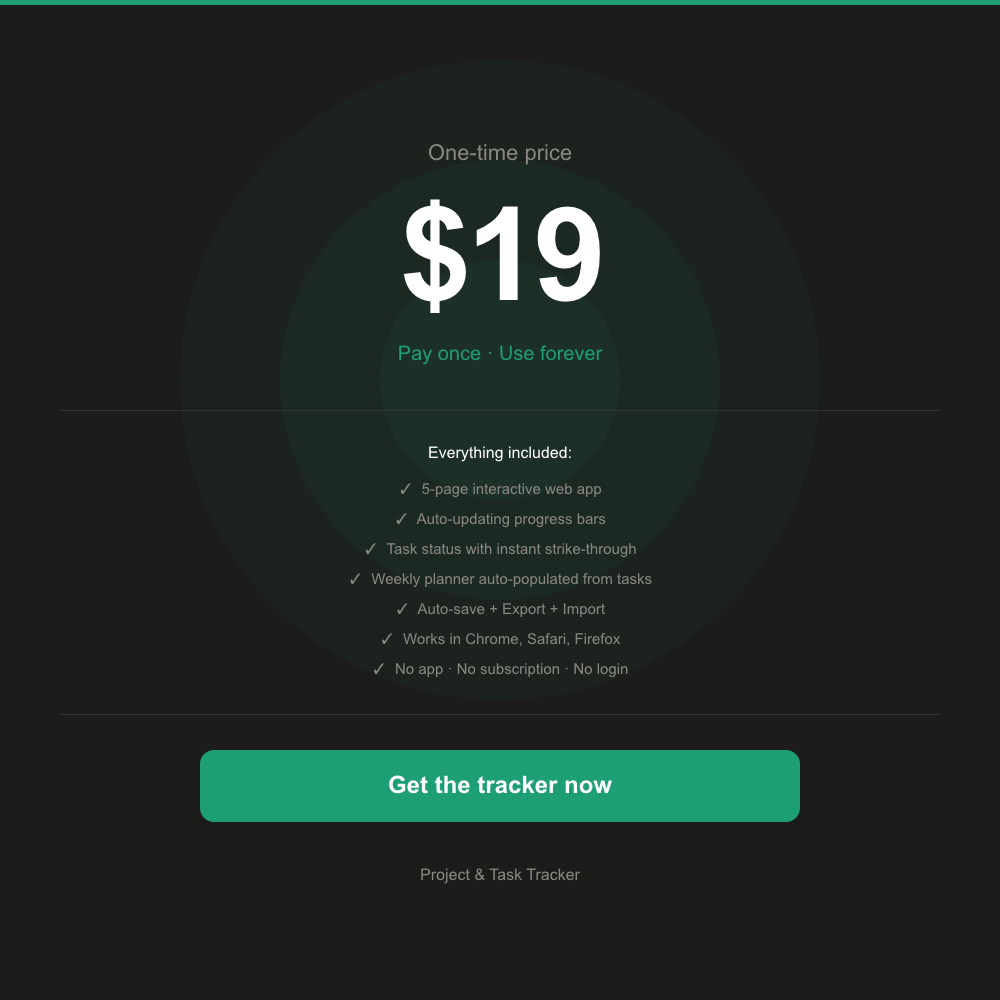
► 5 connected pages: Dashboard · Projects · Tasks · Weekly Planner · Progress Tracker
► Lifetime access — pay once, use forever
► Free updates if improvements are made
Price: $19
(Worth every cent the first time it saves you from missing a deadline.)