

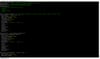

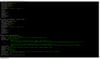
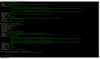

Multi-Sheet Secure Excel Transformer Tool 여러 시트, 엑셀 데이터 정제 및 보안 처리 도구
엑셀 데이터 정제 및 보안 처리 도구
Secure Excel Sanitizer & Transformer Tool
A utility for secure reading and writing of Excel files.
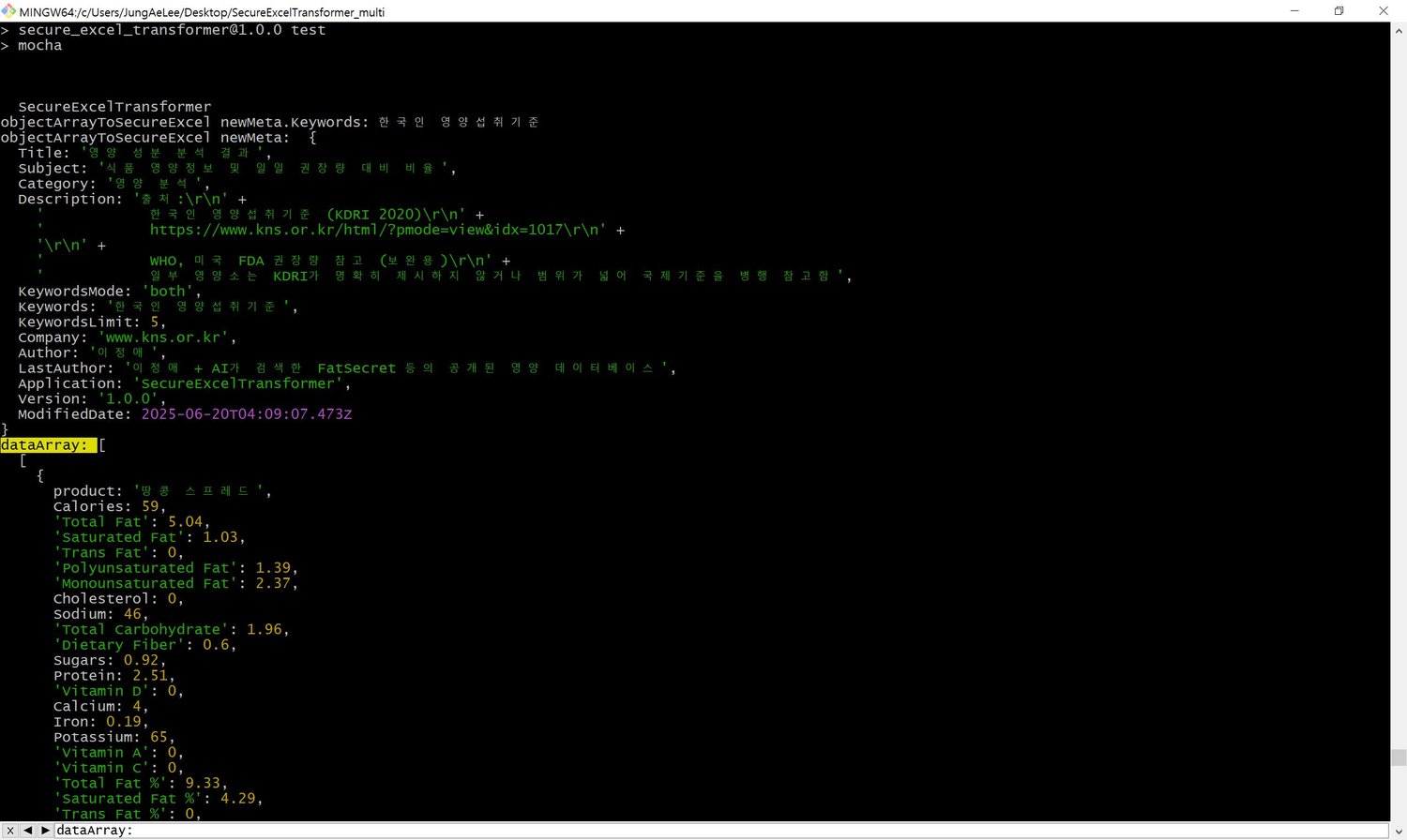
Provides metadata sanitization, automatic keyword extraction, sheet transformation, and secure Excel file generation — with colorized console output.
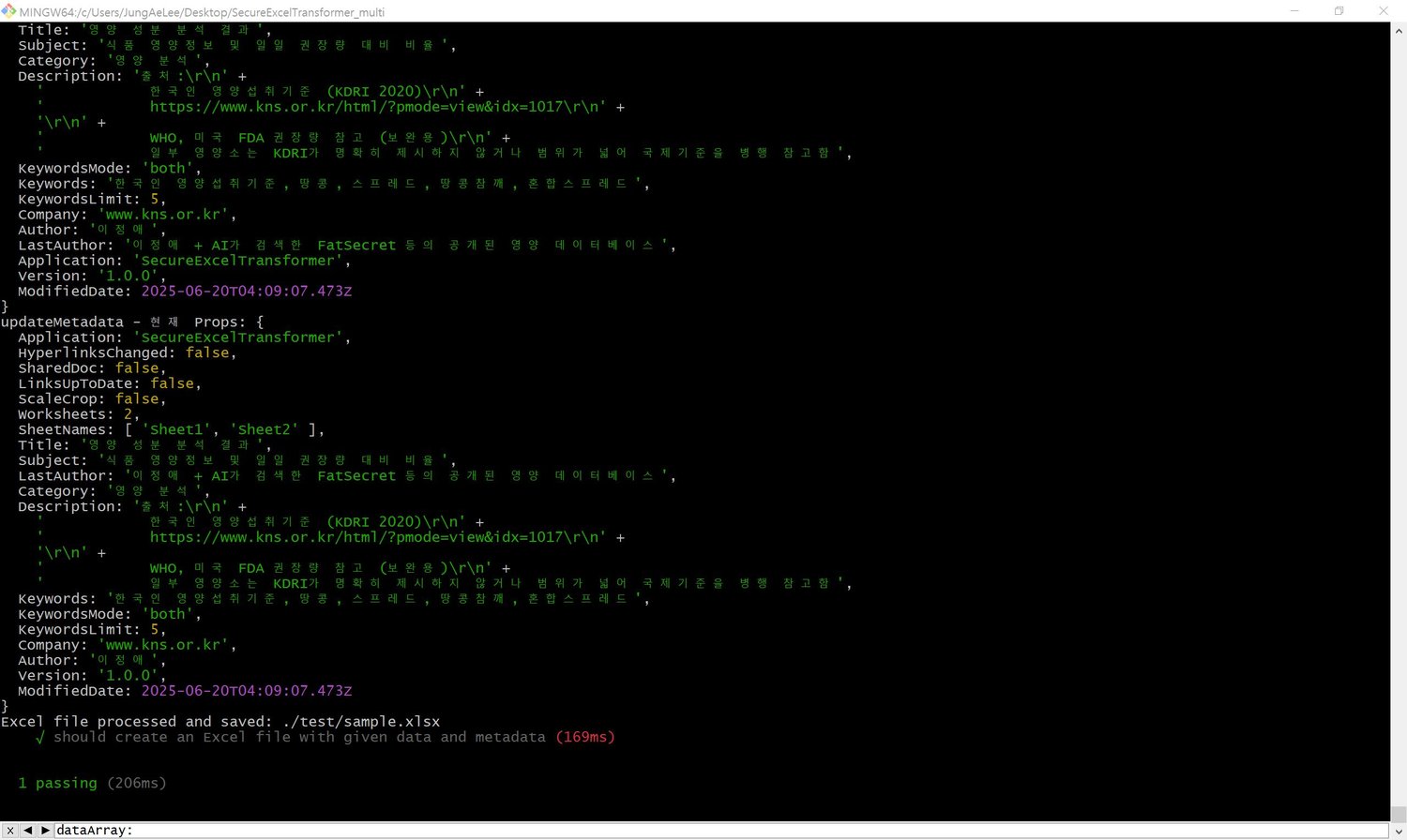
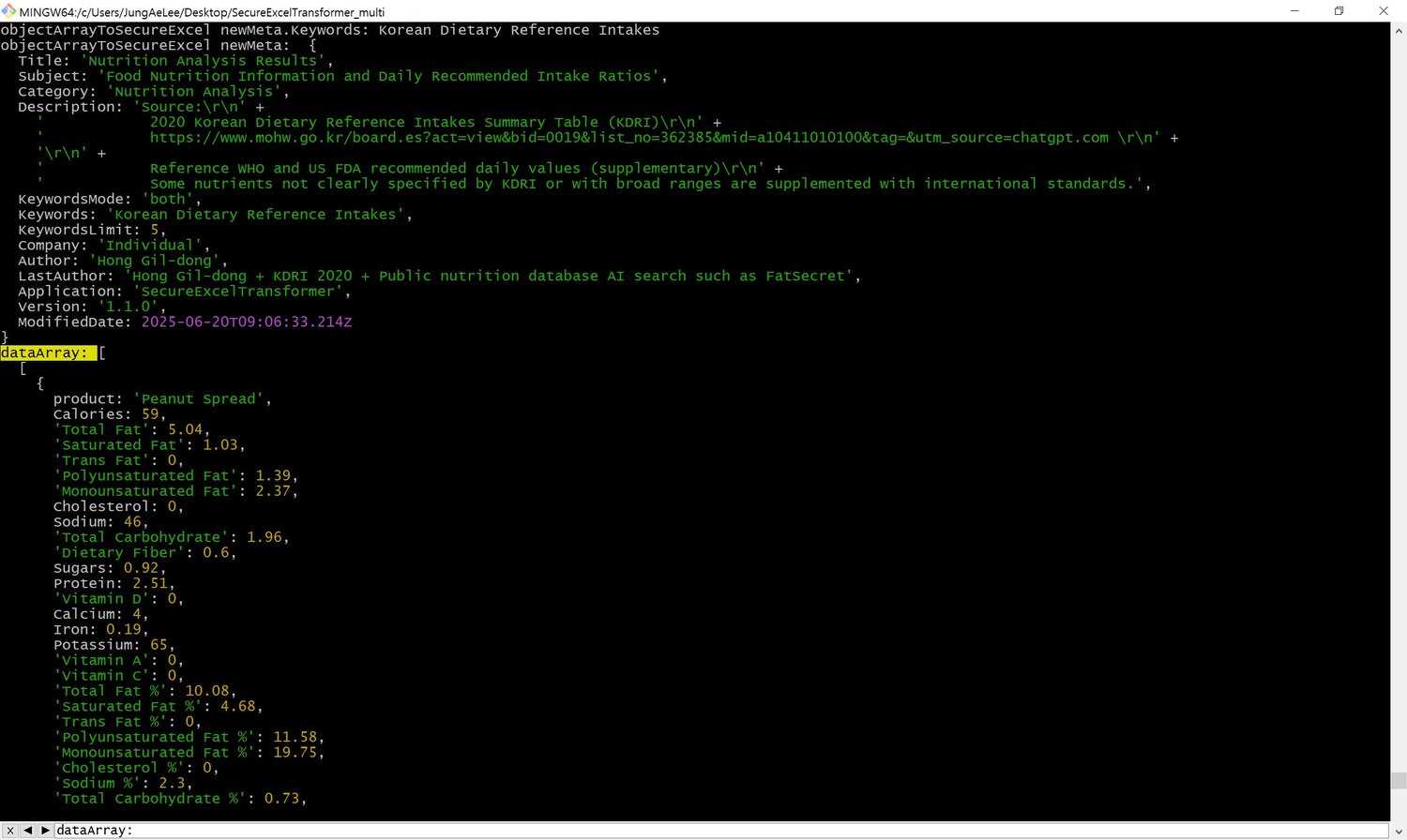
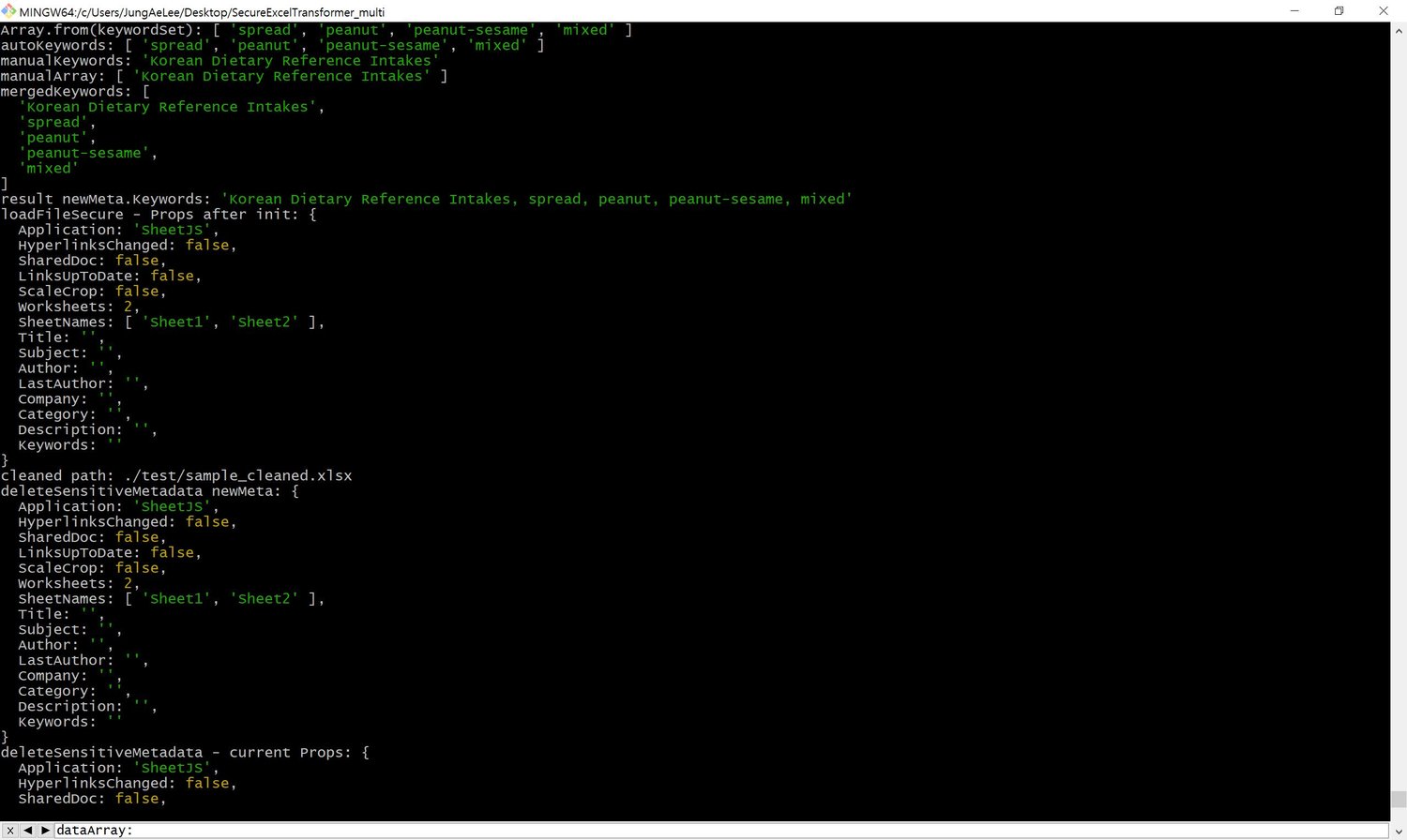
Based on an object array, the tool generates a secure Excel file, sanitizes sensitive metadata, and embeds new metadata. Each step is modular, allowing flexible use — metadata insertion can be skipped if not needed. For metadata keywords, the tool analyzes the most frequent terms in the dataset and inserts the top N in descending order of frequency.
보안을 고려한 Excel 파일 입출력 유틸리티입니다.
다양한 메타데이터 정제 및 키워드 자동 추출, 시트 변환, 안전한 엑셀 생성 기능을 제공하며, 콘솔 출력은 컬러로 제공됩니다.
객체 배열을 바탕으로, 안전한 엑셀 파일을 생성하고, 민감한 메타데이터를 정제하고, 메타데이터를 삽입합니다. 이 과정에서의 모든 명령은 개별적으로 사용할 수 있고, 메타데이터 삽입이 불필요하다면 생략하면서 사용하실 수 있습니다. 메타태그의 키워드의 경우에는 내가 원하는 키워드의 개수만큼을, 가장 많이 사용된 단어의 횟수를 자동으로 분석해서 내림차순으로 삽입해줍니다.
주요 기능 / Features
- 엑셀 데이터에서 보안 정제된 객체 배열 추출
Extract a sanitized object array from Excel data
- 전체 객체배열의 데이터를 분석하여 가장 많이 사용된 단어를 메타데이터의 키워드로 자동삽입 (상위 N개)
Automatically insert top-N most frequent terms as metadata keywords
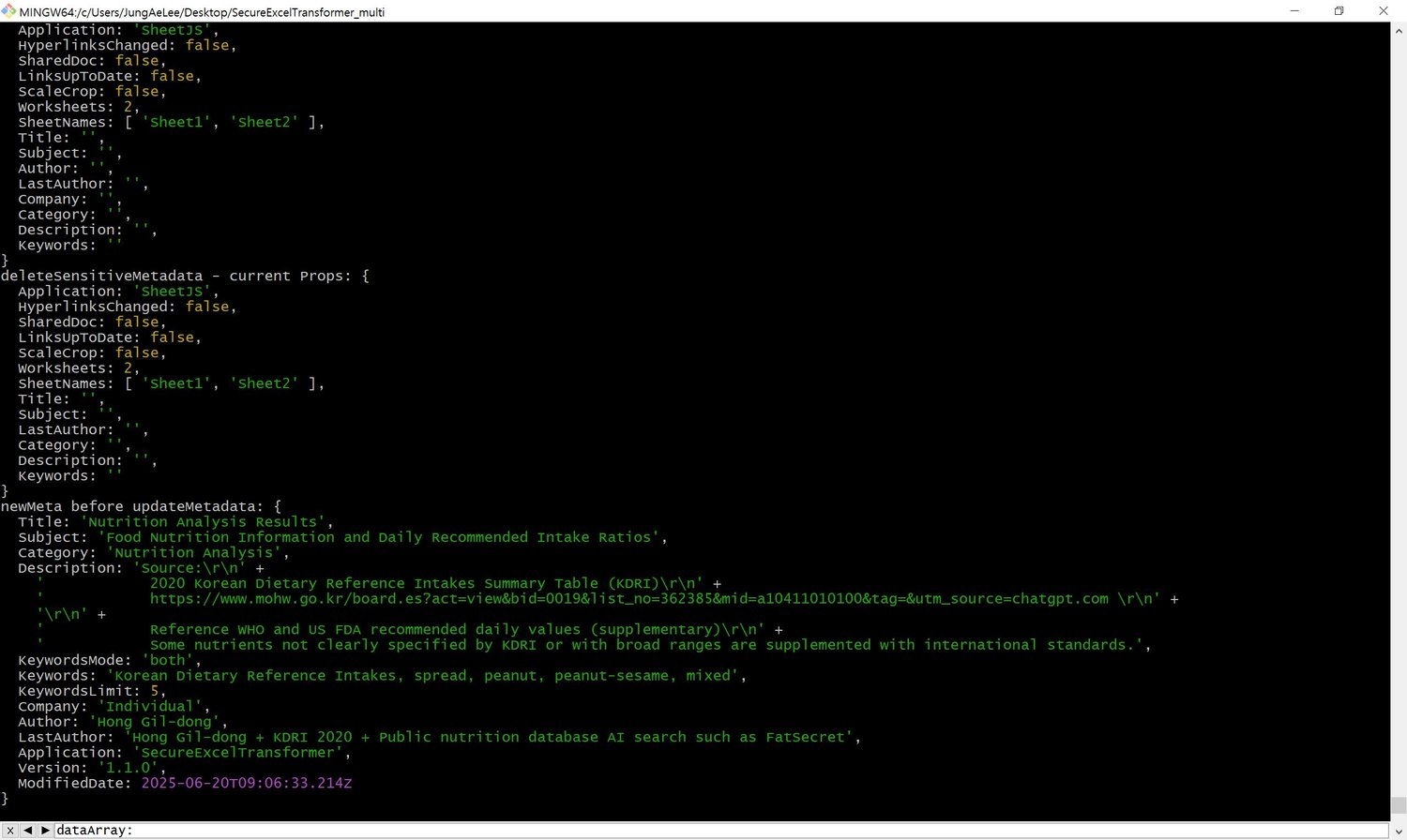
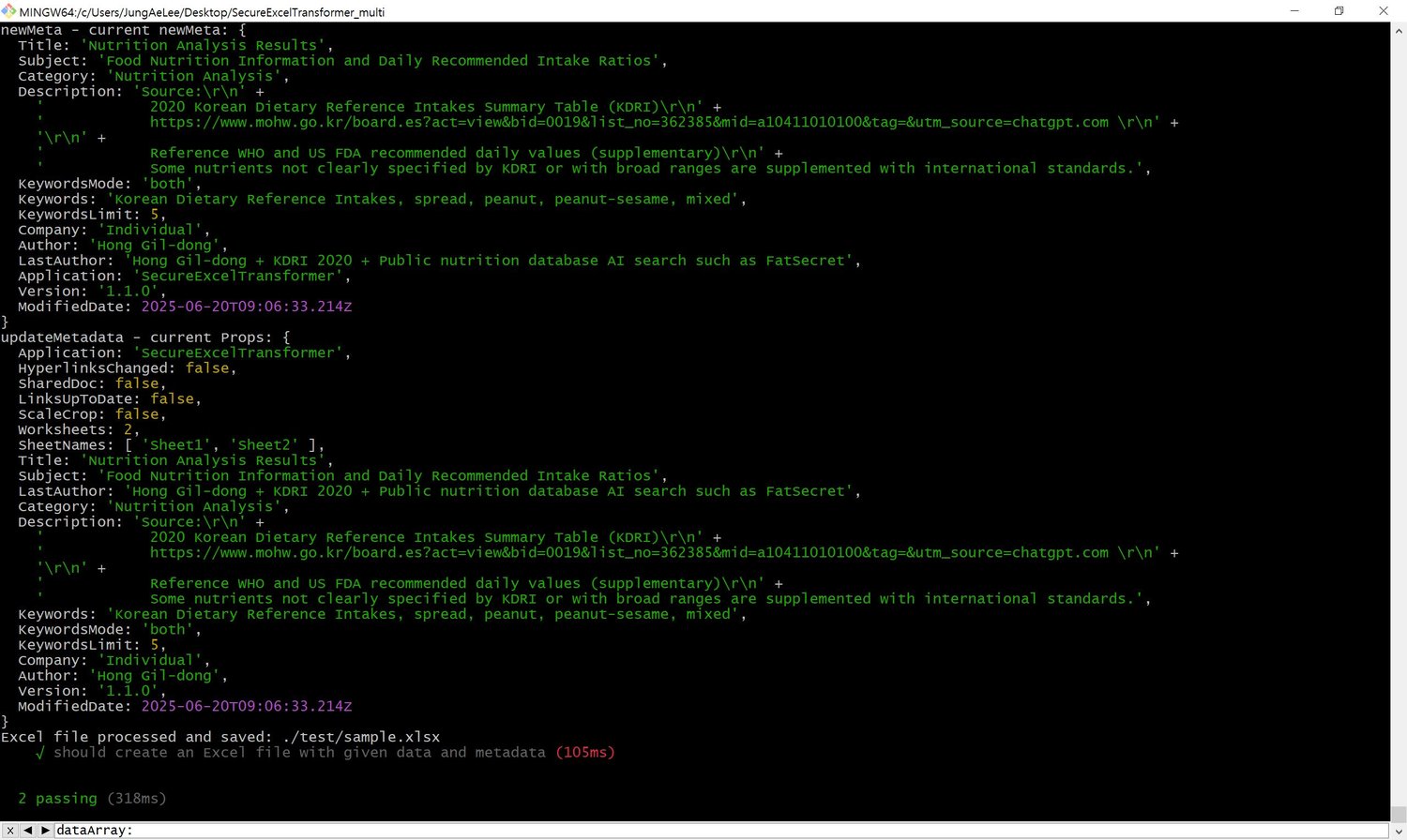
- SheetJS 방식의 메타데이터 삽입 및 확인
Embed and inspect metadata using SheetJS-compatible format
- 보안 키 필터링 (예: XSS 방지, 포맷 제한, 불필요한 키 제거)
Security-based key filtering (e.g., XSS prevention, format constraints, unwanted key removal)
- 민감한 개인정보는 true 또는 false 값을 받아서 원하는대로 정제
Sensitive fields (e.g., author/company) can be selectively deleted based on user preference
추가 기능 / Extended Capabilities
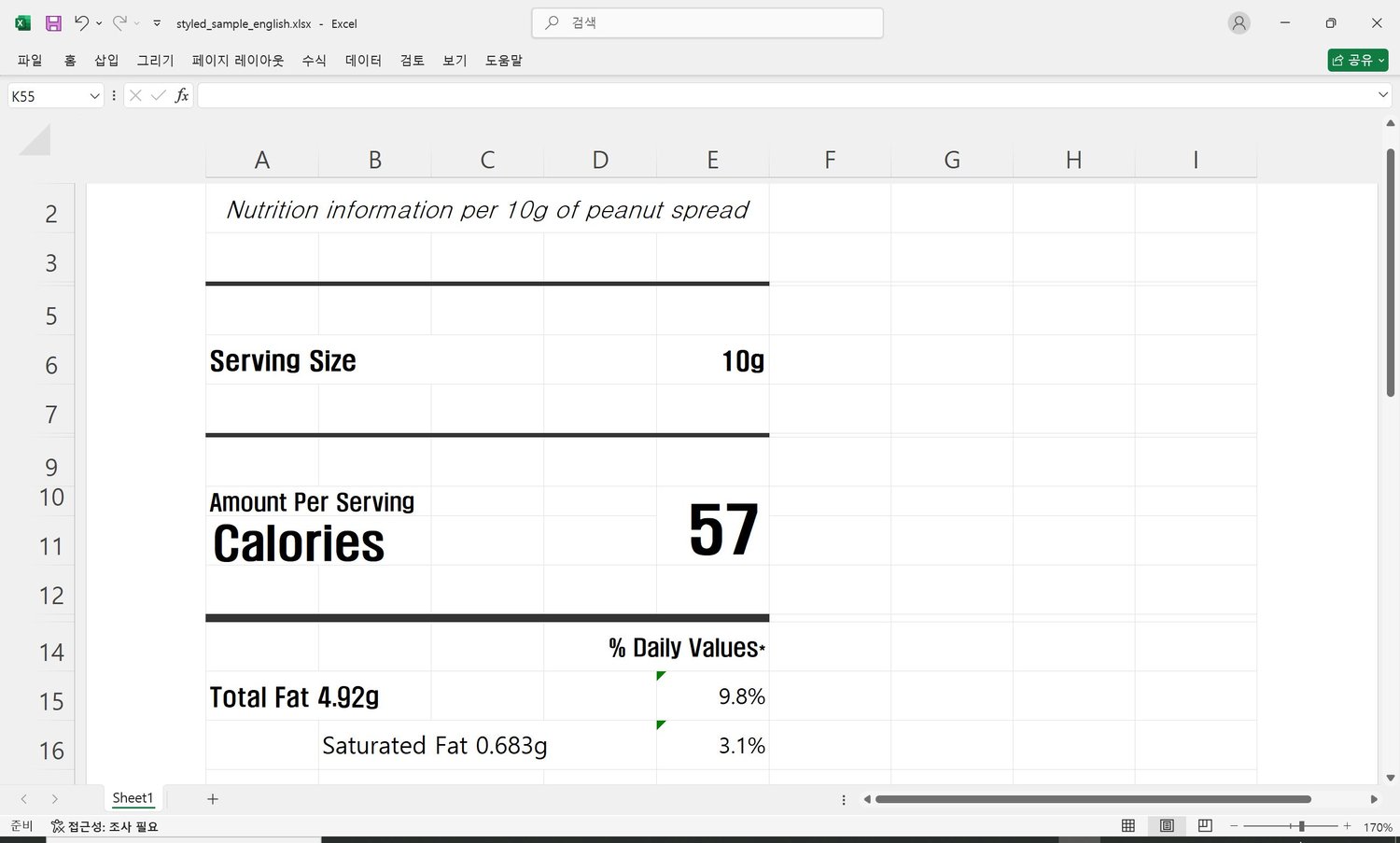
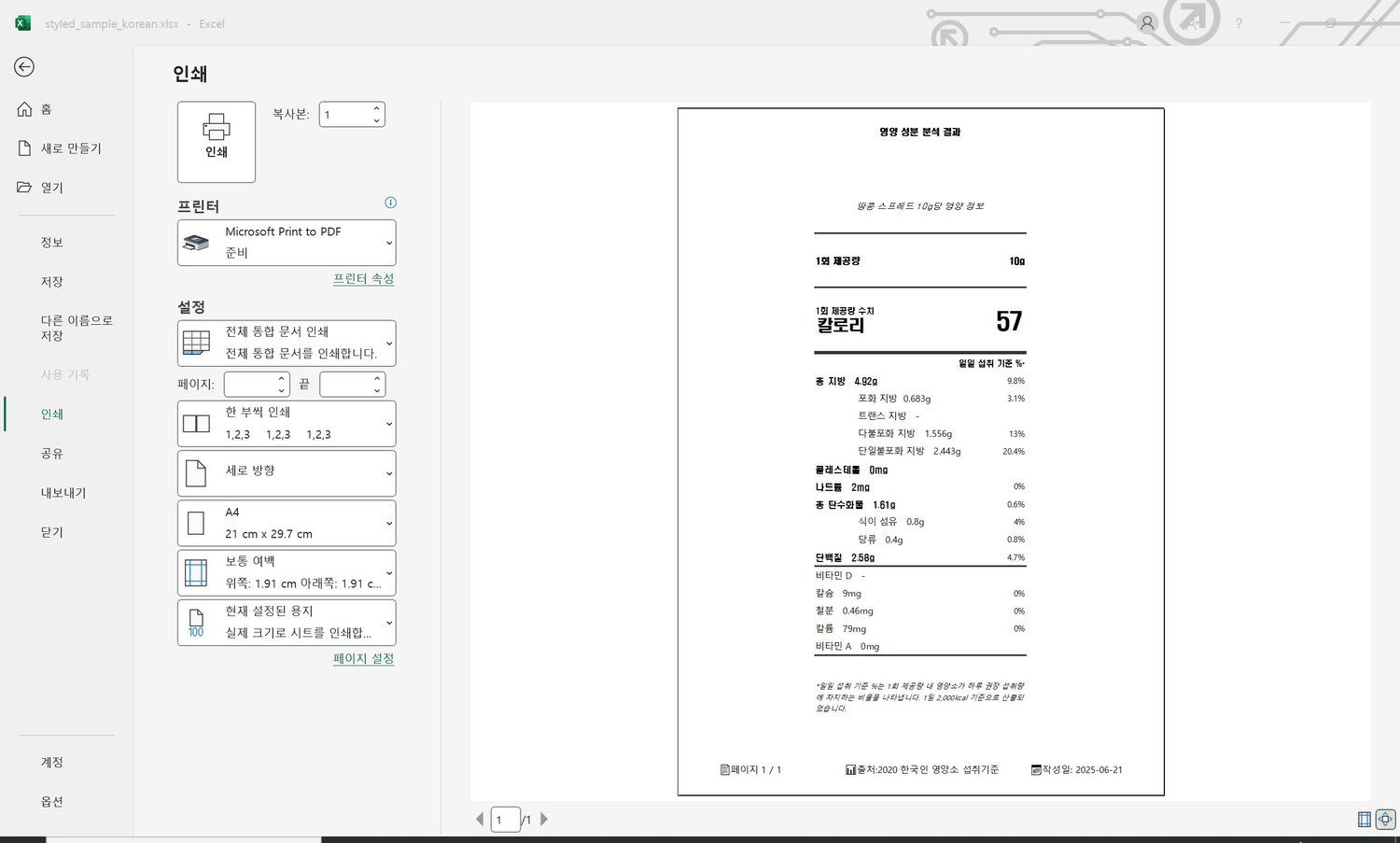
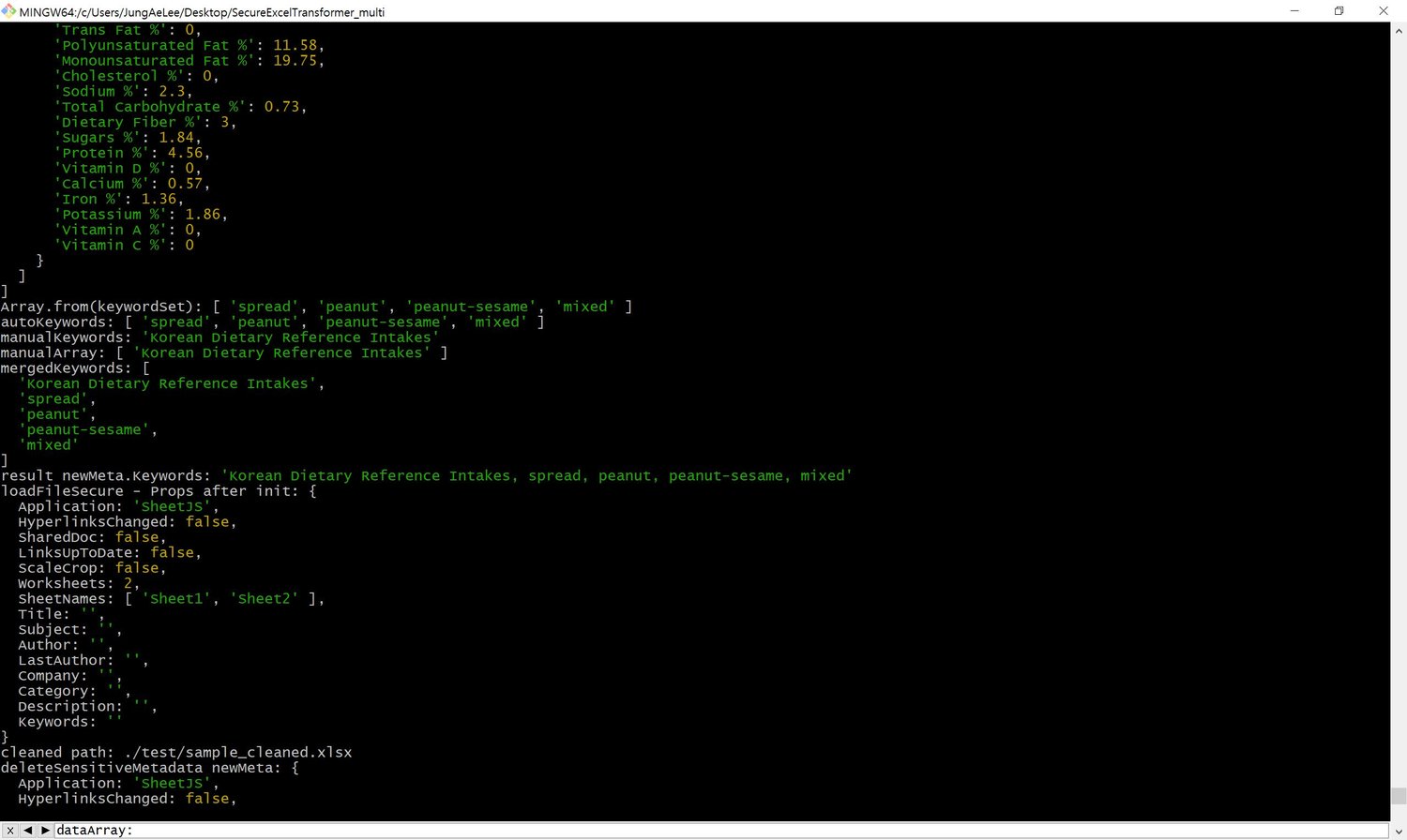
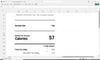
- 한국인 영양섭취기준(KDRI) 및 WHO 권장량 기반 영양 성분 비율 자동 계산 (샘플 데이터 포함)
Automatically calculates % of daily value for nutrients based on KDRI/WHO standards
- 영양정보 시트 생성 후 메타데이터에 출처, 설명, 키워드 자동 삽입
Inserts detailed source, metadata and keyword extraction for nutritional data sheets
- 다양한 시트 구조를 동일 함수로 처리 (1개 또는 복수 시트 자동 지원)
Supports both single and multi-sheet data inputs using the same API
- 여러 시트를 처리할 수 있으며, 단일 시트와 다중 시트 모두 동일한 함수로 분석 가능
Supports multiple worksheets; both single and multi-sheet files are processed using the same function
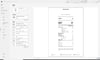
- test.js 에는 시트별 인쇄 가능한 라벨 디자인 적용
Printable label designs applied per worksheet for easy output and packaging use( test.js : full code )
미래 기능 / Future Features
- API 사용하여 다양한 데이터 자동보완, 예를들어 연령대별(영아, 유아, 남자, 여자, 임산부, 수유부) 맞춤 권장량 적용
Customized daily nutrient recommendations based on age groups (infants, toddlers, men, women, pregnant and lactating women)
메타데이터 중, 민감한 개인정보 선택
Company, Author, LastAuthor 필드를 보존할지 삭제할 지 여부를 결정
Choose whether to preserve or remove sensitive fields like Company, Author, and LastAuthor.
메타데이터 중, 키워드 생성방식의 선택
KeywordsMode 를 'auto', 'manual', 'both' 중 선택해서 자동삽입을 할지, 수동지정을 할지, 자동+수동으로 합산할지 결정
Set KeywordsMode to 'auto', 'manual', or 'both' to control keyword extraction:
- 'auto': use only data analysis
- 'manual': use only user-defined keywords
- 'both': combine both sources
디렉토리 구조 / Directory Structure
├── index.js # 영어로 된 주요 기능 모듈 / English Main logic
├── index_ko.js # 한국어로 된 주요 기능 모듈 / Korean Main logic
├── node_modules
├── test/
│ └── test_en.js
│ └── test.js # 테스트 코드 / Test code
├── package.json
├── README.md
└── LICENSE.txt # 라이선스 안내 / License info
라이선스 / License
해당 도구는 구매자에게 1 프로젝트당 1 라이선스로 제공됩니다.
본 도구의 무단 복제, 배포를 금합니다.
Each purchase grants one license per project.
Unauthorized redistribution is prohibited.
문의 / Contact
- 이메일 / Email: from202502@gmail.com, postinsight@naver.com