


Home Bakery Order Planner for Google Sheets
Can you take one more cake order for Friday?
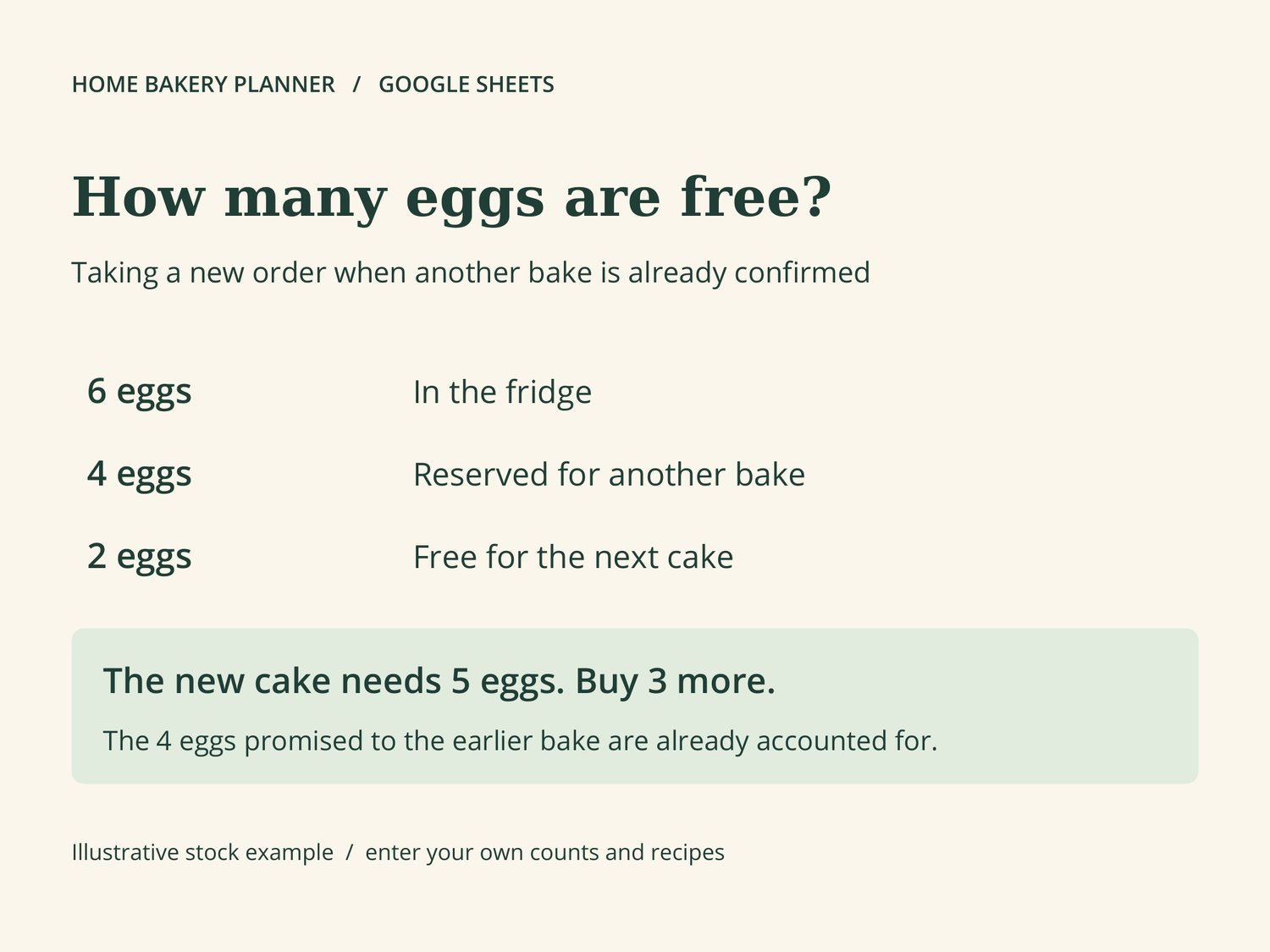
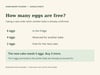
You have six eggs in the fridge, but four are already promised to another bake. The new cake needs five. Before you confirm the order, the Home Bakery Order Planner for Google Sheets shows you that you’re three eggs short. It also checks whether the hands-on work fits into your baking day.
Choose a recipe, enter the number of items requested, and select the date you need to make them. The planner helps you answer the questions that come up before every pickup.
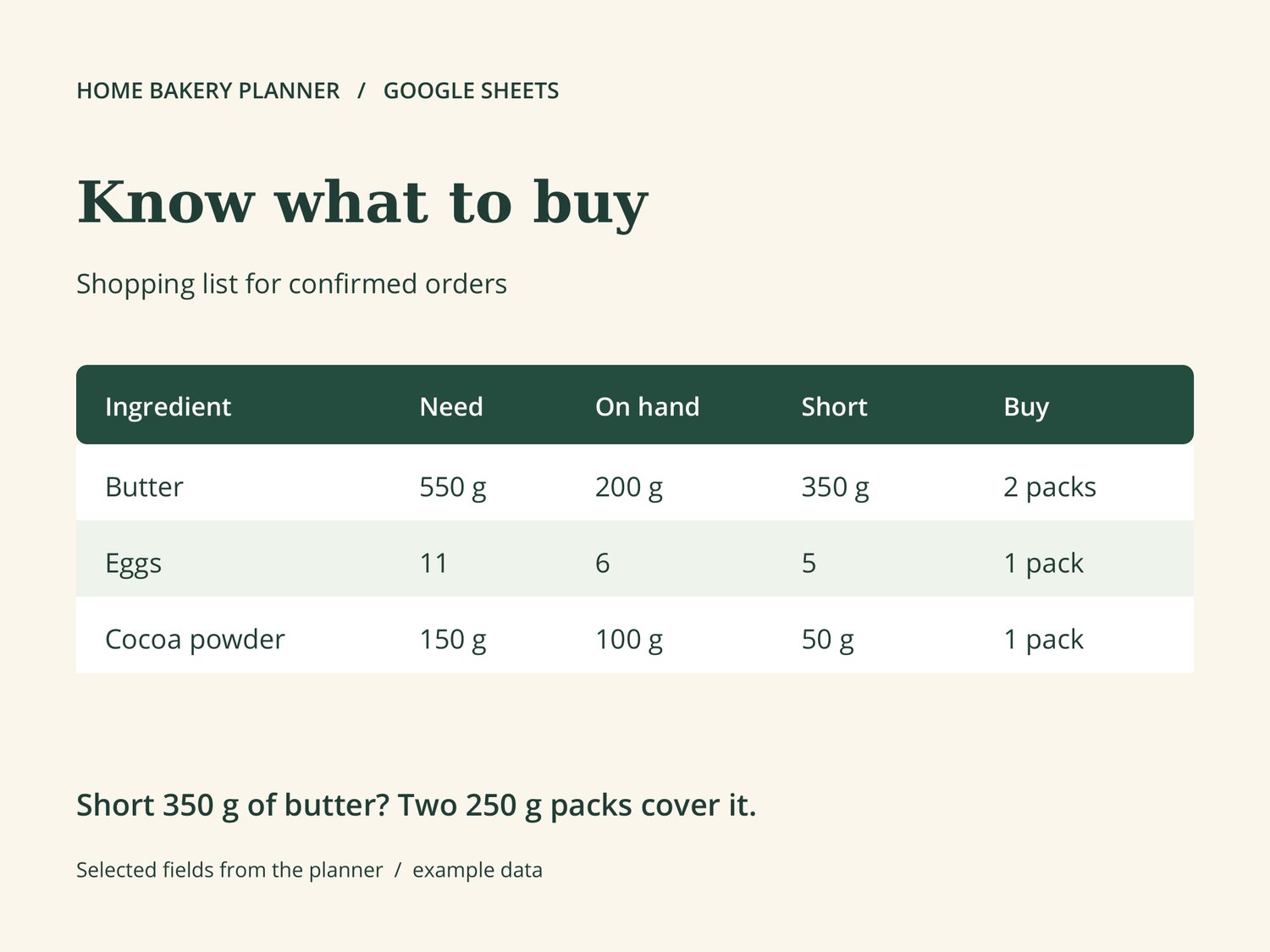
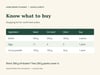
- What do I need to buy? See how much of each ingredient the order needs, what’s available after confirmed orders, and exactly how much you’re short. Your shopping list turns shortages into packs to buy.
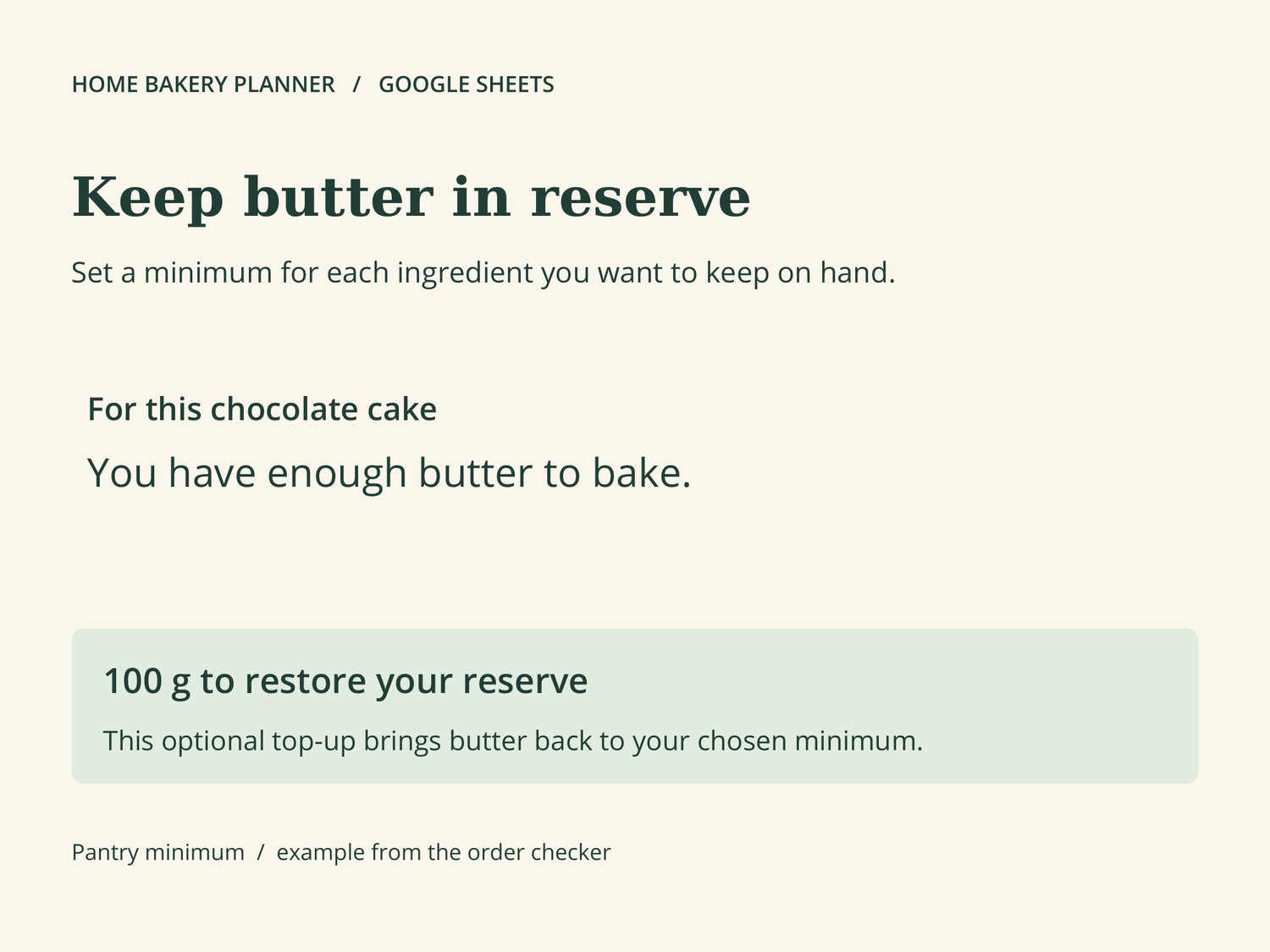
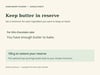
- Will I run my pantry too low? Set a minimum for ingredients you like to keep on hand. Even when you have enough butter for today’s cake, you can see how much to top up for the next bake.
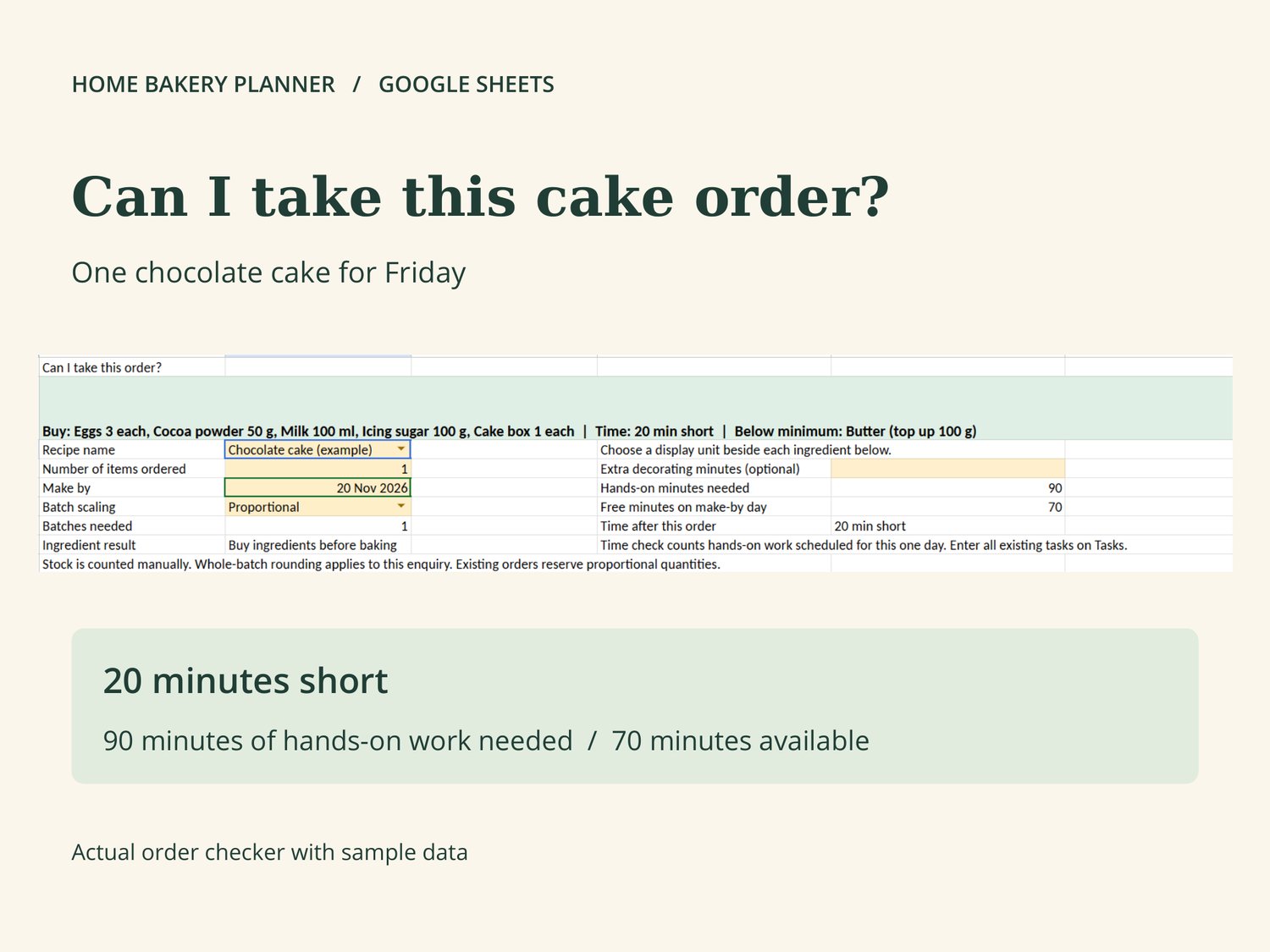
- Do I have time to say yes? Enter your available hours and scheduled tasks. If a cake needs 90 minutes of hands-on work and you have 70 minutes free that day, you’ll see the 20-minute shortfall before promising pickup.
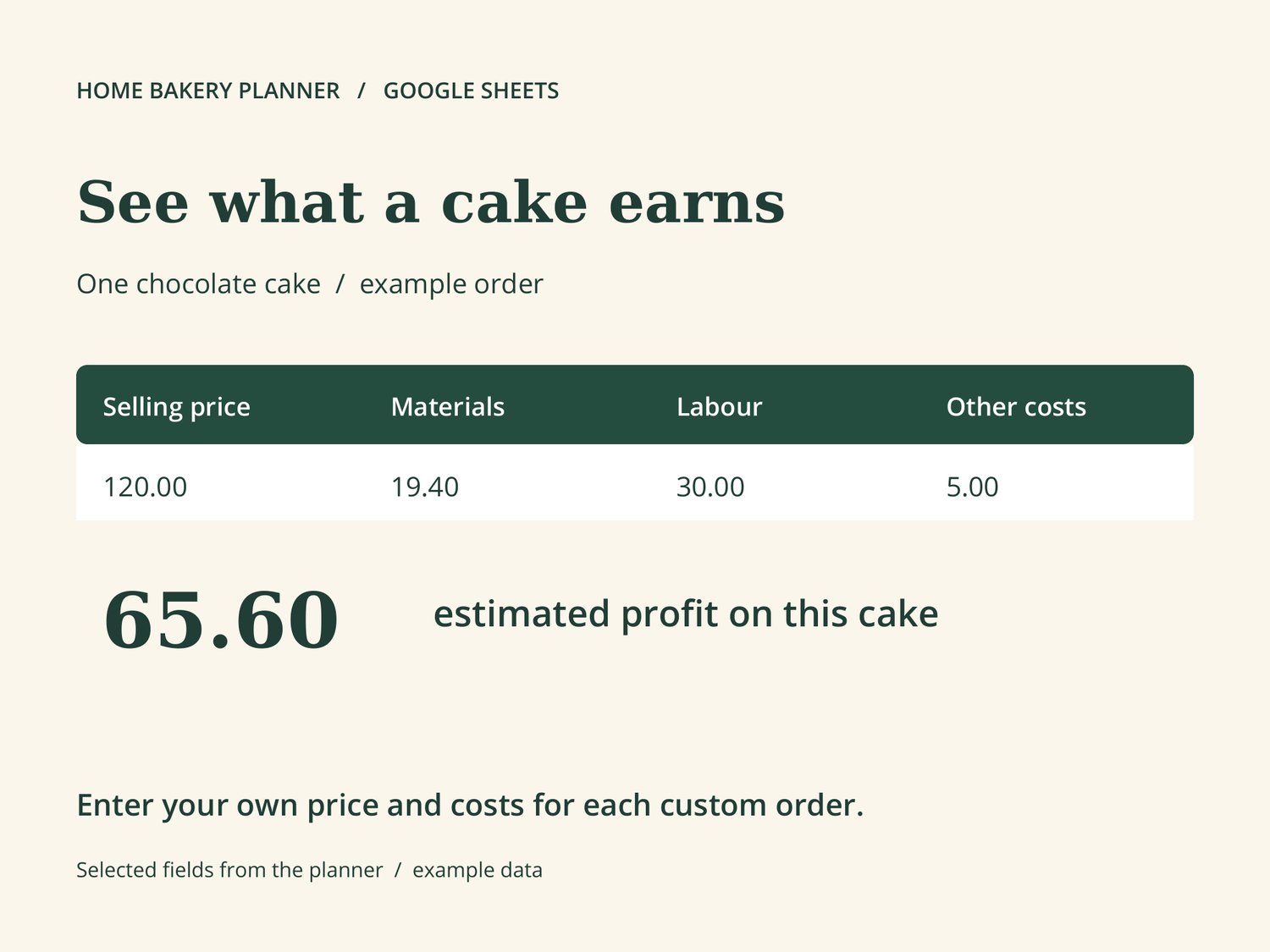
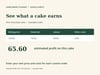
- What will I earn on this cake? Set a selling price for each custom order and see the estimated profit after your ingredient, labour and other costs.
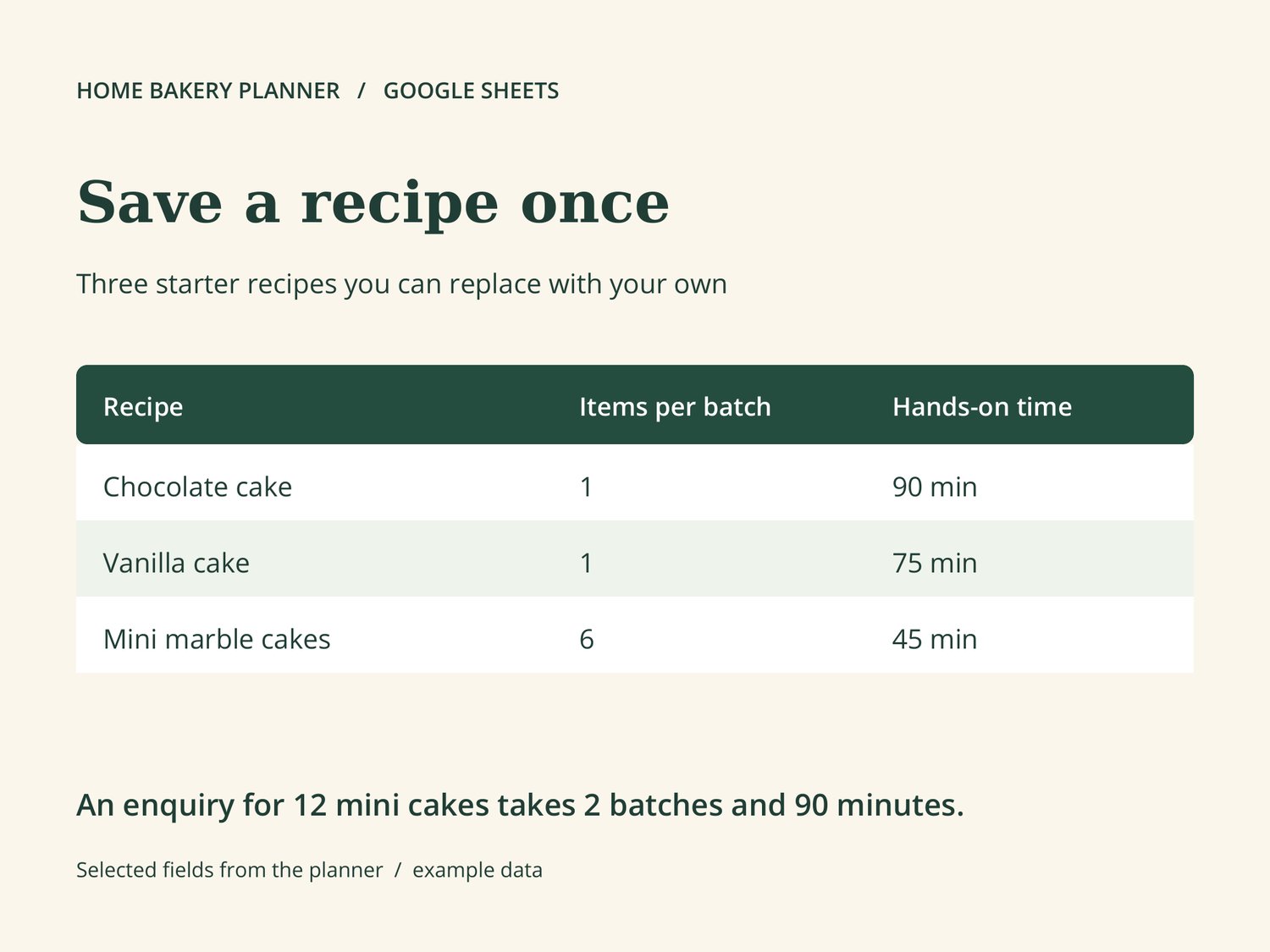
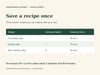
Make it yours. Try the three included recipes to see how the planner works, then replace them with your own cakes, biscuits or other bakes. Save each recipe once and select it from a dropdown for future orders. You update your stock counts as you shop and bake, and the planner uses those figures for your next order check.
What you receive: A downloadable Start Here PDF with instructions and a link to make your own editable copy of the full Google Sheets planner. You’ll need a Google account to save your copy. The planner comes set to USD.