

Job Application Tracker for Google Sheets, Interview Planner and Follow-Up Spreadsheet with Dashboard
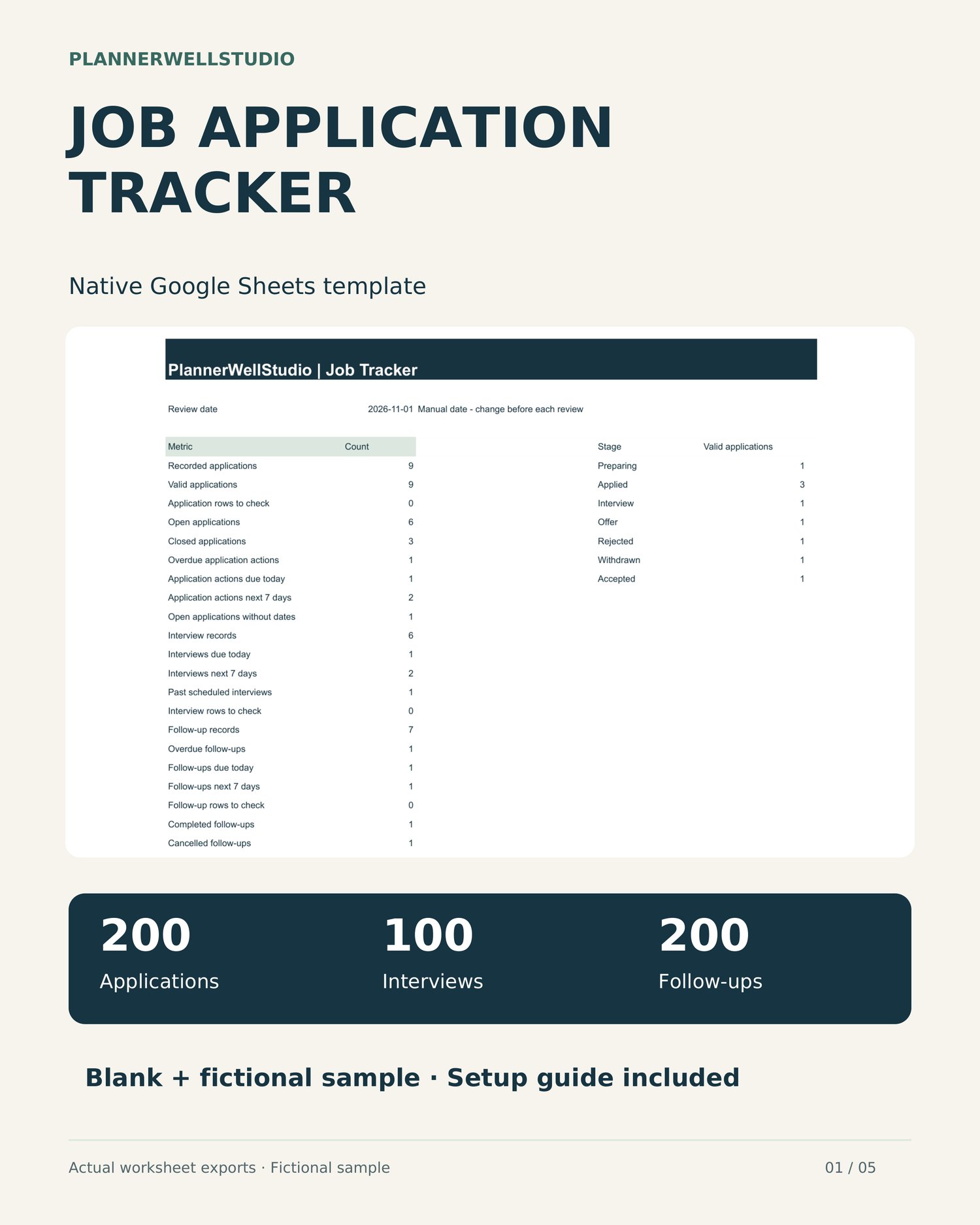
Keep job applications, interviews and follow-up actions together with this Job Application Tracker for Google Sheets. Record employers, roles, stages and next steps, then review linked counts and date flags from the dashboard.
WHAT YOU RECEIVE
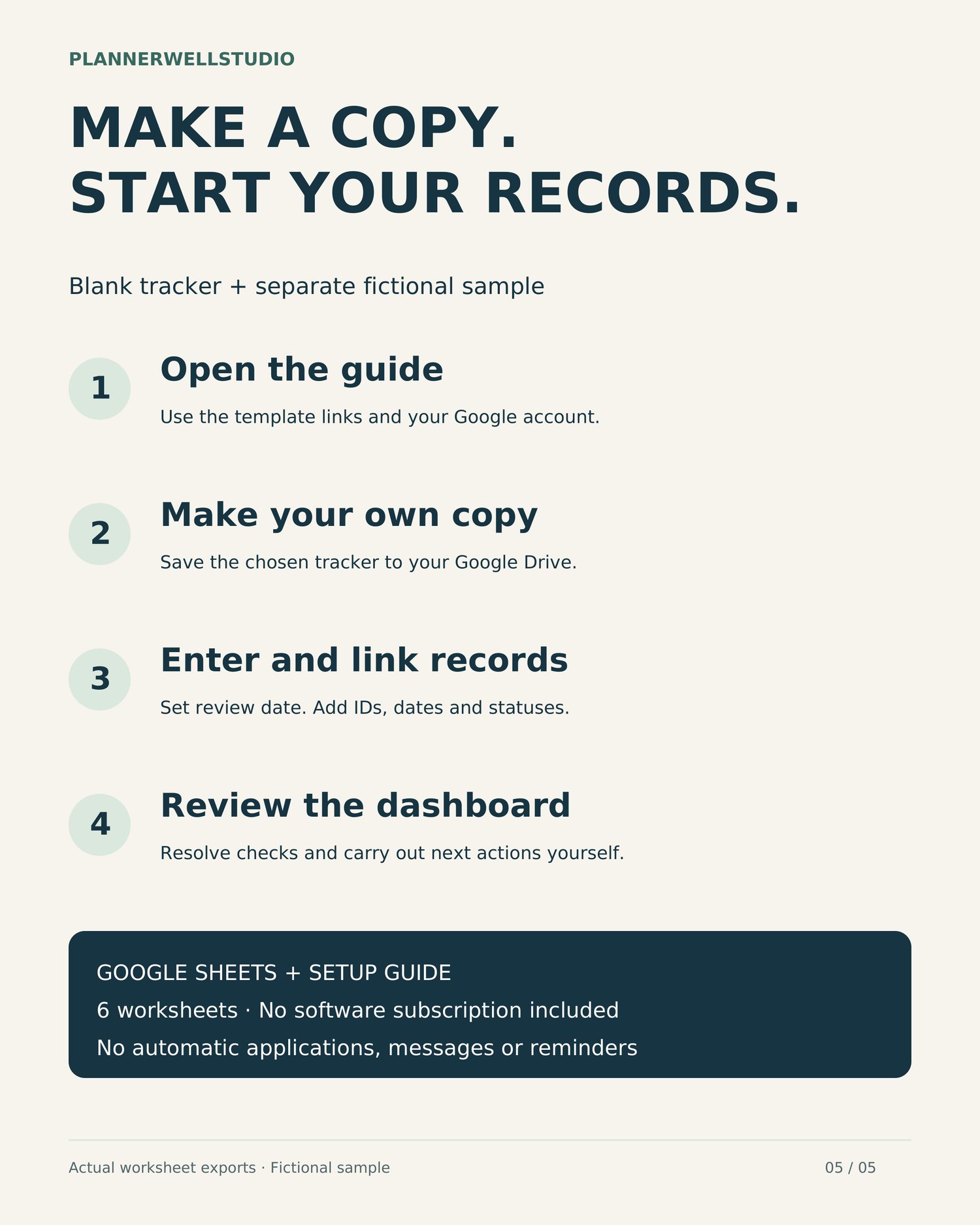
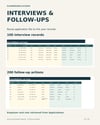
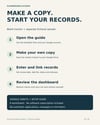
One ZIP containing a PDF setup and use guide, plus a text file with links to the blank tracker and a separate fictional sample. The spreadsheets open in Google Sheets and are copied to your own Google Drive. No XLSX workbook, native Excel edition, printable planner or software subscription is included.
SIX WORKSHEETS
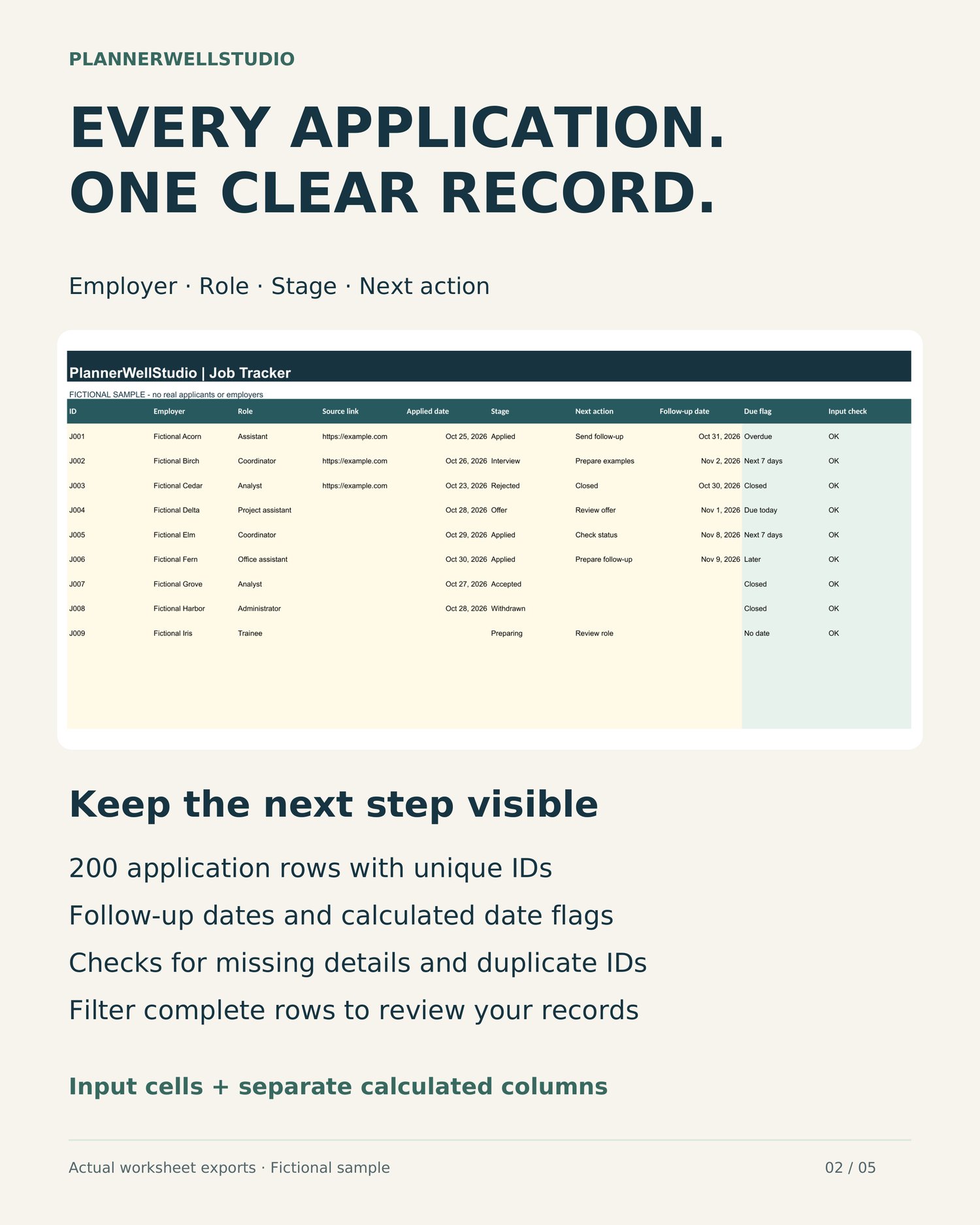
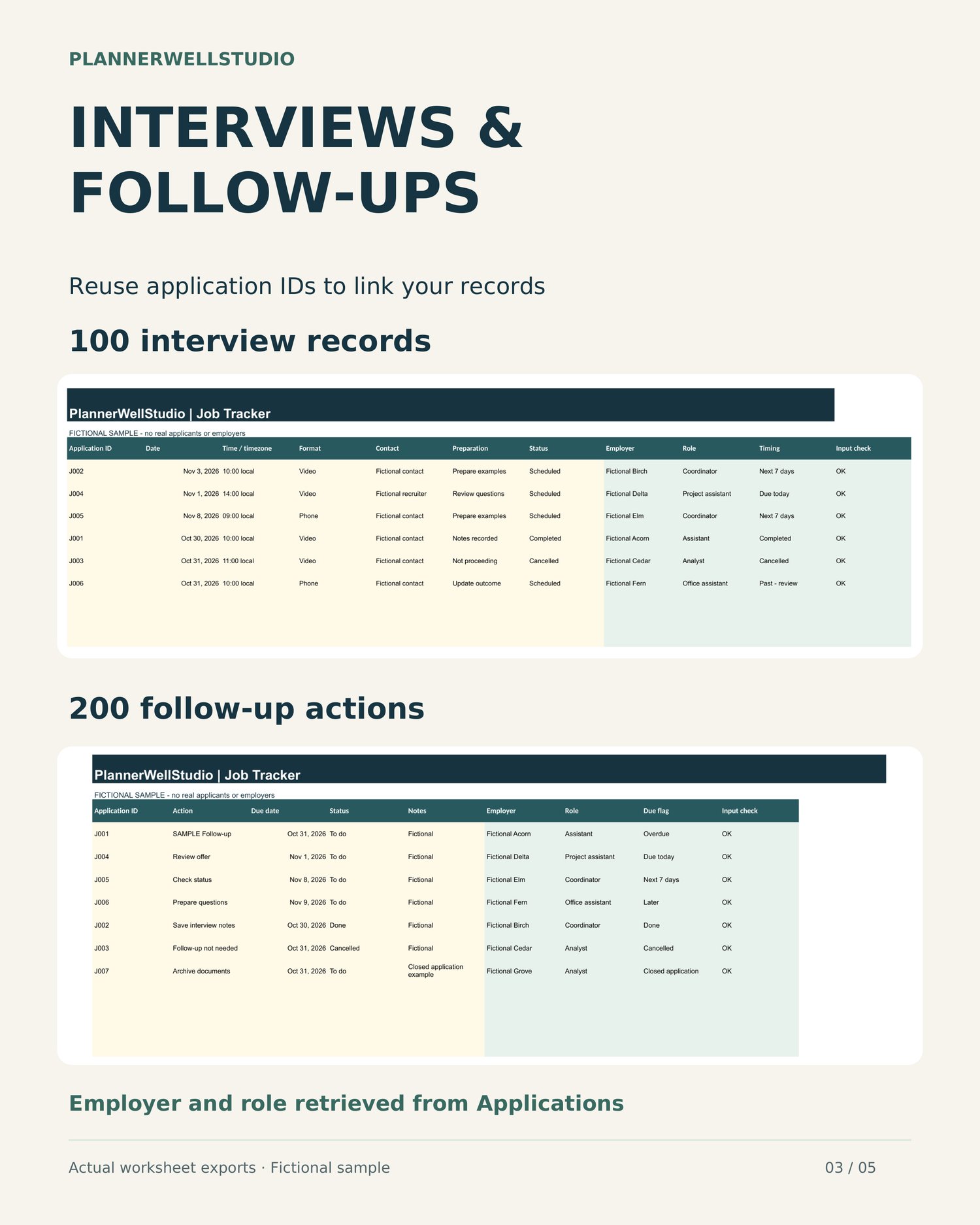
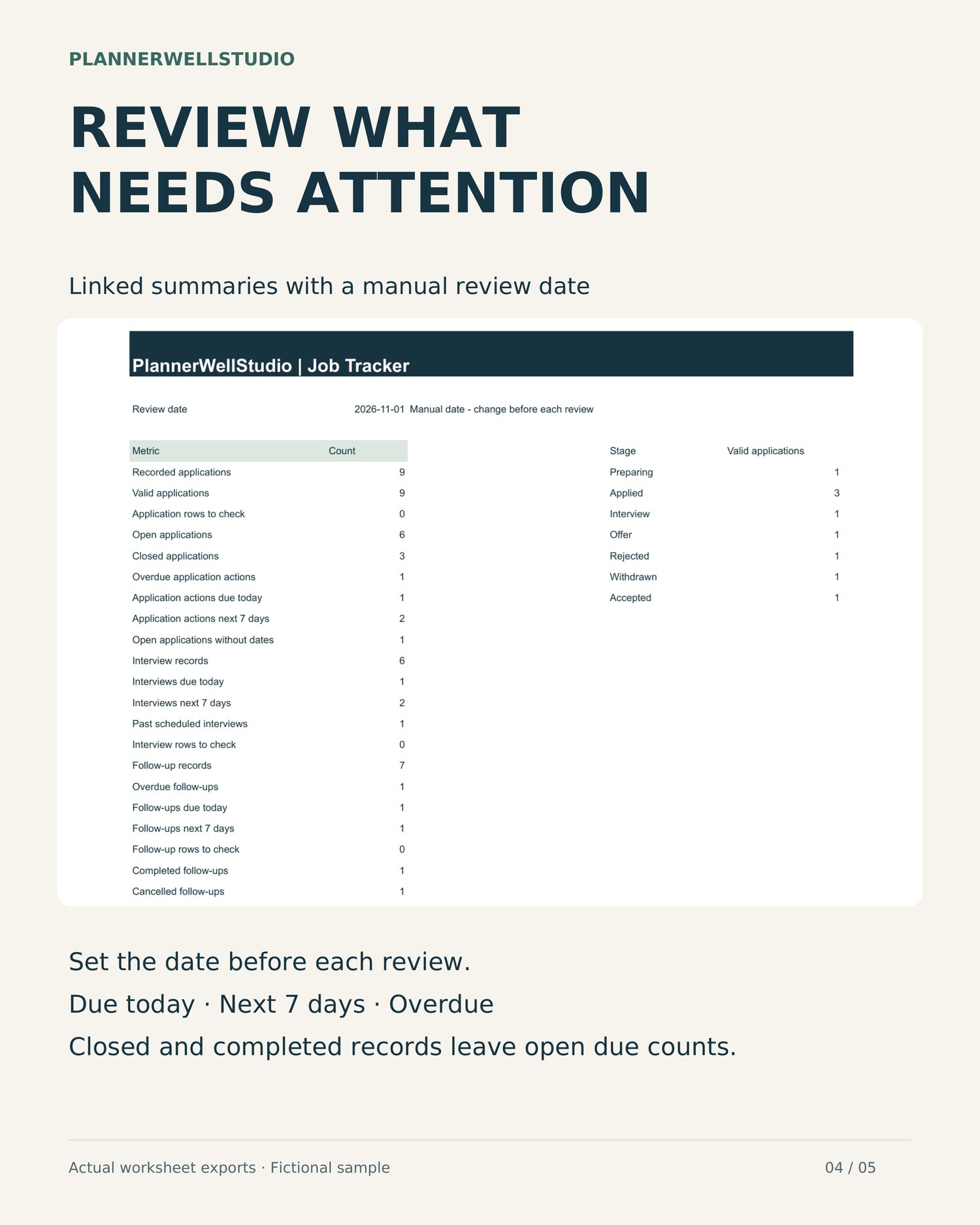
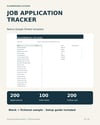
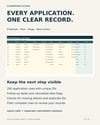
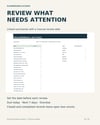
Dashboard - linked application, interview and follow-up counts, stage summaries and rows requiring attention. Applications - 200 record rows for application ID, employer, role, source link, applied date, stage, next action and follow-up date. Calculated columns show date flags and input checks. Interviews - 100 record rows for application ID, date, time/timezone, format, contact, preparation and status. Employer and role are retrieved from the application record. Follow-ups - 200 record rows for application ID, action, due date, status and notes, with linked employer, role and date flag. Lists - reference lists for the included stages and statuses, plus capacity reminders. Start Here - instructions inside the spreadsheet.
REVIEW DATES AND STATUS
Set the Dashboard review date manually before each review. It stays at the date you enter and does not advance automatically. Due today matches that date. Next 7 days covers the following days 1 through 7, including day seven. Earlier dates are marked overdue, or Past - review for scheduled interviews. Dates are compared by calendar day; interview times and timezones are notes only. Rejected, Withdrawn and Accepted applications are closed. Open linked interview and follow-up records then display Closed application and are excluded from open due counts. Done or Cancelled follow-ups and Completed or Cancelled interviews also leave open due counts while remaining in the records. Application next actions and the separate Follow-ups worksheet have separate counts. Entering the same task in both does not combine or deduplicate it.
INPUT CHECKS
Use a unique, permanent application ID using letters, digits, hyphens or underscores for each application and reuse it in Interviews and Follow-ups. Checks identify missing required details, duplicate or unknown IDs, invalid date text and linked application rows needing correction. Resolve check messages before relying on the dashboard. Open applications may have no follow-up date and will show No date. Applied dates and source links are optional. Interview date/status and follow-up action/date/status are required for those records. Input checks help spot common issues and do not verify the accuracy of your records.
CAPACITY AND USE
Use existing rows 5-204 for Applications, 5-104 for Interviews and 5-204 for Follow-ups. Formulas do not extend beyond those limits. Preserve formula columns and do not insert or delete rows. Make another blank copy when you need another tracker. Start with the blank tracker for your own records. The separate sample contains 9 fictional applications, 6 interviews and 7 follow-up records. Keep an untouched blank copy. Filter whole tables and keep application IDs stable when sorting.
SOFTWARE AND ACCESS
A Google account, Google Drive access and an internet connection are required. This is a native Google Sheets template. Calculations were tested in Google Sheets using blank and fictional test copies. Google Sheets in a desktop browser is the intended workflow. Excel exports, other spreadsheet applications and mobile layouts are not independently tested or promised. The included guide explains how to open the template link, choose Make a copy, save your copy and begin entering records. The master is intended for viewing and copying rather than direct editing.
PLEASE NOTE
Downloadable files and template access only. No physical item will be shipped. Preview devices and props are not included. Listing previews show actual worksheet exports with fictional sample information. The video is a guided sequence of worksheet views, not a live typing demonstration. This organizer does not send job applications, emails, messages or reminders, contact employers, retrieve job listings or guarantee interviews or employment. You perform all job-search actions yourself. Store personal and contact information securely.
USE LICENSE
For one purchaser's own job search. You may make copies for your own use. Do not resell, redistribute, share blank templates or post the source files publicly. Team, recruitment agency and client redistribution use are not included.
Need help with access or files? Message PlannerWellStudio through Etsy without sending private applicant or contact details.
PlannerWellStudio
Practical planning tools for school, work, and everyday life.