
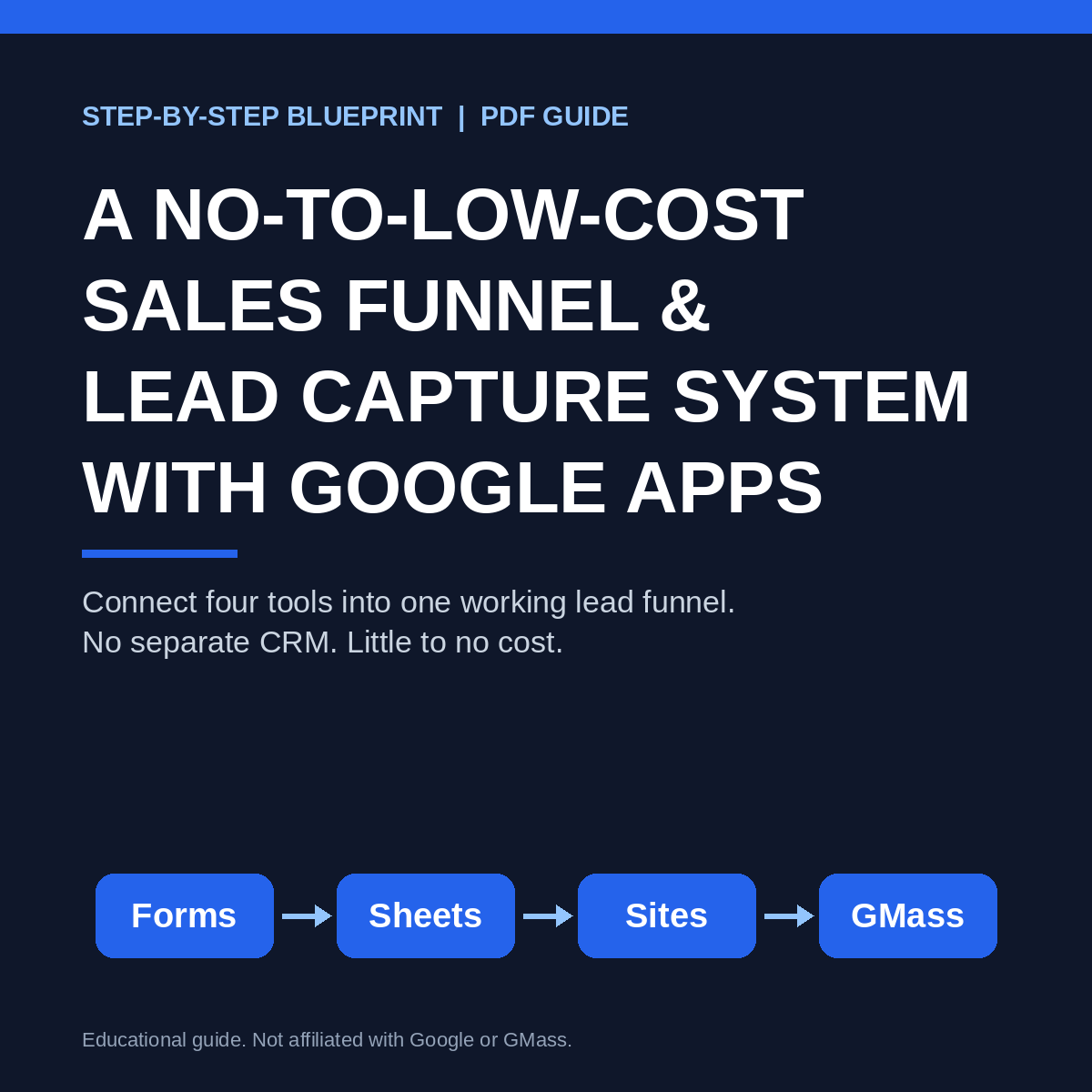
A No-to-Low-Cost Sales Funnel & Lead Capture System with Google Apps
Connect Google Forms, Sheets, Sites, and GMass into one working lead funnel, with no separate CRM and little to no cost.
A lead funnel is only as good as the way its pieces connect. This guide shows you how to link four tools into one system, step by step: capture leads, track them as they arrive, send them to a landing page, and reach out to them.
HOW THE SYSTEM WORKS
Capture: A Google Form collects each lead's name, email, phone number, and key details.
Track: Every submission lands in a Google Sheet automatically, and you get an instant email alert.
Convert: A Google Site landing page embeds your form, so visitors go from your page straight into your lead list. You can use your own domain if you want.
Reach out: GMass connects to that same Sheet, so you can email your leads from Gmail without a separate CRM.
Everything stays in sync because each tool feeds the next one.
WHAT'S INSIDE
- Five clear sections, each broken into short steps with screenshots
- Visual walkthroughs of the form, the embed, and the publish settings
- Built-in test steps so you know the whole system works before you go live
- A one-page Launch Checklist
WHO IT'S FOR
Small business owners, startups, solo operators, and shops who want to capture and follow up on inquiries without paying for a CRM or writing code. It works alongside your existing website.
WHAT YOU NEED
A Google account and Gmail. Sections 1 to 4 use Google's tools. Section 5 uses GMass, a separate add-on with its own pricing. A custom domain is optional and costs extra.
ABOUT THE AUTHOR
Joe Yobaccio, Yobaccio Group, LLC. I built this system for a 20-person machine shop that only had a web page.
FORMAT
Digital PDF, 10 pages, instant download. All sales are final.
This guide is for educational purposes only and is not affiliated with, endorsed by, or sponsored by Google or GMass.