

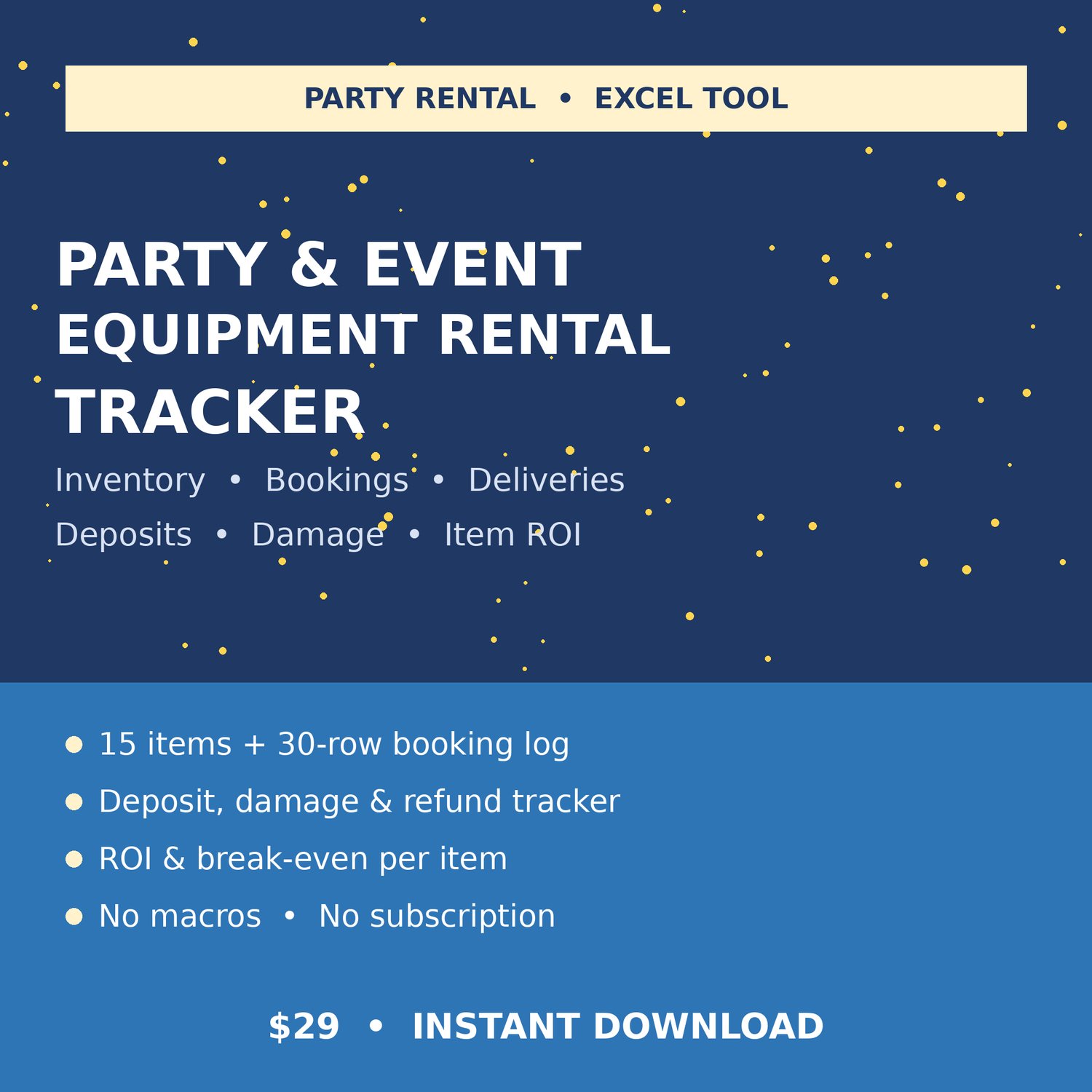
Party & Event Equipment Rental Tracker — Inventory, Delivery, Deposits & Damage Excel
Rentals go out fast. Deposits, damage, and balances are tracked from memory. An item gets double-booked. A deposit is refunded before anyone checks the tear. No one knows which items have paid for themselves.
This Excel tracker fixes the record. One inventory. One booking and delivery log. One deposit and damage tracker. One ROI sheet.
WHAT IT DOES:
- Registers 15 item types in one Inventory sheet: quantity owned, purchase cost, rental rate per day, deposit, and replacement value, with total invested, times rented, and lifetime revenue calculated from your bookings.
- Logs every rental in a 30-row Booking & Delivery Log: customer, item, quantity, rental days, delivery fee, and amount paid. Rental charge, suggested deposit, total due, and balance due calculate automatically, with the rate pulled from Inventory.
- Tracks deposits in a 20-row Deposit & Damage Tracker: deposit collected, damage fee, cleaning fee, and late days. Late fee, net retained, and refund due calculate automatically — refund due never goes below $0.
- Shows per-item return in Item ROI: lifetime revenue, repair and cleaning cost, net profit, ROI percent, rentals to break even, and a PAID OFF flag when revenue passes purchase cost.
- Shows one Dashboard: units owned, total invested, replacement value, rental revenue, delivery fees, balance due, deposits held, refunds due, overdue returns, and average ROI.
WHAT YOU GET:
- party-equipment-rental-tracker.xlsx — Instructions + Settings + Inventory (15 items) + Booking Log (30 rows, 15 pre-filled with sample data) + Deposit & Damage (20 rows, 9 pre-filled) + Item ROI + Dashboard. Yellow cells are the only ones you type in. White cells calculate. No macros.
- party-equipment-rental-tracker-guide.pdf — Setup steps, money formulas, a worked wedding and bounce-house example, and a delivery and return routine.
Sample rates and deposits in the workbook are placeholders. Replace them with your local rates and your signed rental agreement terms.
No new software. No monthly fee. One payment. Instant download (.xlsx + .pdf). Works in Excel and Google Sheets.
Note: this tool calculates from your entries. It does not check live availability across overlapping dates, does not process payments, does not create a legal rental agreement, and gives no legal, tax, or insurance advice. Put deposit, damage, and late terms in a signed agreement before the first rental.