
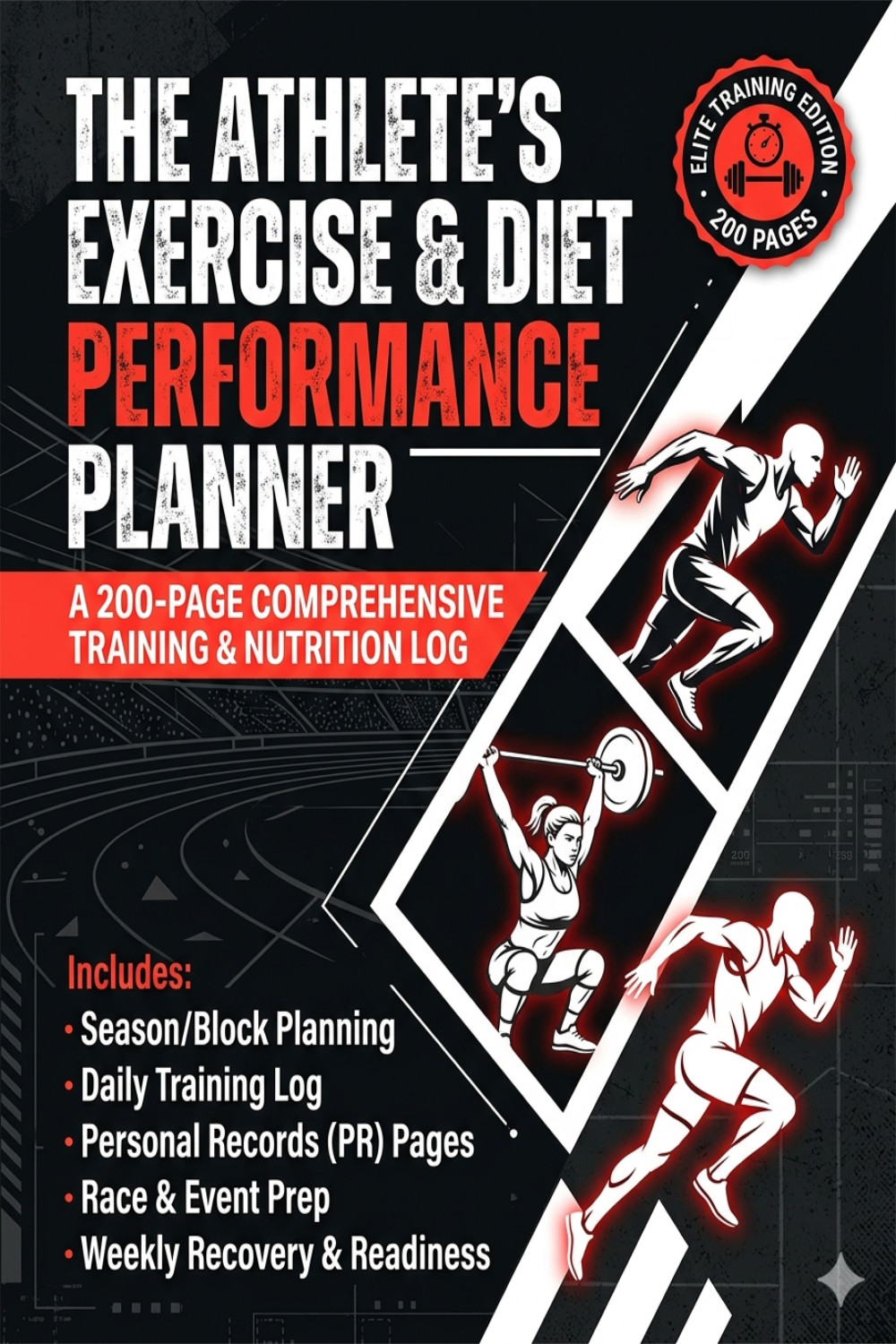
The Athlete's Exercise and Diet Performance Planner
========================================
HOW TO USE YOUR ATHLETE'S EXERCISE AND DIET PERFORMANCE PLANNER DIGITAL EDITION
========================================
ABOUT YOUR DIGITAL PLANNER
Your digital planner comes in two versions — portrait and landscape.
The portrait version is designed for phones and smaller tablets, while
the landscape version is built for iPad Pro, large tablets, and desktop
screens. The content, sections, and navigation are identical in both —
choose whichever fits your screen best, or use both depending on where
you are.
Both versions are fully clickable. Every tab, button, and week on the
hub page is a live link. No scrolling through hundreds of pages to find
your place — just tap and go.
----------------------------------------
GETTING STARTED
----------------------------------------
1. Open the file in a PDF app that supports links and annotations
(see Recommended Apps below).
2. Import the file into the app — do not just open it from Files or
Downloads, or the links may not work.
3. You will land on the Cover page. Tap anywhere on the cover to go
straight to the Main Hub.
4. From the Hub, tap any section button or week to begin.
Tip: in GoodNotes or Notability, use the lasso tool to write on any
page — your notes are saved automatically.
----------------------------------------
YOUR NAVIGATION TABS
----------------------------------------
Every page (except the cover) has two sets of clickable tabs:
TOP TABS — five tabs running along the bottom edge of the journal area:
HOME — Returns you to the Main Hub at any time. Your central
navigation page with buttons for every section and a
full week grid.
HOW TO — Takes you to the How To Use page from the original
journal, with guidance on tracking nutrition alongside
your training.
SEASON — Jumps directly to the Season & Block Planner section.
Use these pages to map out your training year by season
or block, set weekly phases, volume loads, and session
focus for the full 23 weeks.
RECORDS — Takes you to the Personal Records (PR) pages where you
can log strength and cardio PRs and track new bests as
they happen throughout your training.
EVENT — Jumps to the Race & Event Prep section. Use the 4-week
countdown checklist to plan key training focus,
nutrition targets, and recovery readiness in the weeks
leading up to a race or event.
SIDE TABS — 23 tabs stacked along the right edge of the page,
one per week. Each tab is split into two zones:
Top half of tab → Day 1 of that week (your first Daily Training Log)
Bottom half of tab → Weekly Recovery & Readiness Log for that week
The small "W#" label marks the daily zone. The sigma symbol (Σ)
marks the summary zone. Tap the zone you want to go directly there.
----------------------------------------
YOUR 23 WEEKS
----------------------------------------
Weeks are grouped by colour on the side tabs:
Weeks 1–8 — dark charcoal
Weeks 9–16 — deep red
Weeks 17–23 — burgundy
Each week contains 8 pages:
Days 1–7 — Daily Training Log (exercise, sets, reps, load, RPE,
nutrition, energy, hydration, session notes)
Day 8 — Weekly Recovery & Readiness Log (HRV, sleep, soreness,
mood, hydration across all 7 days, plus weekly review)
From the Hub page, you can also tap directly on any week number in
the week grid — this takes you to Day 1 of that week.
----------------------------------------
YOUR DAILY FLOW
----------------------------------------
Each Daily Training Log page covers:
- Workout: exercises, sets, reps/distance, load/pace, RPE, rest
- Post-workout: completion status, feel score (1-5), session notes
- Performance nutrition: protein intake, hydration, daily energy
- Diet and meal tracking: what you ate to fuel your training
Use the integrated diet and exercise format to keep nutrition
connected to your training day — because what you eat directly
affects what you can lift, run, or perform.
At the end of each week, tap the bottom half of the week tab to open
your Weekly Recovery & Readiness Log. This gives you a full-week view
of HRV, wake HR, sleep hours, soreness, mood, and hydration, so you
can spot recovery patterns and adjust the following week.
----------------------------------------
RECOMMENDED APPS
----------------------------------------
GoodNotes 5 / GoodNotes 6 iPad, iPhone, Mac
Notability iPad, iPhone, Mac
PDF Expert iPad, iPhone, Mac
Xodo PDF Android, Windows, cross-platform
All four apps support clickable links and let you write or annotate
directly on the pages. GoodNotes and Notability are the most popular
choices for iPad users.
----------------------------------------
TIPS
----------------------------------------
- Set the Hub as your default opening page in your PDF app so you
always start from your navigation centre.
- Use the Season & Block Planner at the start of each training block
to set your phase, volume load, and weekly focus before you begin.
- Log your PRs as you hit them — the Personal Records pages give you
a running record of strength and cardio bests across the full 23 weeks.
- If you have a race or event coming up, fill in the Race & Event Prep
pages 4 weeks out and use the countdown checklist to stay on track.
- The feel score (1-5) on each daily page, combined with your Weekly
Recovery Log, will show you patterns over time — use these to adjust
load and recovery before fatigue becomes injury.
- Pair movement with macros every day. The journal is built so that
your diet tracking sits on the same page as your training log —
use it as your single source of truth for performance nutrition.
========================================