

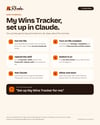
My Wins Tracker for Claude: A Private Wins App with AI, Evidence Files and a Dashboard
Your wins deserve more than a spreadsheet.
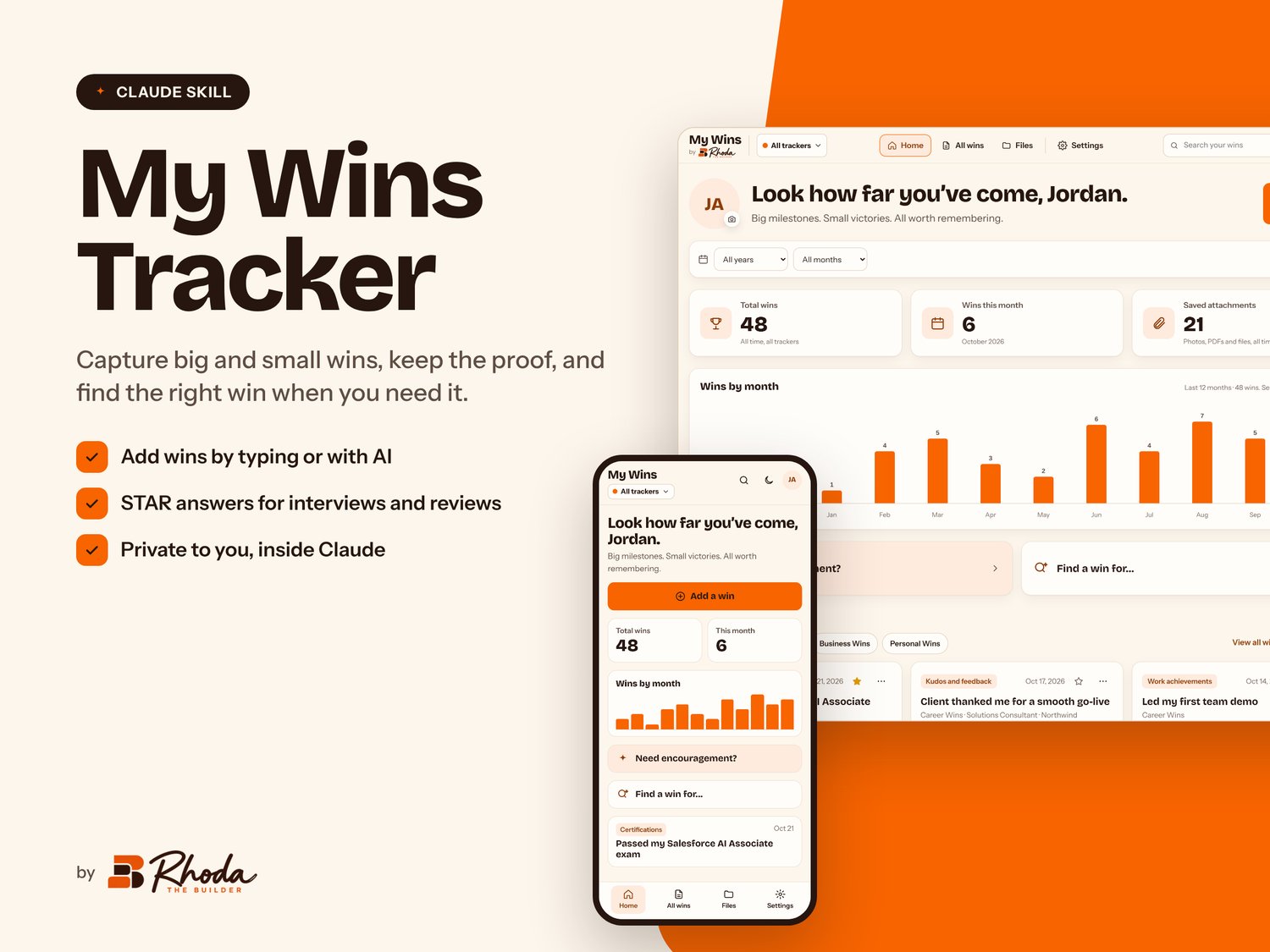
My Wins Tracker is a Claude skill that sets up your own private wins app in about five minutes. It's the place for the big milestones, the kind words and the quiet progress, so you never have to scramble before a review, a 1:1, an interview or a raise conversation.
Add wins the way you talk
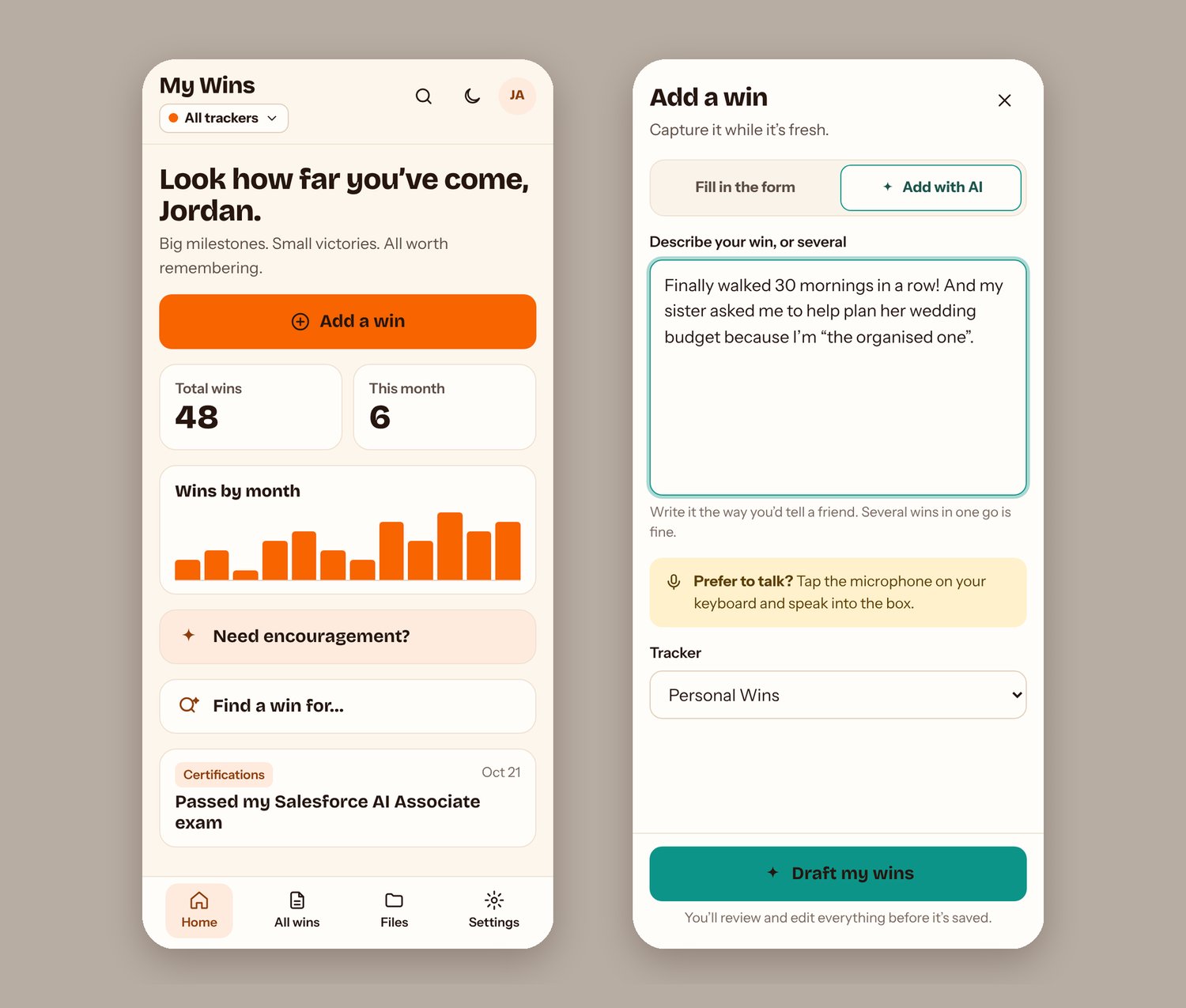
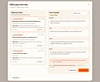
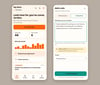
Type or dictate a few sentences, like "my manager thanked me last Friday for fixing the billing issue, and I finished my course in early October." Claude splits that into separate wins. It drafts a title and story for each one, suggests a category and works out dates like "last Friday." You check everything before it's saved. Prefer a form? That's there too.
Keep the proof
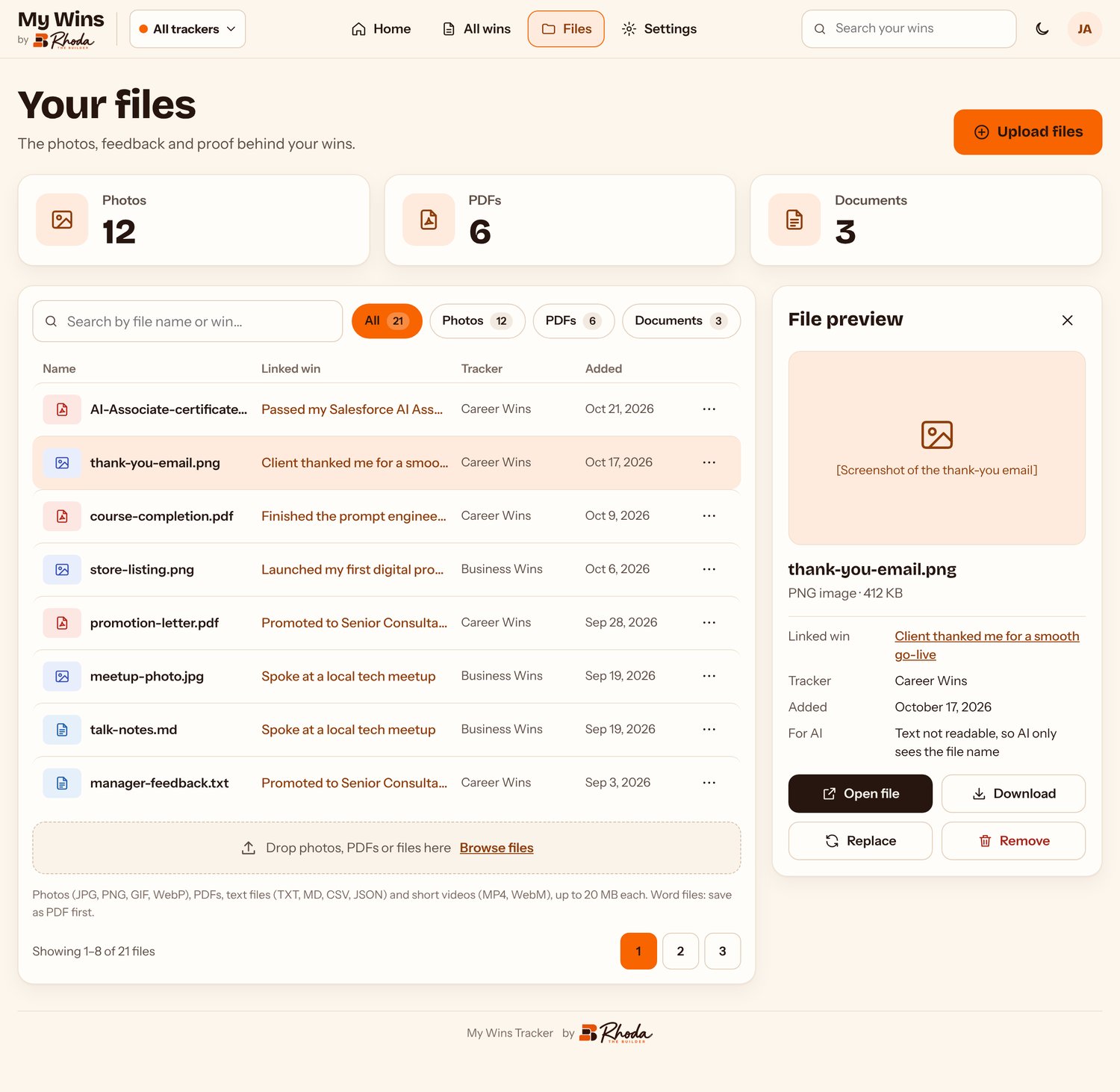
Attach certificates, screenshots of kind emails, photos, PDFs, text files and short videos (up to 20 MB each). Every file stays linked to its win, and the Files page keeps them all in one place.
A tracker for every part of your life
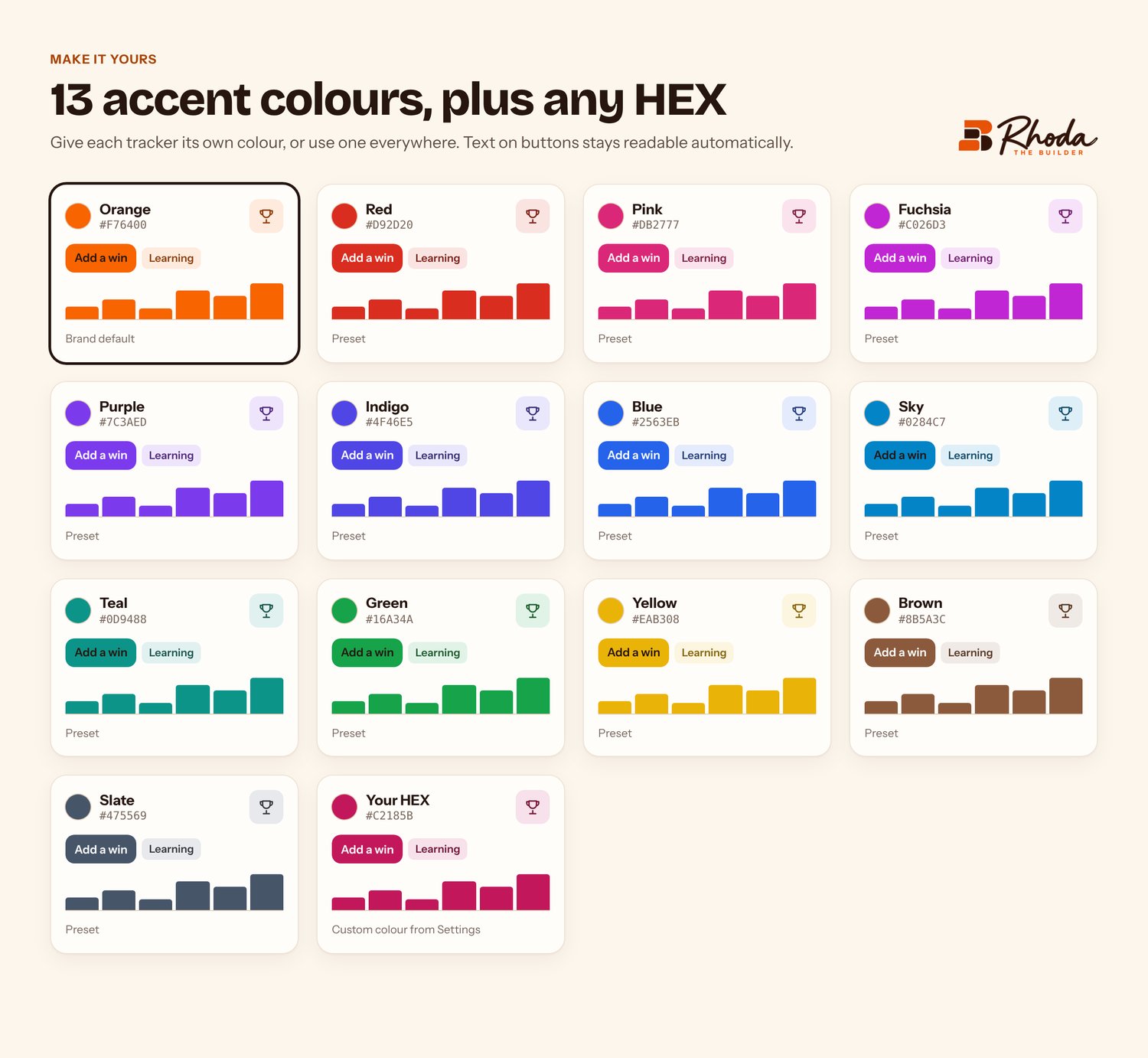
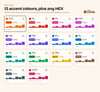
Start with Career, Business or Personal, or build your own. Give each tracker a name, an icon and a colour. You can archive old trackers, like "2025 Goals," without losing a thing.
See how far you've come
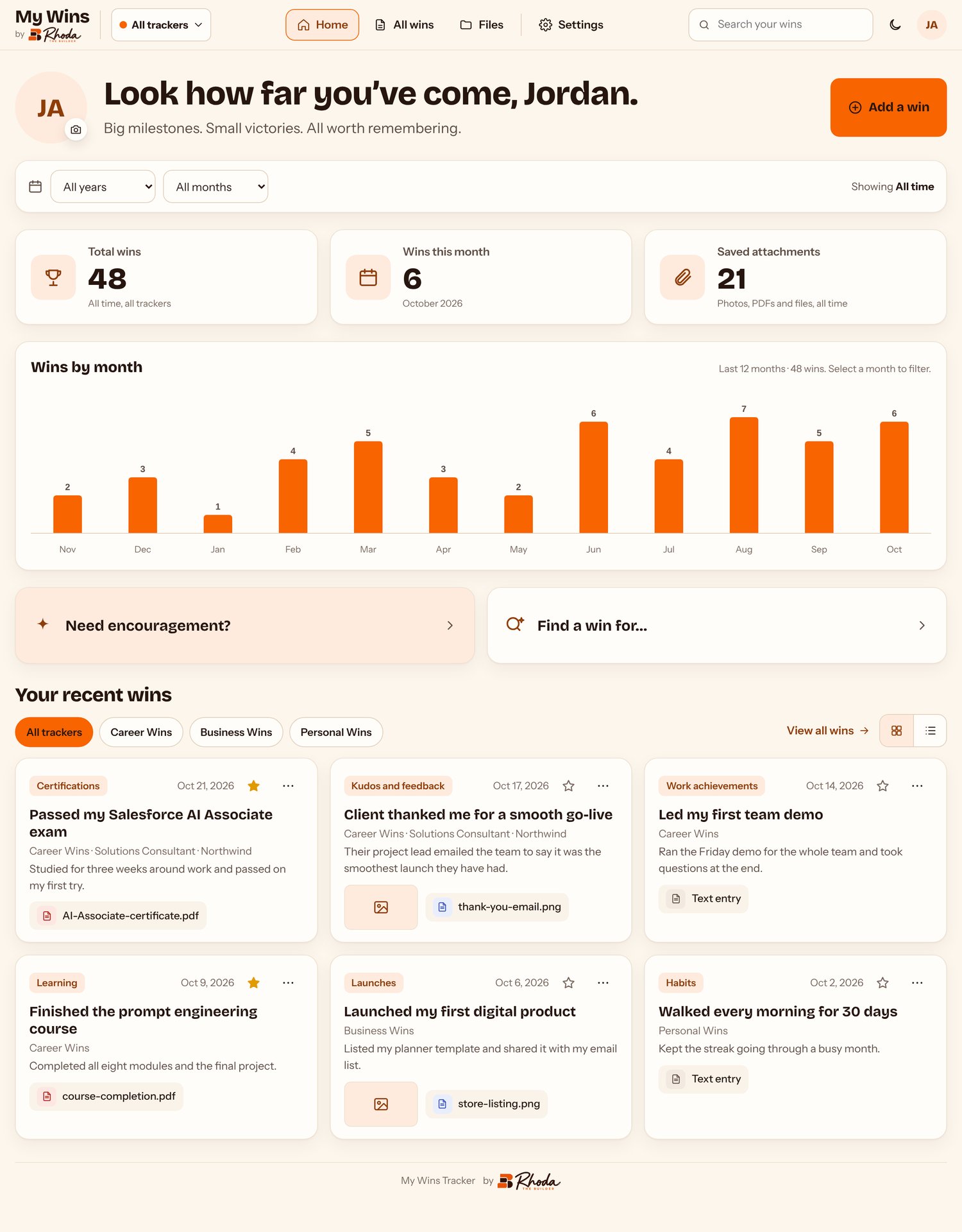
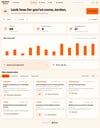
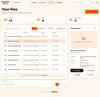
Your home dashboard shows total wins, wins this month, saved files and a 12-month chart. Filter by year, month, category or tracker. Star your favourites, then search for the one you need.
Need a boost?
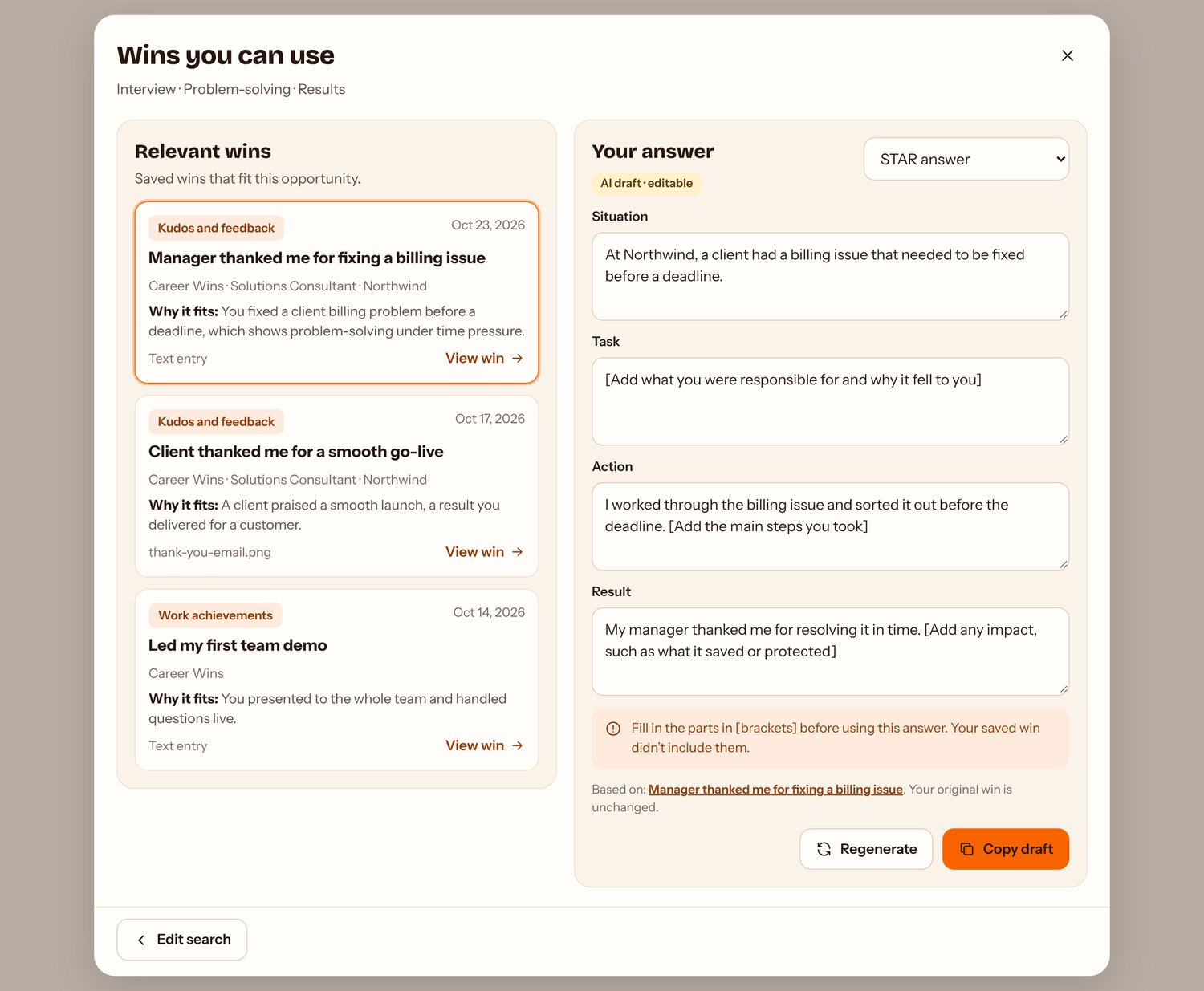
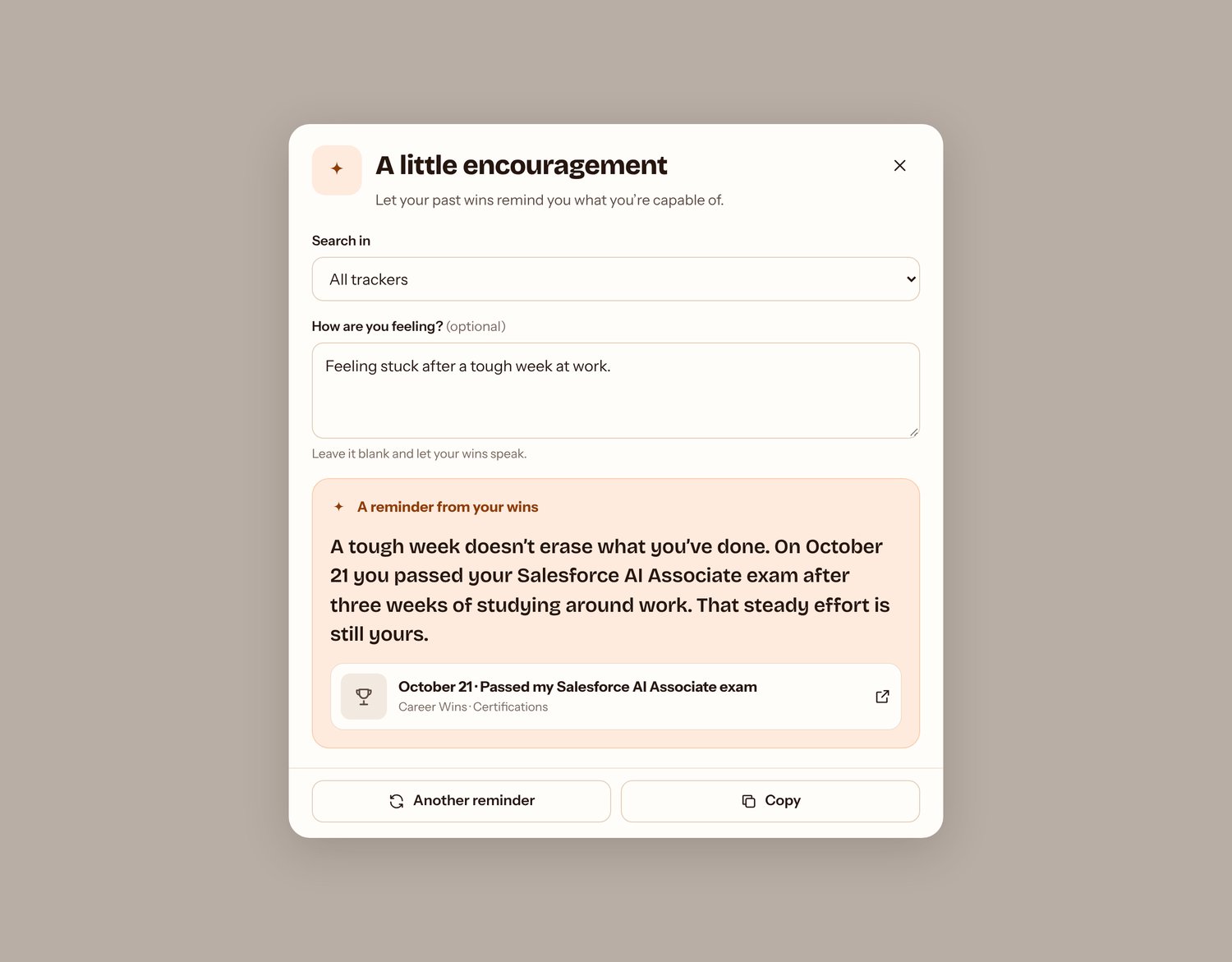
Tap "Need encouragement?" and Claude brings back wins you've already earned. Or use "Find a win for..." to pull the right example for an interview answer, a performance review or a promotion case.
Already keep a wins list?
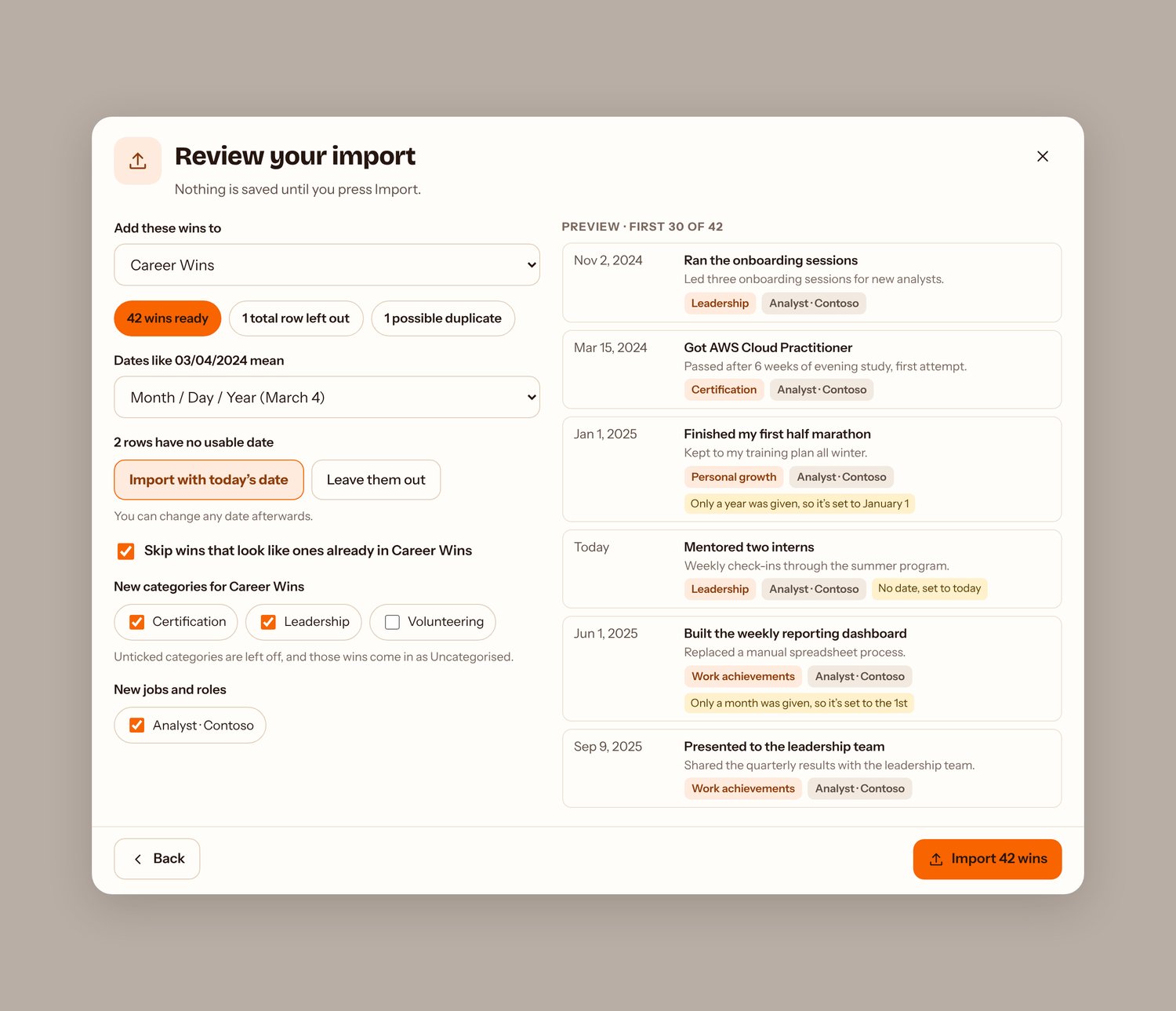
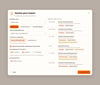
Import it from Excel or CSV, including my free My Wins Tracker spreadsheet. Claude matches your columns and flags possible duplicates. If something looks off, you can undo the import.
Also included: light and dark mode, a phone-friendly layout, and the option to rerun setup any time.
What you get
- my-wins-tracker.zip (the Claude skill)
- A one-page install guide (six steps, about five minutes)
What you need
- A Claude account (Free, Pro, Max, Team or Enterprise)
- Code execution and file creation turned on in Claude's settings
- On Team or Enterprise, an owner may need to turn on skills
AI features run on your own Claude account and count toward your normal Claude usage.
How to start
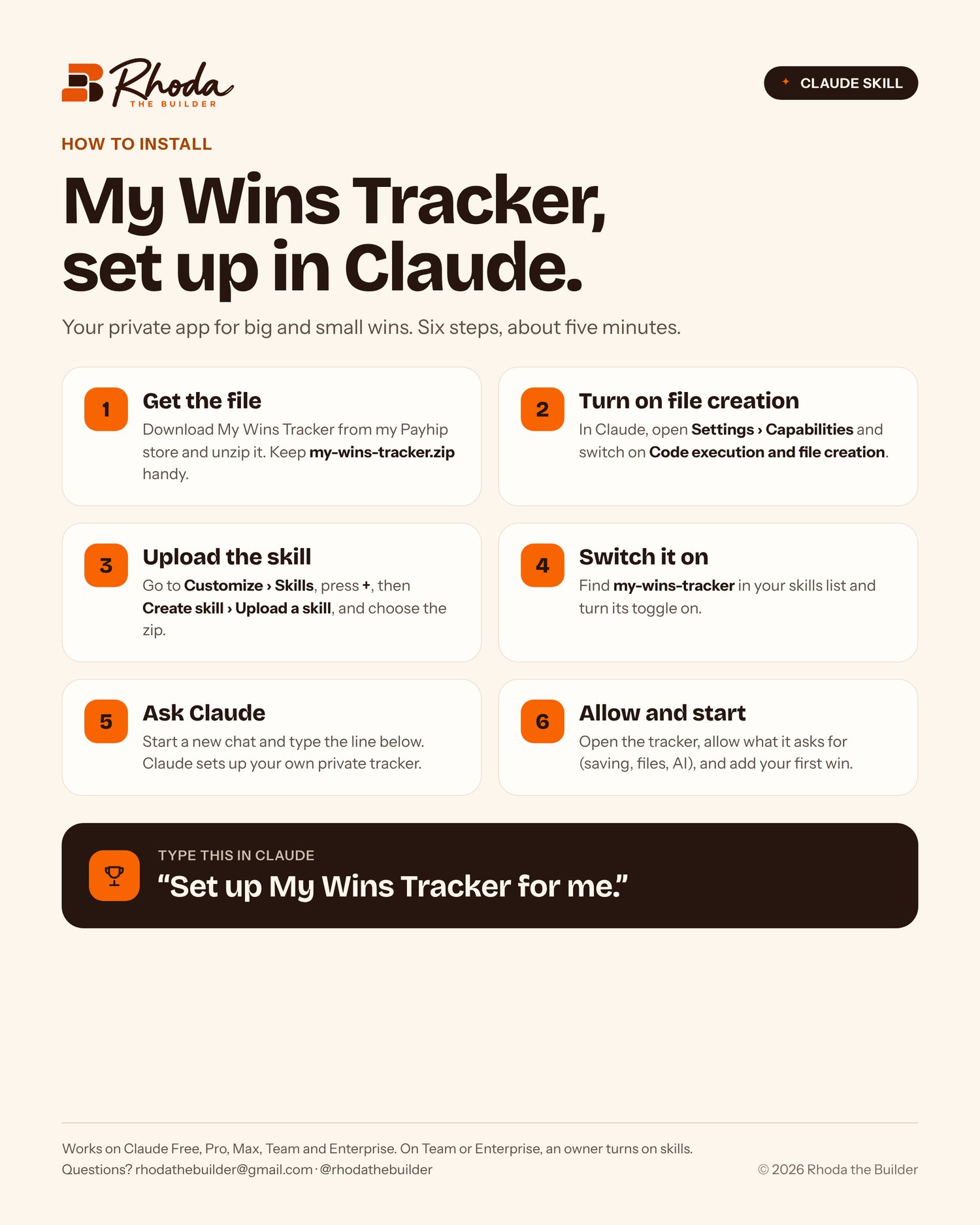
- Download and unzip the file.
- In Claude, upload the skill under Customize › Skills and switch it on.
- Start a new chat and type: "Set up My Wins Tracker for me."
Created by Rhoda the Builder. Questions? rhodathebuilder@gmail.com. Follow @rhodathebuilder on Instagram, TikTok and YouTube for more career tools.
© 2026 Rhoda the Builder. For personal use only. Please don't resell or redistribute.