
Vortex Autocomplete (Lite)
Vortex Autocomplete
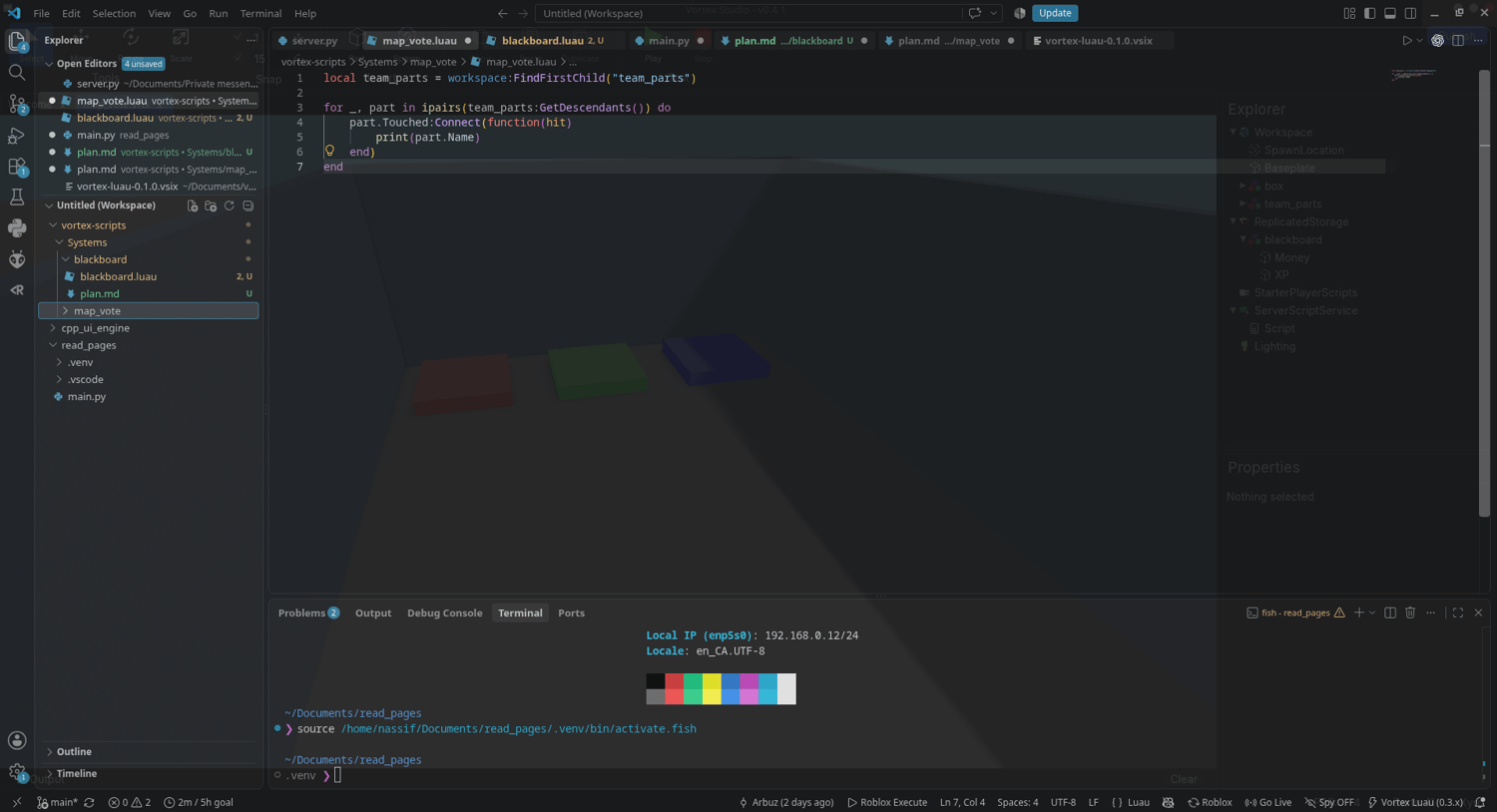
Autocomplete, hover documentation, and type-aware error checking for Vortex Studio Luau scripting in VS Code.
Vortex shipped scripting with no editor support. This extension fixes that:
install it, open any .luau file.
Install
1. Open the Extensions view in VS Code (Ctrl+Shift+X).
2. Drag the .vsix file onto it or open the ⋯ menu (top right) and choose Install from VSIX then pick the file.
Or from the command line:
code --install-extension vortex-luau-0.3.1.vsix
The extension rides on top of luau-lsp
which VS Code normally installs for you automatically. If autocomplete doesn't
appear after installing, install luau-lsp manually from the Extensions view.
What you get
- Autocomplete for the whole verified Vortex API
Known limitations
- The definitions file is hand-maintained
License
MIT. see the LICENSE file included in the package.