
QC Lab Audit Checklist Pack | Self-Inspection, CAPA Tracker & Audit Day Planner (Excel)
Get your QC laboratory ready for a regulatory inspection, customer audit or internal audit, without writing 40 new SOPs. The QC Lab Audit-Prep Pack is a working self-inspection kit. You get 150 practical questions in 15 laboratory areas, and each one points to the public GMP concept behind it: 21 CFR 211, EU GMP, ICH Q9/Q10, PIC/S PI 041, WHO TRS and others.
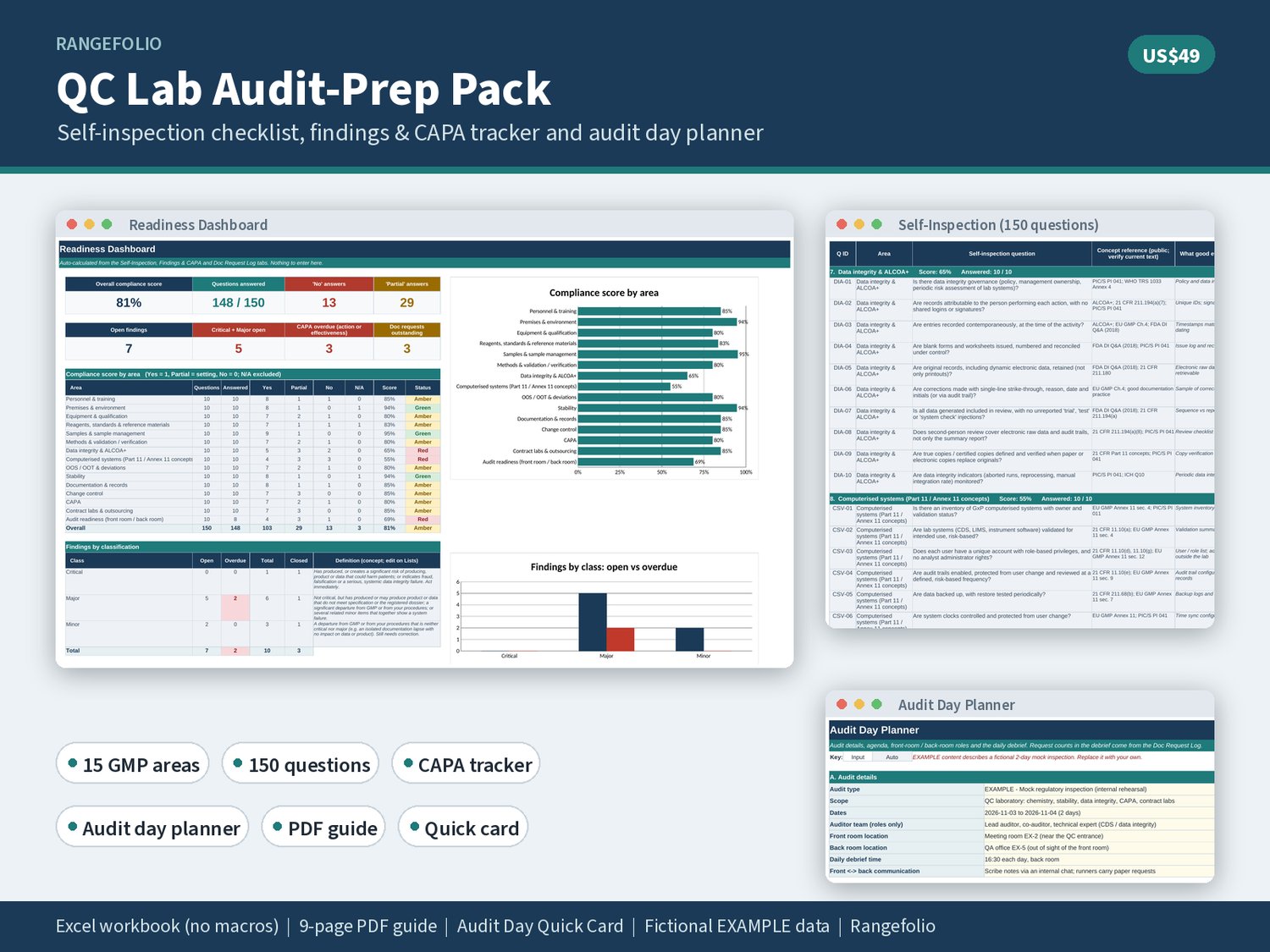
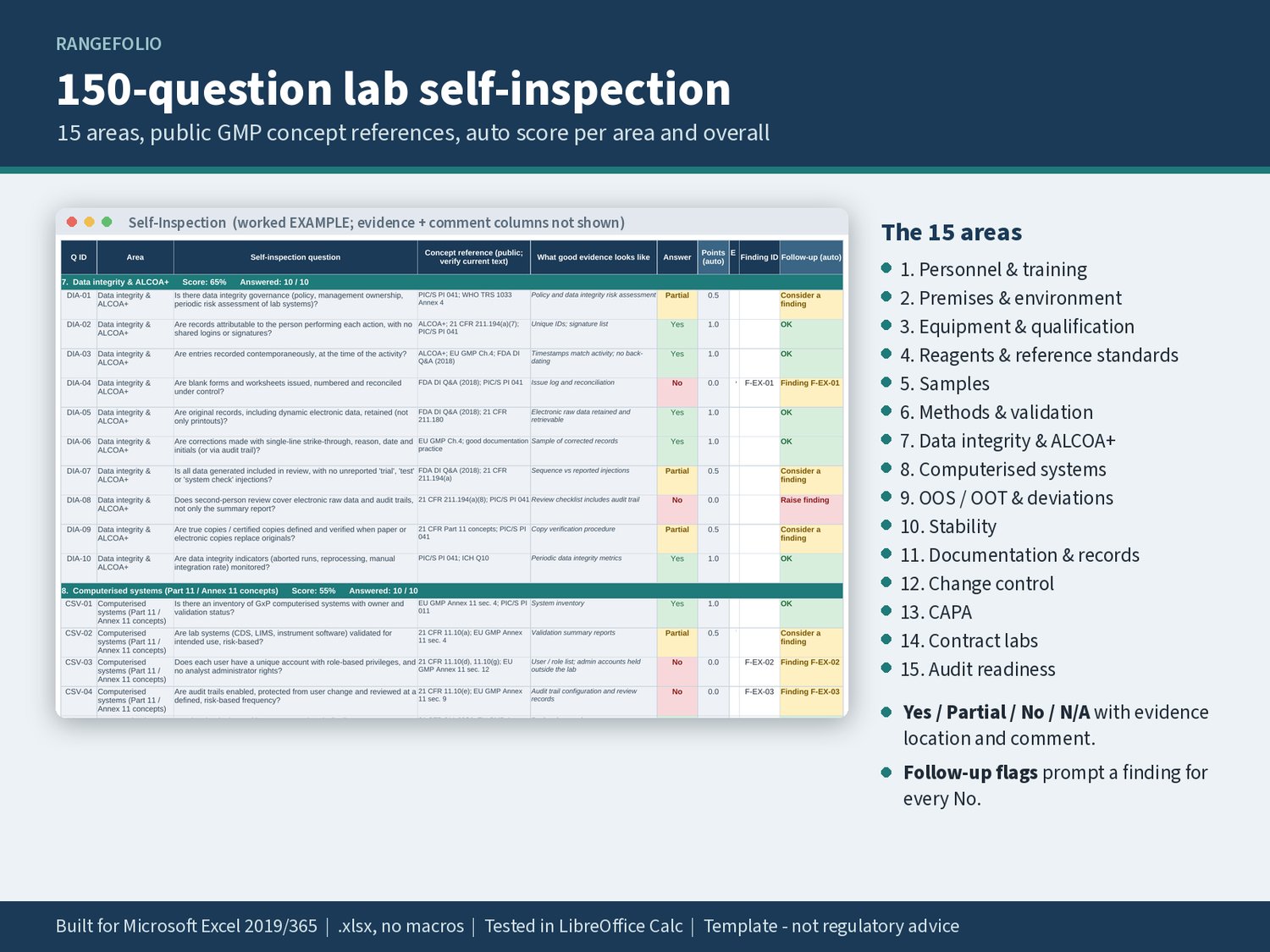
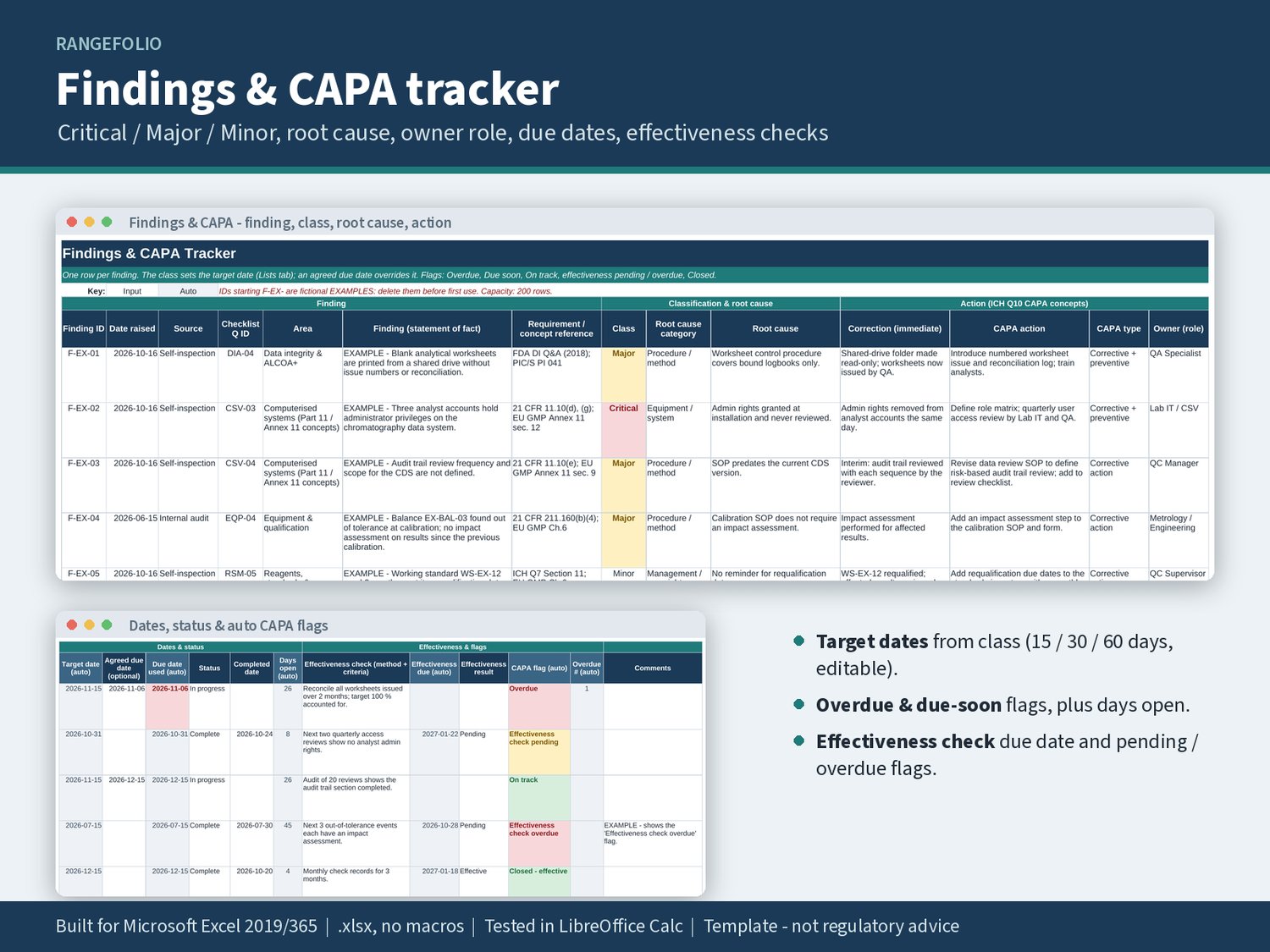
Answer Yes, Partial, No or N/A and record where the evidence is kept. The workbook scores each area and the whole lab, rates every area Green, Amber or Red, and prompts you to raise a finding for every No. The Findings & CAPA tracker classifies each finding as Critical, Major or Minor, records the root cause, the CAPA and the owner role, and sets target dates from the class. It flags overdue and due-soon actions and tracks effectiveness checks. On audit day, the planner handles the agenda, the front-room and back-room roles and a daily debrief. The document request log times every request against your targets.
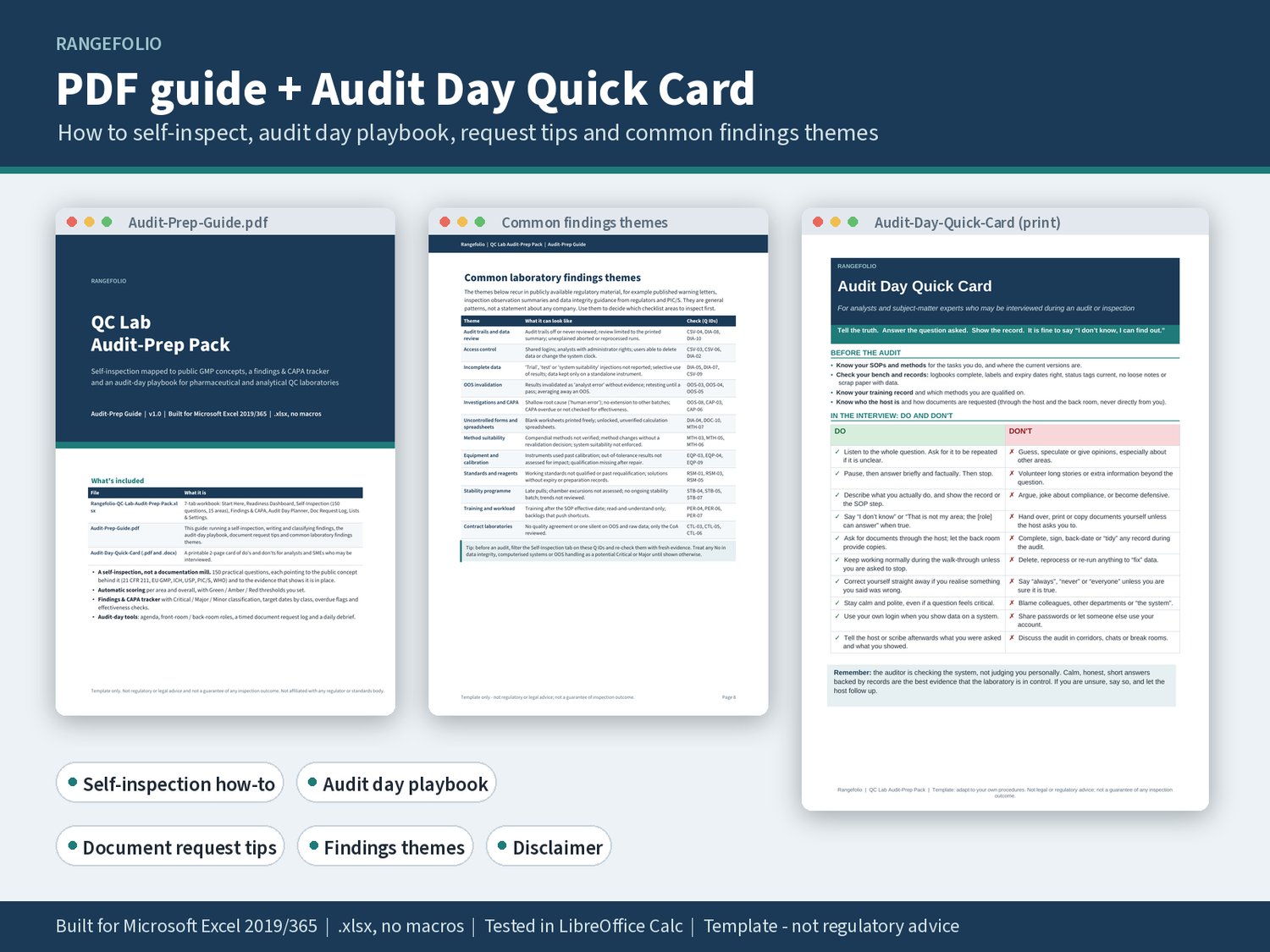
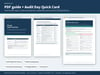
A 9-page PDF guide explains how to run the self-inspection and how to handle audit day. It also gives document request tips and a summary of common laboratory findings themes. A printable Audit Day Quick Card helps analysts prepare for interviews.
Built for Microsoft Excel 2019/365 (.xlsx, no macros). Tested in LibreOffice Calc. Google Sheets import possible but not officially supported.
What's included
• Rangefolio-QC-Lab-Audit-Prep-Pack.xlsx (7 tabs):
• Start Here: quick start, scoring rules, finding classification, colour key, disclaimer
• Readiness Dashboard: overall and per-area scores, a bar chart by area, open findings by class (chart), the overdue CAPA list and document request statistics
• Self-Inspection: 150 questions in 15 areas plus 15 custom rows; concept references, evidence location, comments, finding links and automatic follow-up flags
• Findings & CAPA: 200 rows covering classification, root cause, correction, CAPA, owner role, target and agreed due dates, overdue and due-soon flags, and the effectiveness check
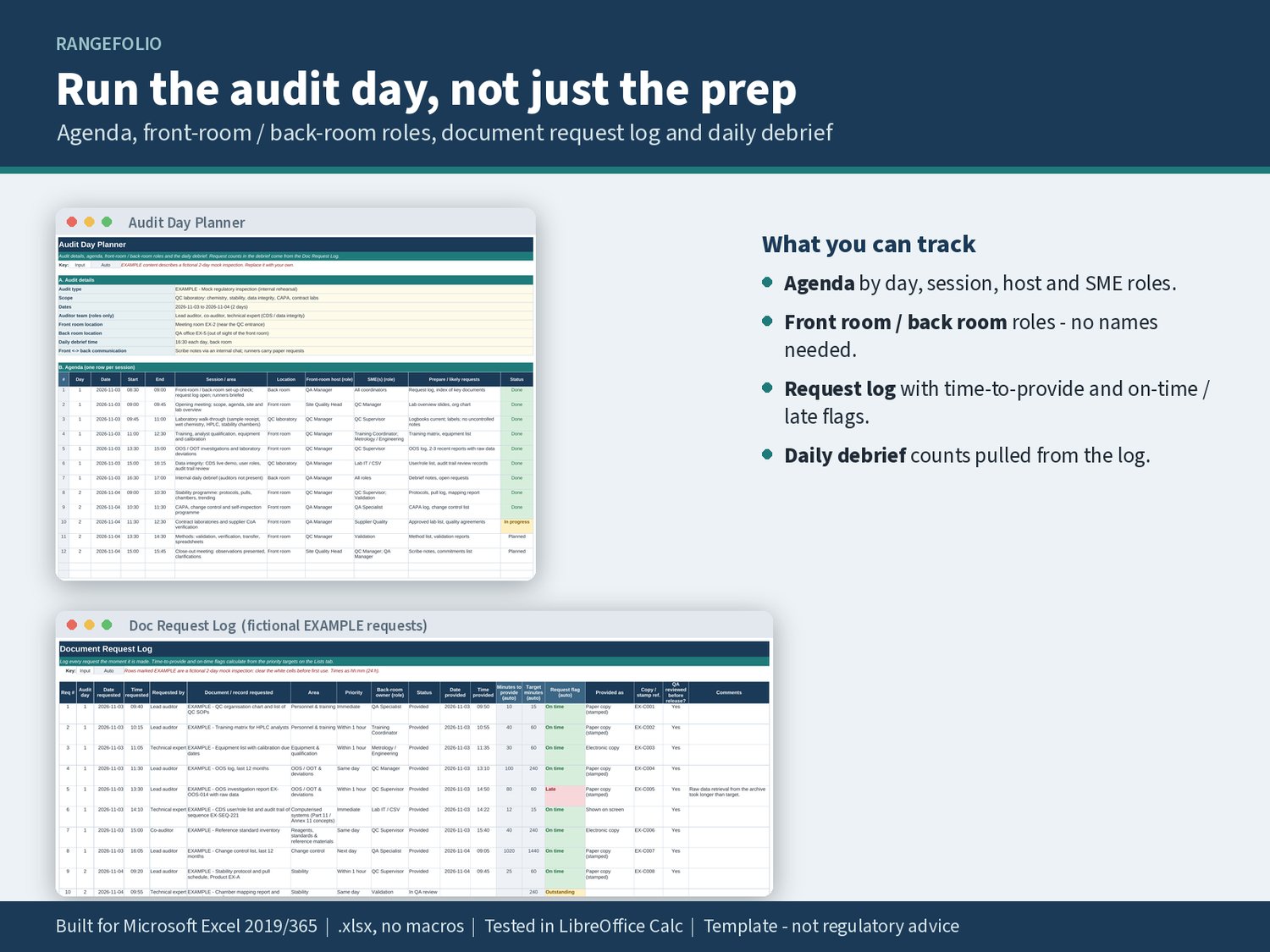
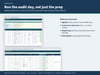
• Audit Day Planner: audit details, agenda, front-room/back-room roles and a 5-day debrief
• Doc Request Log: 200 rows with priority, back-room owner, status, minutes to provide, on-time/late flags and copy reference
• Lists: every drop-down list, plus the settings for partial-credit weight, score thresholds, CAPA days by class, the due-soon window, the effectiveness interval and request time targets
• Audit-Prep-Guide.pdf (A4, 9 pages)
• Audit-Day-Quick-Card.pdf and .docx (2 printable pages; the .docx can be edited)
• Fully fictional EXAMPLE rows that show a worked mock inspection. Delete them before first use.
Who it's for
• QC managers and supervisors preparing for an FDA, EU/MHRA, PIC/S, customer or certification audit
• QA specialists who run lab self-inspections or mock inspections
• Contract-testing, API, generic, biotech and start-up laboratories without a full QMS audit module
• Analysts who want to know what to expect when they are interviewed
File formats
• .xlsx workbook. Built for Microsoft Excel 2019/365 (.xlsx, no macros). Tested in LibreOffice Calc. Google Sheets import possible but not officially supported. The workbook has no add-ins or external links. Formula cells are protected without a password.
• PDF guide (A4)
• Quick Card as PDF and editable .docx
• Everything comes in one ZIP: Rangefolio-QC-Lab-Audit-Prep-Pack.zip
FAQ
Does this guarantee we will pass an inspection?
No. It is a self-assessment template. It helps you find gaps and manage the follow-up. It is not regulatory or legal advice, and it does not guarantee any inspection or audit outcome.
Are the questions copied from regulations?
No. Each question is written in plain language, and its reference points only to the public concept behind it, such as "21 CFR 211.194" or "EU GMP Ch.6". Always check the current official text, and follow your own SOPs, which take precedence.
Can I add my own questions or change the scoring?
Yes. You can use the 15 custom rows and pick an area for each, and they count toward that area's score. You can change the partial-credit weight, the Green/Amber thresholds, the CAPA days by class and the request time targets on the Lists tab. The sheets are protected without a password, so you can edit them further.
Which spreadsheet apps does it work with?
Built for Microsoft Excel 2019/365 (.xlsx, no macros). Tested in LibreOffice Calc. Google Sheets import possible but not officially supported. If you import it into another app, check the drop-downs, flags and charts yourself before you rely on them.
Disclaimer
This is a template only. It is not regulatory or legal advice and does not guarantee any inspection or audit outcome. References point only to public concepts and are not quotations of regulations or guidance, so always check the current official texts. Your own procedures take precedence. Rangefolio has no affiliation with any regulator, standards body or company. All example data is fictional.