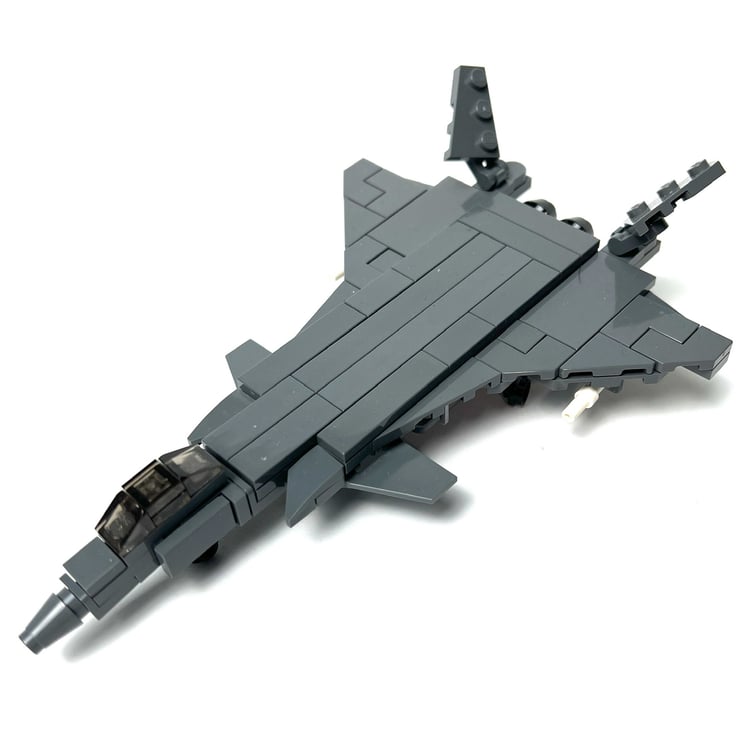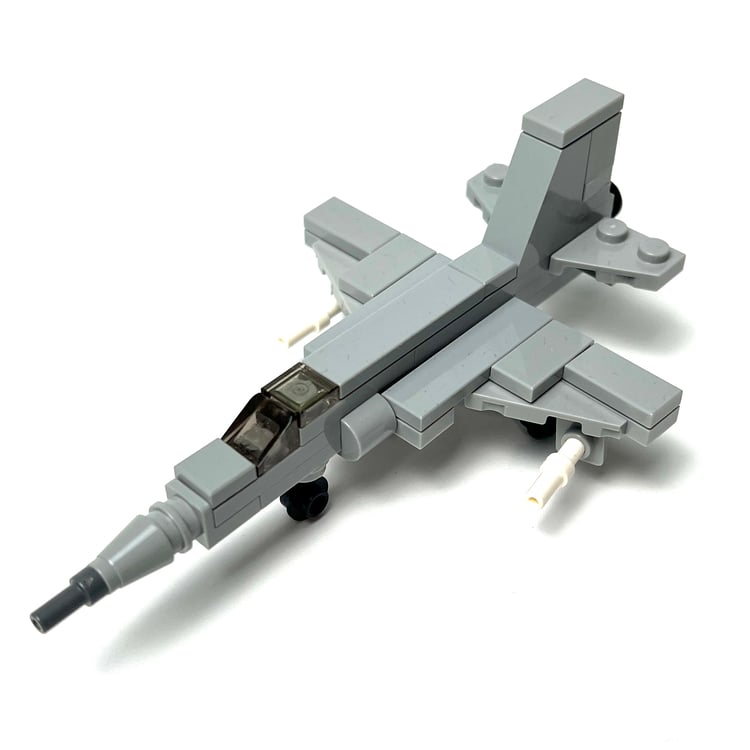

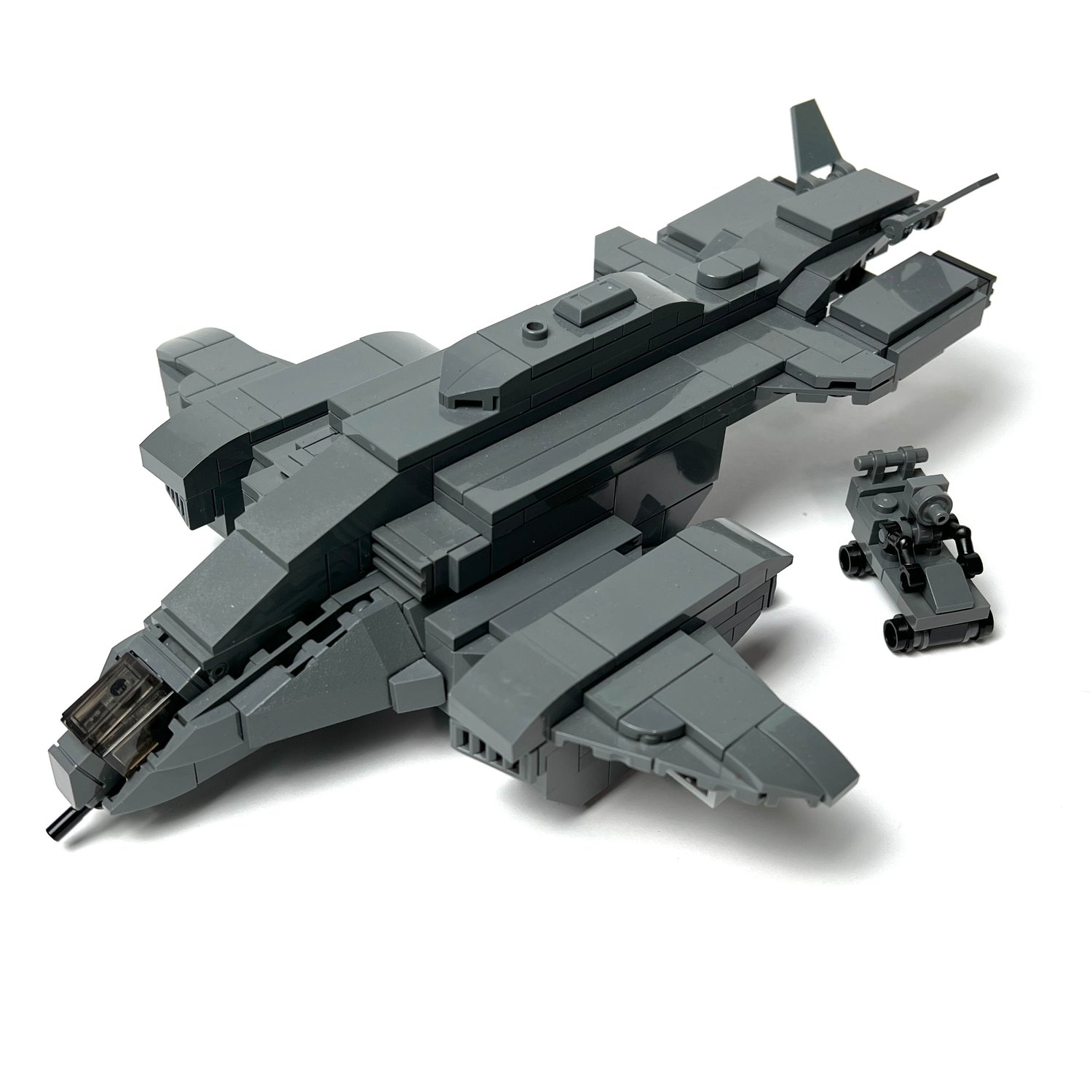
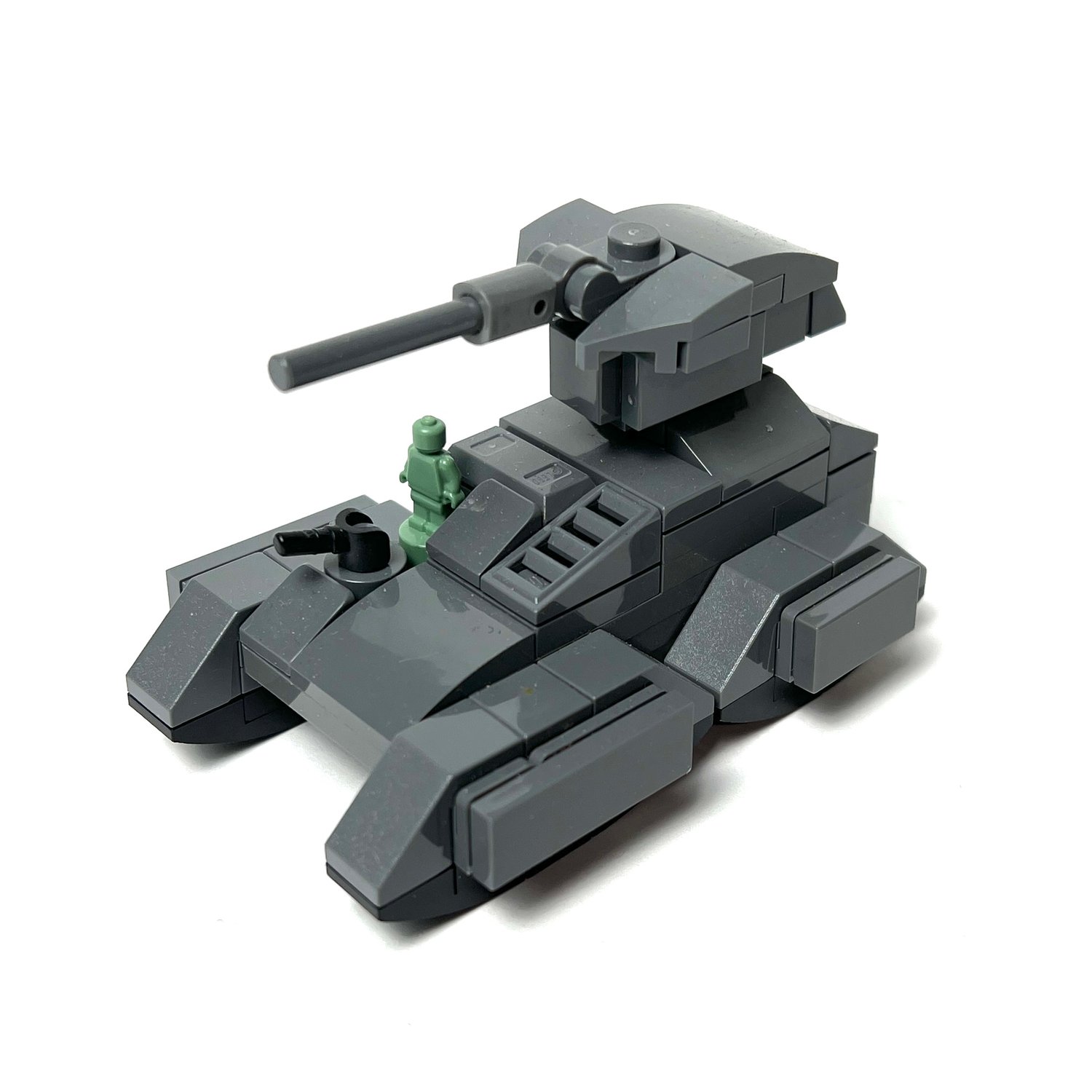
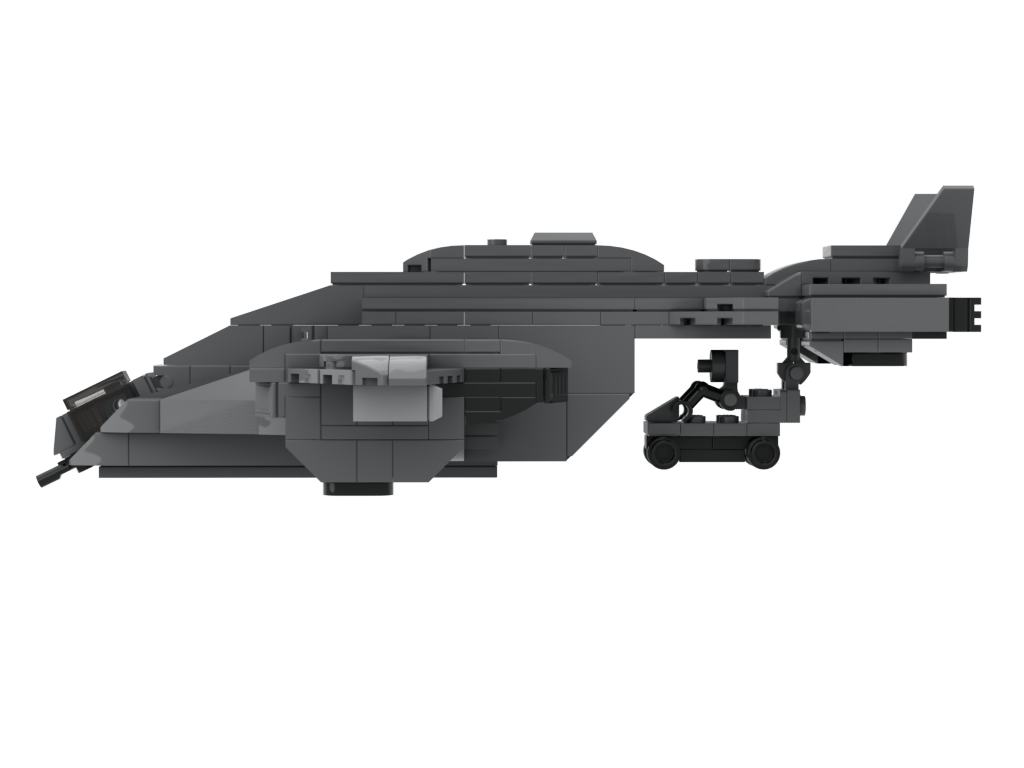
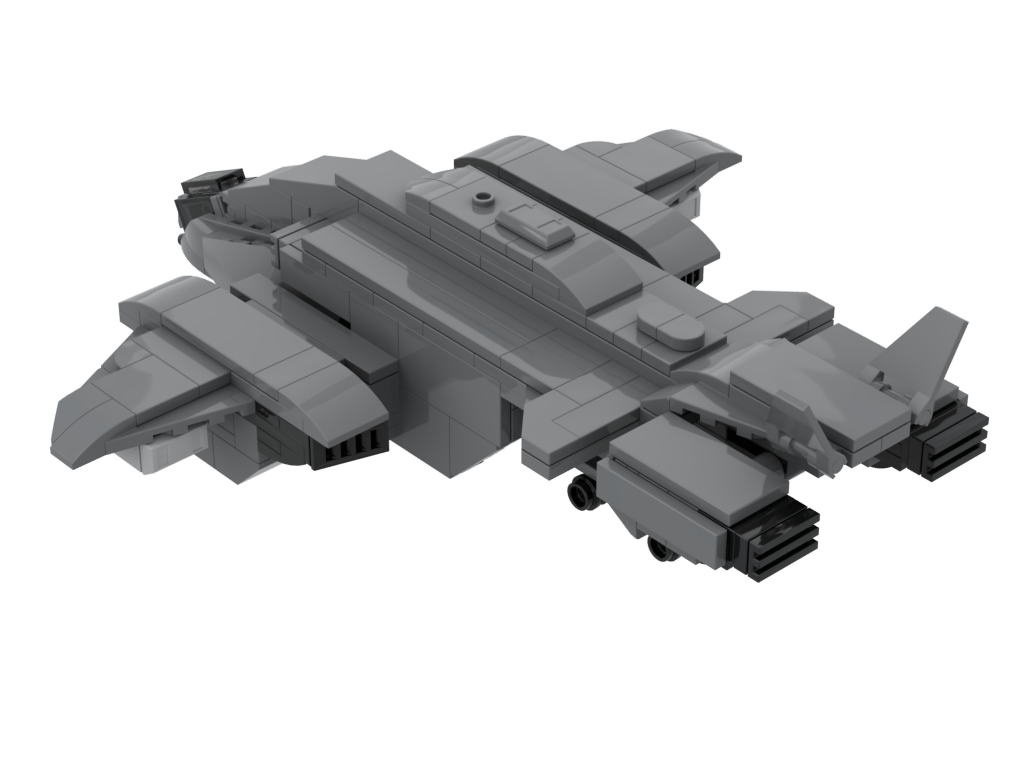
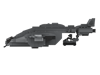
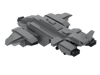
Pelican Dropship + Scorpion Tank(1:120)(PDF Instructions & XML File)
(UPDATE: V2 now comes with a landing gear that can fold up or down and makes the model much more stable for ground mode.)
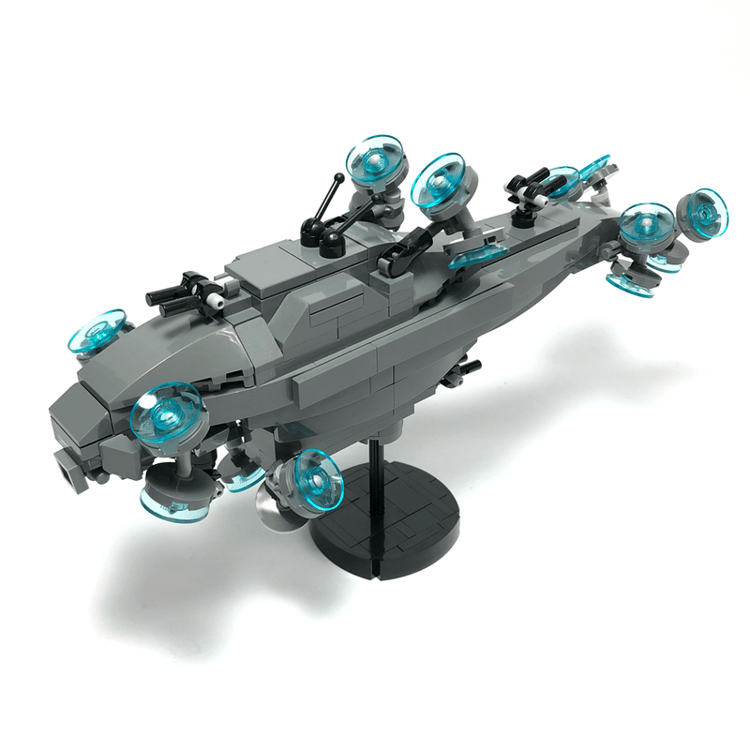
I first made a microscale Pelican dropship back in 2019, and it was high time I updated the design more accurately and this is what I came up with.
This was done in 1:120 scale, and looks like a midi-scale aircraft. Honestly I was quite inspired by the new Star Wars midi scale line from Lego and I went to work on this design, which took me about two days.
This version comes with a little warthog which can attach to a claw in the back. You can also rotate all four of the engines on the ship.
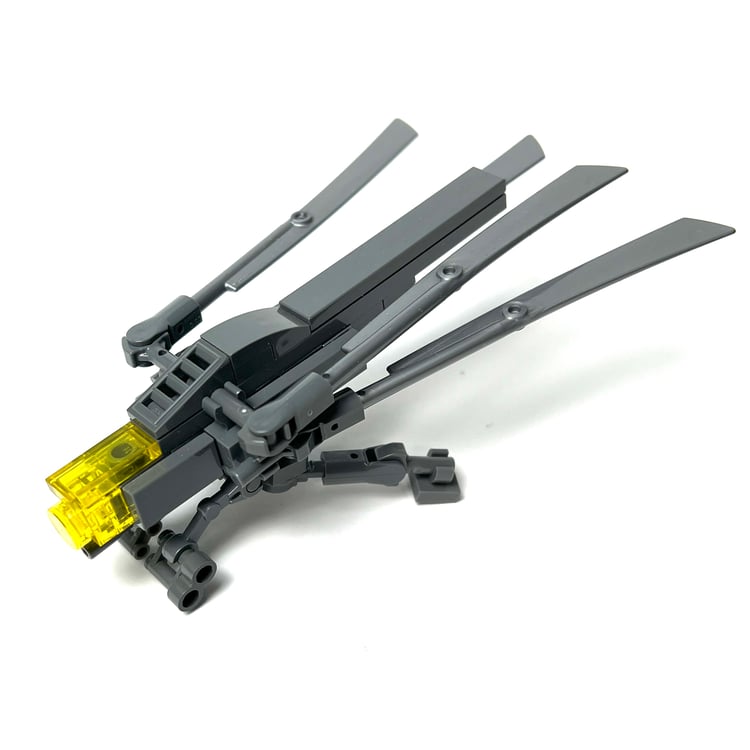
And while I was at it, I also built a Scorpion Tank to go along with it and I think it makes for a very fun display and play set. Great for all ages!
How to Buy Parts from Bricklink:
1. Go to bricklink.com and log into your account. If you don't have one, create a free account first.
2. In the top menu, go to My BrickLink → Wanted List. This is where you'll upload your parts list(XML file).
3. Inside your Wanted List, click Upload at the top. Select Upload BrickLink XML, then choose your exported .xml file. Bricklink will parse every part automatically and populate your wanted list.
4. Once your wanted list is populated, click Buy All at the top. Bricklink will scan all current store inventories and suggest the most cost-efficient combination of sellers to source every part in your list.
5. Review the suggested stores, adjust if needed, and proceed to checkout with each seller individually.