
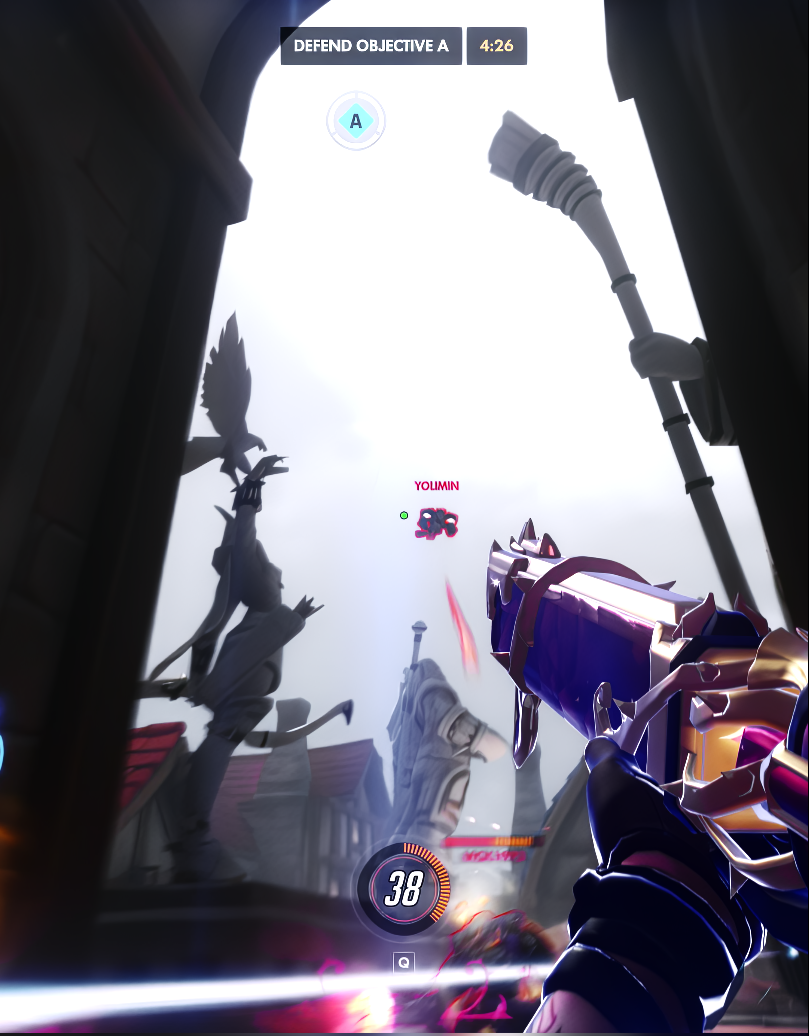
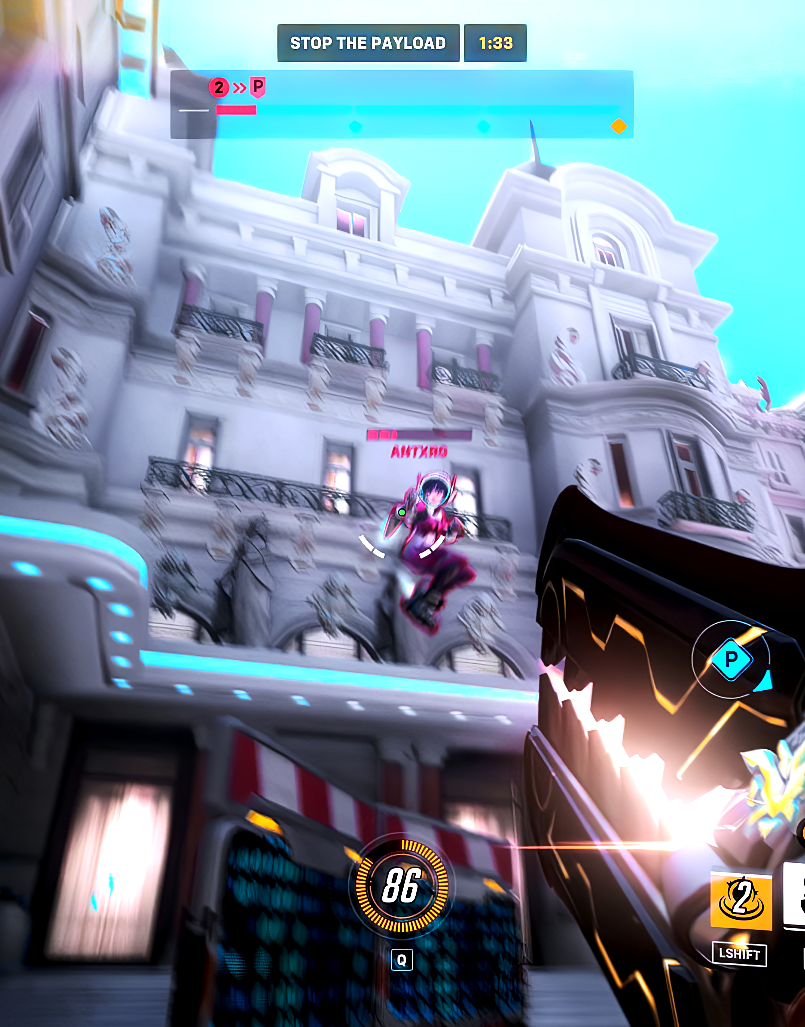
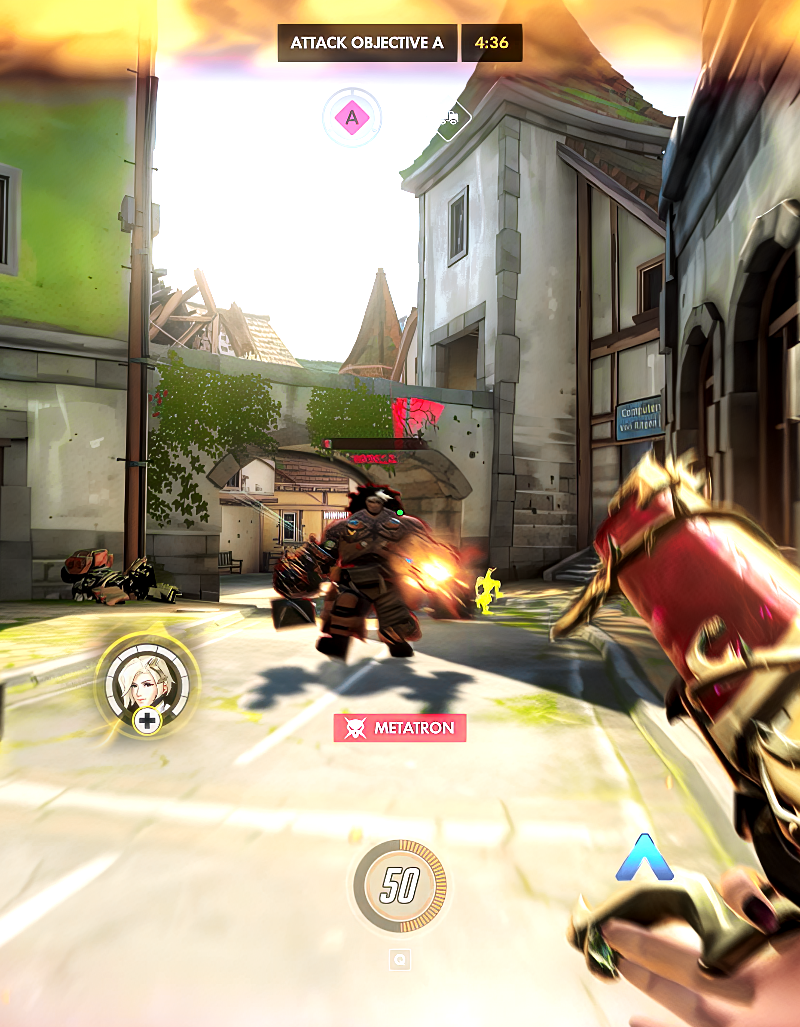
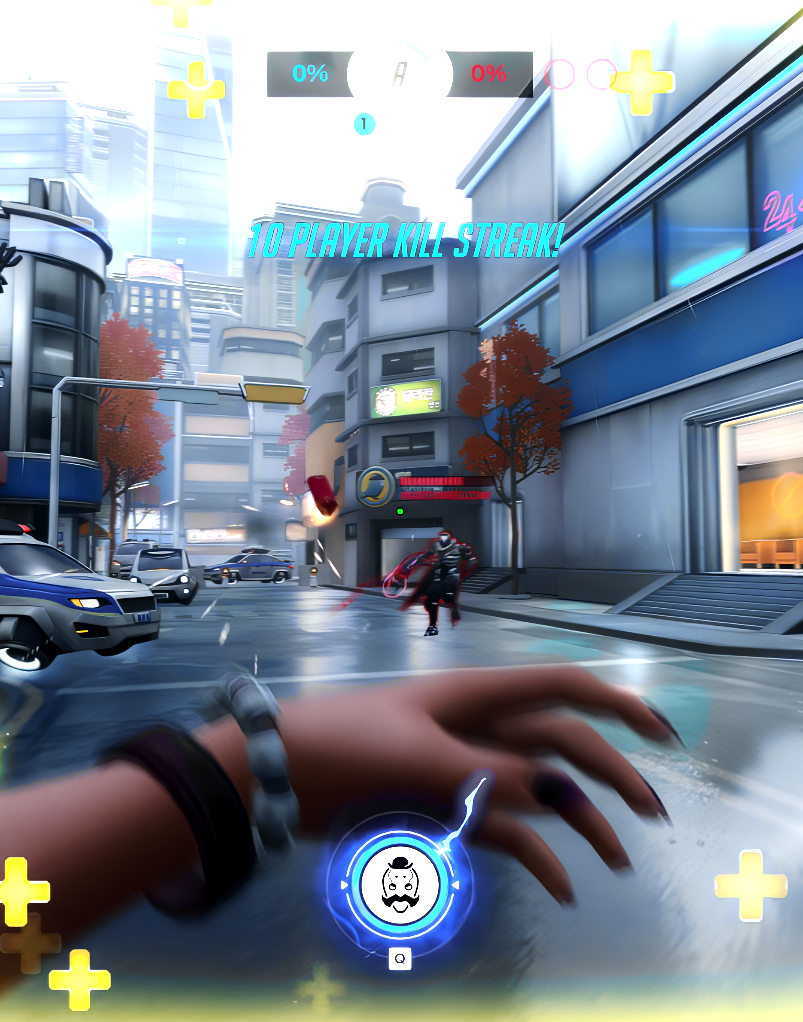
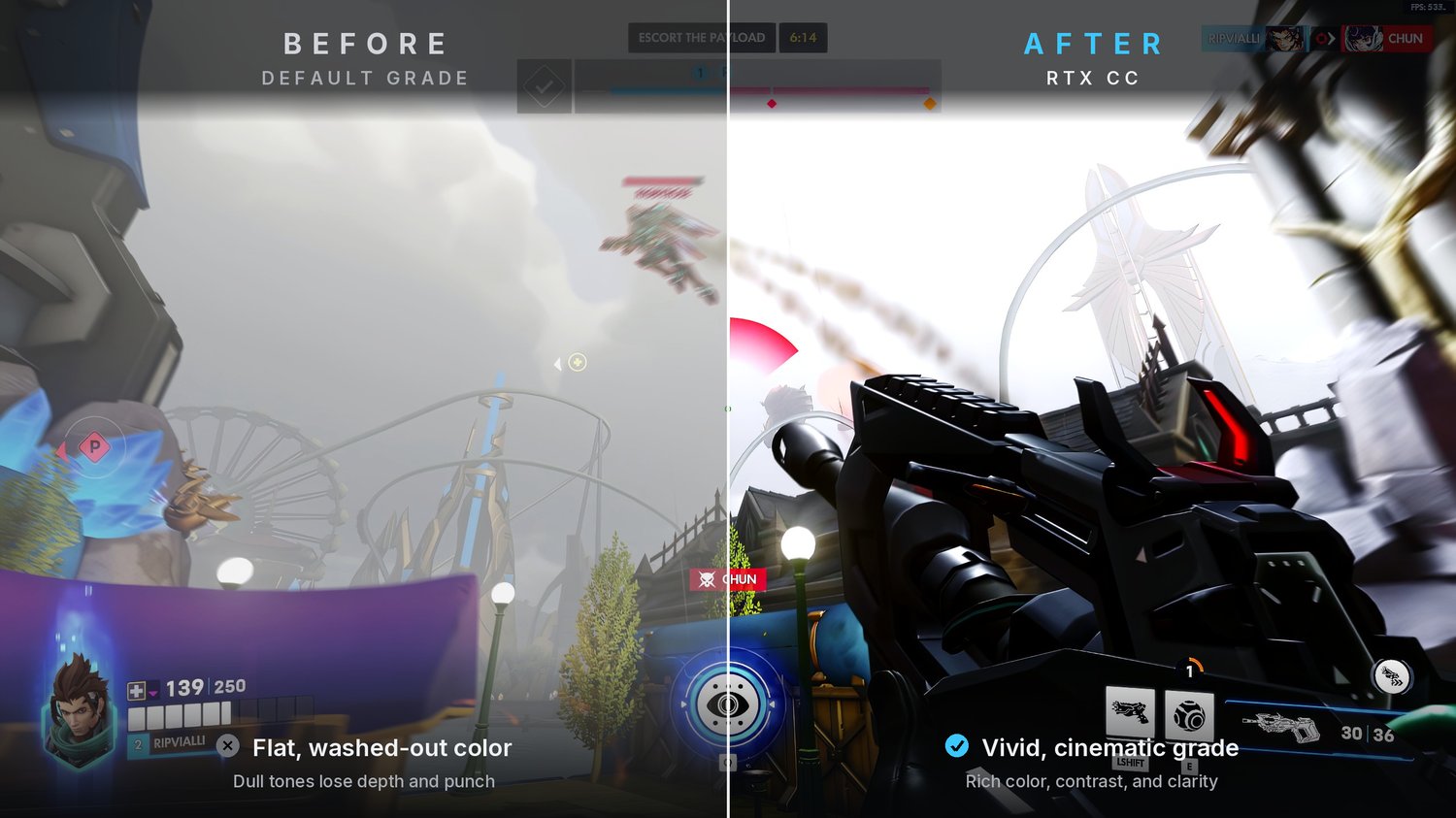








RTX Cinematic Color Grading Pack | DaVinci Resolve
🎬 Instant Cinematic RTX Color Grading. Just Drag, Drop, and Done.
Transform your gaming footage into cinematic, RTX-style visuals in seconds. No color grading experience needed.
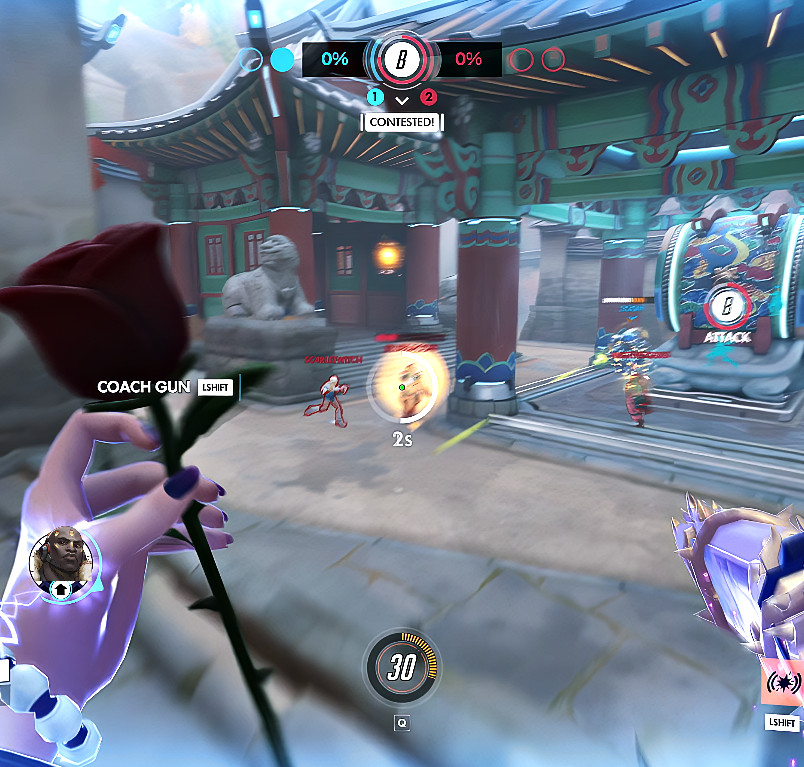
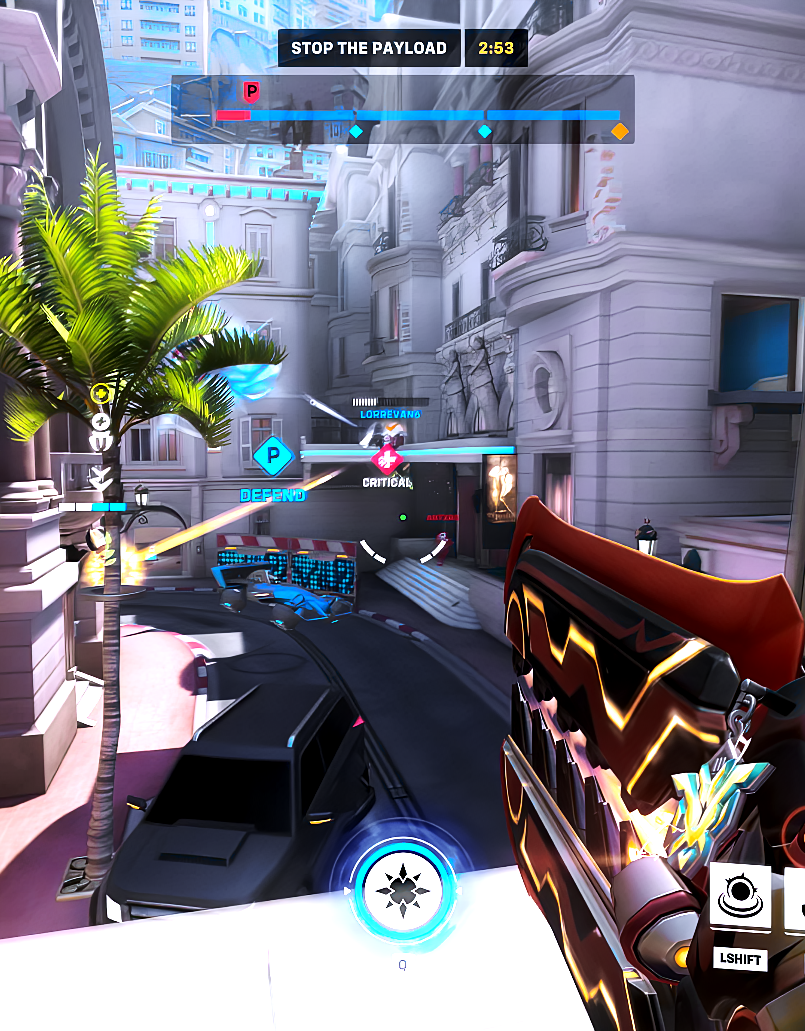
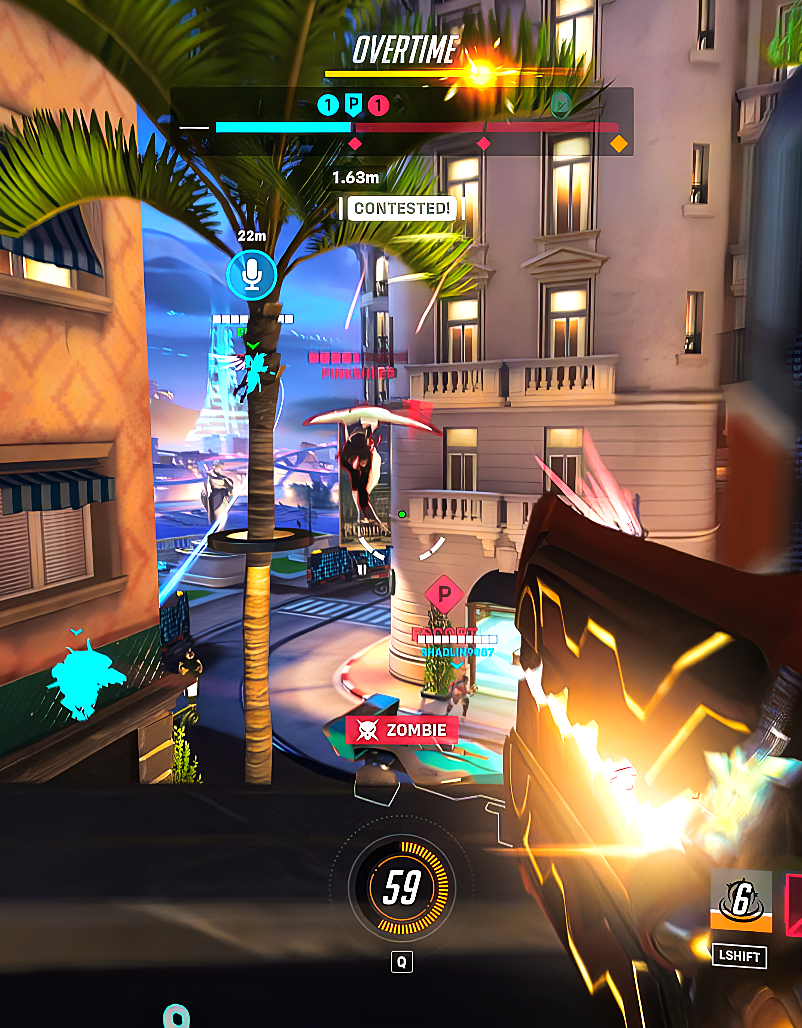
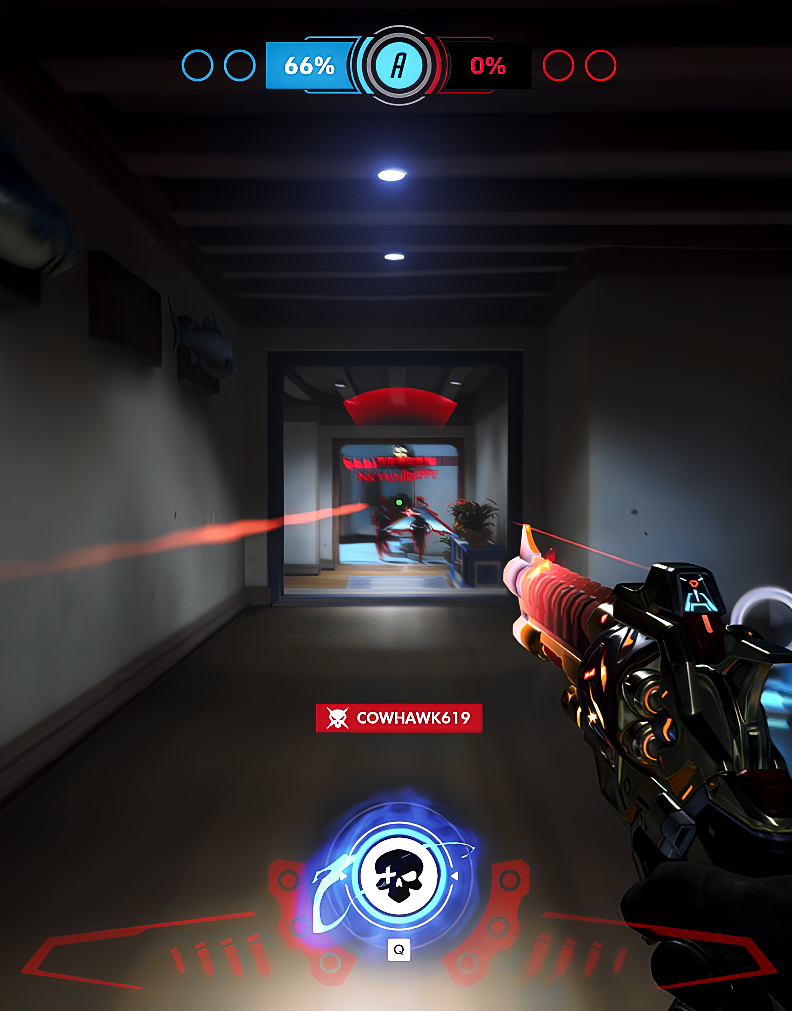
These are my personal RTX-style color grading presets built for DaVinci Resolve. Each preset is designed to replicate that rich, ray-traced lighting look that makes your content stand out from every other clip on the timeline.
What's Inside: Each preset is named after the map it was designed for. Just match the RTX CC to the corresponding map and you'll get the exact look shown in the preview images above.
Why Creators Love These:
→ No manual color grading required. Just drag and drop onto your footage
→ Apply in under 10 seconds per clip
→ Designed specifically for gaming content, not generic film LUTs
→ Works with DaVinci Resolve (free and paid versions)
Perfect For: Content creators, montage editors, and streamers who post on YouTube, TikTok, or Instagram and want that premium, polished look without spending hours on color correction.
How to Use:
- Download and unzip the files
- Open your project in DaVinci Resolve
- Go to the Color tab at the bottom
- On the left panel, select Gallery → PowerGrade 1
- Drag the preset files in
- Apply the preset that matches your map. Done.
Requirements: DaVinci Resolve