













Digital Estate Planning Workbook — Plan Your Accounts, Files & Digital Life | Printable PDF
Digital Estate Planning Workbook — Plan Your Accounts, Files & Digital Life | Printable PDF
Be honest. Have you…
- …told anyone where your passwords are kept?
- …set up Apple Legacy Contact or Google Inactive Account Manager?
- …decided which accounts should be kept, closed or memorialized?
- …written down what should happen to your photos?
- …made a plan for crypto, domains or an online business?
- …named someone to handle your digital life if you can't?
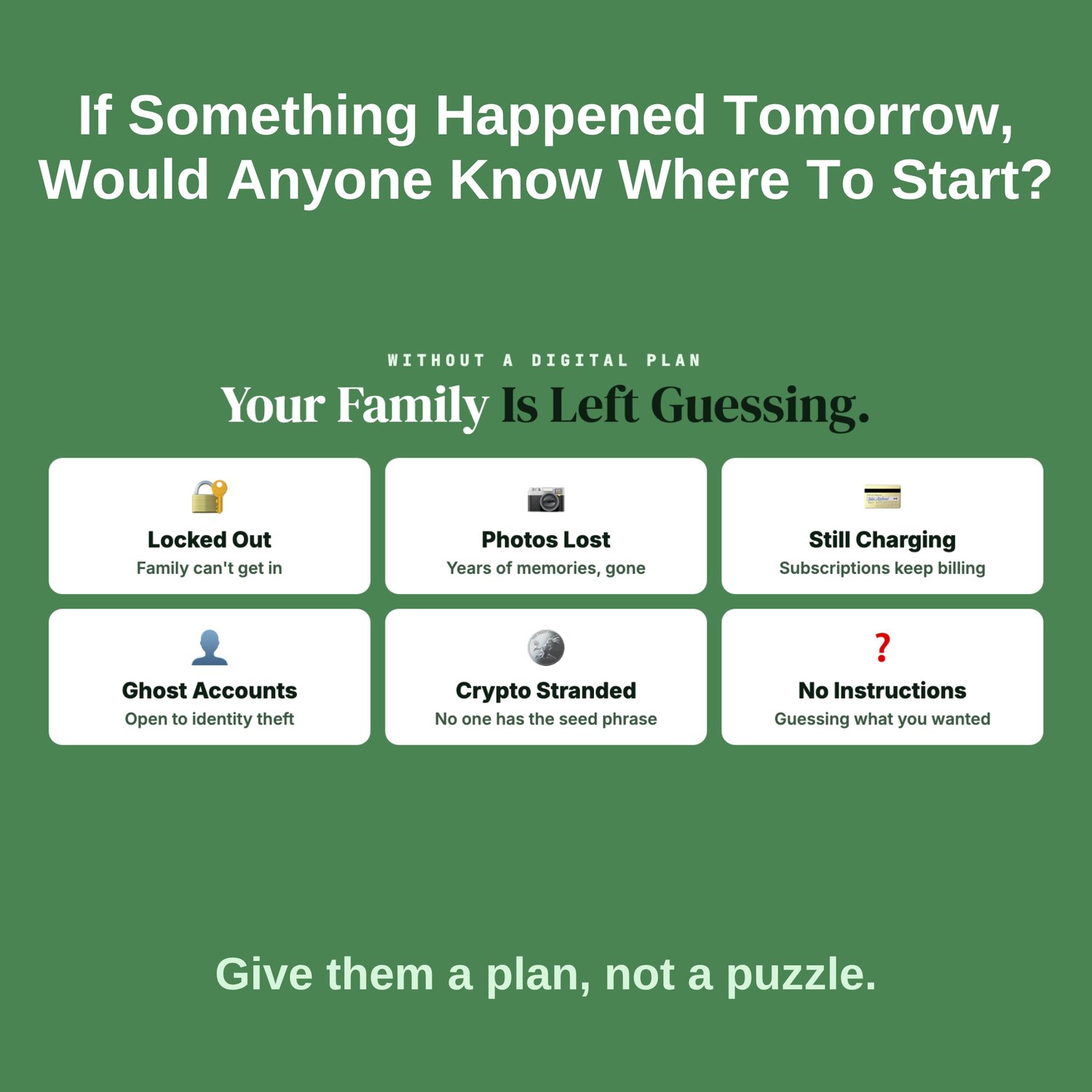
If something happened to you tomorrow, would anyone know where to start? Without a plan, families get locked out of accounts, years of photos can disappear, subscriptions keep charging, and abandoned accounts stay open to identity thieves. A legal will covers your belongings. It usually says nothing about your digital life.
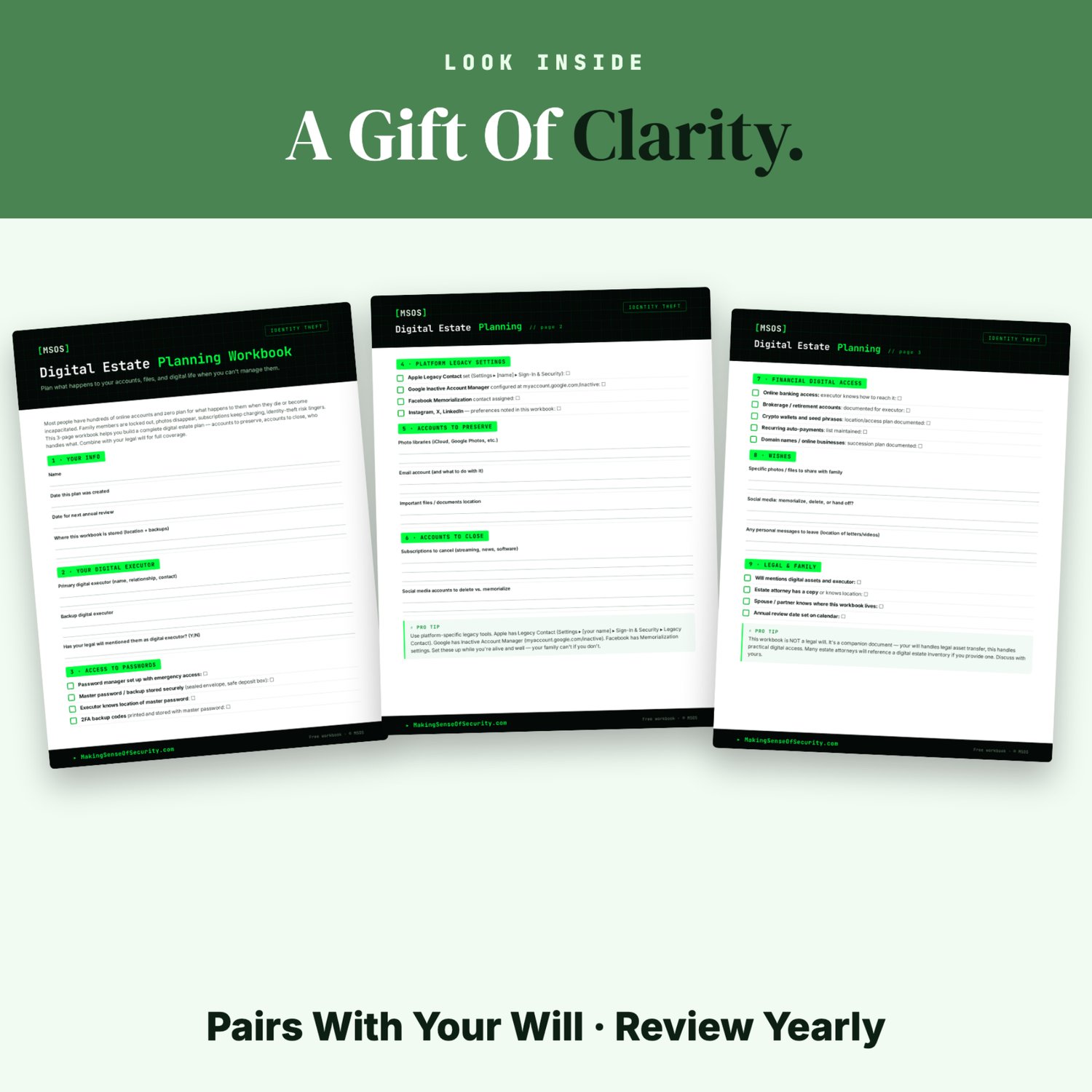
This workbook fills that gap. In 3 pages of checkboxes and write-in blanks, you'll name a digital executor, arrange safe access to your passwords, turn on the legacy settings Apple, Google and Facebook already offer, and record exactly which accounts to keep, close or hand off. It's a practical companion to your will, not a replacement for it.
What's inside (9 sections):
- Your Info: the plan date, your next review date, and where this workbook is stored.
- Your Digital Executor: a primary and a backup, and whether your will names them.
- Access to Passwords: password-manager emergency access, the location of your master password, and 2FA backup codes.
- Platform Legacy Settings: Apple Legacy Contact, Google Inactive Account Manager, Facebook memorialization and more.
- Accounts to Preserve: photo libraries, email and important files.
- Accounts to Close: subscriptions, and which social accounts to delete or memorialize.
- Financial Digital Access: online banking, brokerage, crypto wallets, auto-payments and domain names.
- Wishes: photos to share, social media preferences and personal messages.
- Legal & Family: your will, your attorney, who knows where this lives, and an annual review.
What you'll learn:
- How to choose a digital executor, and a backup
- Safe ways to pass on password access
- The legacy settings Apple, Google and Facebook offer
- Which accounts to keep, close or memorialize
- How to plan for crypto, domains and online businesses
- How this plan works alongside your legal will
Who it's for: anyone with online accounts, which is everyone. It's especially useful for parents, retirees, people updating a will, anyone holding crypto or running an online business, and adult children helping aging parents get organized.
What you get:
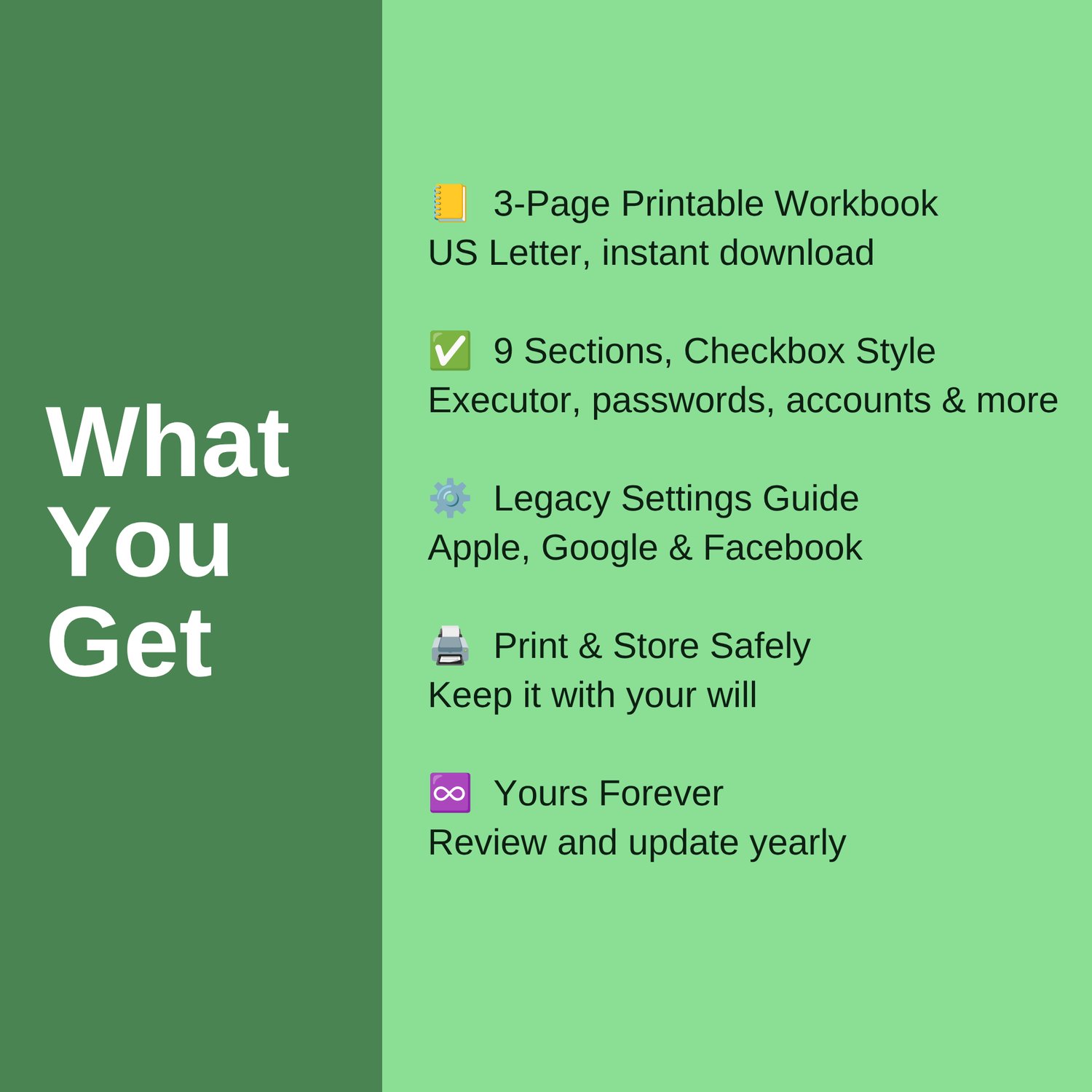
- A 3-page printable workbook, US Letter size, as an instant download
- 9 sections with checkboxes and write-in blanks
- Step-by-step pointers to the Apple, Google and Facebook legacy settings
- Print it and store it safely alongside your will
- Yours forever: review and update it every year
Give your family a plan, not a puzzle.
This workbook is not a legal document. Talk to an estate attorney about your will.
Great Companion Guides
- Identity Theft Warning Signs Checklist
- Credit Freeze Quick-Start Card
- Monthly Statement Review Tracker
- FREE Identity Theft Course
- Online Banking Safety Checklist
- App Permissions Audit Cheat Sheet
All Sales Final. Please reference this page for details.