

Side Hustle Income Tracker Spreadsheet 2027, Quarterly Estimated Tax Calculator, Self Employed Tax Planner, Google Sheets & Excel, 1099
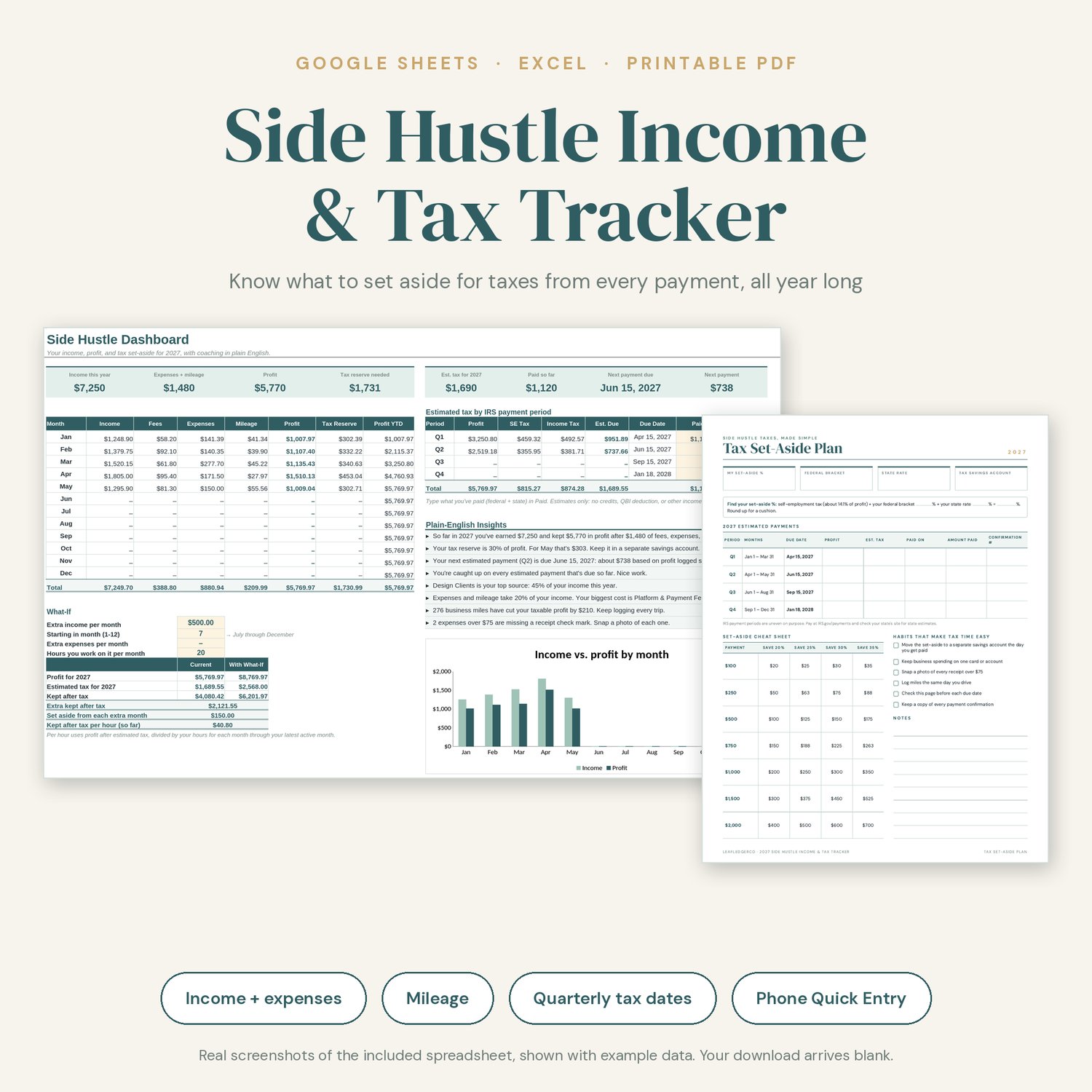
Stop guessing what you owe. Log each payment, expense, and business mile, and this tracker tells you how much to set aside for taxes, what each 2027 estimated payment should be, and when it's due. It explains it all in plain English. Built for Etsy sellers, freelancers, delivery drivers, crafters, and anyone with 1099 income on the side.
★ WHY IT STANDS OUT
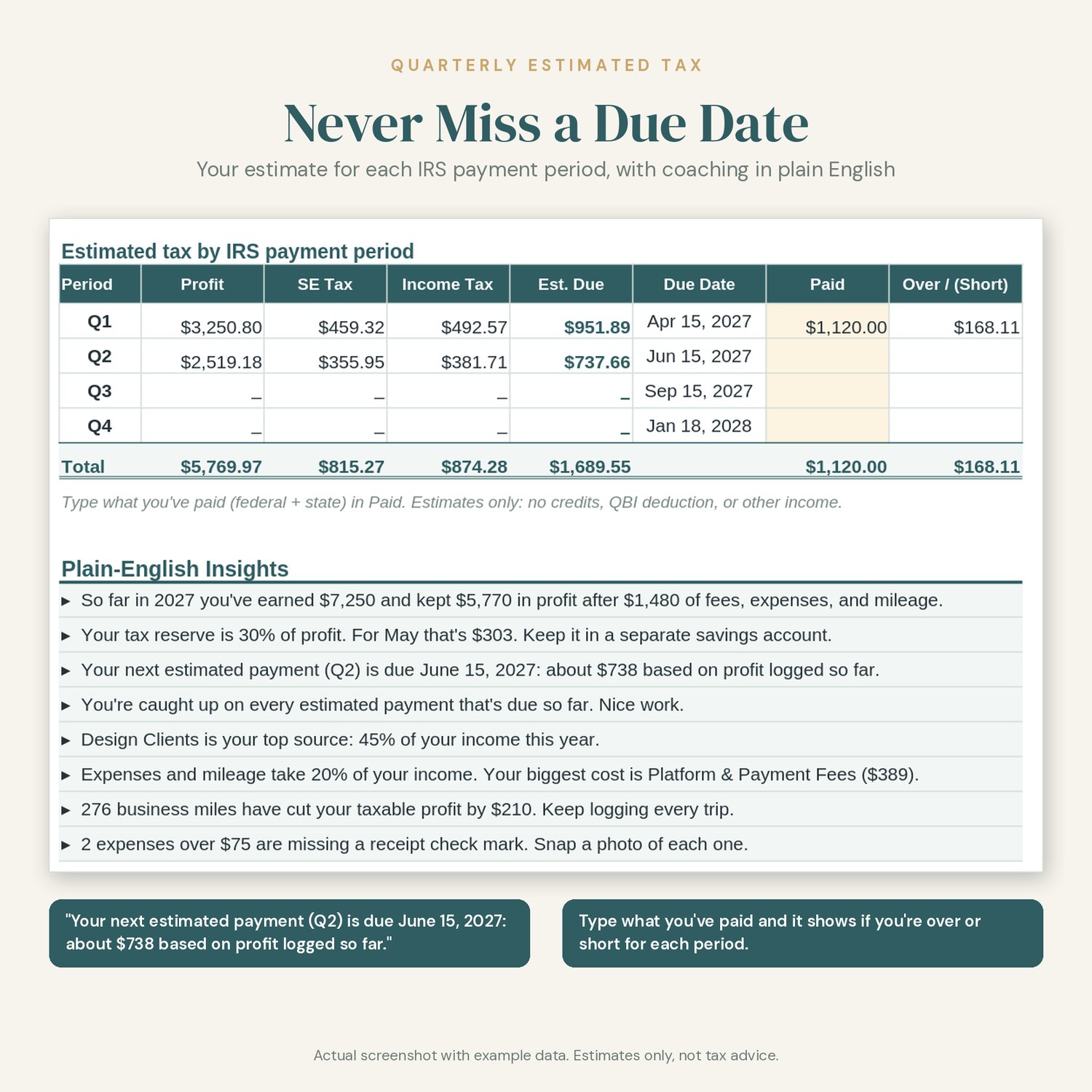
• Plain-English Insights panel: live sentences like "Your next estimated payment (Q2) is due June 15, 2027: about $738 based on profit logged so far."
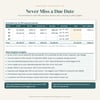
• Estimates by the real IRS payment periods (Jan–Mar, Apr–May, Jun–Aug, Sep–Dec), not calendar quarters, with the 2027 due dates filled in
• Over/short check: type what you've paid and see if you're ahead or behind for each period
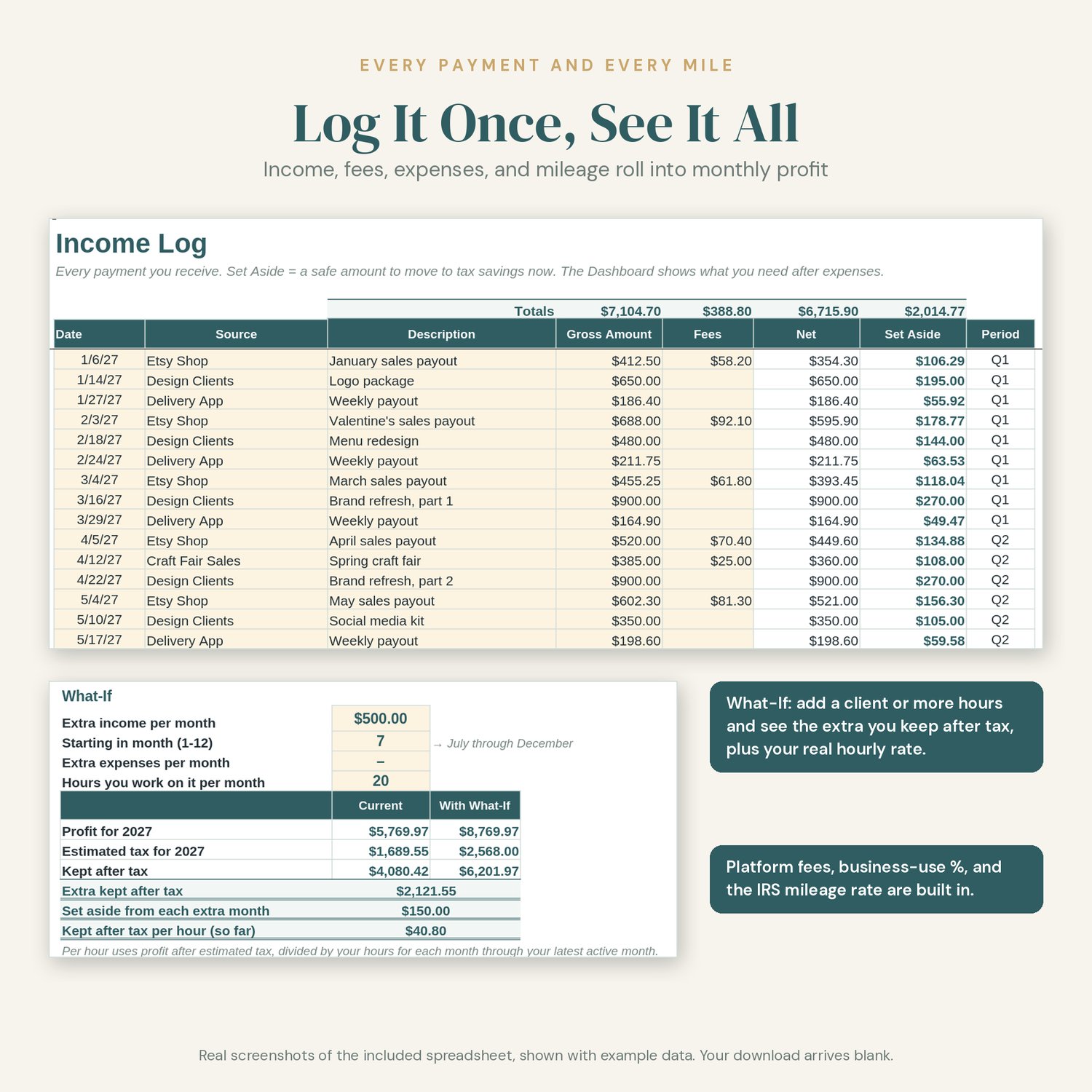
• What-If box: add a client, more hours, or new expenses and see what you keep after tax, plus your real hourly rate
• 10-minute numbered Quick Start on the Start Here tab
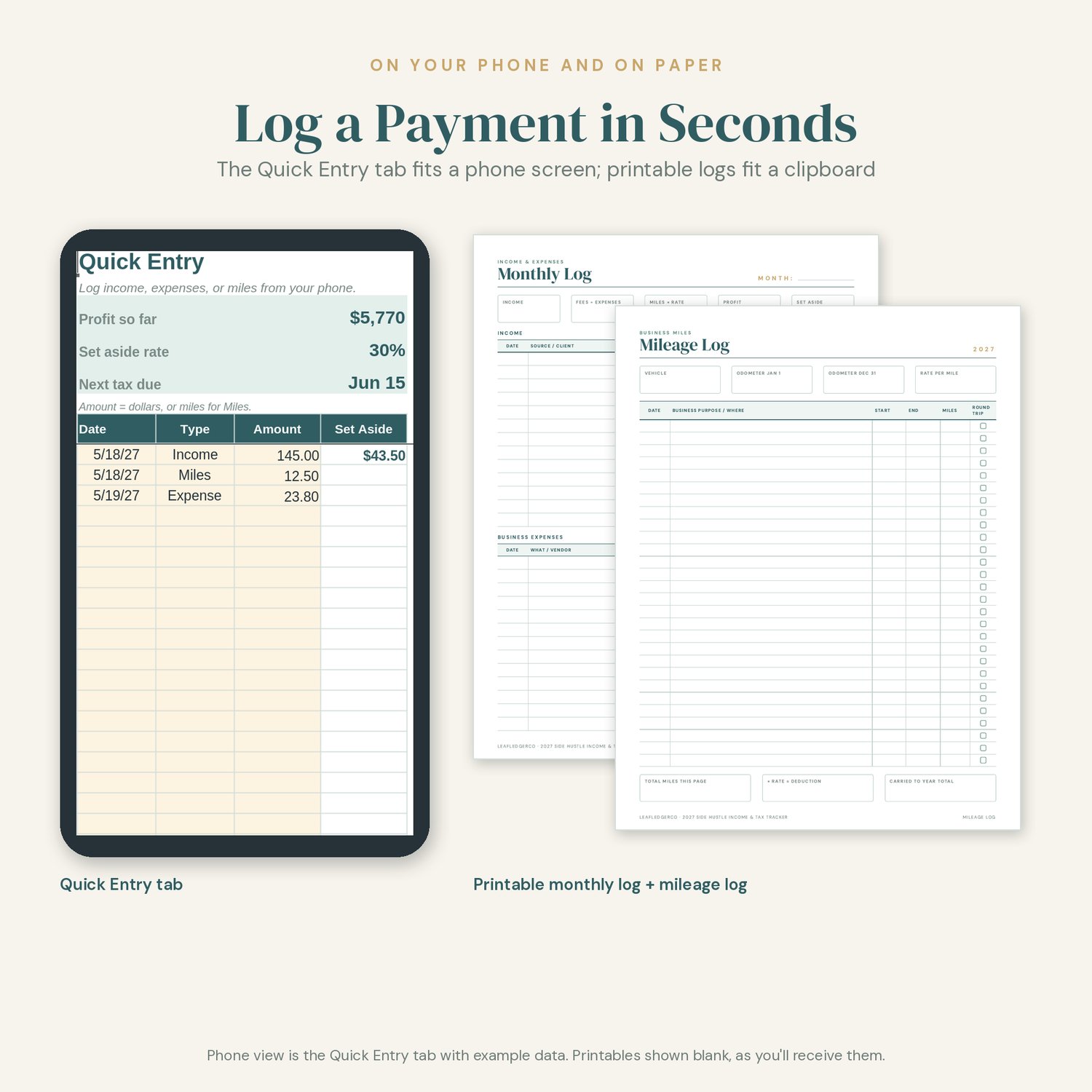
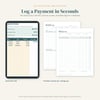
• Quick Entry tab sized for logging on your phone in the Google Sheets app
• Category names that match the 2027 Annual Budget Toolkit
• Free 2028 update
★ WHAT'S INCLUDED
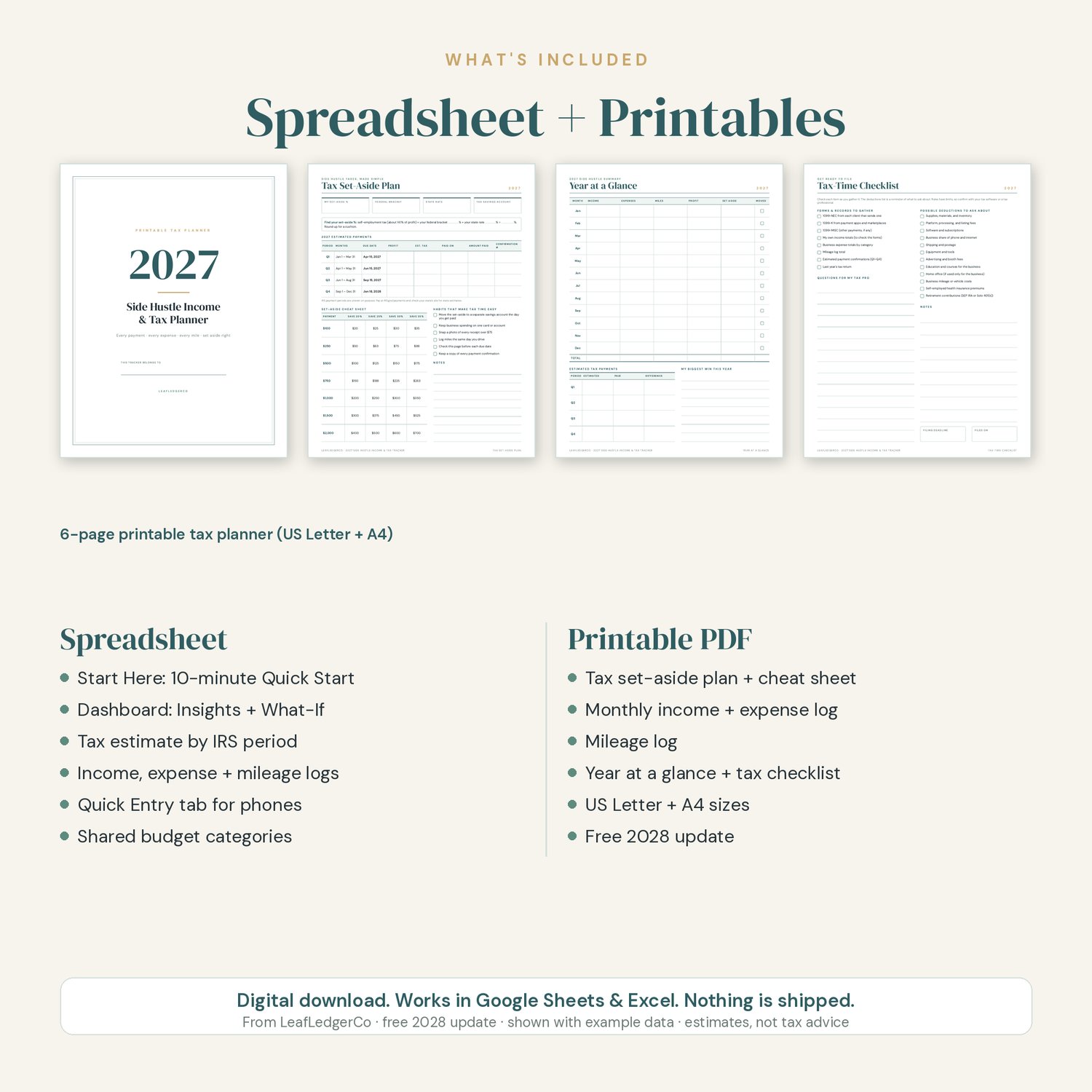
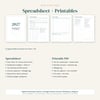
SPREADSHEET (one .xlsx file that works in Google Sheets and Microsoft Excel)
• Start Here: a numbered 10-minute Quick Start and a color key (cream cells are for you, white cells calculate)
• Setup: your income sources, your federal and state rates, and the IRS mileage rate. It works out a set-aside % for you (self-employment tax included), or you can type your own.
• Dashboard: income, expenses, profit, and tax reserve cards; a month-by-month table; estimated tax for each IRS payment period with due dates and a Paid column; Plain-English Insights; the What-If box; and an income vs. profit chart
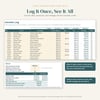
• Income Log: every payment with fees, net amount, and a Set Aside amount for each one
• Expenses: business categories, business-use %, a receipt check, and a budget category so personal spending lines up with your budget
• Mileage: trips, miles, and the deduction at your mileage rate
• Quick Entry: log income, expenses, or miles from your phone
• Categories: business expense categories with totals for the year, plus spending categories that match the 2027 Annual Budget Toolkit
PRINTABLE TAX PLANNER (6 pages, in both US Letter and A4)
• Cover
• Tax Set-Aside Plan: 2027 payment periods and due dates, and a set-aside cheat sheet
• Monthly Log: income and business expenses
• Mileage Log
• Year at a Glance: monthly totals and estimated payments
• Tax-Time Checklist: forms and records to gather, and questions for your tax pro
★ HOW TO USE IT IN GOOGLE SHEETS
1. Download the files from the link in your purchase receipt email.
2. In Google Drive, click New > File upload and choose Side-Hustle-Income-Tax-Tracker-2027.xlsx.
3. Open it and choose File > Save as Google Sheets. Work in that copy.
4. On your phone, open that copy in the free Google Sheets app and use the Quick Entry tab.
★ HOW TO USE IT IN MICROSOFT EXCEL
1. Open Side-Hustle-Income-Tax-Tracker-2027.xlsx in Excel (desktop, web, or mobile).
2. If you see a Protected View bar, click Enable Editing.
3. Save a personal copy, then follow the 10-minute Quick Start on the Start Here tab.
★ PRINTING
Print the PDF at home or at a print shop. Choose "Actual size" or "Fit" in your print settings. Print every page or only the ones you need. The pages use thin lines and little color to save ink.
★ WANT THE WHOLE YEAR IN ONE FILE?
The full 2027 Annual Budget Toolkit is in the same shop, LeafLedgerCo. It adds 12 monthly budgets, an annual dashboard, bills, sinking funds, debt payoff, savings goals, a 52-week challenge, and a 19-page printable planner. This tracker uses the same spending category names, so the two work side by side.
★ PLEASE NOTE
• This is a DIGITAL DOWNLOAD. Nothing will be shipped to you.
• Download your files from the link in your purchase receipt email (a computer is easiest).
• FREE 2028 UPDATE: when the 2028 edition (with the new year's due dates) is ready, I'll add it to this product, and you can download it at no extra cost from your original purchase download link. I'll also email buyers when the update is ready.
• Amounts are shown in US dollars. You can change the currency format in your spreadsheet app.
• You need a free Google account or Microsoft Excel to use the spreadsheet, and a PDF reader to print.
• The listing photos show example data so you can see how it works. Your file arrives blank.
• Tax amounts are ESTIMATES to help you plan and set money aside. The tracker uses self-employment tax (15.3% on 92.35% of profit) plus the federal and state rates you choose. It does not include credits, the QBI deduction, or other income. This is an organizing tool, not tax advice. Check with a tax professional or the IRS for your situation.
• The IRS hasn't announced the 2027 mileage rate yet. Setup starts with the 2026 rate (76¢ a mile for July–December 2026) and you can change it in one cell.
• For personal use only. Please do not share or resell the files.
• Colors may look slightly different on screen than on paper.
★ ABOUT HOW THIS WAS MADE
This product was designed with AI assistance under my direction. I planned the tracker, set its features and look, and reviewed and tested the spreadsheet formulas and printable pages before listing.
Questions? Use the contact form on this store, or reply to your receipt email. I'm happy to help you get set up.
