

Overnight Stay - Billing and Planner (Notion)
Title
Short-Stay Billing Planner — Notion Template for Campgrounds & Short-Term Rentals
Description
If you run a campground, RV park, marina/mooring, or any short-term rental business, you already know the annoying part isn't taking the booking — it's turning it into an accurate invoice afterward. This template does that math for you, live, right inside Notion.
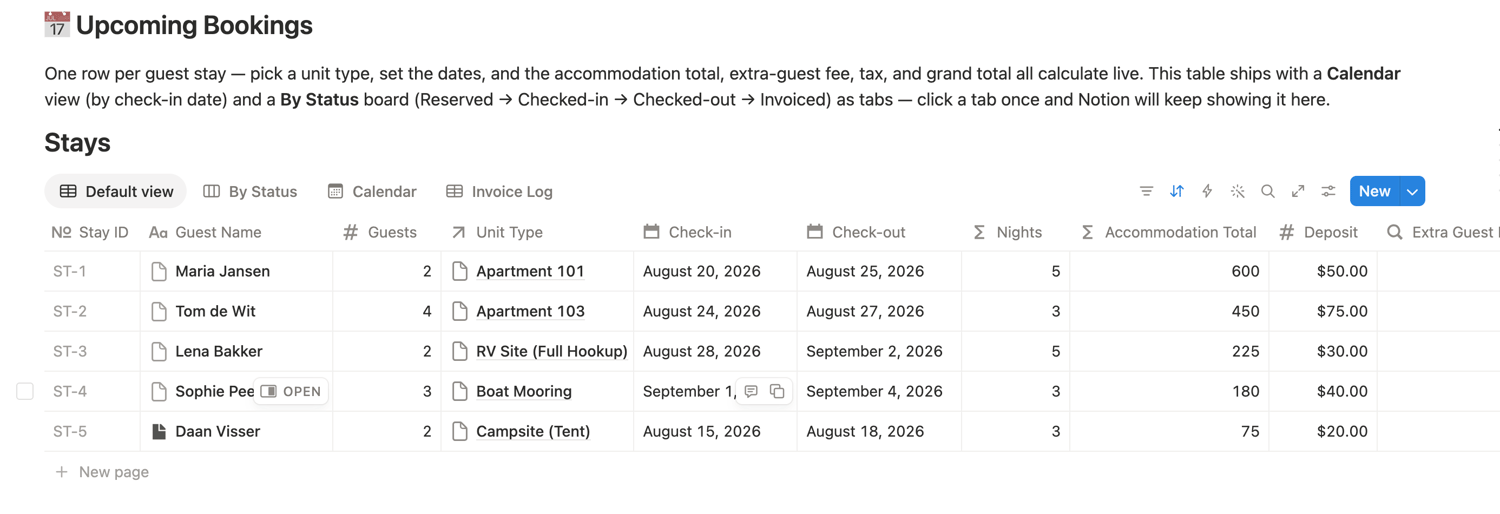
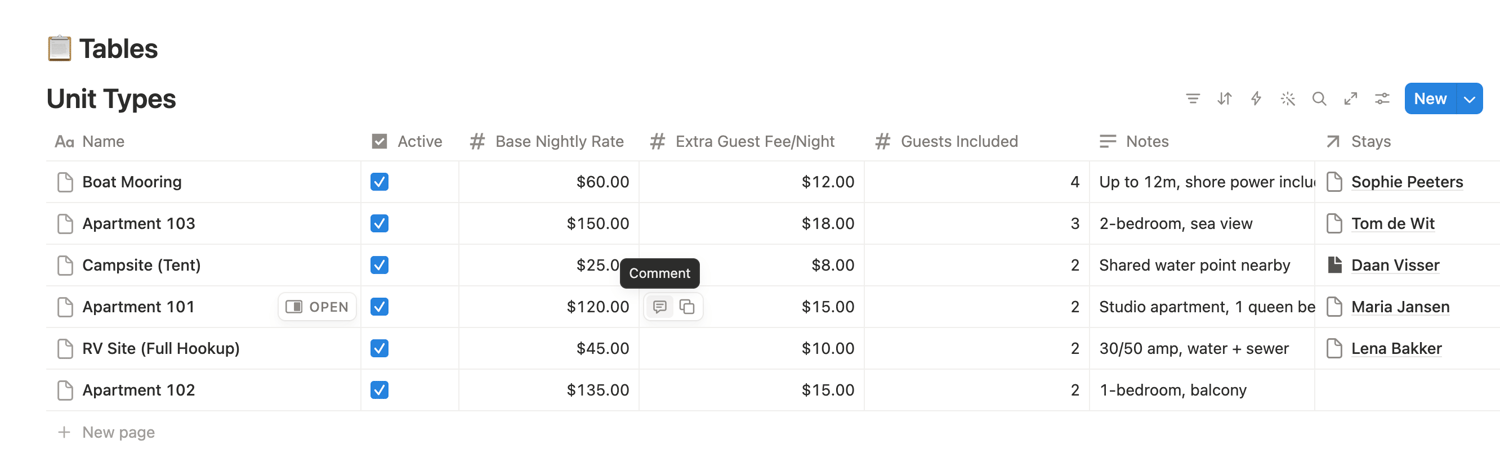
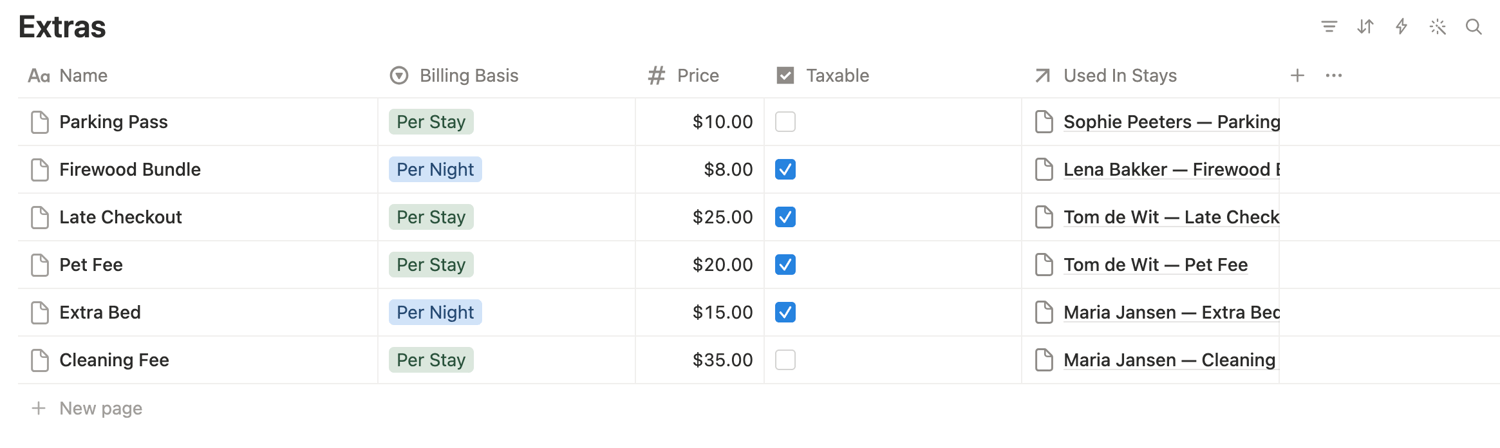
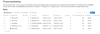
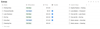
Set up your Unit Types (sites, slips, cabins, whatever you rent) and any Extras (firewood, boat launch, pet fee, cleaning fee — anything add-on) once. From then on, every Stay you log automatically calculates:
- Accommodation total (nights × rate)
- Extra-guest fees, once a stay goes over the included headcount
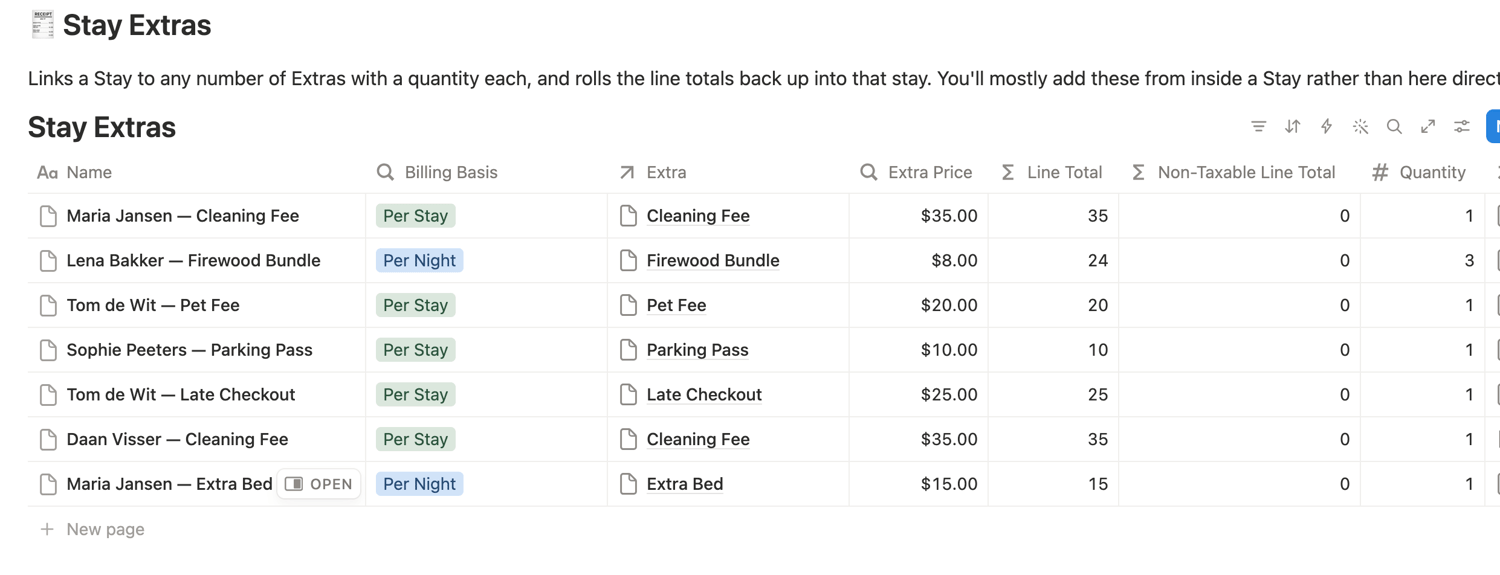
- Taxable and non-taxable extras, rolled up from whatever add-ons you attached to that stay
- Tax and a running Grand Total Due — deposits included, tracked separately since they're usually refundable
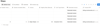
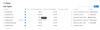
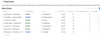
Bookings live in a Calendar view (by check-in date) and a status board (Reserved → Checked-in → Checked-out → Invoiced), so you always know what's coming and what still needs billing. An Invoice Log view shows only what's been invoiced, with the full financial breakdown — the closest thing to a real invoice register, without leaving Notion.
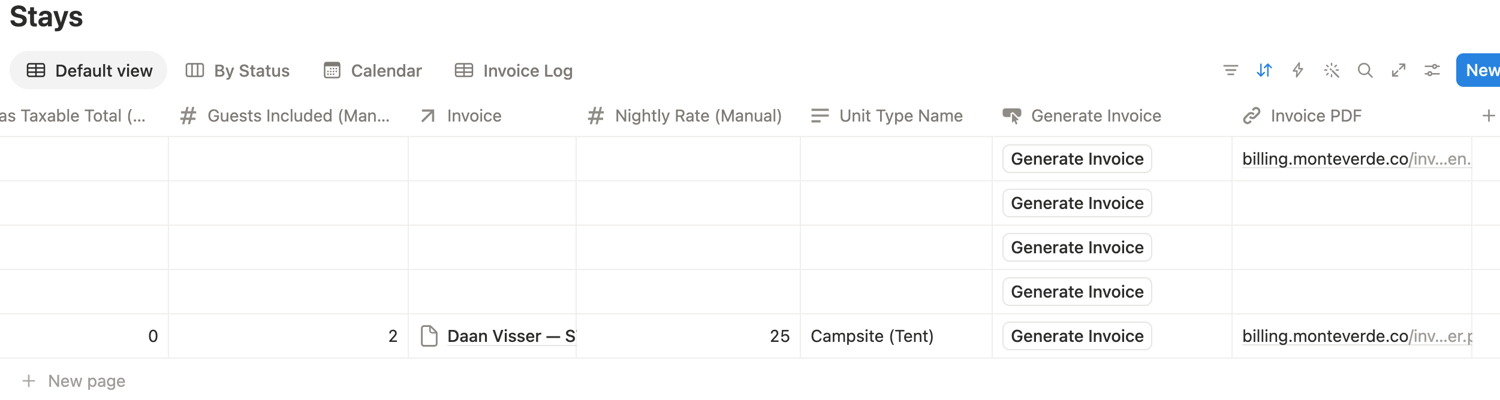
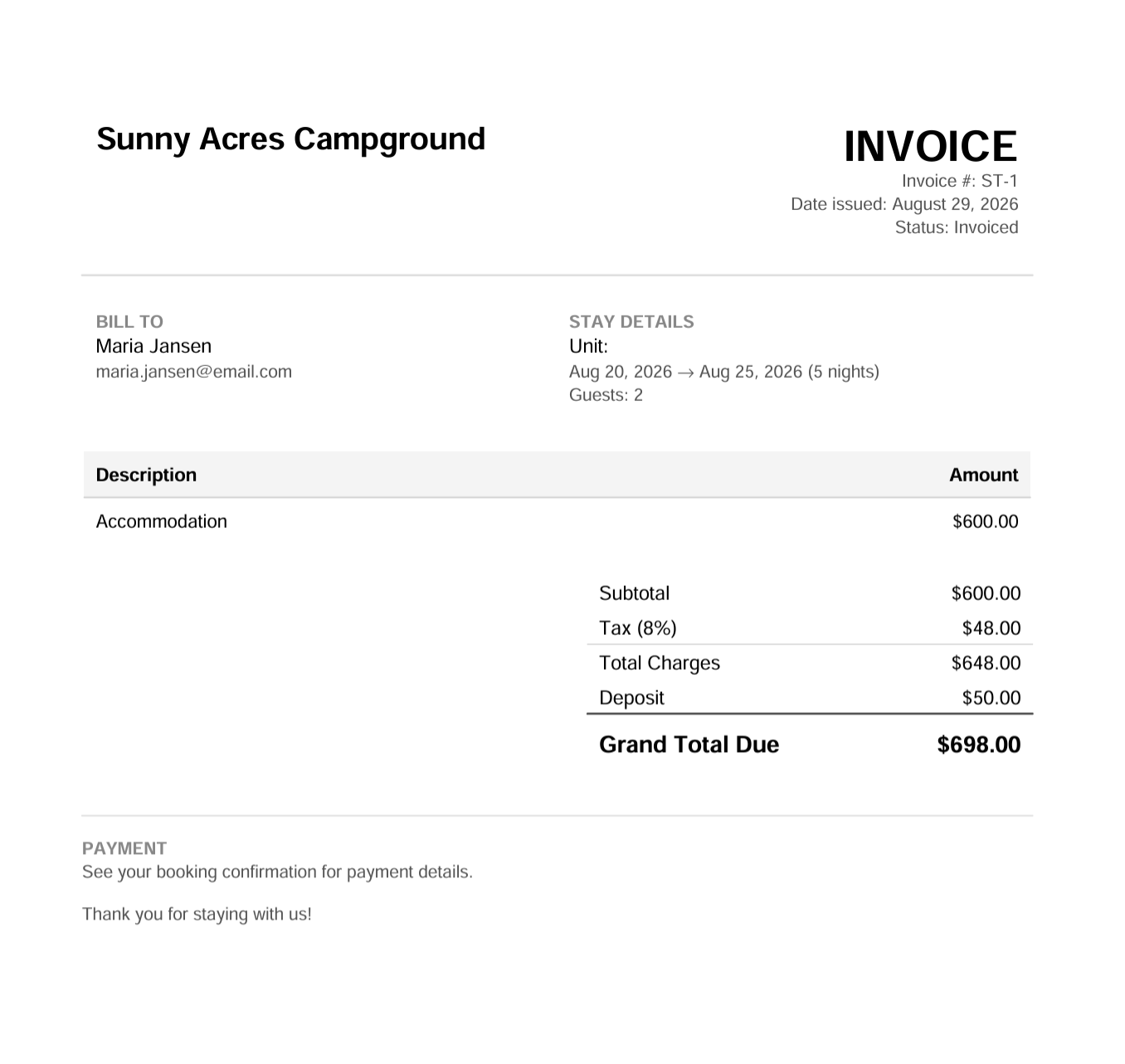
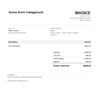
One-click PDF invoices, emailed automatically. On Notion's Plus plan or higher, click "Generate Invoice" on any Stay and a proper PDF invoice is generated and emailed straight to your guest — no copy-pasting numbers into Word, no separate invoicing tool. Your purchase includes a personal license key that activates this, delivered by email within minutes of checkout.
Note: the Generate Invoice button only works when you're logged into Notion through notion.com or the desktop/mobile app, on a page in your own workspace. It won't run from a public preview link — that's normal Notion behavior for buttons, not a bug — so make sure you've duplicated the template into your own workspace and are logged in before testing it.
On the Free plan? You're still covered. Notion Free doesn't support the button automation the one-click flow relies on, so this template also comes with a standalone HTML invoice tool: open it, enter the same stay numbers, and generate the identical PDF invoice yourself — one extra manual step instead of one click, same accurate math, no plan upgrade required. Notion Plus runs about $10/month (less if billed annually) and is the one thing standing between that manual step and a fully automatic, one-click invoice — a small cost if you'd rather skip the extra work.
Comes seeded with example data so you can see exactly how it's meant to look filled in — replace it with your own Unit Types, Extras, and Stays and you're live.