
GCSE Revision Timetable Spreadsheet – Automatic Planner & Topic Tracker
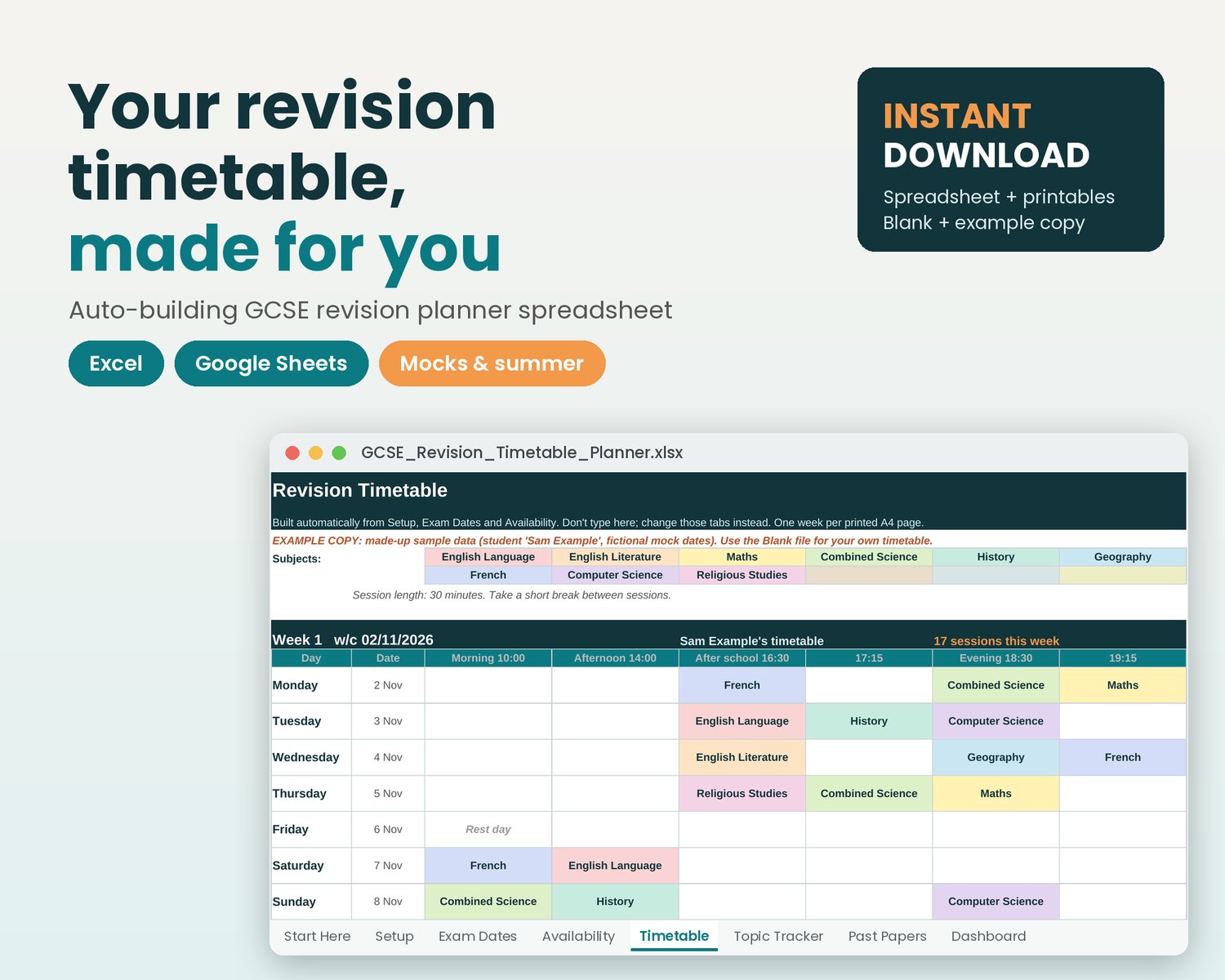
Build a GCSE revision timetable from your subjects, confidence levels, available sessions and exam dates in Excel or Google Sheets. Track topics and past-paper scores alongside your schedule, with printable revision sheets included.
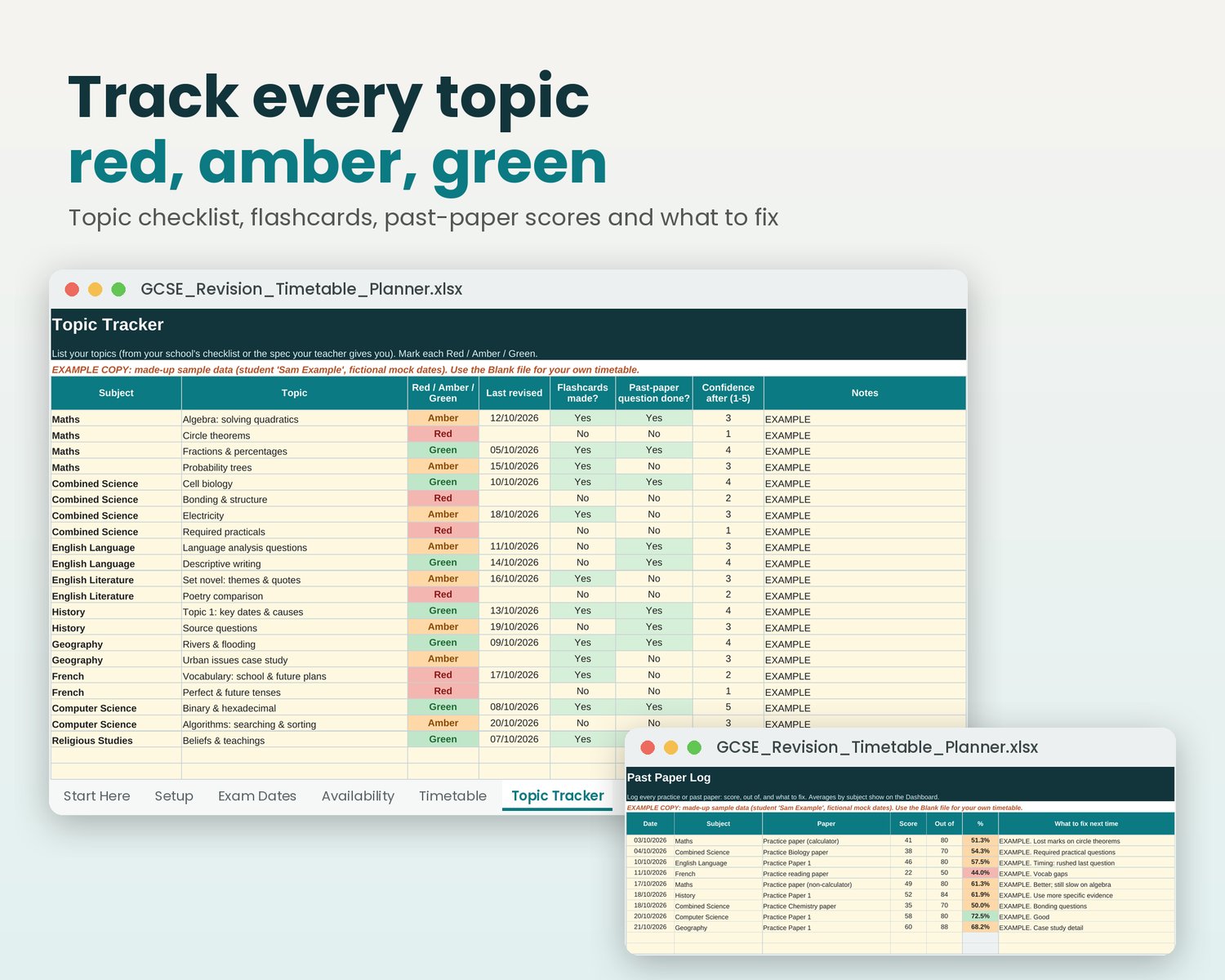
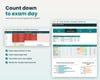
You can also track every topic red, amber or green, log past-paper scores and count down to exam day. It works for mocks and summer GCSEs, and for A-levels, in Excel or free Google Sheets. It's a helpful gift from parents who want to support without nagging.
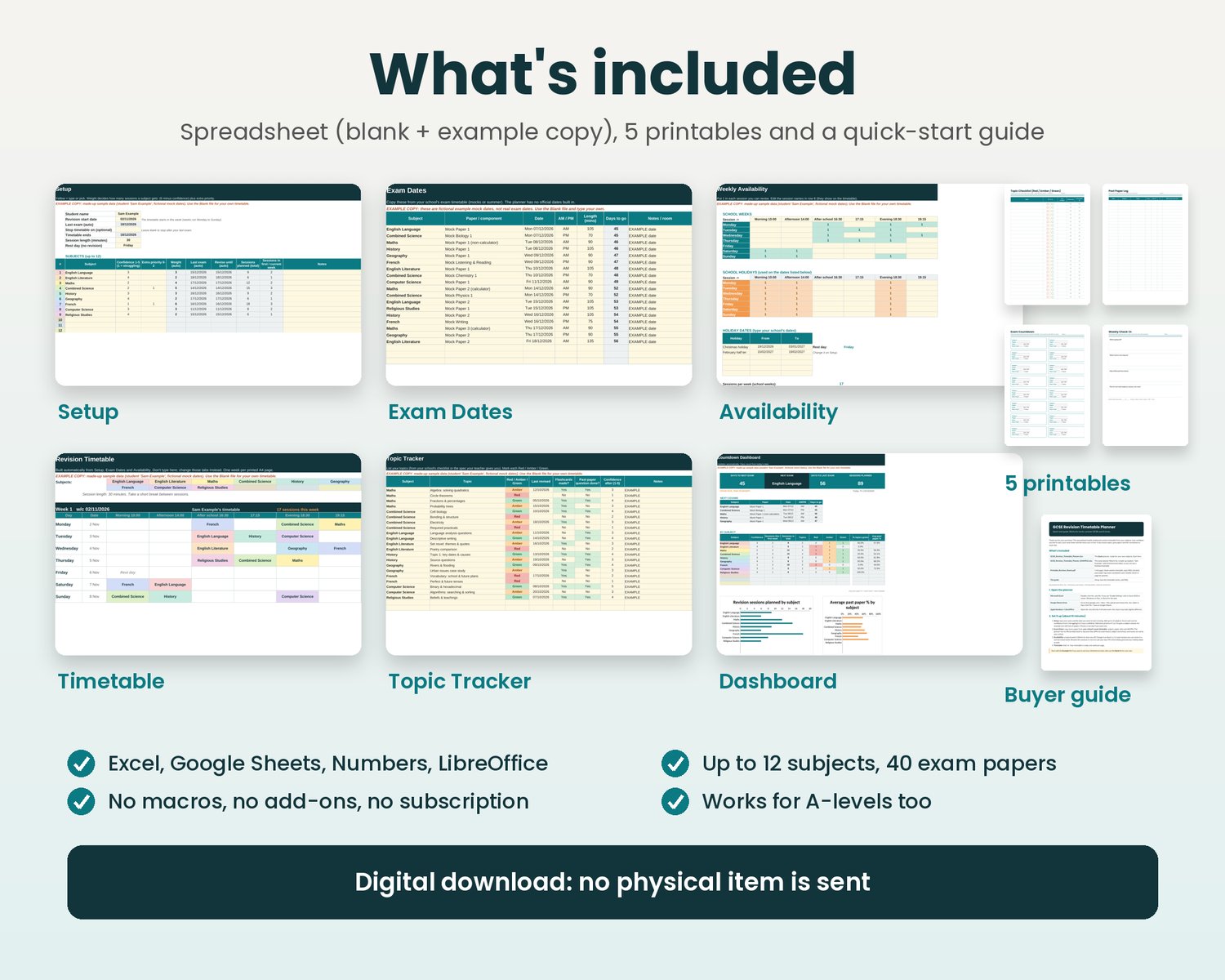
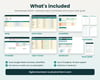
WHAT'S INCLUDED
• GCSE_Revision_Timetable_Planner.xlsx: the blank planner, ready to use
• GCSE_Revision_Timetable_Planner_EXAMPLE.xlsx: a finished example for a made-up student, with fictional mock dates, so you can see how it works
• Printable_Revision_Sheets.pdf: 5 A4 pages (blank weekly timetable, topic RAG checklist, past-paper log, exam countdown, weekly parent check-in)
• Buyer guide PDF: setup, how the timetable is worked out, and FAQ
HOW IT WORKS
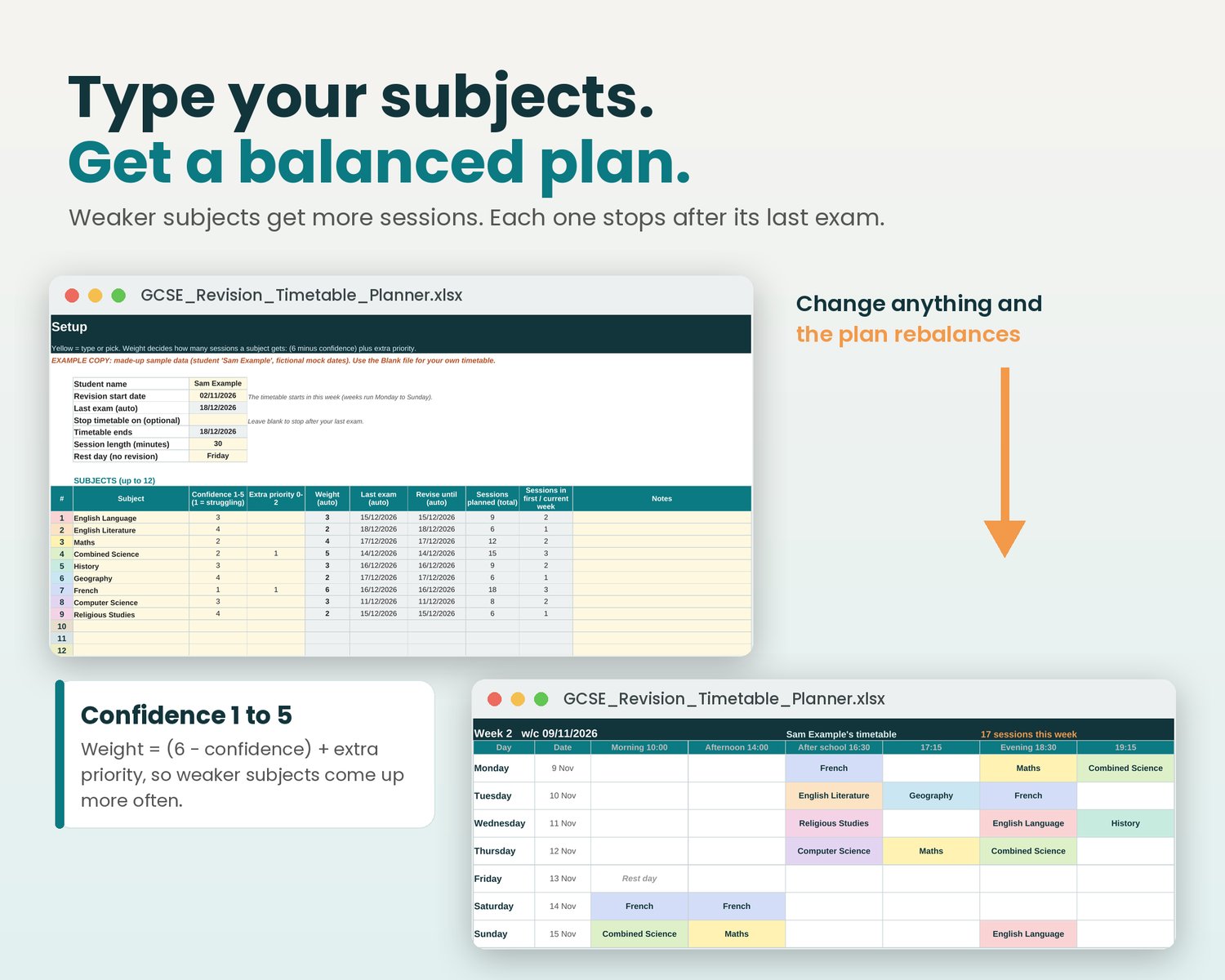
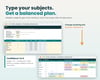
1. Setup: add up to 12 subjects and rate your confidence in each from 1 to 5 (add extra priority if you need to)
2. Exam Dates: type in your papers from your school's exam timetable
3. Availability: tick the sessions you're free in a school week and in the holidays
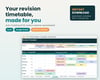
4. Timetable: your plan builds itself, one week per printed A4 page (up to 30 weeks)
FEATURES
✔ Automatic, balanced timetable, with no macros and nothing to install
✔ Weaker subjects come up more often: weight = (6 − confidence) + extra priority
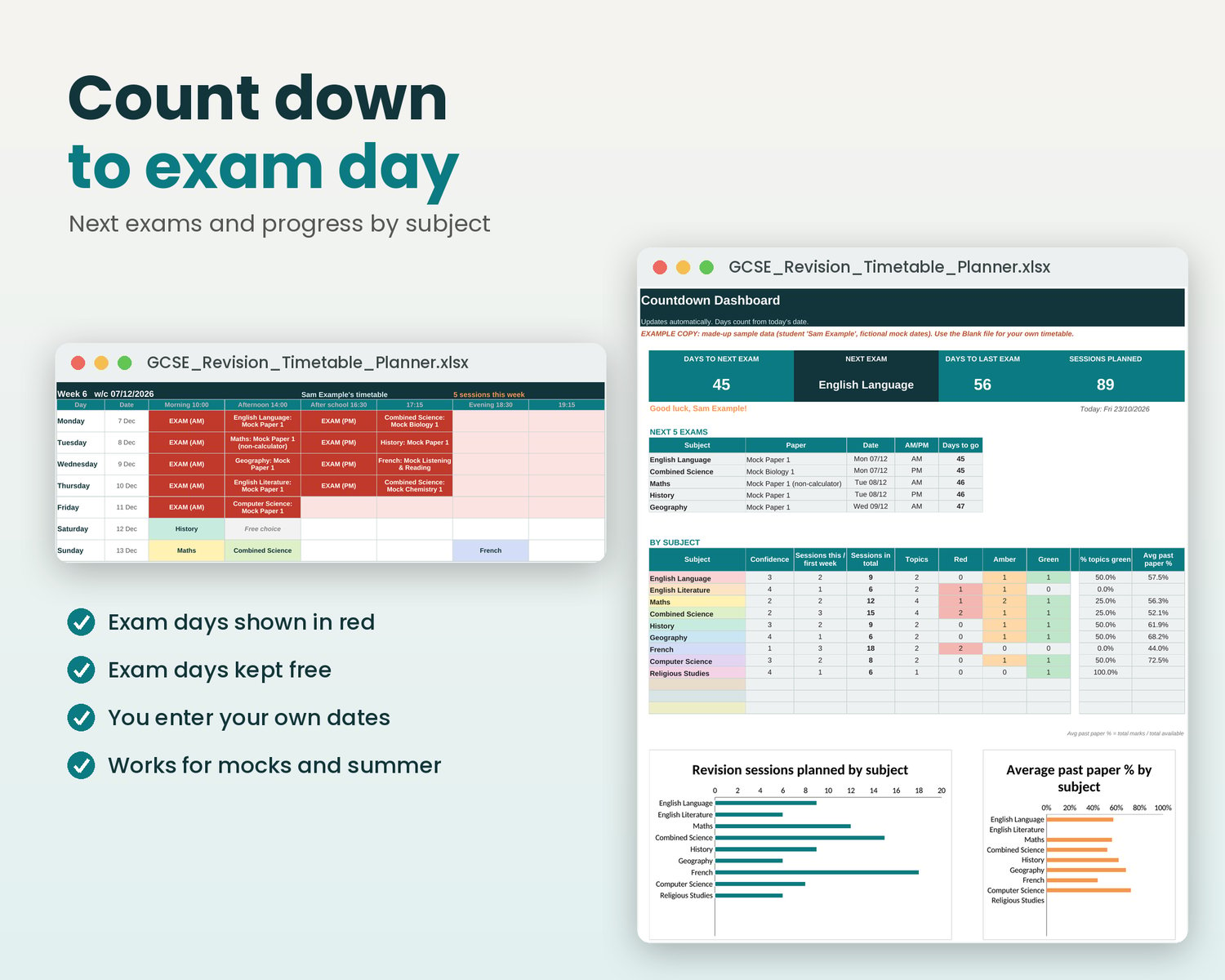
✔ Each subject stops after its last exam, and exam days show in red
✔ Separate holiday availability, a rest day and editable session names and times
✔ Change a confidence score or a date and the whole plan rebalances
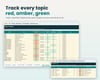
✔ Topic Tracker with Red / Amber / Green, flashcard and past-paper ticks
✔ Past Paper Log with automatic percentages
✔ Countdown Dashboard: days to the next and last exam, next 5 exams, sessions per subject, % of topics green and average past-paper %
✔ Colour-coded subjects; formula cells are locked (no password) so they can't be deleted by accident
COMPATIBLE WITH
• Microsoft Excel 2010 or newer (Windows, Mac, web)
• Google Sheets (free; upload the .xlsx to Google Drive; instructions included)
• Apple Numbers and LibreOffice (charts may look slightly different)
PLEASE NOTE
• This is a digital download. No physical item will be sent.
• Your files will be ready to download right after purchase from your confirmation email and download page.
• You add your own exam dates from your school. No official exam dates or exam-board content are included, and it isn't affiliated with any exam board.
• It's a planning tool, so it can't promise grades.
• For personal and family use. Please don't share or resell the files.
If the file is faulty or doesn't open, message me and I'll fix it or refund you.
Designed by me with help from AI tools; every page checked by hand.
Questions? Send me a message and I'll get back to you as soon as I can.