


Vessel Configurator
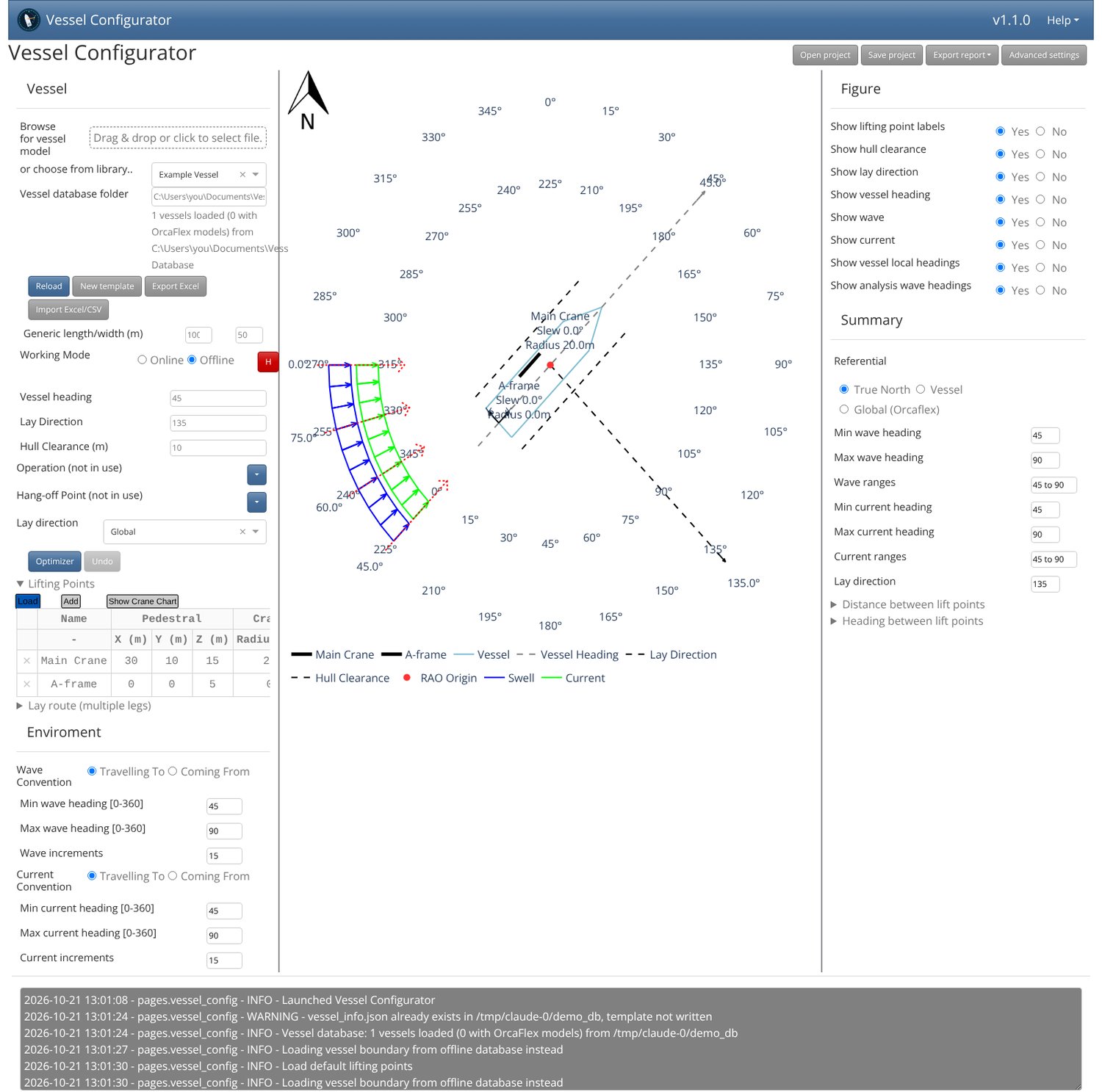
Plan offshore lifts and lay operations on one screen. Vessel Configurator lays out a vessel's deck, its cranes and other lift points, and the wave and current headings for an operation in a single plan view. It gives you crane hull clearances, distances and headings between lift points, and crane load charts that account for wire weight.
What it does
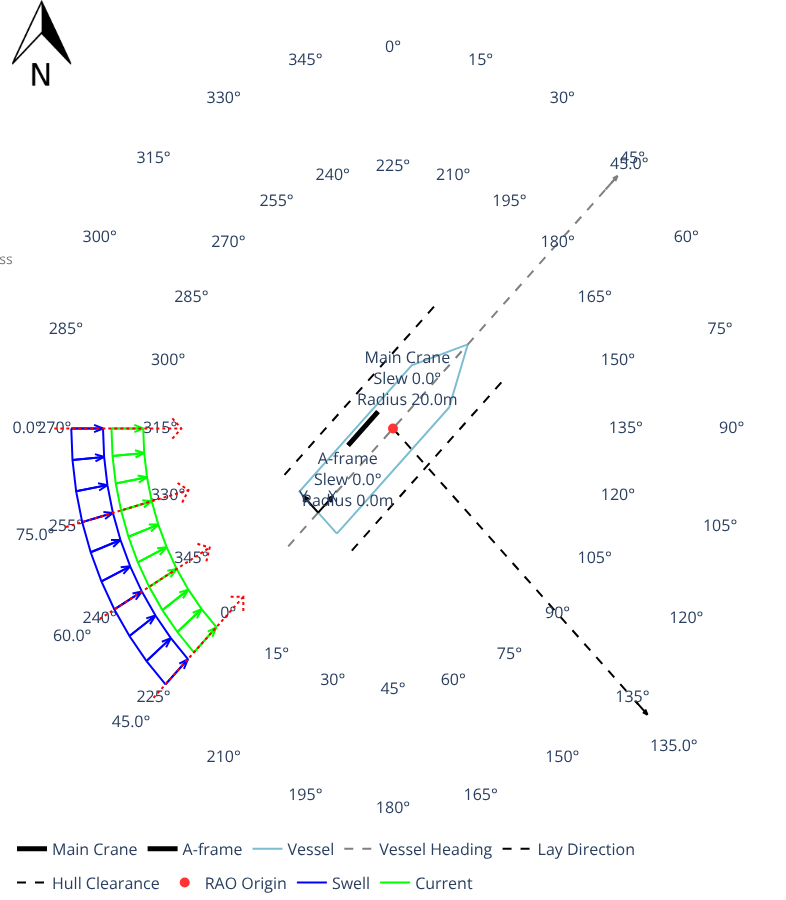
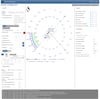
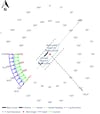
- Plan view of the vessel outline, lift points, slew radii, vessel heading, lay direction and wave/current fans, updated as you type.
- Lifting points table for cranes, A-frames and fairleads: pedestal position, radius and slew in; crane tip position and hull clearance out.
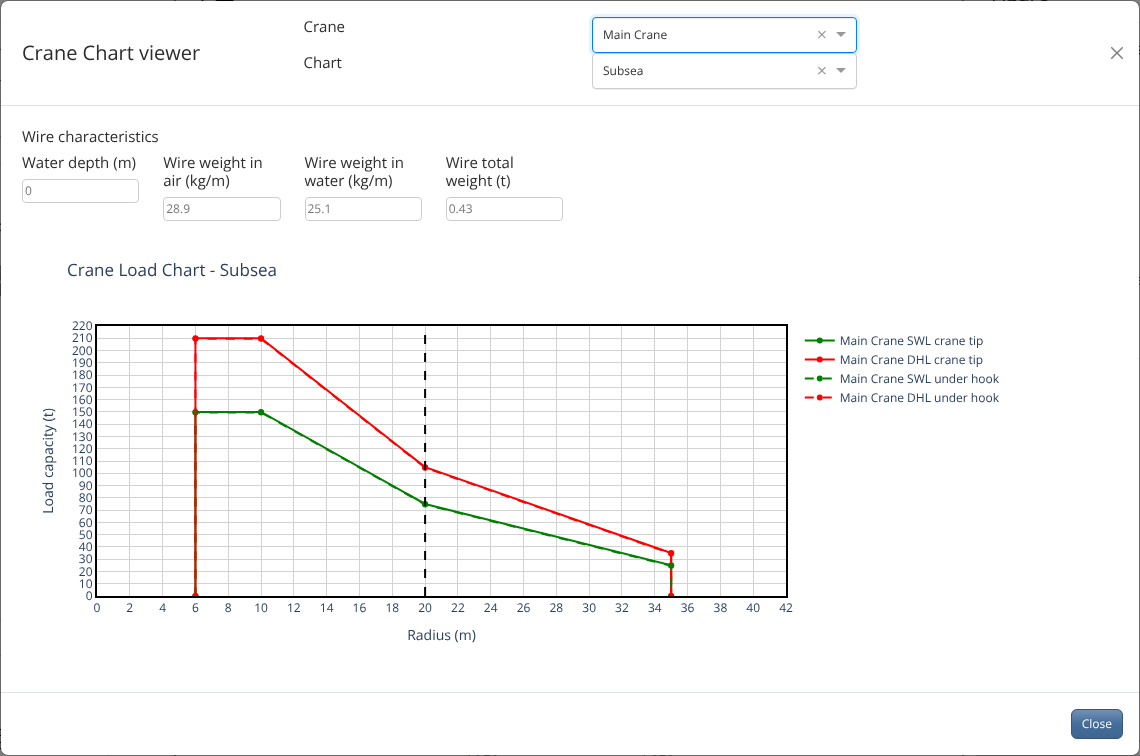
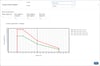
- Crane load chart viewer with SWL and DHL curves at the crane tip and under the hook, with wire weight in air and in water removed for your water depth.
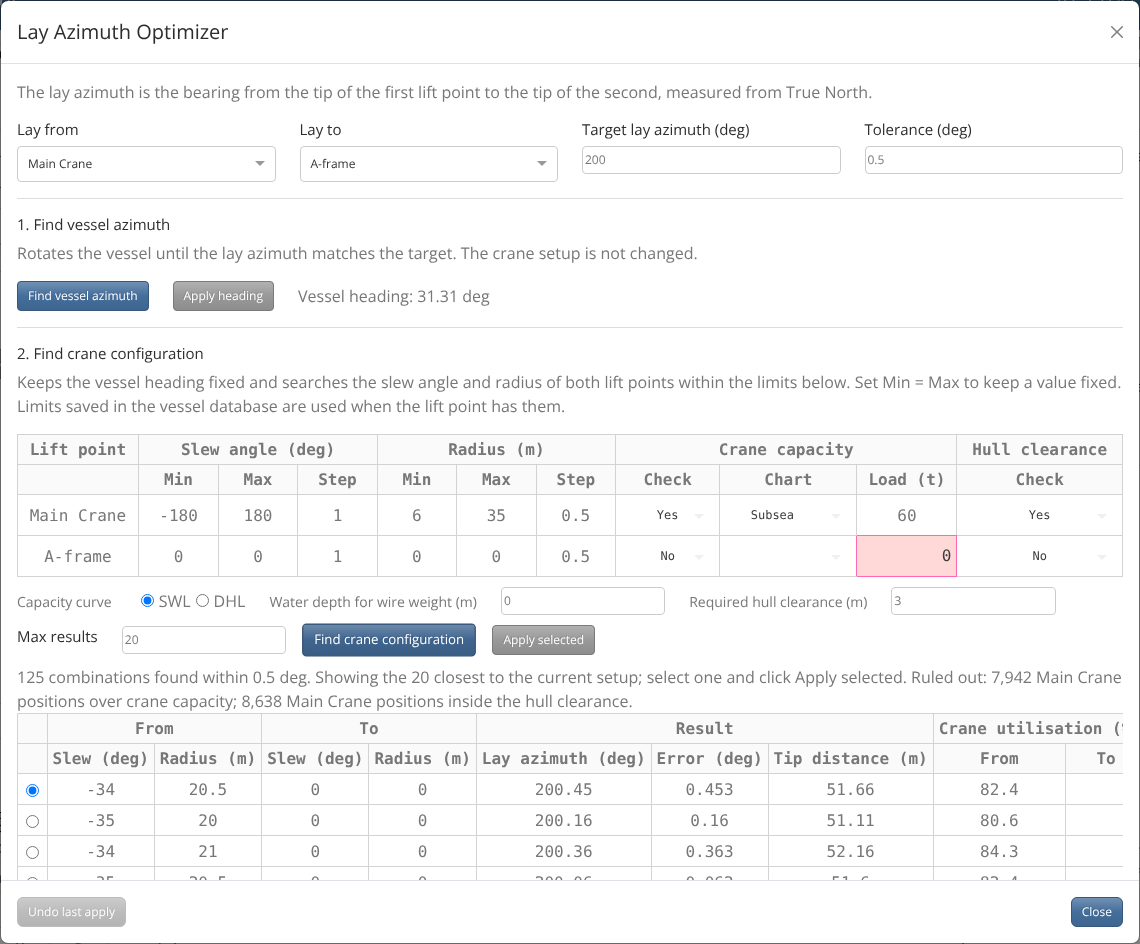
- Optimizer: find the vessel heading that gives a target lay azimuth, or search slew and radius ranges for a crane setup that matches it while checking crane capacity and hull clearance.
- Lay route with several legs, undo, and projects you can save and reopen.
- Export reports to PDF and PNG.
- Metric or imperial units.
Your own vessel database
Vessel data is kept outside the app, in a folder you own. Start from the built-in template, edit your vessels in Excel (Export Excel / Import Excel/CSV) or directly in vessel_info.json, and click Reload. Share one database across your team on a network drive, or keep separate databases per client or project. OrcaFlex .yml and .dat vessel models can sit alongside it for Online mode (optional, needs your own OrcaFlex licence).
What you get
- Vessel Configurator.exe (single file, nothing else to install)
- User guide (PDF)
- A licence key by email, valid for 12 months from the date of purchase, for use on 1 computer.
Requirements
- Windows 10 or 11 (64-bit)
- Microsoft Edge WebView2 Runtime (included with Windows 11 and recent Windows 10)
- Internet connection on first start to activate the licence; works offline for 30 days between checks
- Optional: OrcaFlex with a valid licence, for Online mode only
Your vessel data, projects and reports stay on your computer. Only the licence check goes over the internet.
Terms of use
- Licence. Each purchase gives one person the right to use Vessel Configurator on up to the number of computers allowed by the licence key. The licence is personal: do not share, resell, rent or publish the licence key or the program.
- Your data. Vessel data, projects and reports you create belong to you. The program works on your computer and only contacts the licence server to check the licence key.
- Engineering responsibility. Vessel Configurator is a planning aid. Its results depend on the data you enter and on simplifications in the calculations. All results, including crane positions, capacities, clearances and headings, must be checked by a competent engineer against the vessel's own documentation and procedures before they are used for any operation.
- No warranty. The program is provided "as is", without warranty of any kind, express or implied, including fitness for a particular purpose.
- Limitation of liability. To the extent allowed by law, the seller is not liable for any loss, damage, delay, injury or cost arising from the use of the program or its results. Where liability cannot be excluded, it is limited to the price paid for the licence.
- Termination. The licence ends automatically if these terms are broken, and the licence key can then be disabled.
- Refunds follow the policy on the product's sales page.