



What is Wireshark?
On Sale
$4.00
$4.00
What is Wireshark?
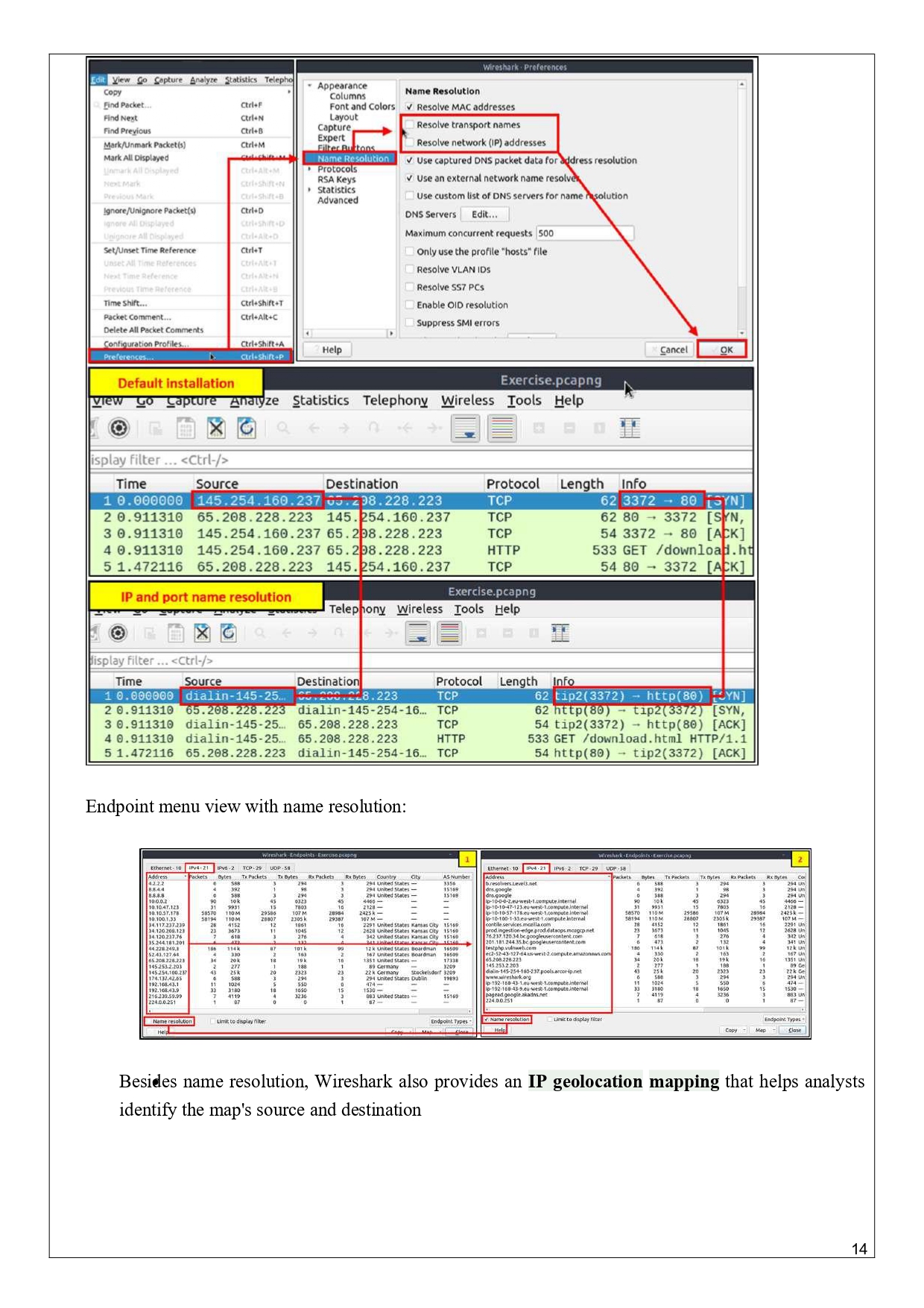
Wireshark is a network protocol analyzer (packet sniffer) used to capture, inspect, and analyze network traffic in real time.
In simple words:
Wireshark lets you see what data is traveling across a network, packet by packet.
It is one of the most important tools in:
- Networking
- Cybersecurity
- Ethical hacking
- SOC analysis
- Troubleshooting network issues
🧠 What does Wireshark do?
Wireshark can:
- Capture live network packets
- Decode hundreds of protocols (TCP, UDP, HTTP, HTTPS, DNS, FTP, SMTP, ARP, ICMP, etc.)
- Show source & destination IPs
- Analyze ports, flags, payloads
- Detect suspicious or malicious traffic
- Help troubleshoot slow networks or errors
🛠️ How Wireshark works (Simple Explanation)
- Wireshark listens to a network interface (Wi-Fi / Ethernet)
- It captures packets flowing through that interface
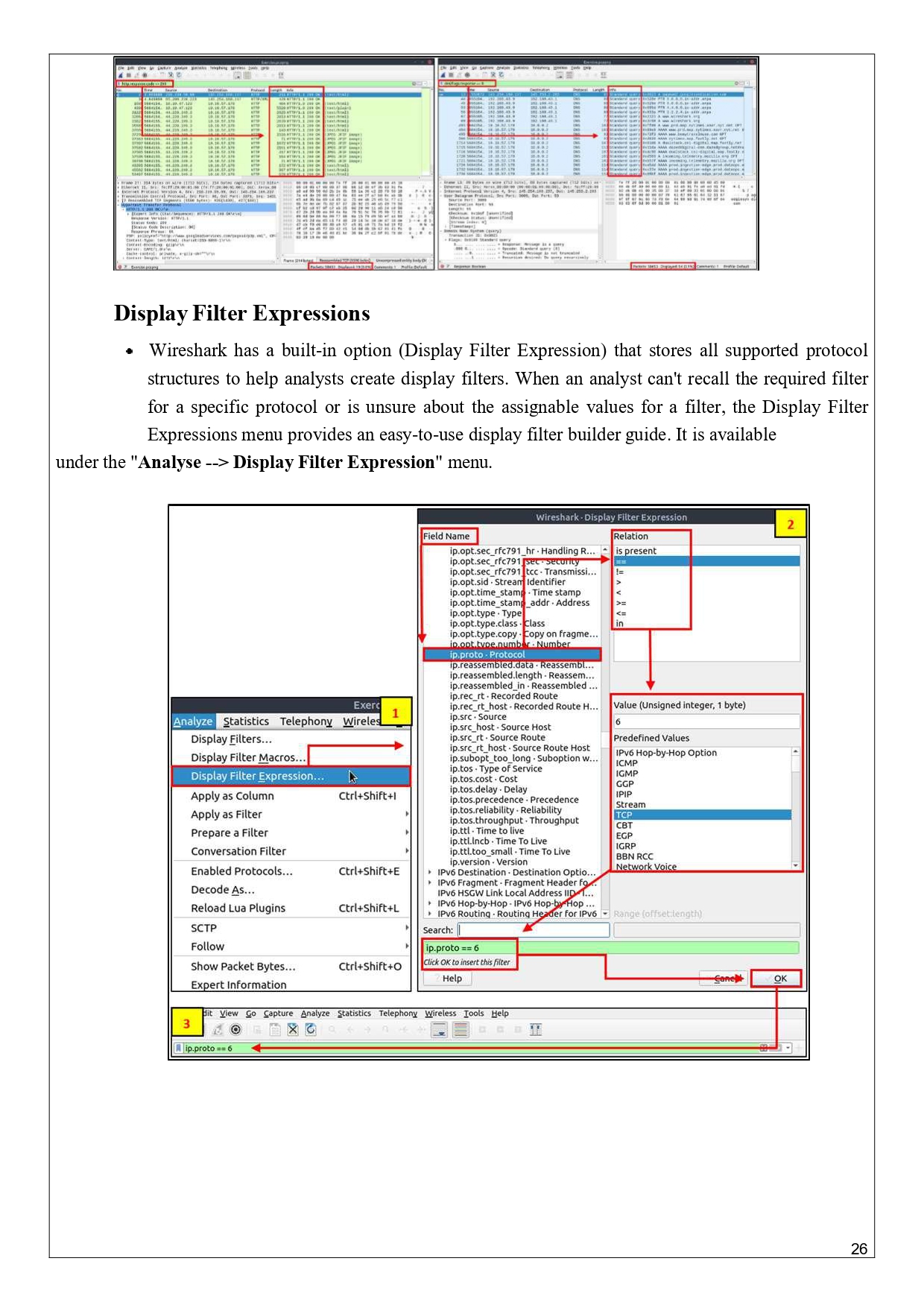
- Each packet is displayed with:
- Source IP
- Destination IP
- Protocol
- Length
- Packet content
- You can filter and analyze packets
📦 Key Components of Wireshark
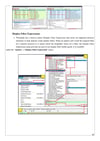
1️⃣ Packet List Pane
Shows:
- Time
- Source IP
- Destination IP
- Protocol
- Info
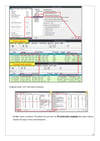
2️⃣ Packet Details Pane
Breaks down packet layers:
- Ethernet
- IP
- TCP/UDP
- Application layer
3️⃣ Packet Bytes Pane
Shows raw data in:
- Hexadecimal
- ASCII
🧪 Common Protocols You See in Wireshark
ProtocolPurposeTCPReliable data transferUDPFast, connectionlessHTTPWeb traffic (unencrypted)HTTPSEncrypted web trafficDNSDomain name resolutionARPIP ↔ MAC mappingICMPPing / network checksFTPFile transferSMTPEmail sending
🔐 Wireshark in Cybersecurity
Wireshark is used to:
- Detect MITM (Man-in-the-Middle) attacks
- Analyze malware communication
- Capture credentials (only on unencrypted traffic)
- Identify port scans
- Investigate data exfiltration
- SOC incident response