
Dynamic Excel Compiler
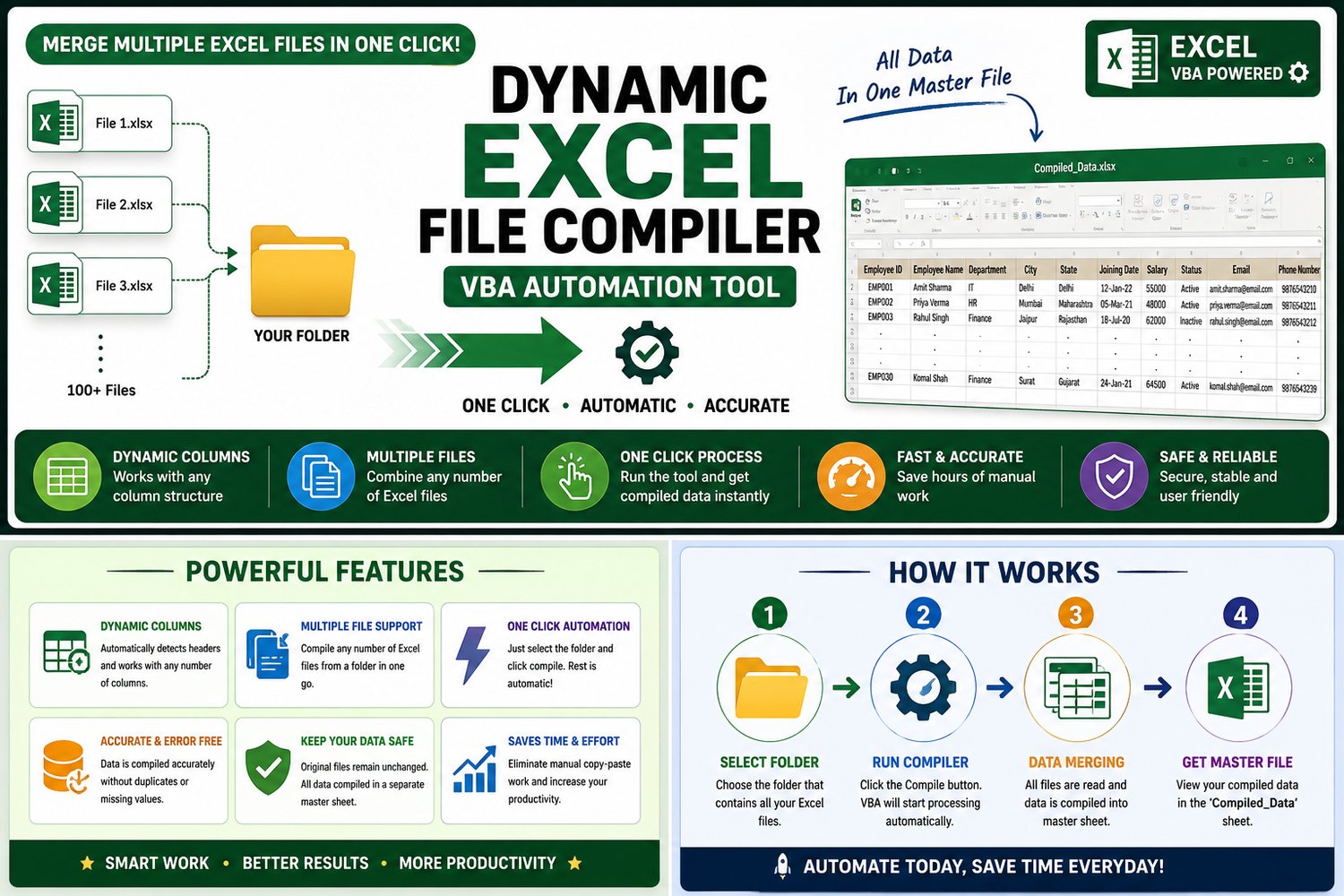
Dynamic Excel File Compiler – VBA Automation Tool
Save hours of manual work with this powerful Dynamic Excel File Compiler built using VBA automation. This tool helps you combine multiple Excel files into one master sheet in just a single click.
Perfect for office professionals, MIS executives, accountants, HR teams, analysts, and anyone working with large Excel datasets.
What This Tool Can Do
✔ Compile multiple Excel files automatically
✔ Supports dynamic columns
✔ Merge unlimited rows of data
✔ One-click automation process
✔ Fast and accurate processing
✔ Beginner-friendly interface
✔ Saves huge manual effort
✔ Works with large datasets
Key Features
- Dynamic header detection
- Automatically appends data
- Supports .xlsx, .xlsm, and .xls
- Keeps source files unchanged
- Generates compiled output instantly
- Easy folder selection process
- No advanced Excel knowledge required
Best Use Cases
- Employee data compilation
- Sales report merging
- MIS reporting
- Inventory consolidation
- Daily/weekly/monthly reports
- Multi-branch Excel reporting
- Finance and accounting data merging
How It Works
- Place all Excel files inside one folder
- Open the Compiler Tool
- Click the Compile button
- Tool automatically merges all files
- View final output in Compiled_Data sheet
Included in Download
- Dynamic Excel Compiler Tool (.xlsm)
- Demo Excel Files
- User Guide
- Ready-to-use VBA Automation Tool
Why Choose This Tool?
This automation tool is designed to reduce repetitive Excel work and improve productivity. Instead of manually copying and pasting data from multiple files, simply run the compiler and get a complete master report within seconds.
Perfect for professionals who regularly work with Excel reports and bulk data processing.
Instant Digital Download
After purchase, you will receive instant access to download the tool and start using it immediately.