

Bi-Weekly Paycheck Budget Spreadsheet: Zero-Based Budget, Bill Tracker, Sinking Funds (Excel + Google Sheets)
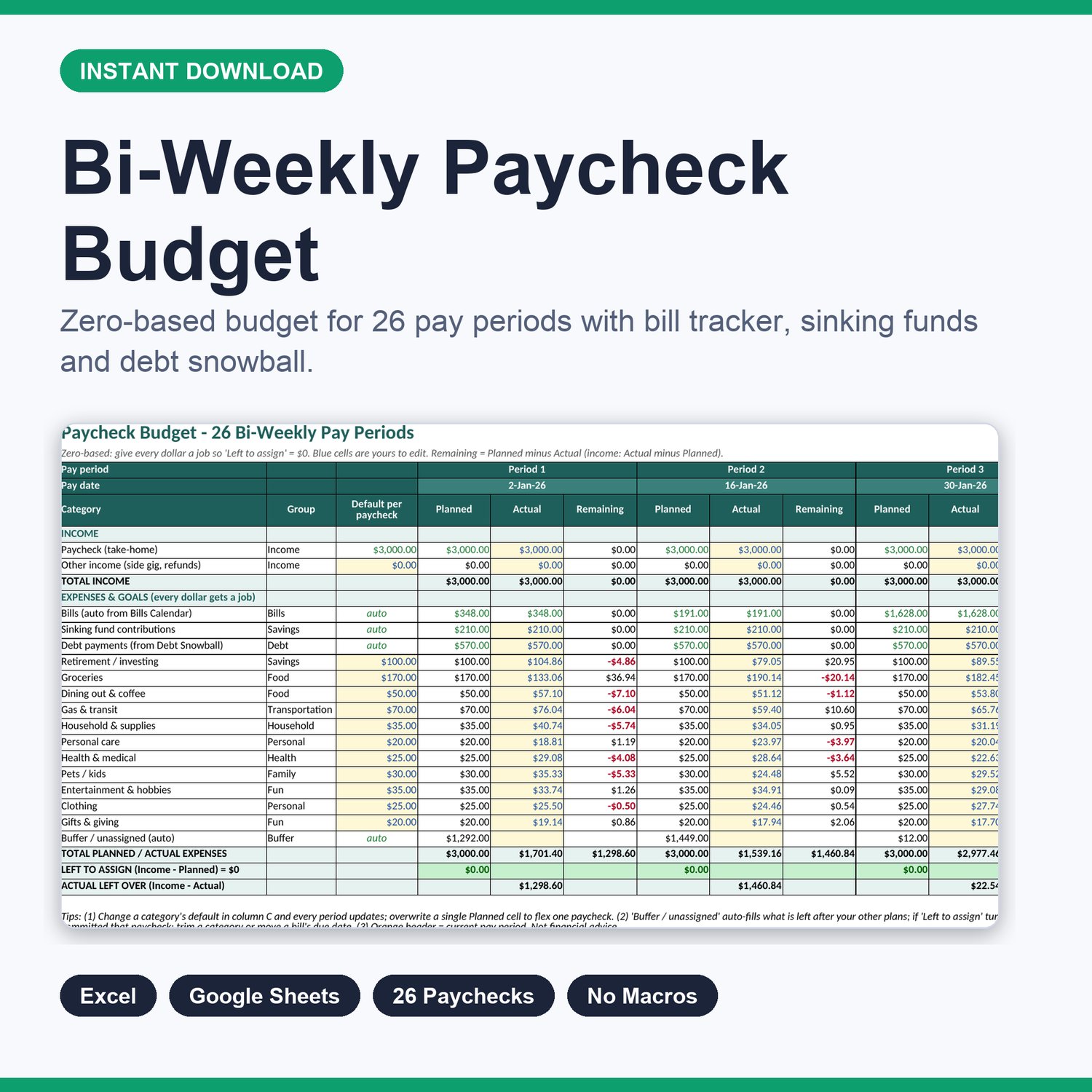
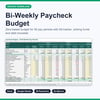
Budget the way you actually get paid. This bi-weekly paycheck budget spreadsheet gives you 26 pay periods, each with Planned, Actual and Remaining columns, so you can assign every dollar of every paycheck (zero-based budgeting) and see at a glance whether a period is over- or under-committed.
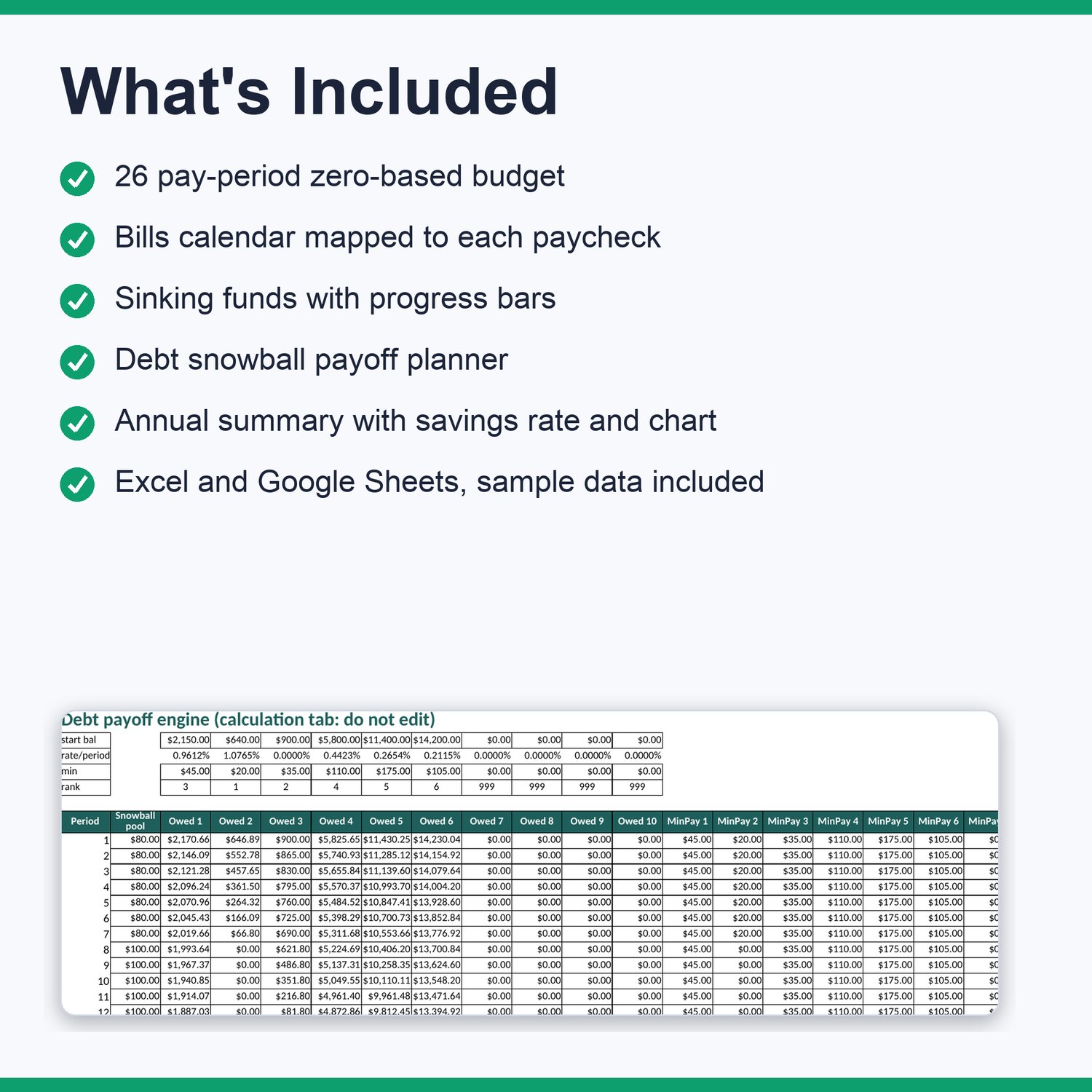
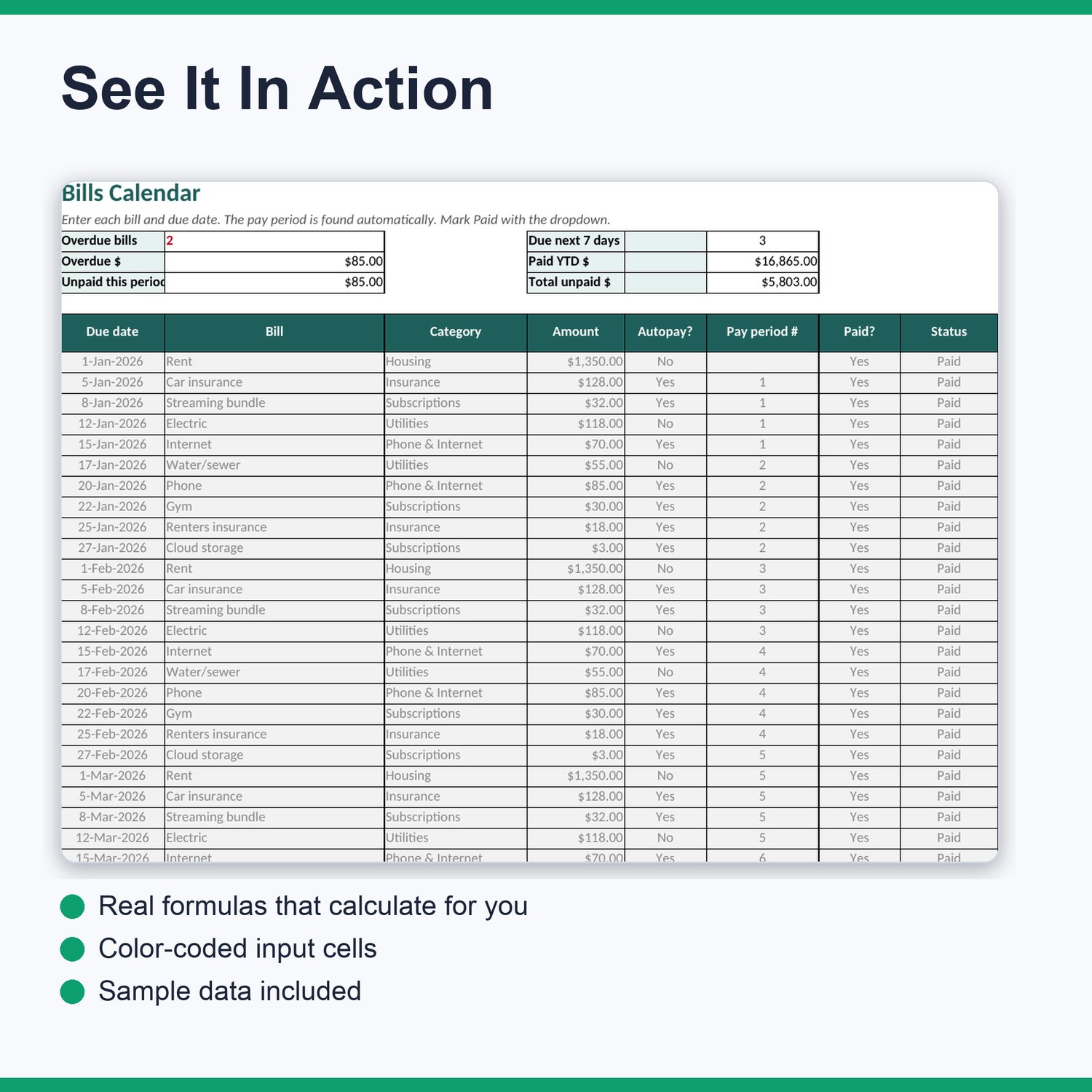
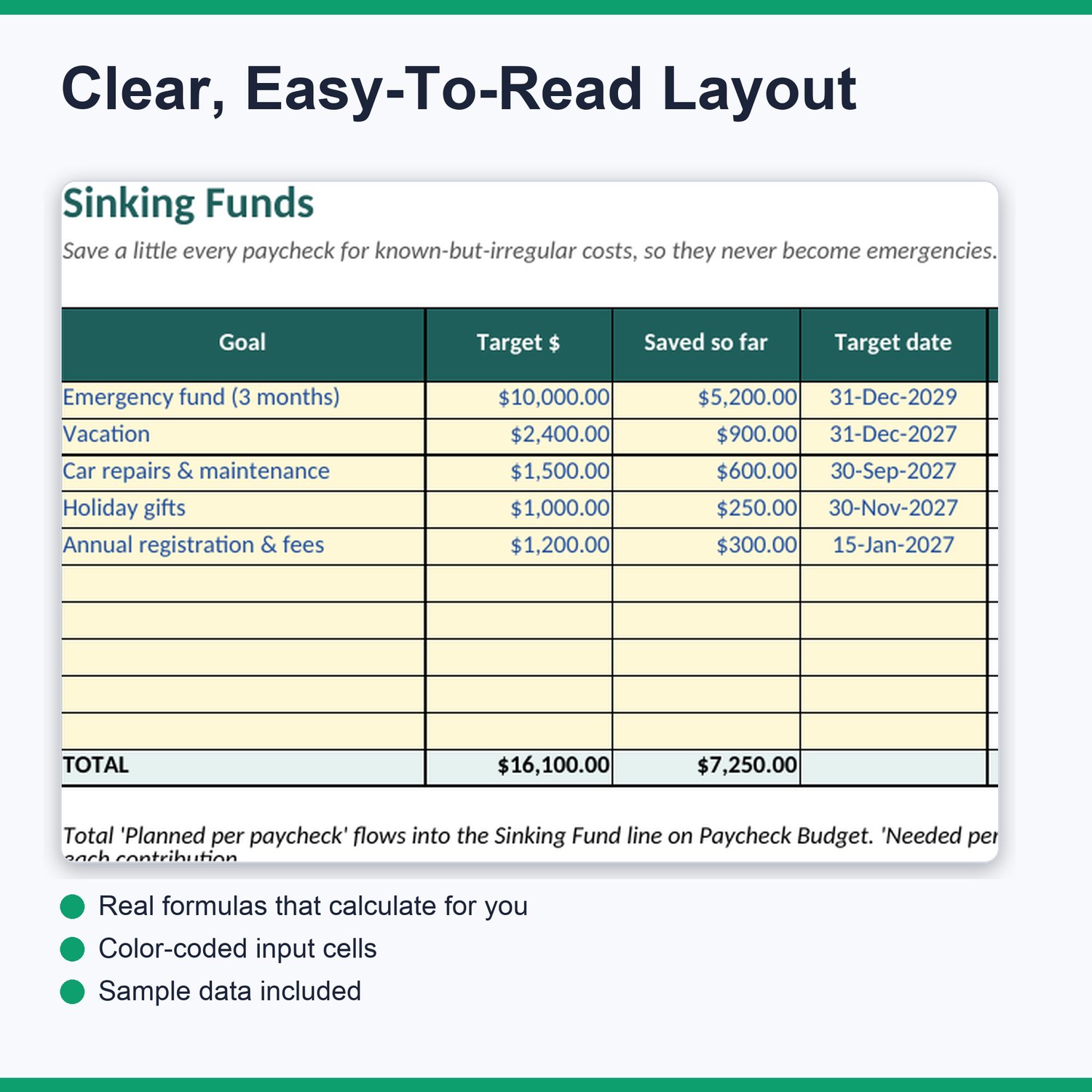
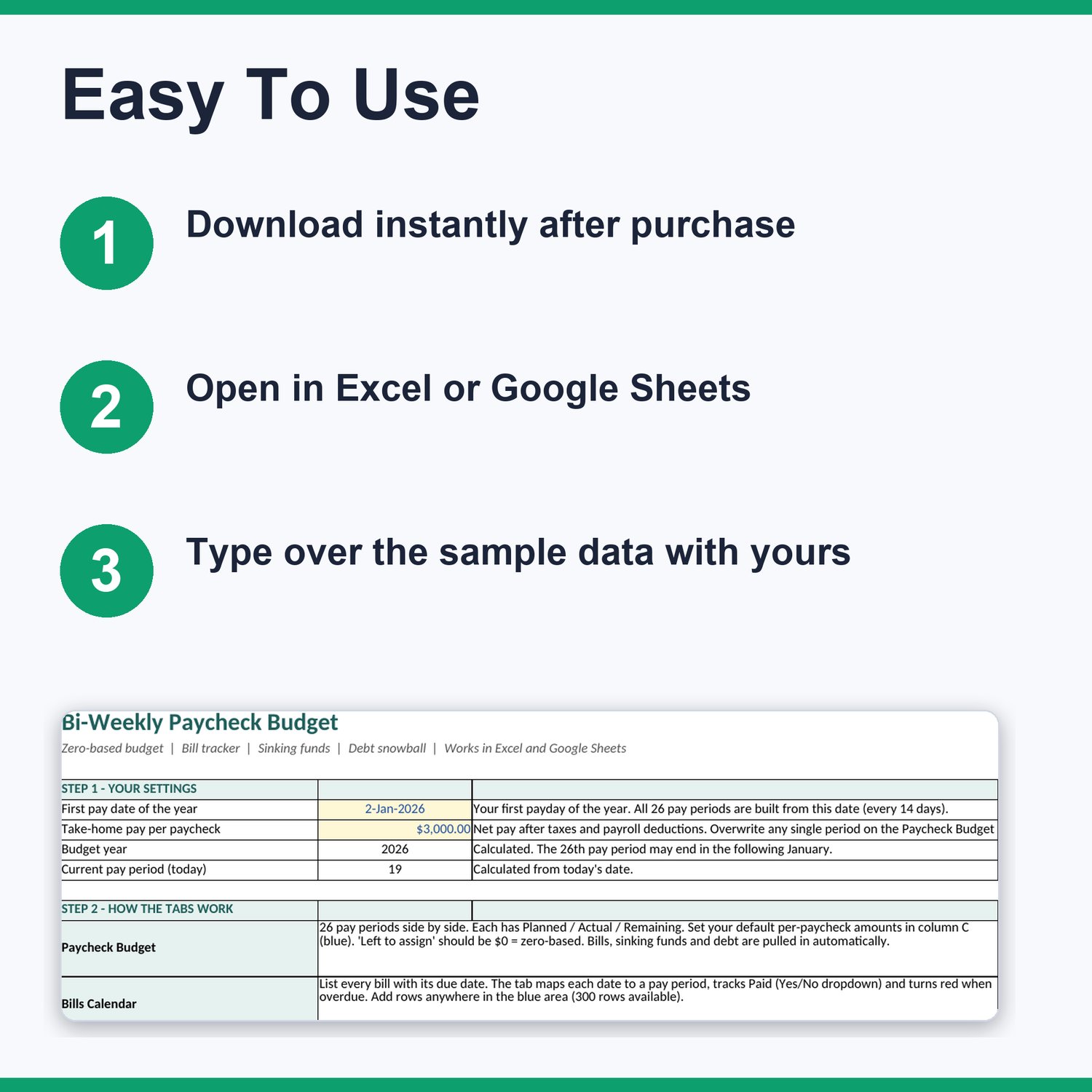
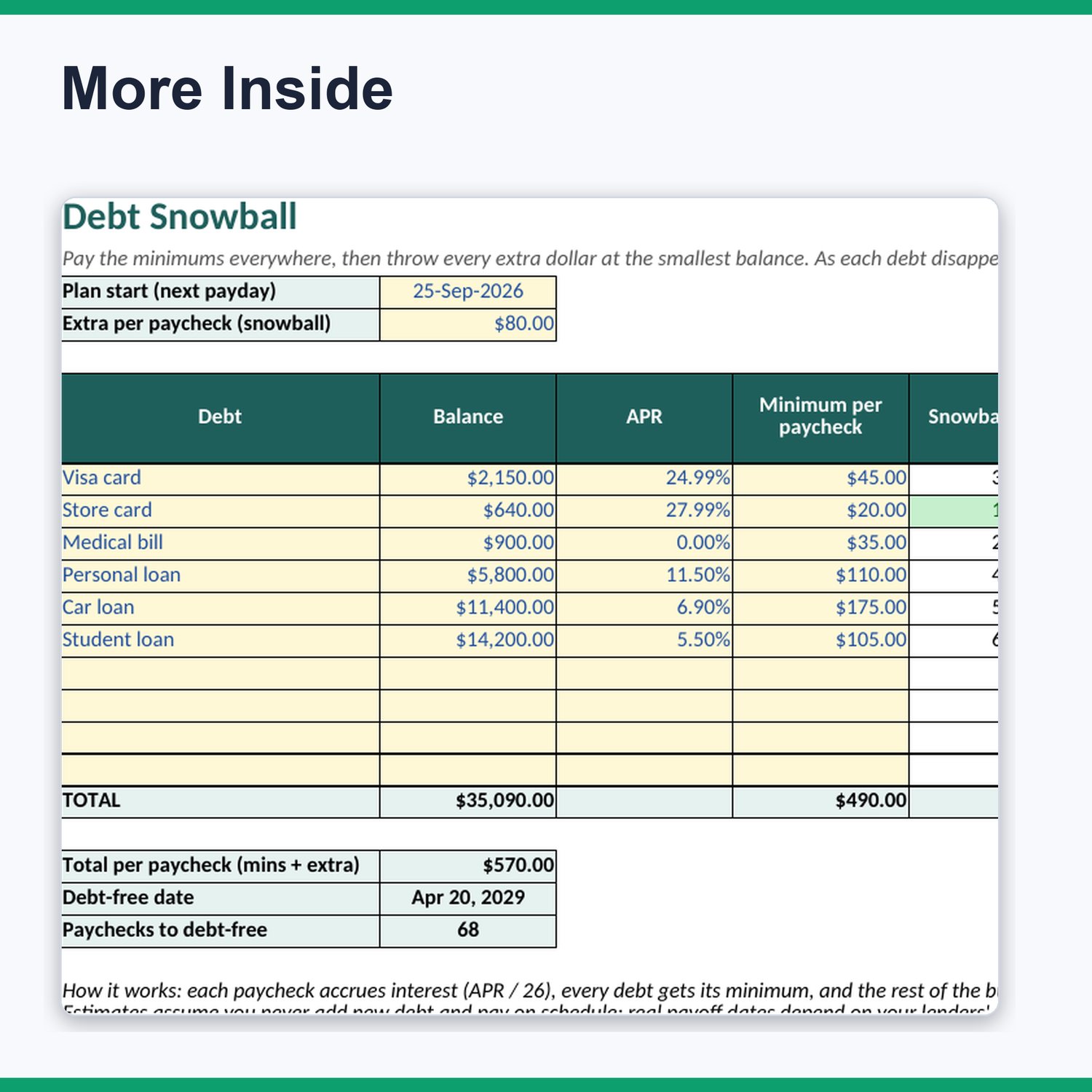
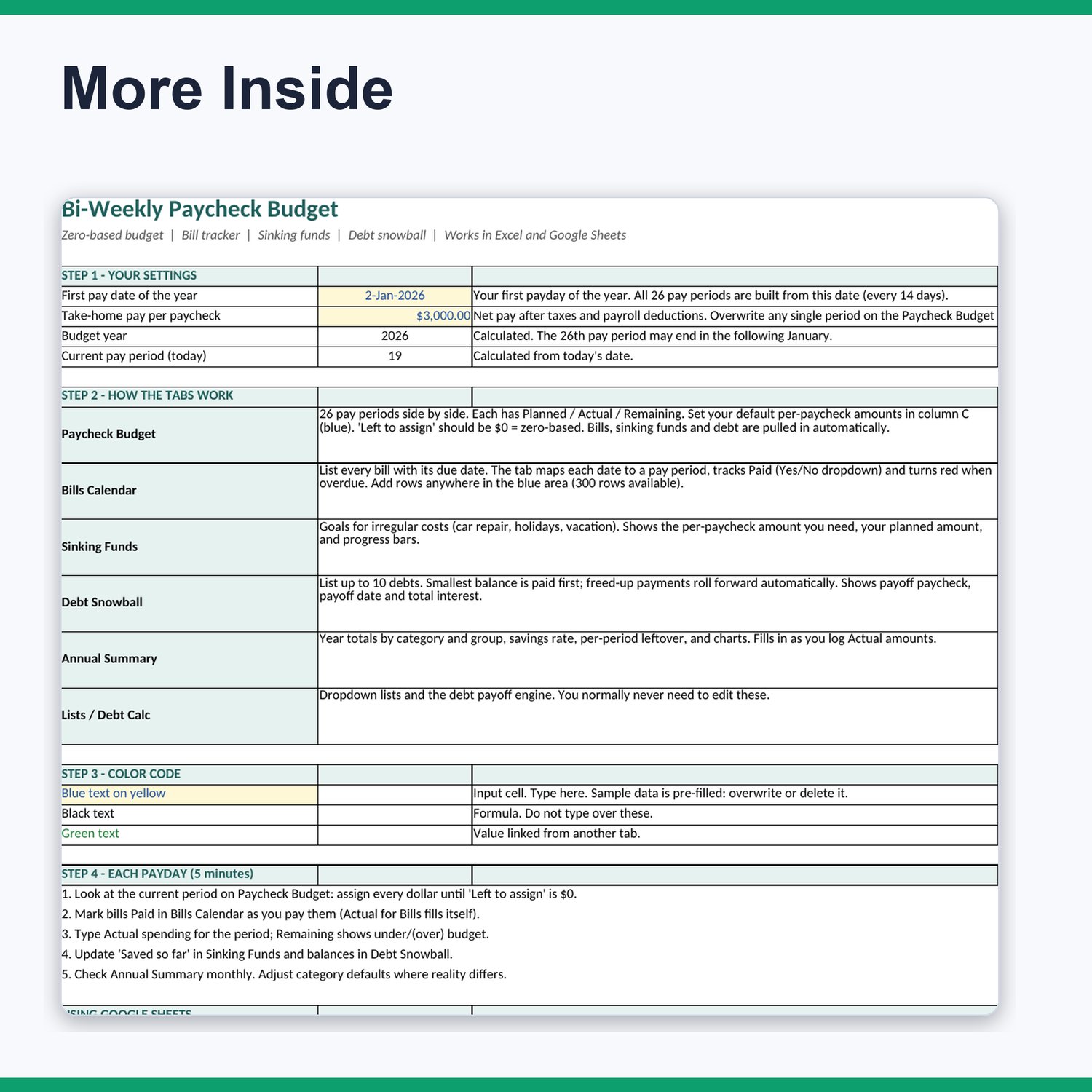
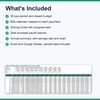
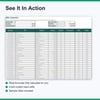
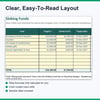
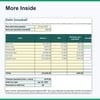
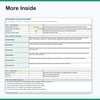
What is inside: Start Here (setup in two cells), Paycheck Budget (26 periods, income, 15 categories, live formulas), Bills Calendar (300 rows, due dates auto-mapped to pay periods, Paid dropdown, overdue rows turn red), Sinking Funds (goals, needed vs planned per paycheck, progress bars), Debt Snowball (up to 10 debts, payoff order, payoff paycheck, payoff date and total interest), and Annual Summary (totals by category, savings rate, charts).
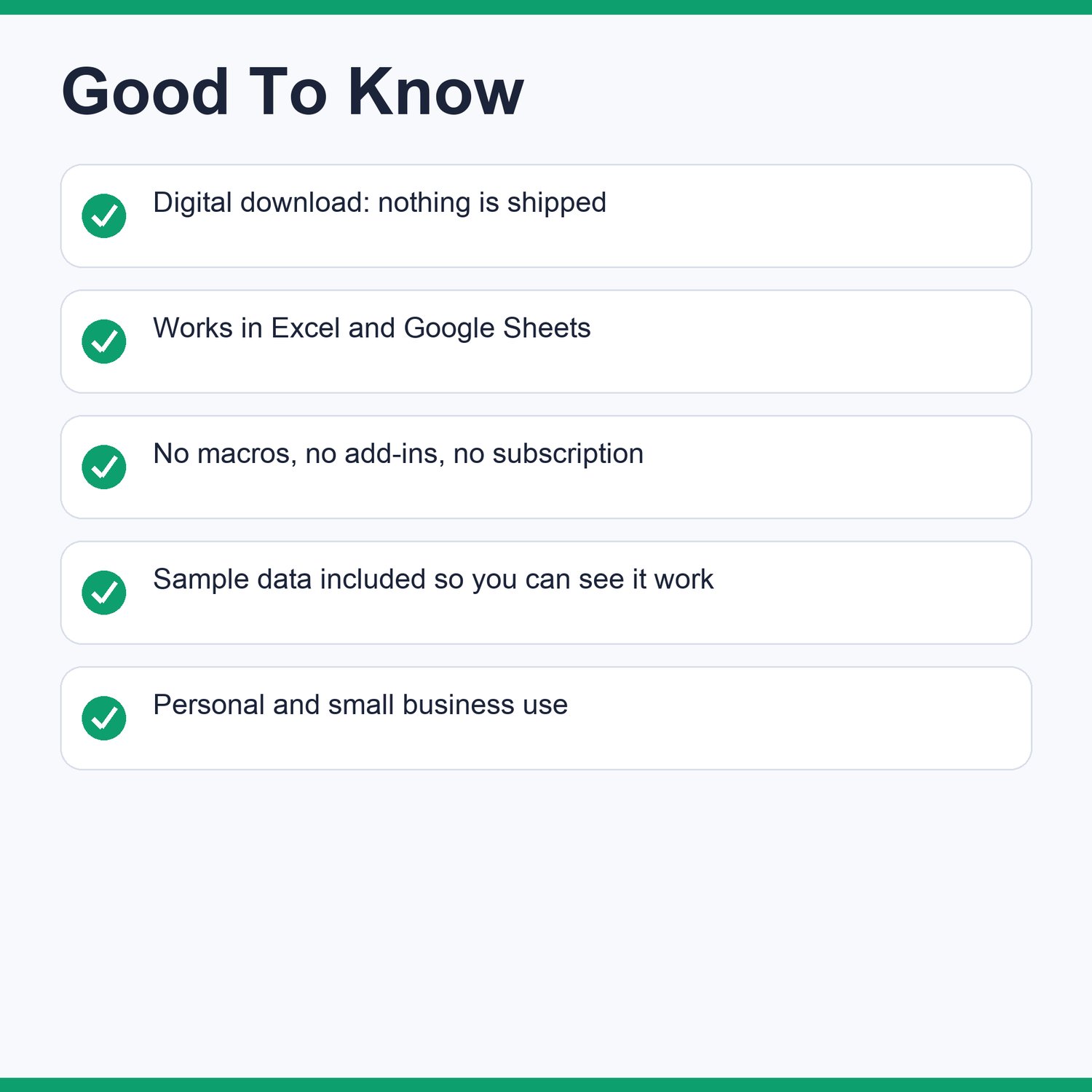
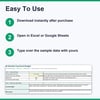
Works in Microsoft Excel (2010 and newer) and Google Sheets (upload the .xlsx and open with Google Sheets). No macros, no add-ins, no subscription. Blue input cells, black formulas, green linked cells, and data validation on dates, amounts and dropdowns.
Pre-filled with fictional sample data so you can see it working; overwrite it with your own numbers. Two Start Here entries (first pay date and take-home pay) rebuild all 26 pay dates.
Good to know: this is a digital spreadsheet file, not a printed product and not an app. Excel data bars appear as text progress bars in Google Sheets. Debt payoff dates are estimates that assume on-time payments and no new debt. Bring-your-own numbers: it does not connect to bank accounts.
Includes: 1 Excel workbook (.xlsx), README with setup steps, and a license for personal use. Not financial advice: this is an educational budgeting template and does not provide financial, tax, legal or investment advice.