


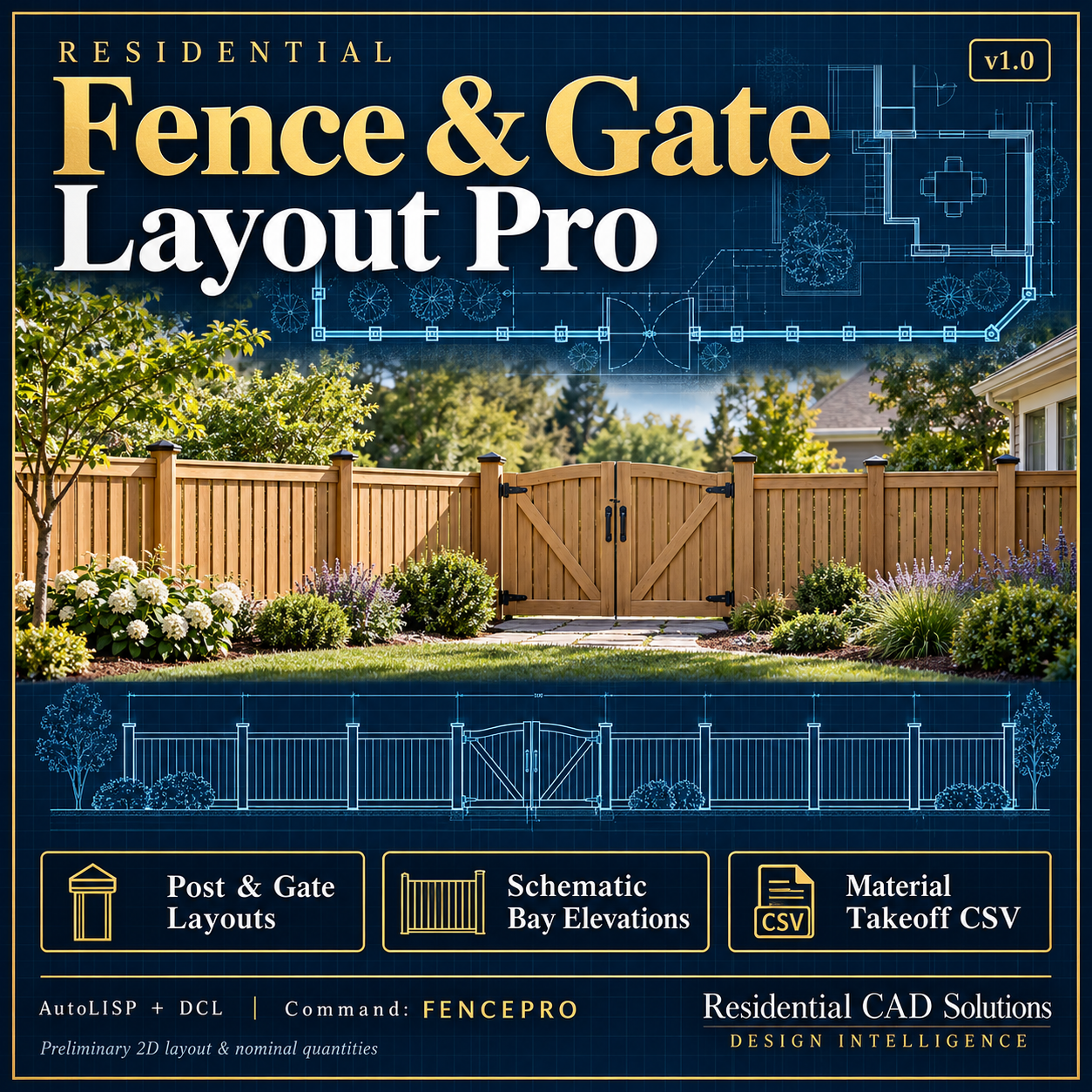
Residential Fence & Gate Layout Pro
Residential Fence & Gate Layout Pro v1.0
Create preliminary fence layouts, gate symbols, schematic bay elevations, and material takeoffs directly inside AutoCAD.
This AutoLISP and DCL program follows a selected CAD boundary to organize fence posts and bays, helping residential designers and CAD drafters turn a simple boundary into a labeled planning layout.
Features:
- Follow supported flat lines, arcs, and 2D polylines
- Place posts at polyline vertices and gate endpoints
- Choose equal bays or fixed-maximum spacing with a shorter final bay
- Handle closed boundaries without duplicating the seam post
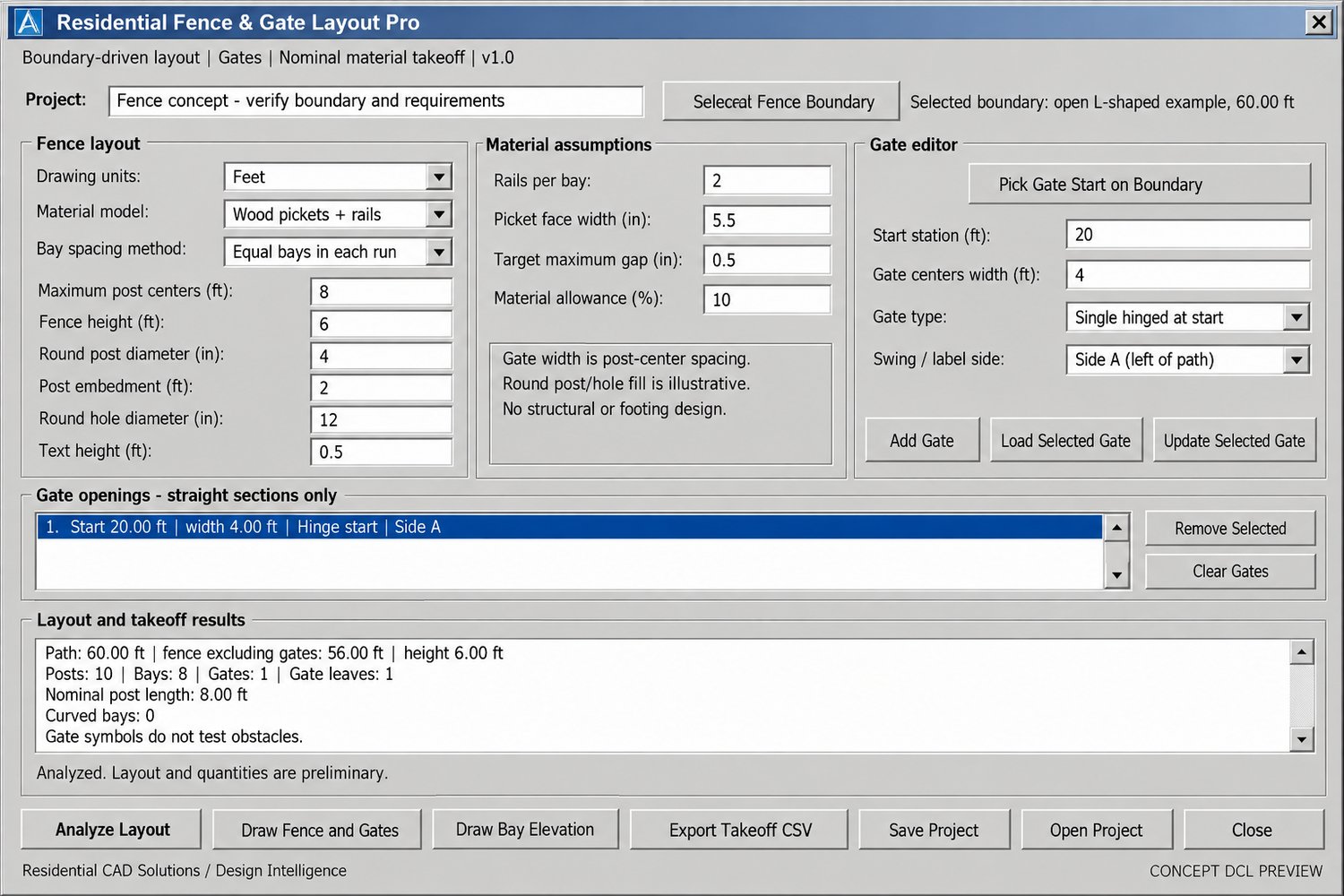
- Add and edit up to 100 gate openings
- Choose single-swing, double-swing, or sliding gate symbols
- Pick a gate’s start station directly on the selected boundary
- Reject overlapping gates and openings that cross curves or vertices
- Draw labeled post locations, fence bays, and gate symbols
- Generate a selected bay’s schematic elevation
- Estimate nominal wood-picket, panel-kit, or chain-link quantities
- Report post types, gate leaves, rail lengths, and picket counts
- Apply an optional material allowance
- Export settings, post coordinates, bays, gates, and takeoff results to CSV
- Save and reopen project settings
- Scale output for inches, feet, millimeters, or meters
Your download includes:
- Residential Fence & Gate Layout Pro LISP file
- Matching DCL interface
- Installation and usage instructions
- AutoCAD 2000-format example boundary drawing
- Example project files
- Example post-station CSV and takeoff report
- Validation notes
Command:
FENCEPRO — Opens the complete fence and gate interface.
Compatibility:
Designed using AutoCAD 2002-era AutoLISP, Visual LISP, ActiveX, and DCL functions for Windows AutoCAD. Live AutoCAD compatibility and interface testing remain pending.
Important notice:
This tool provides preliminary 2D layouts and nominal material quantities. Gate widths represent post-center spacing, not guaranteed clear openings. Gate symbols do not test swing or sliding clearance against obstacles.
Bay elevations are schematic; curved bays are flattened, and rail positions are illustrative. The program does not provide structural or footing design, terrain-following layouts, survey verification, setback checks, or code certification. Verify actual dimensions, property boundaries, manufacturer requirements, and local approvals before construction.
Developed by Residential CAD Solutions / Design Intelligence.