

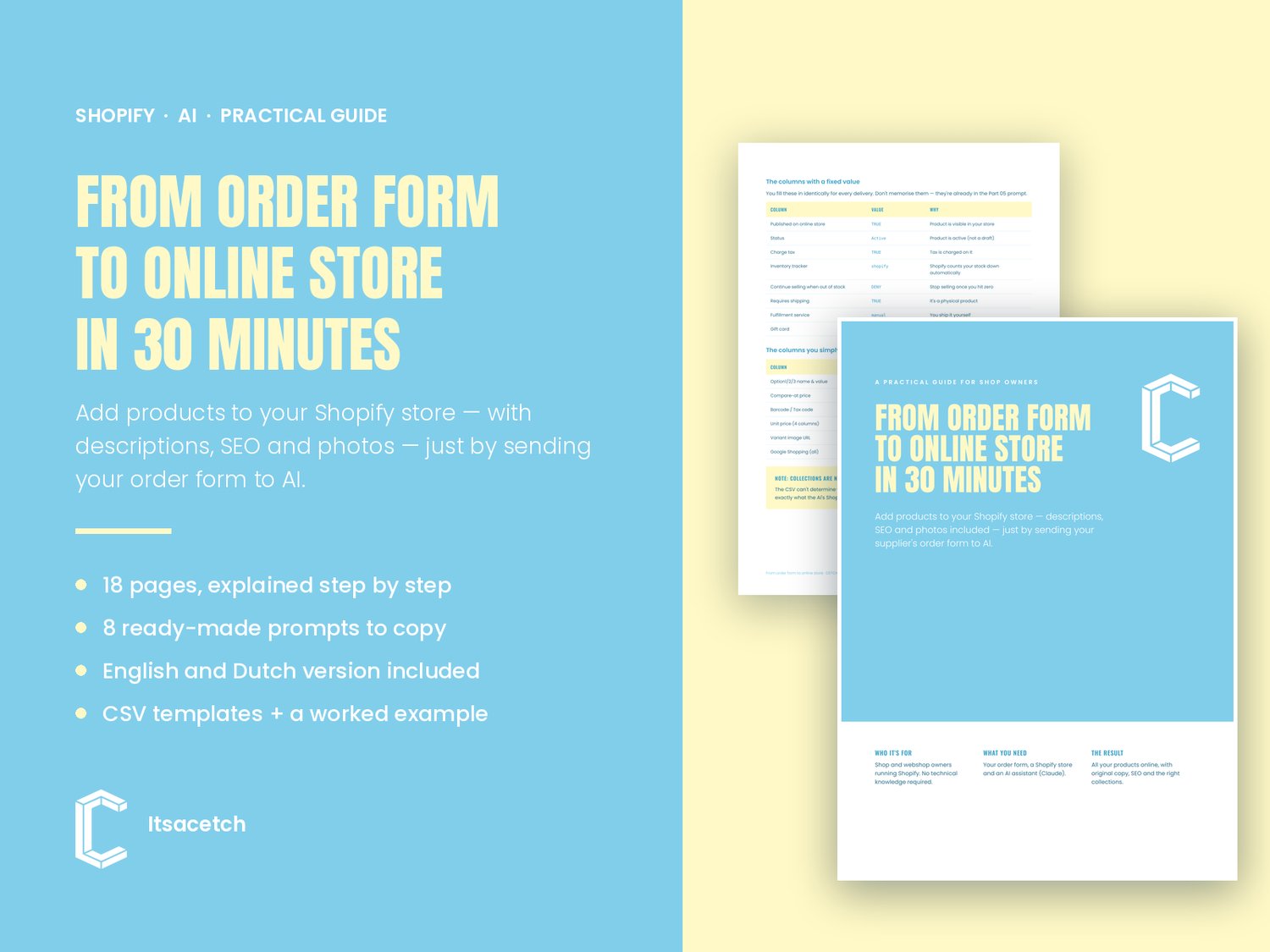


From order form to online store in 30 minutes — Add Shopify products with AI
Adding fifty products to your store normally costs you an entire evening. Or three.
Title, description, price, stock, photo, SEO — times however many products just arrived. And all over again with every delivery.
This guide lets you do the same thing in about half an hour. You send your order form to AI and get back a ready-made file that you import into Shopify. Sales copy, SEO and your supplier's photos included.
What you get
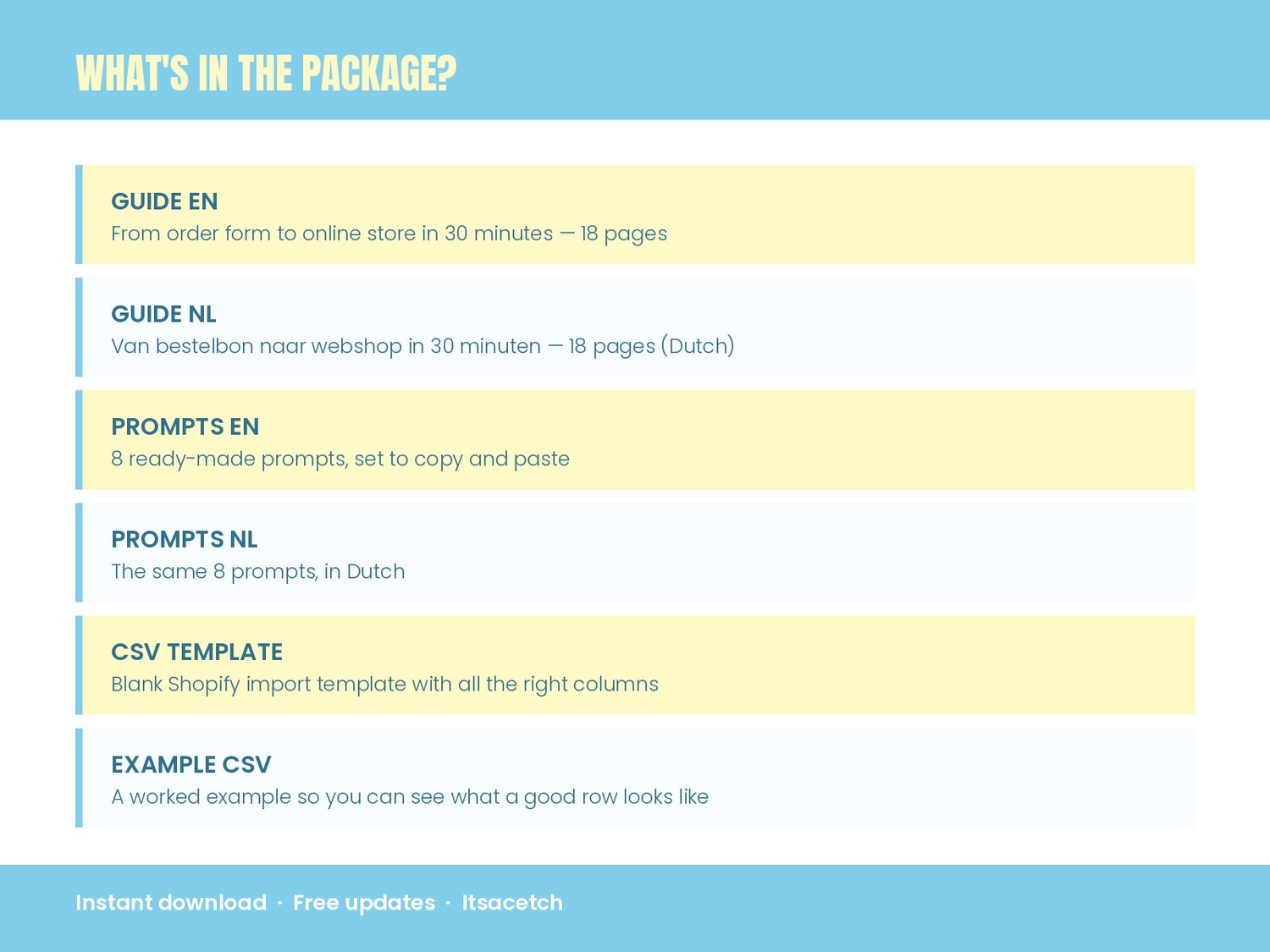
- The full 18-page guide, step by step, in English and Dutch
- 8 ready-made prompts you literally copy and paste
- A blank Shopify import template and a worked example
- Every CSV column explained: which ones matter, which get a fixed value, which you simply leave blank
- A checklist for each delivery, plus fixes for the seven things that always go wrong once
Who it's for
Shop and webshop owners running Shopify who take in deliveries regularly. No technical knowledge needed — if you can upload a file, you can do this.
Also works when your products aren't listed anywhere online
Selling antiques, second-hand or your own creations? There's a separate part on working from your own photos and a simple list, with no supplier website involved.
Honest about what this isn't
This isn't software with a monthly fee. It's a working method with the prompts and files that go with it. You'll need your own Shopify store and an AI account (Claude). And you still set your own prices and read your own copy before it goes live — the guide says so plainly.
Written from actual practice
This method came out of building a real shop catalogue: 129 products from four suppliers, in Italian, with photos and collections. Everything that went wrong along the way is in the guide, along with the fix.
Buy once, and get free updates whenever Shopify or Claude changes something.