


Stair Designer Pro
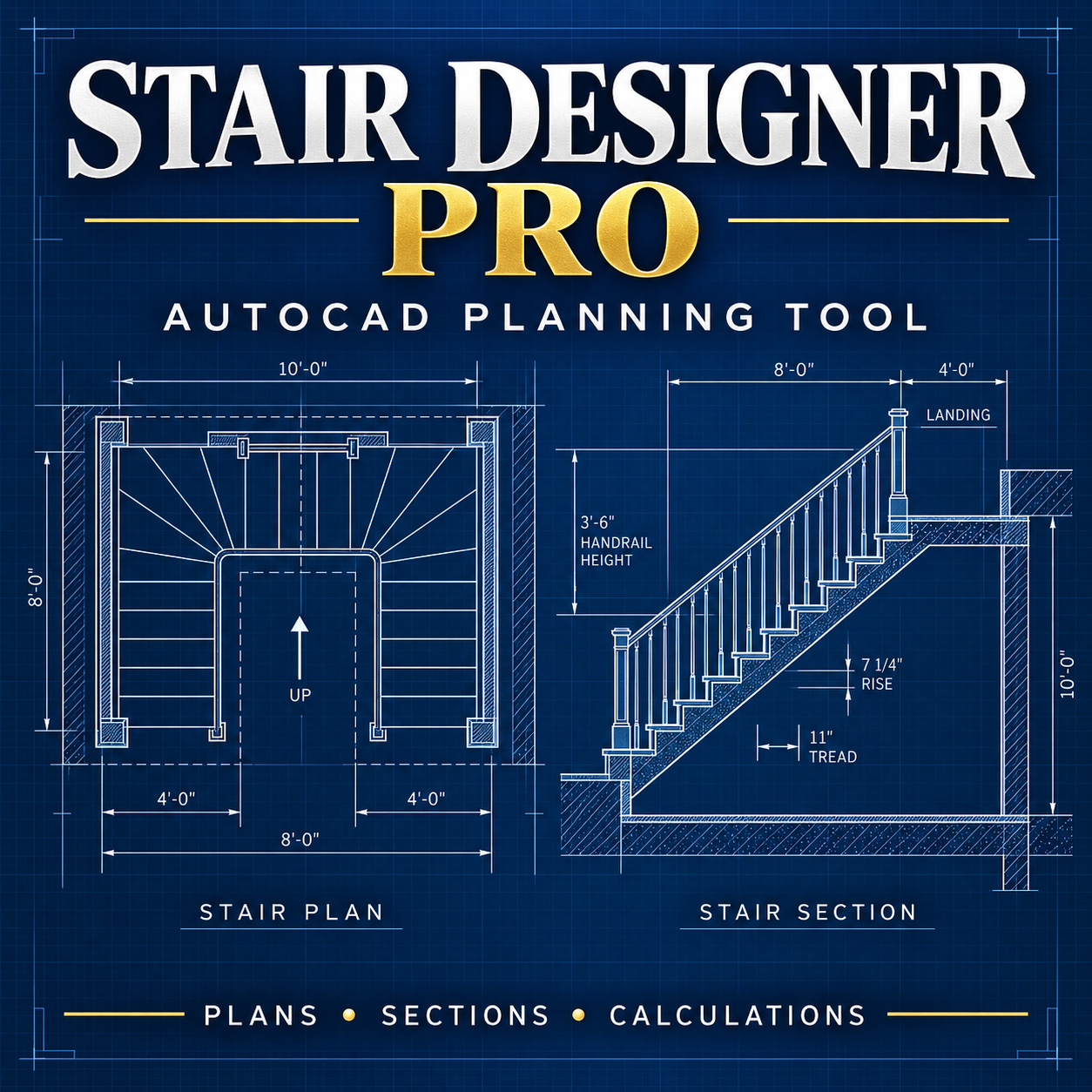
Design and document residential stairs faster with Stair Designer Pro. This professional AutoLISP and DCL package calculates essential stair geometry and creates organized plan and section drawings directly in AutoCAD.
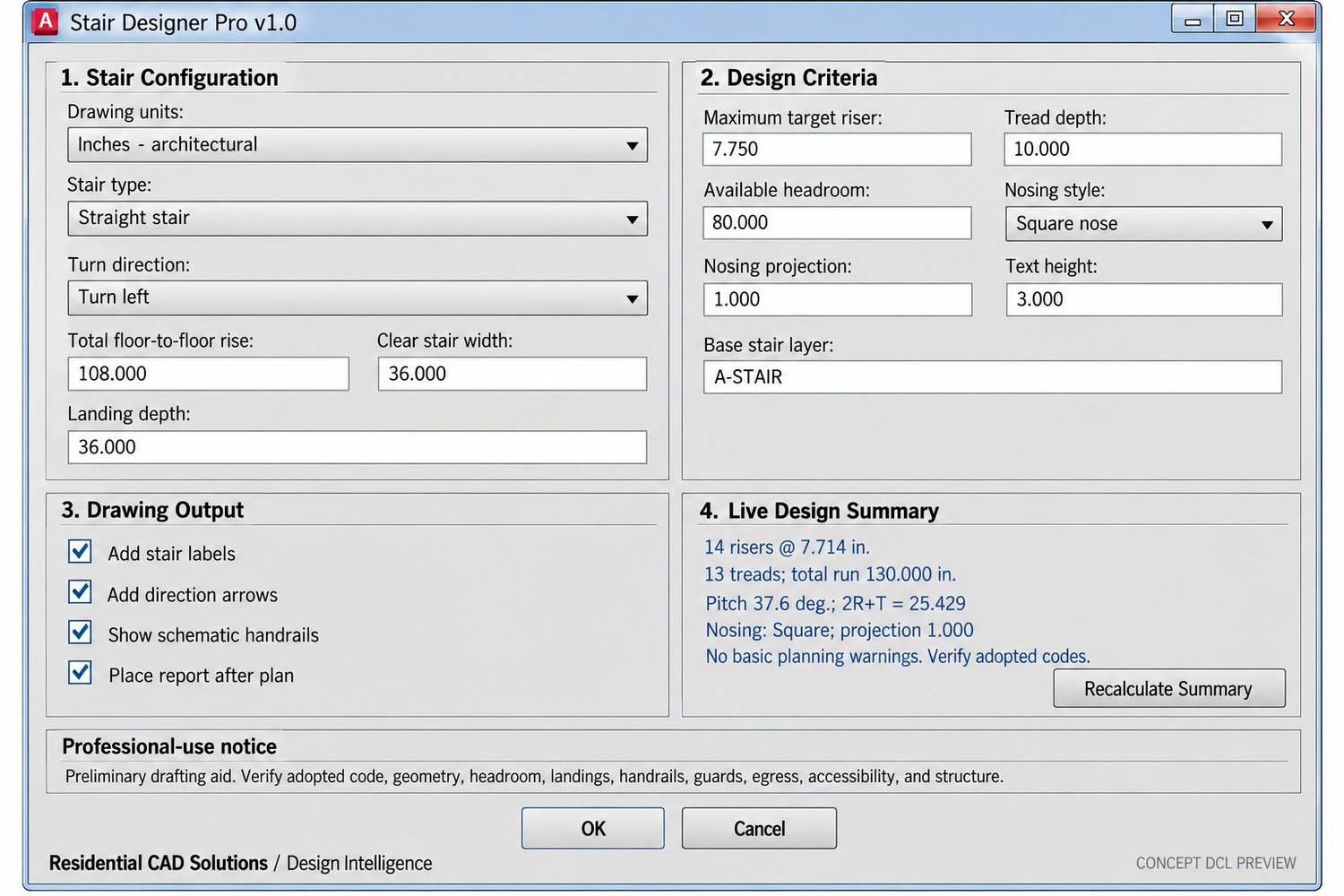
Simply enter your floor-to-floor height, stair width, tread depth, target riser height, landing size, and preferred stair configuration. The program automatically calculates the risers, treads, developed run, stair pitch, and 2R+T comfort ratio before producing the drawing.
Key Features:
- Straight, L-shaped, and U-shaped stair layouts
- Left- or right-hand turn selection
- Automatic riser and tread calculations
- Adjustable stair width and landing depth
- Square nose, round nose, or no-nosing options
- Adjustable nosing projection
- Plan and developed section drawing modes
- Headroom and stair-comfort checks
- Optional labels, direction arrows, and handrails
- Live design summary inside the DCL
- Automatic stair calculation report
- Inches and millimeters support
- Custom stair layer and text-height controls
- Compatible with AutoCAD 2002 and later versions
Included Commands:
- STAIRPRO – Opens the main Stair Designer Pro interface
- STAIRPLAN – Creates the stair plan
- STAIRSECT – Creates the stair section
- STAIRREPORT – Generates the calculation report
- STAIRABOUT – Displays program information
Your Download Includes:
- Stair Designer Pro LISP file
- Stair Designer Pro DCL interface
- Complete instruction guide
- Command reference
- Product documentation
- Backup text copies
- DCL preview image
- Commercial-use license
Ideal for architectural drafters, residential designers, contractors, CAD technicians, and anyone who wants to reduce repetitive stair calculations and drafting time.
Important: Stair Designer Pro is a drafting and preliminary planning assistant. It does not replace required building-code review, field verification, or the services of a licensed architect or structural engineer. Always confirm dimensions and requirements with the applicable local building authority.