

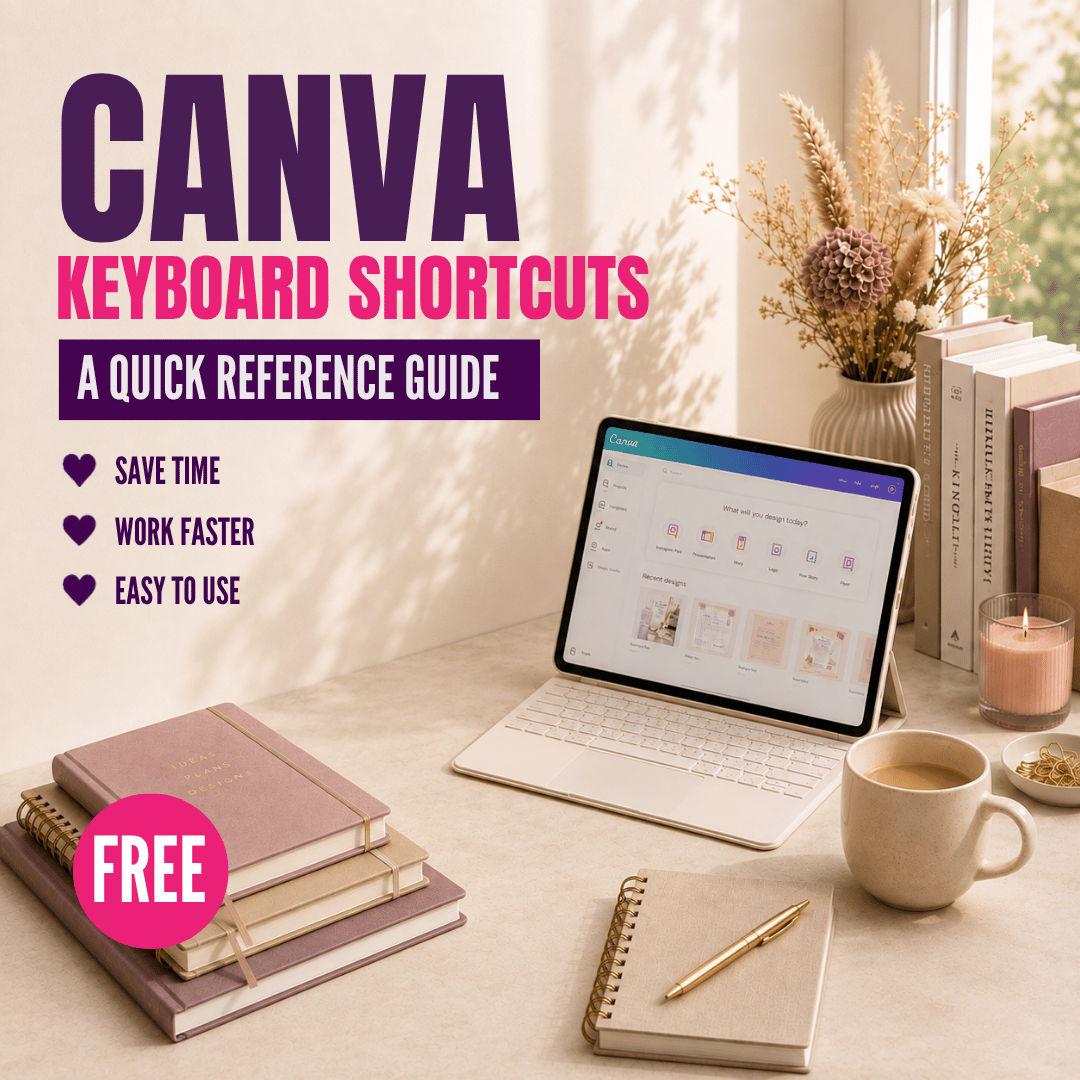
Canva Keyboard Shortcuts Guide
On Sale
£0.00
Work faster in Canva with a handy collection of keyboard shortcuts for Windows and Mac.
Spend less time clicking through menus and make everyday designing a little quicker with this free Canva Keyboard Shortcuts guide.
Whether you're editing text, working with elements, moving between pages or creating a presentation, you'll have useful shortcuts ready to refer to whenever you need them.
The guide is organised into clear sections, making it easy to find the shortcut you're looking for while you're working in Canva.
Simply download the PDF, keep it nearby and start with the shortcuts that are most useful to the way you work.
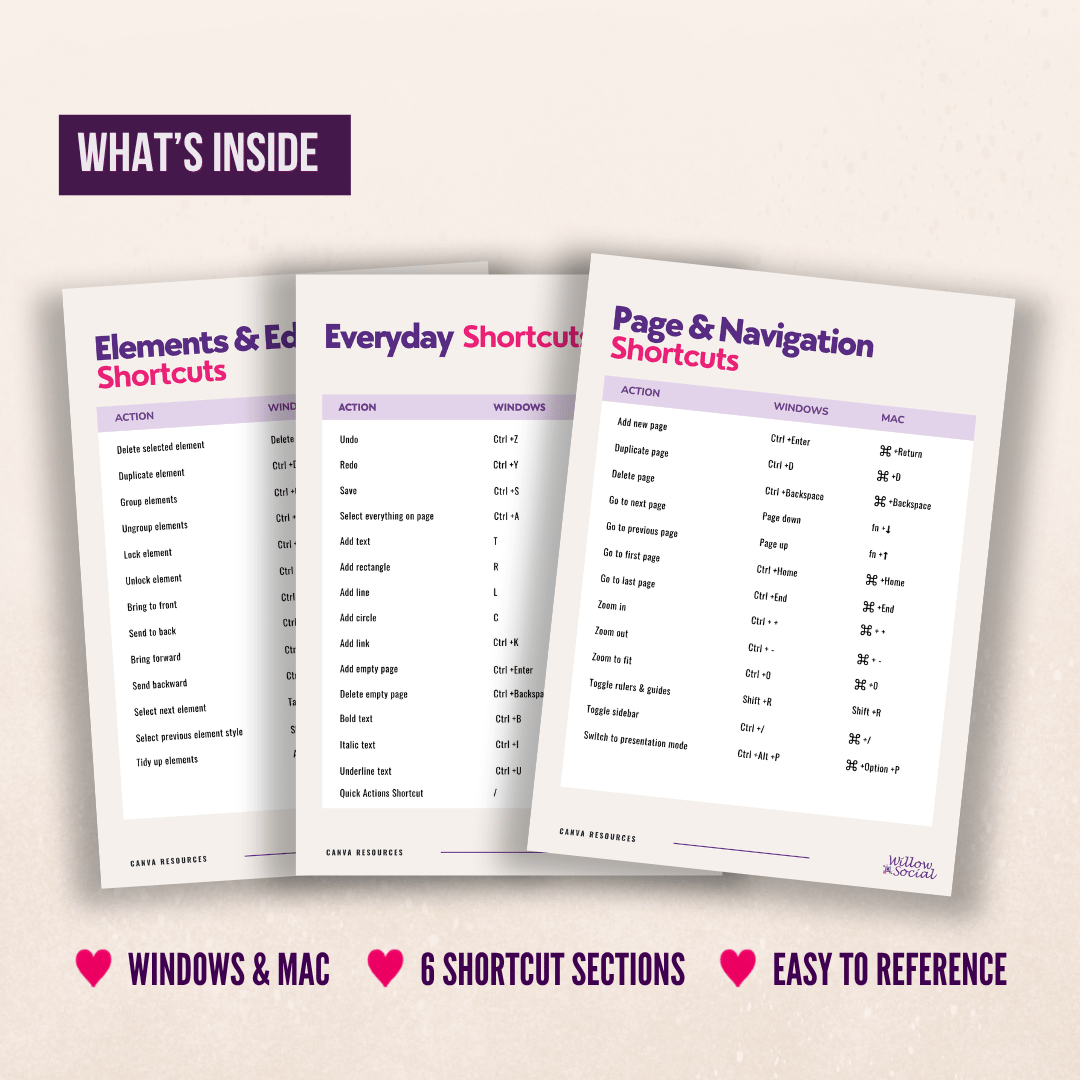
What’s inside:
- Everyday Canva shortcuts
- Text shortcuts
- Elements and editing shortcuts
- Page and navigation shortcuts
- Video and comment shortcuts
- Presentation shortcuts
- Windows and Mac shortcuts throughout
Why you’ll love it:
- Quick and easy to reference while you're designing
- Beginner-friendly with no technical knowledge needed
- Helps reduce time spent clicking through Canva menus
- Organised into clear sections so you can find what you need
- A useful resource to keep nearby and come back to whenever you need it
What You Will Receive:
- Digital PDF guide
- Instant download, ready to use straight away
Important Information:
- This is a digital product. No physical item will be shipped
- Due to the nature of instant downloads, returns, exchanges or cancellations aren’t available
- For personal use only. This file may not be shared, resold or redistributed
- If you have any issues with your download, please don’t hesitate to get in touch. I’ll be happy to help!