
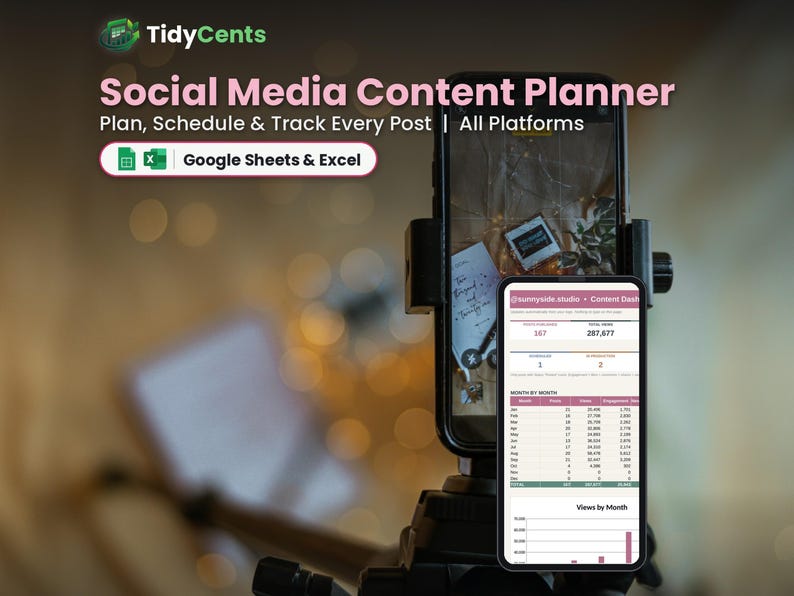
Social Media Content Planner Spreadsheet | Content Calendar and Analytics Tracker | Google Sheets & Excel Template | Instagram TikTok
Plan, schedule and track every post on every platform with this Social Media Content Planner spreadsheet, and see what content actually grows your account.
WHAT'S INSIDE
- Start Here: type your details and settings once, with simple step-by-step instructions
- Dashboard: posts vs. your weekly goal, views and engagement, best platform, best format and best content pillar
- Content: publish date, platform, format, pillar, idea, hook, status, link and results (views, likes, comments, shares, saves)
- Help & FAQ: answers to the most common questions
FEATURES
✔ Content calendar with status: Idea, Scripting, Filming, Editing, Scheduled, Posted
✔ Idea bank so you never lose an idea
✔ Engagement and engagement rate calculated automatically
✔ Best platform, format and content pillar
✔ Posts-per-week goal tracking
✔ Hook column for the first 3 seconds
✔ Editable platforms, formats and pillars
HOW IT WORKS
1. Set your account name and weekly posting goal.
2. Plan posts in Content and add results after posting.
3. See which content performs best on the Dashboard.
YOU WILL RECEIVE
✔ 1 spreadsheet template (.xlsx)
✔ 1 DEMO file with sample data, so you can see how it works
✔ 1 PDF guide: how to open it in Google Sheets (free) or Excel
PLEASE NOTE
- This is a digital product. Nothing physical will be shipped.
- Works in Google Sheets (free Google account) and Microsoft Excel 2016 or newer / Microsoft 365.
- Not compatible with Apple Numbers.
- Due to the digital nature of this item, no returns, but please message us for any help.
- For personal or own-business use only (no resale or sharing of the file).
Dark Mode version and Spanish version also available in our shop.