
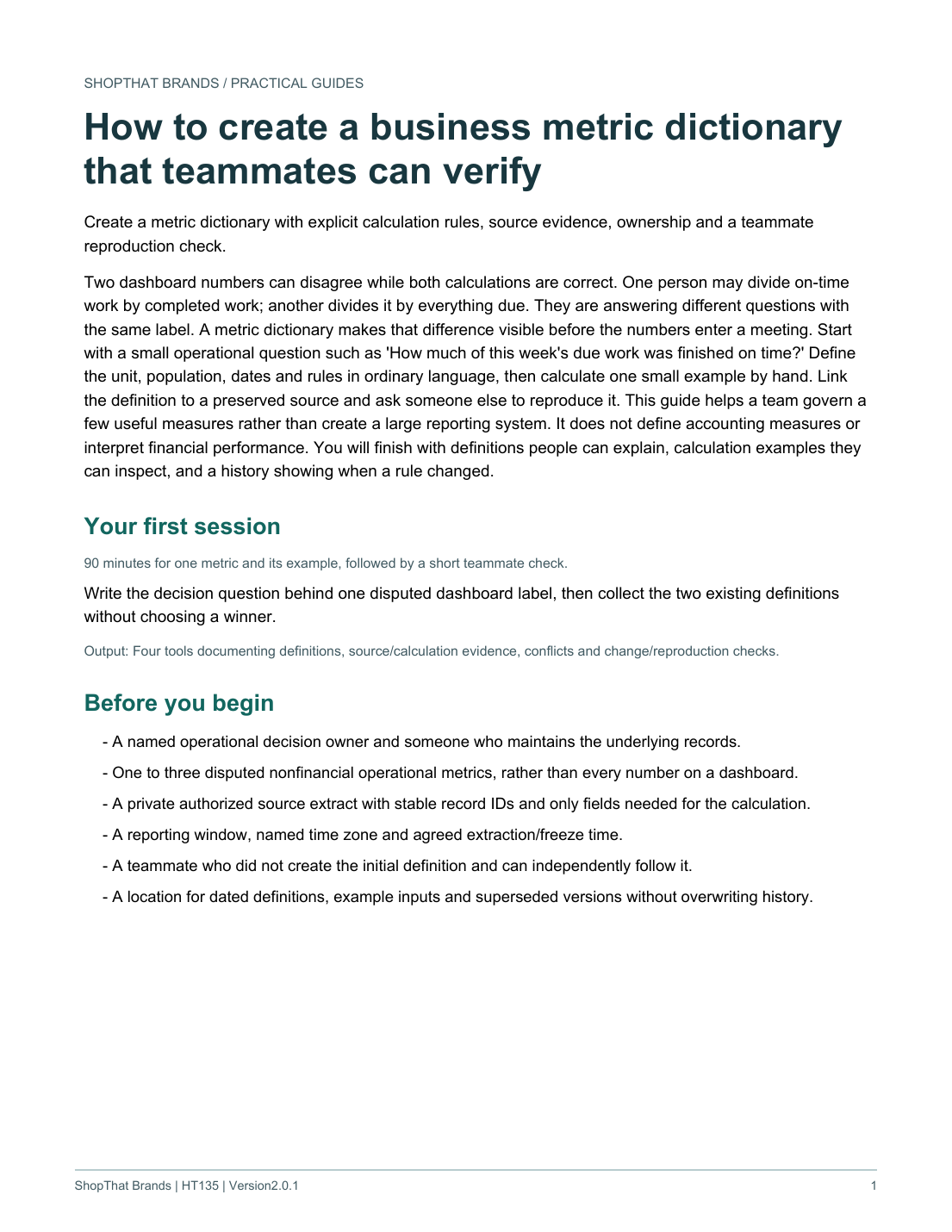

How to create a business metric dictionary that teammates can verify
When two teammates report different numbers under the same label, the problem may be the definition. This practical guide helps a small team build a metric dictionary for ordinary operational measures with explicit populations, source rules and ownership.
Eight explained steps take you from the decision question to a published, maintained definition. Define the counted unit, denominator, numerator, reporting window, time zone and rounding rule. Preserve a source recipe, calculate a small example and ask another person to reproduce the record sets before trusting a matching percentage. Learn how to resolve competing definitions without silently rewriting historical results.
Four reusable tools cover a metric definition card, source and calculation evidence, a definition conflict decision log, and independent reproduction with change history. A complete fictional production-queue example distinguishes 83.3% on time among completed tasks, 75.0% on time among all due tasks, and 90.0% completion. Specific troubleshooting addresses zero denominators, midnight discrepancies, changed source records and misleading averages.
Includes PDF, offline HTML and TXT formats. The tools can be completed within your own authorized workflow. This guide covers operational definitions and evidence. It does not establish accounting rules, interpret financial performance, certify statistical validity or turn a dashboard measure into a complete assessment of people or business outcomes.
Included files: PDF guide, offline HTML guide, 4 distinct editable tools in HTML and TXT. Extract the ZIP before use. No paid software is required to read this guide or edit its supplied tools. Third-party services discussed may have their own costs. No XLSX, Canva, Notion or video files are included.
Text and template wording were generated with AI and reviewed for clarity and consistency.
License: Personal or internal business use only. You may edit the templates for that use; do not redistribute or resell the supplied files or templates.
HTML tools do not autosave. Use Save filled copy before closing to download and keep your completed entries.