



PDF Editor
PDF Editor 4.0 — Windows
CAD $35.00 — one-time purchase
Mark up, sign, organize, and make PDFs searchable without uploading your documents.
PDF Editor 4.0 is a private, local-first desktop app for Windows and Linux. Prepare school information packs, review documents, add signatures, and organize everyday paperwork on your own computer. No app account. No cloud upload. No subscription.
WHAT YOU GET
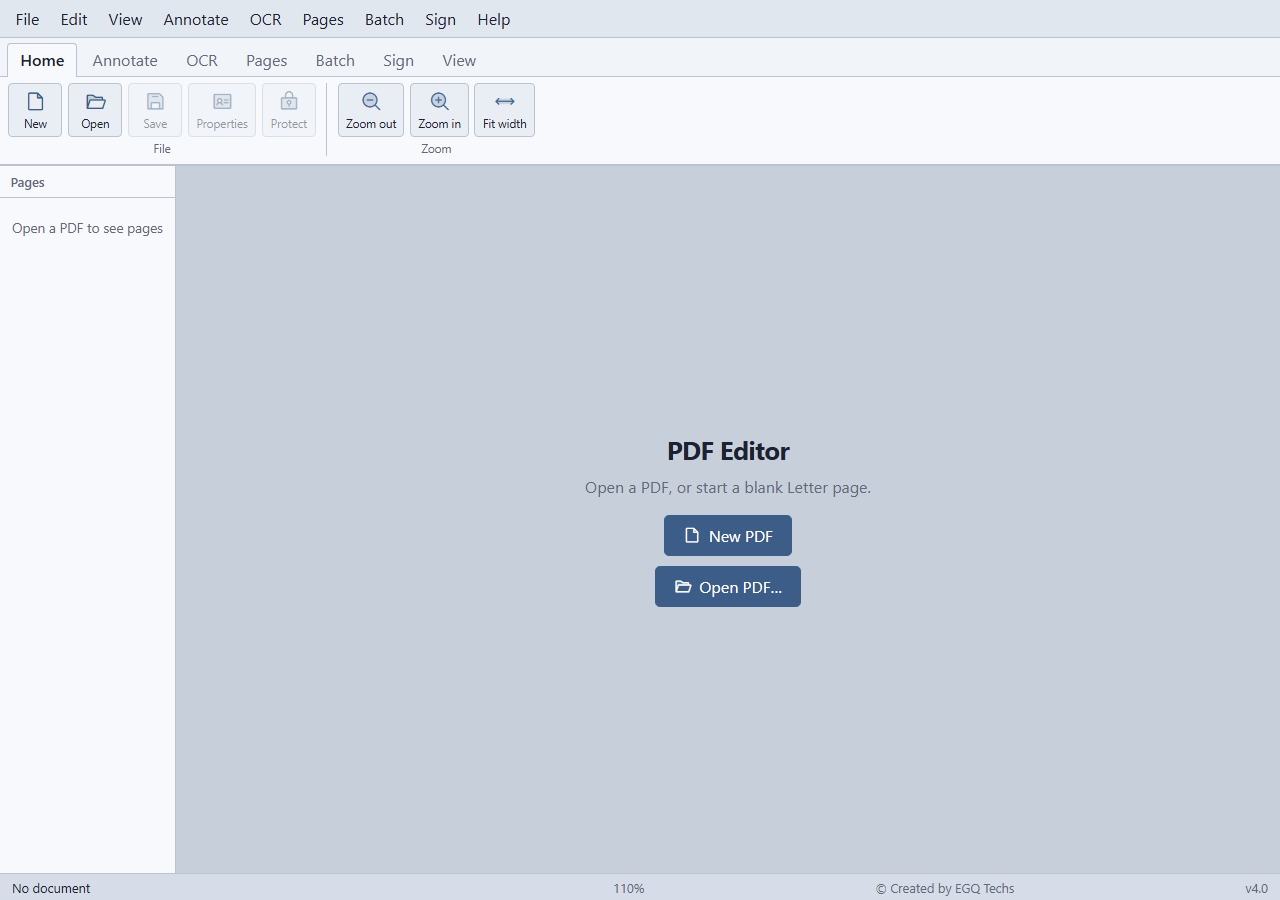
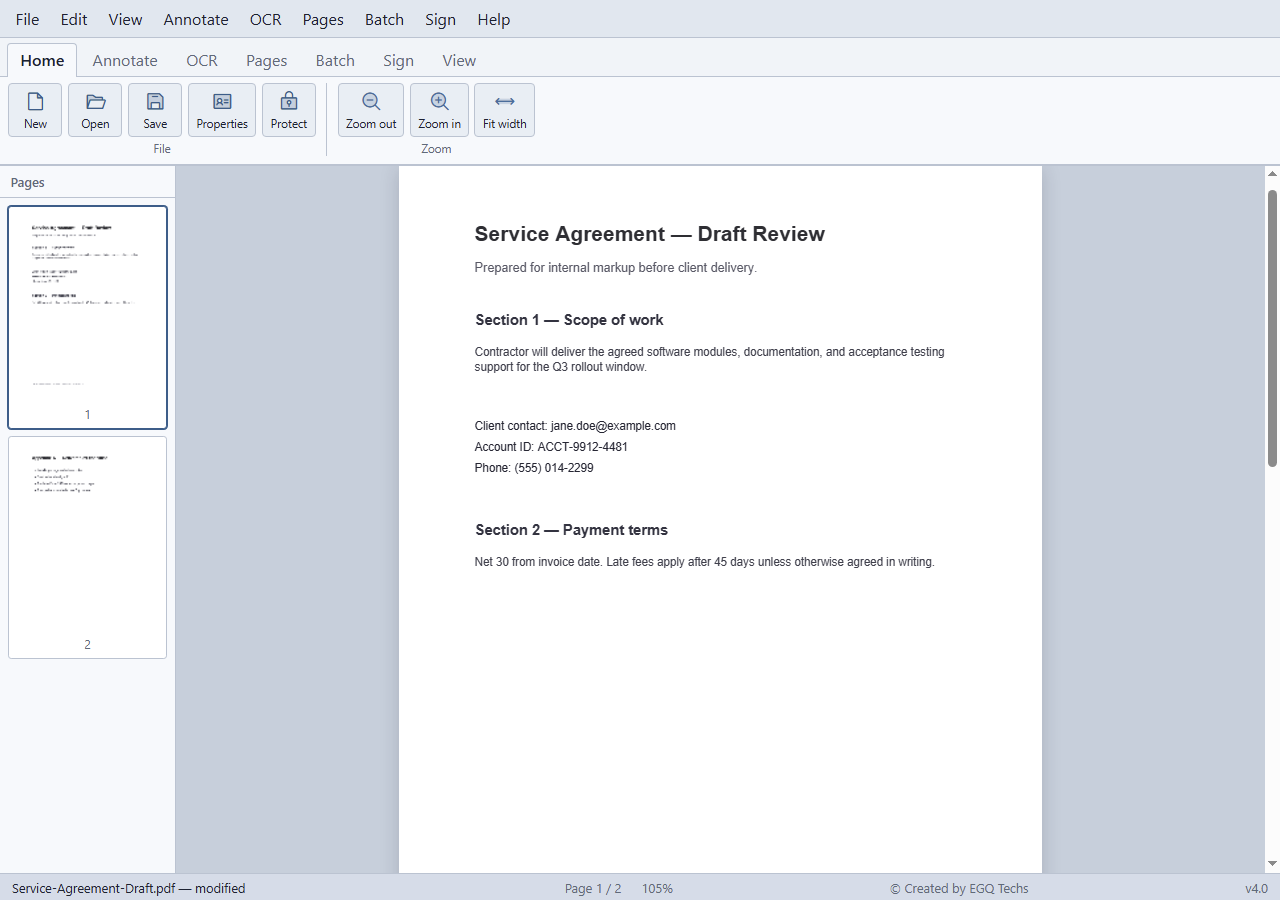
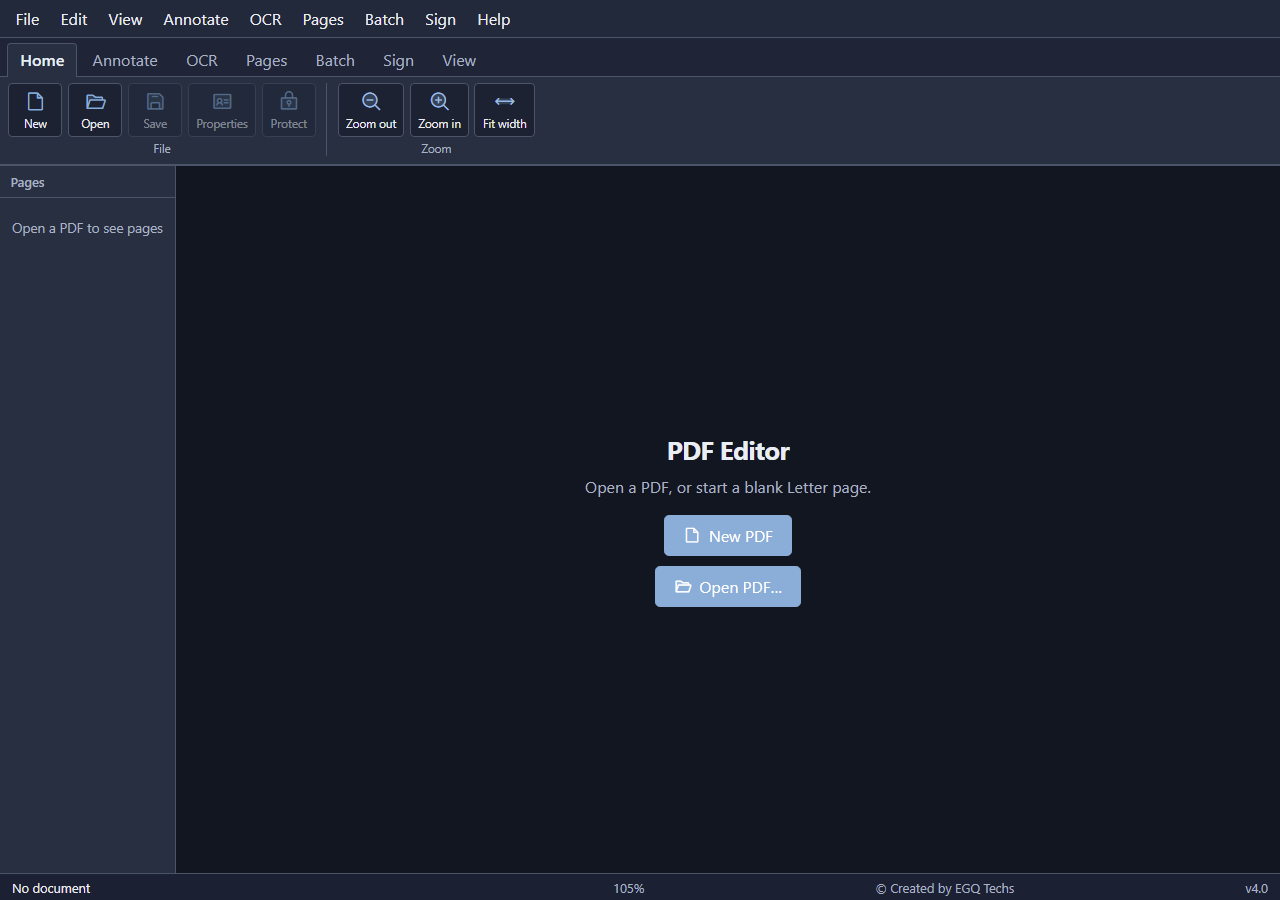
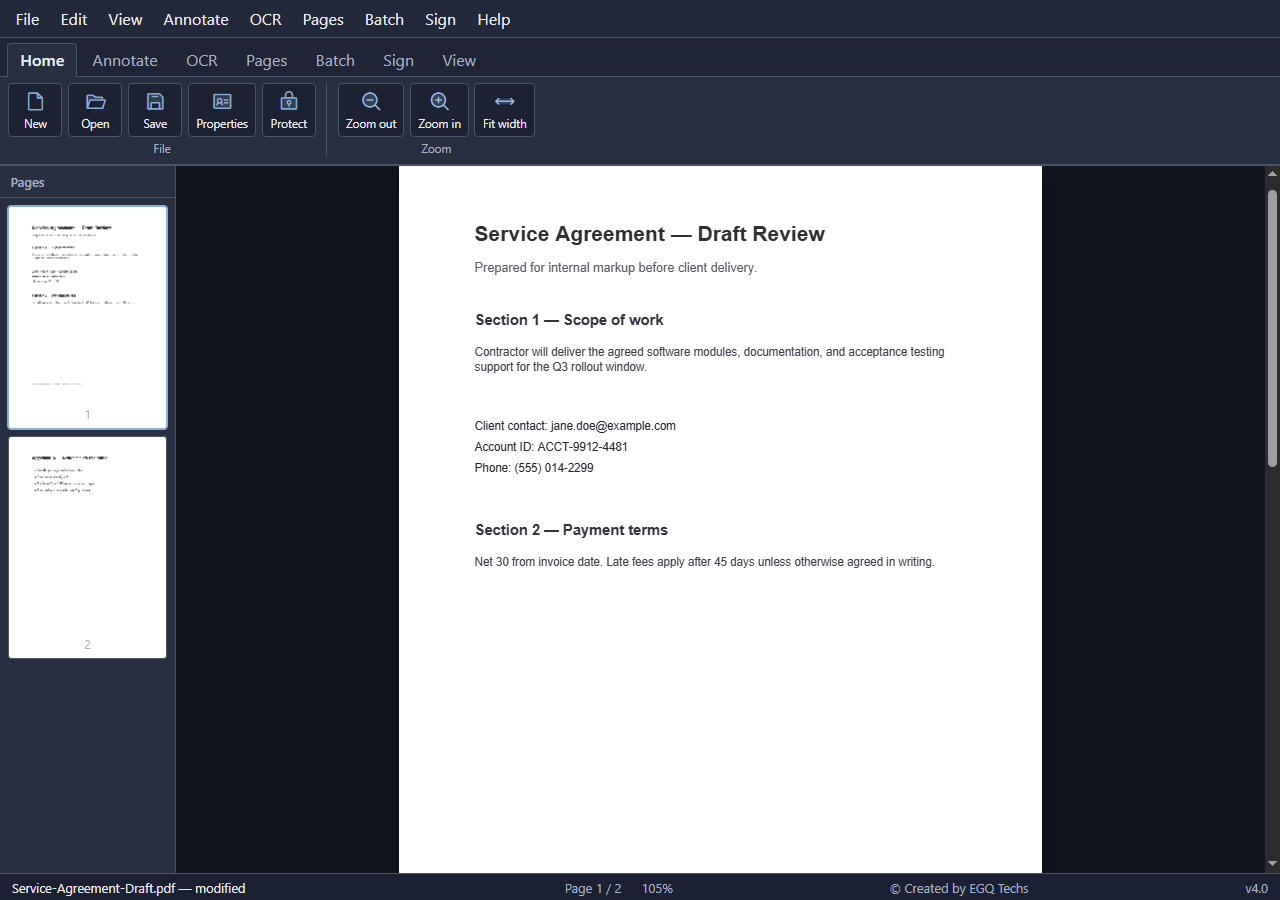
Open and view — Open PDFs with thumbnails, zoom, fit width, and fit page. Start a new blank PDF when you need a fresh page.
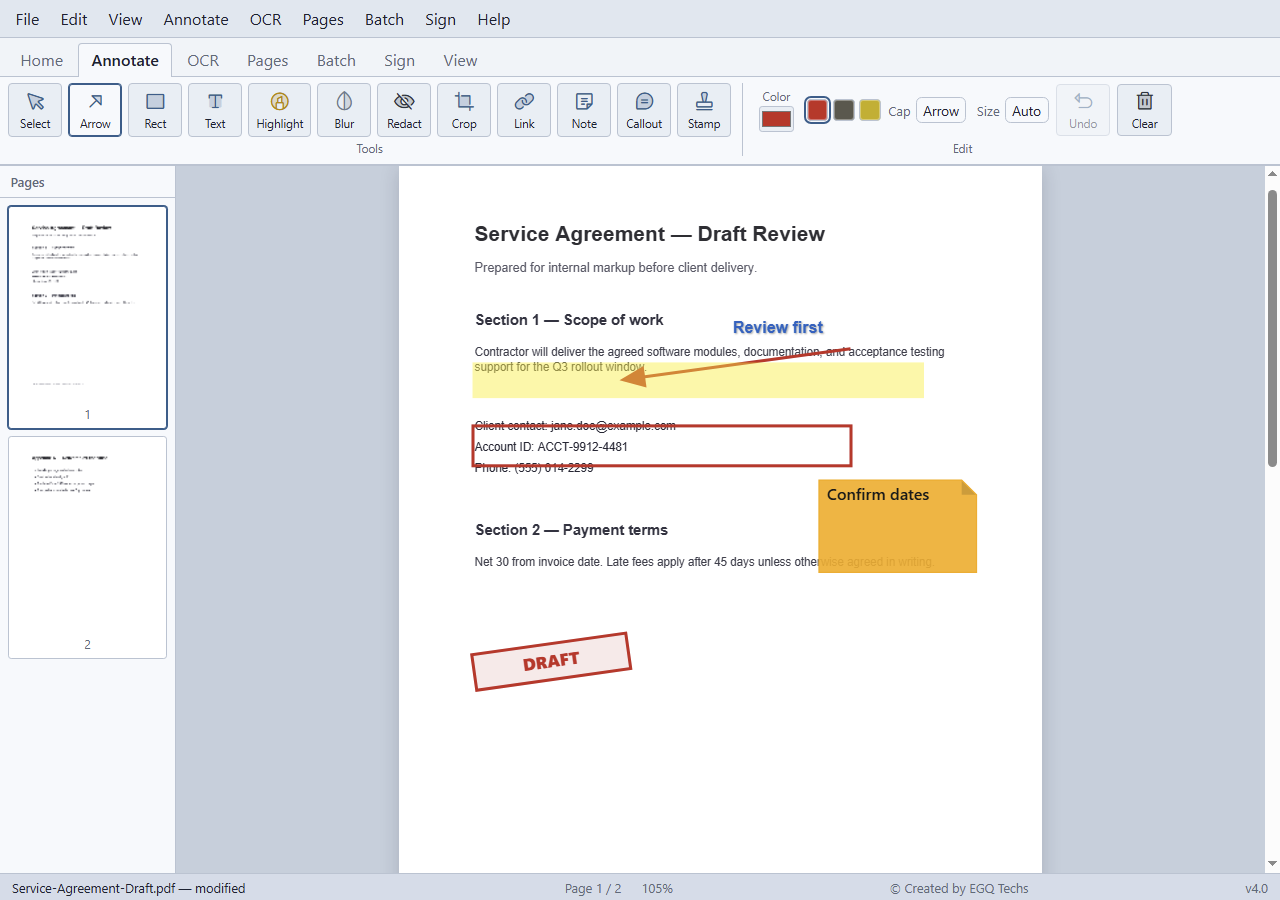
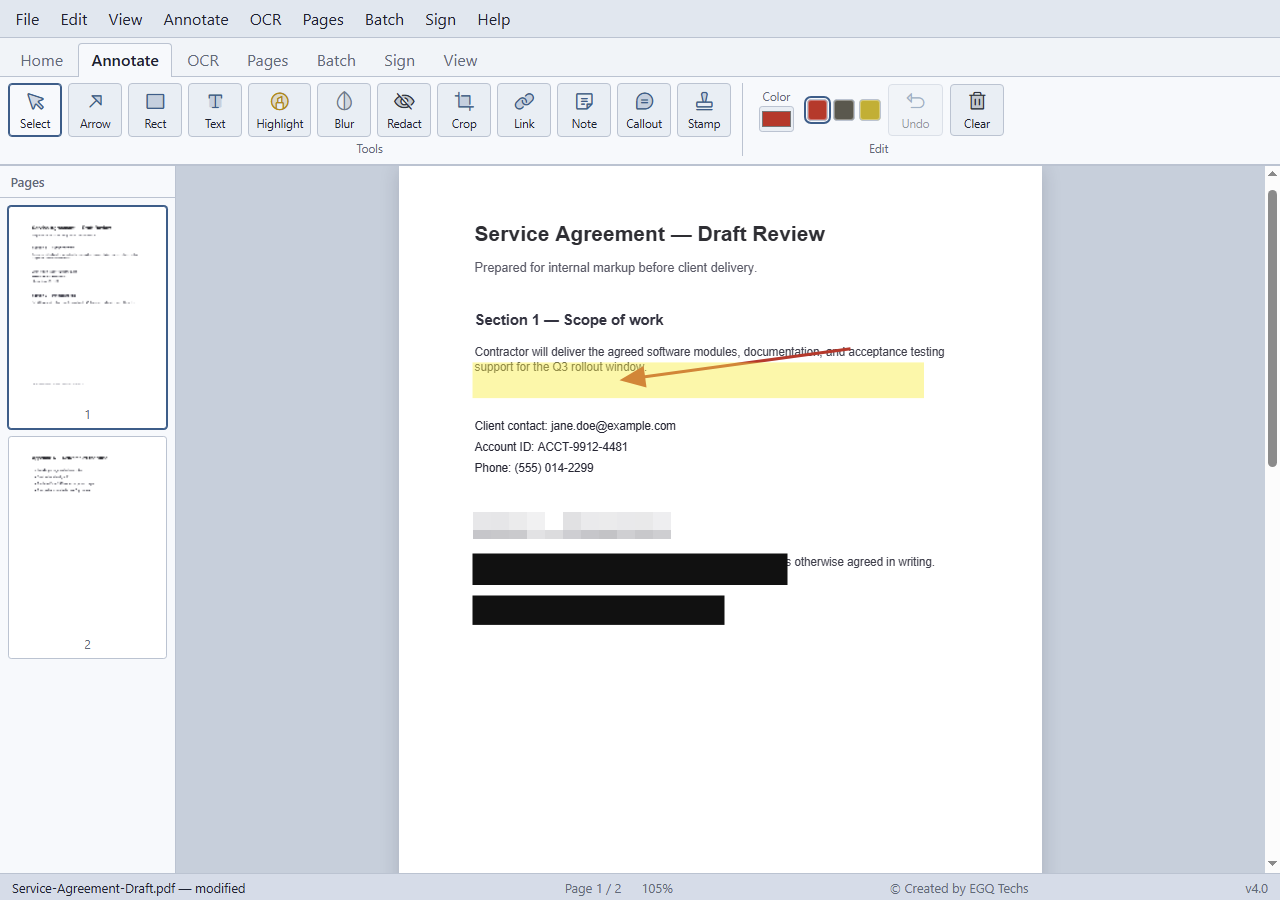
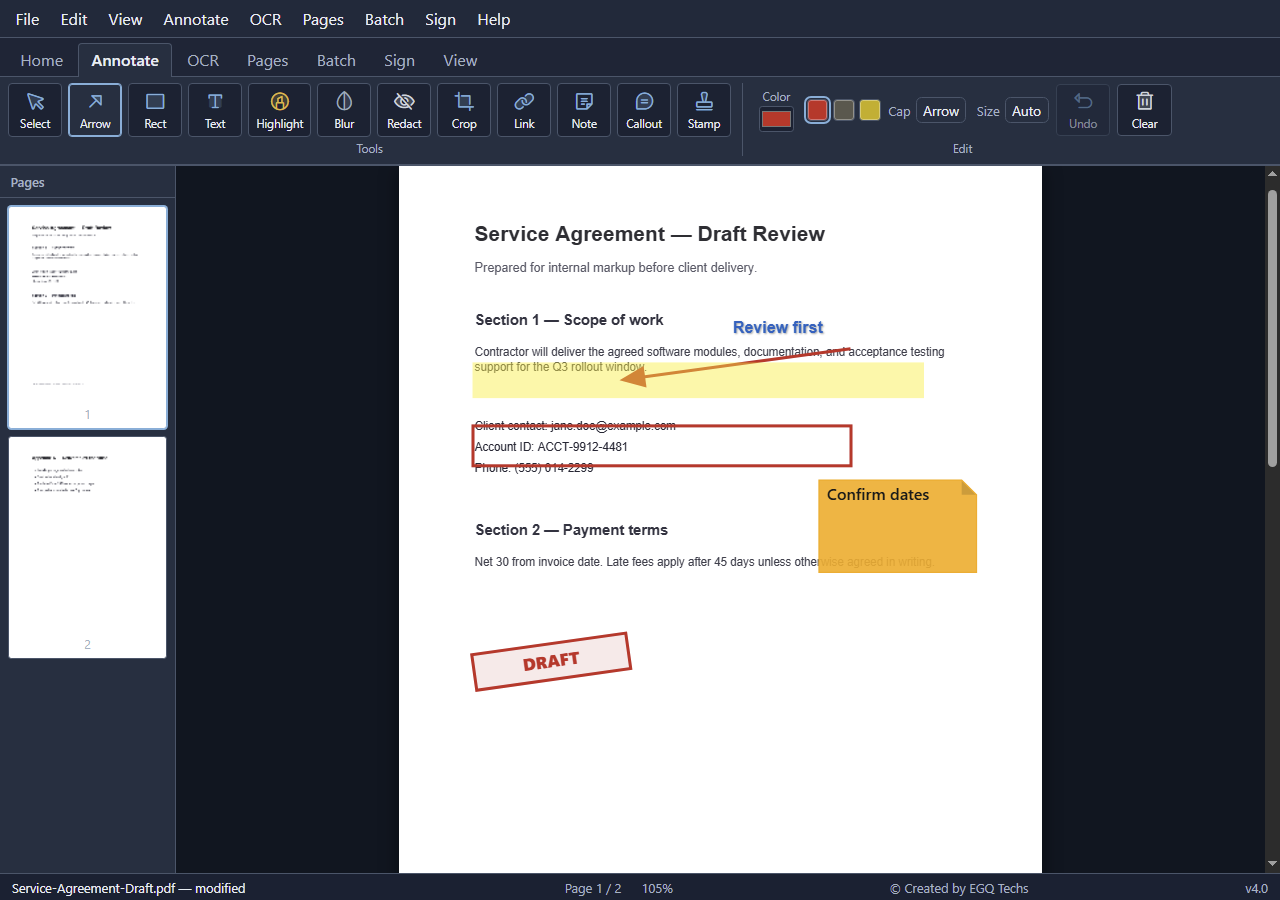
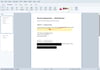
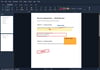
Annotate — Add arrows, boxes, text, notes, callouts, stamps, highlights, blur, redaction marks, and links. Move and resize marks, choose colours, and undo or redo changes.
Make scans searchable — Use on-device OCR for English, French, Spanish, German, and Chinese. Save searchable PDFs without sending them to a cloud service.
Process a batch — Queue multiple PDFs for rotation, OCR, merging, or splitting. Choose an output folder and review the results log.
Add a signature — Draw, type, or import a signature image, then position it on the page.
Organize pages — Join PDFs, insert selected pages, remove, split, reorder, rotate, crop, or resize pages. Insert images and extract embedded images. Add watermarks, backgrounds, and headers or footers.
Properties and protection — Set the document title, author, subject, and keywords. Add password protection when saving. Keep your password safe; we cannot recover it.
Save and print — Save locally with your markup baked into the PDF. Print the current document, including unsaved marks. Keep your original PDF if you will need a clean copy later.
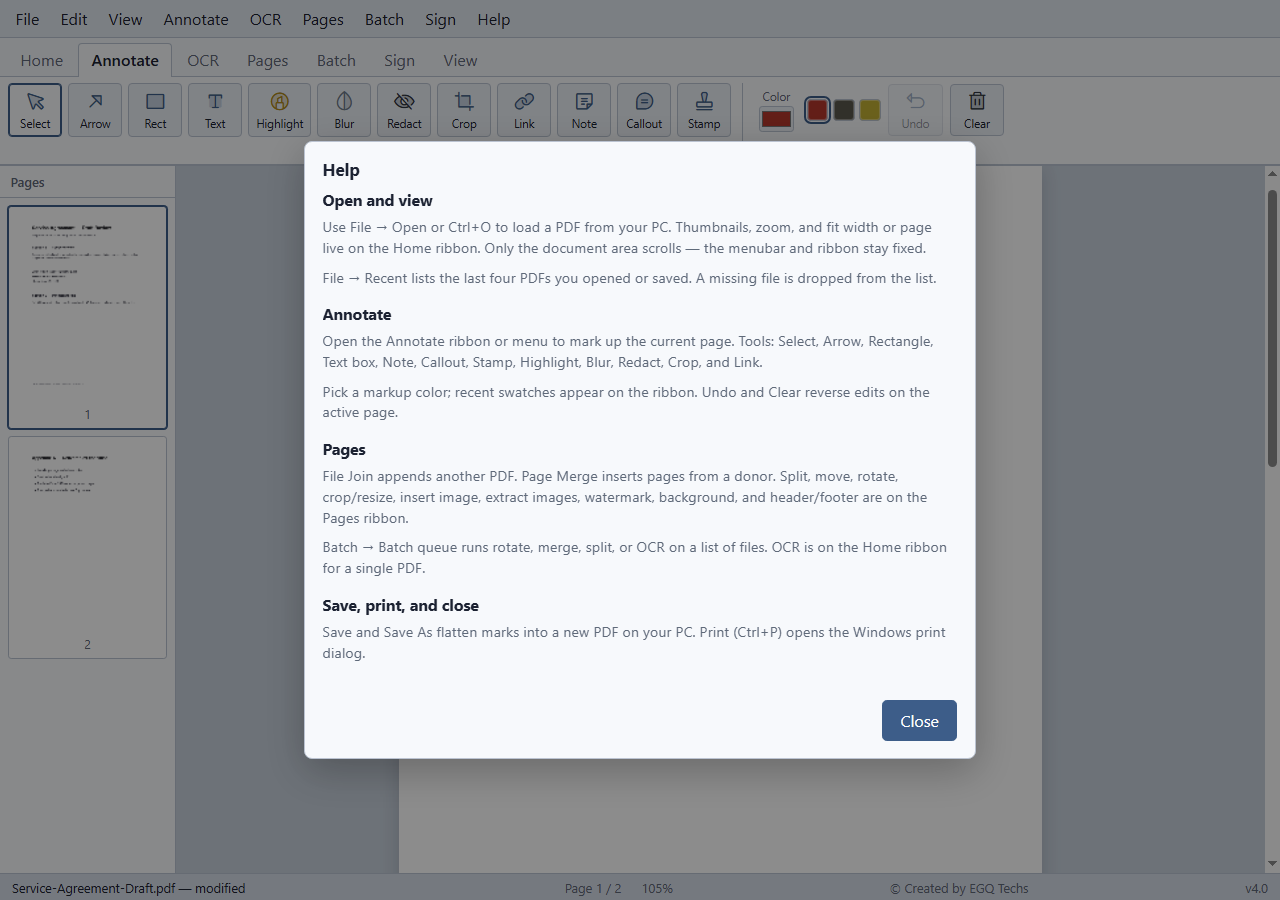
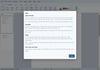
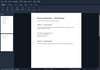
Help included — Built-in help, keyboard shortcuts, light and dark themes, and optional ribbon tabs.
YOUR DOWNLOADS
- Windows 10/11, 64-bit: Extract the ZIP and run PDF Editor.exe.
PDF Editor adds markup to documents; it does not rewrite original PDF paragraphs or create fillable form fields. Signature placement is local and does not include a cloud signing workflow