


Before You Replace It: Windows Laptop Cleanup Kit
Before you replace your laptop, clean it up first.
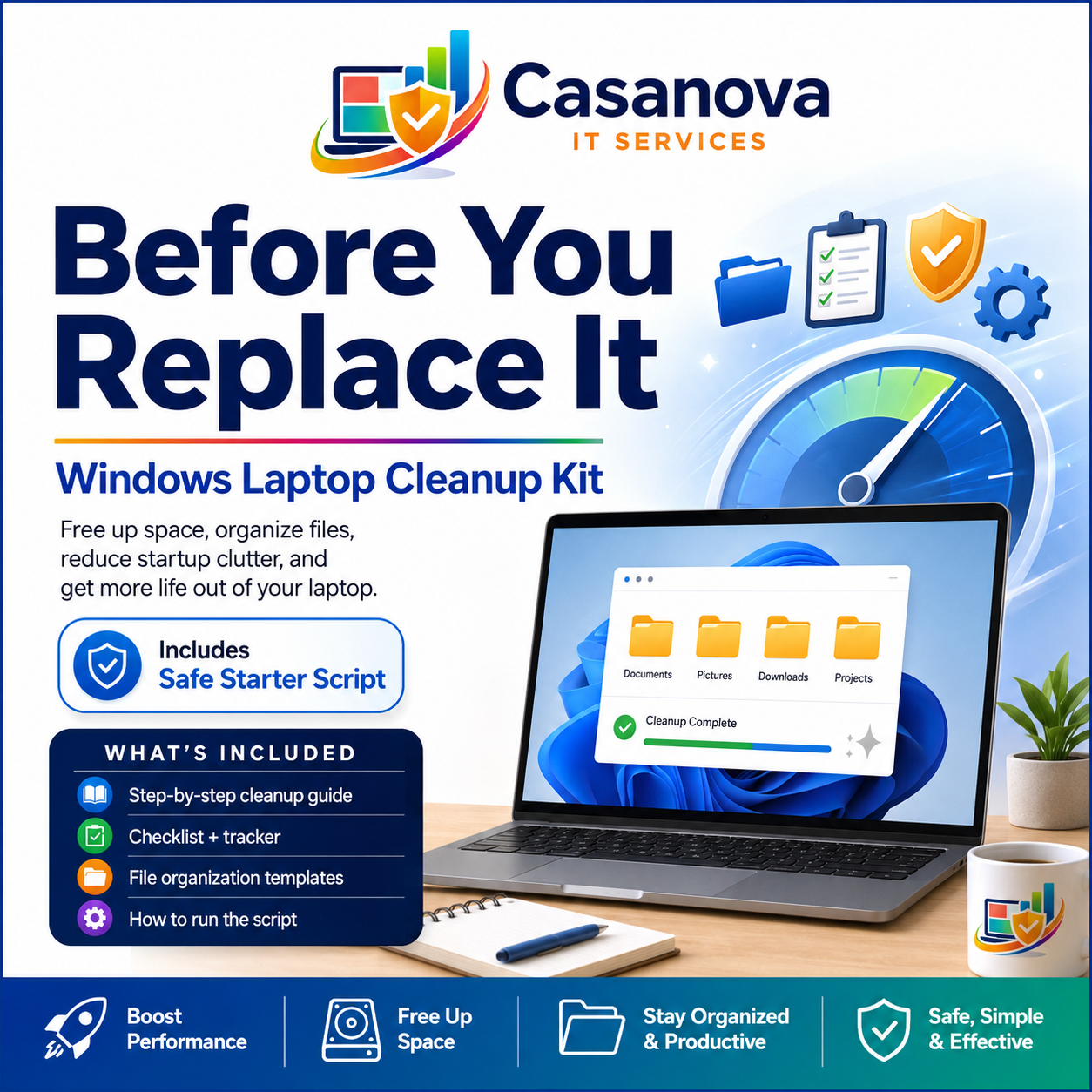
The Windows Laptop Cleanup Kit is a plain-English digital download designed to help you free up storage, organize files, reduce startup clutter, and get more life out of your Windows laptop before spending money on a new device.
If your desktop is covered in icons, your storage is almost full, your Downloads folder is a disaster, or your laptop feels slower than it used to, this kit walks you through a safer cleanup process step by step.
What’s included:
• Step-by-step Windows laptop cleanup guide
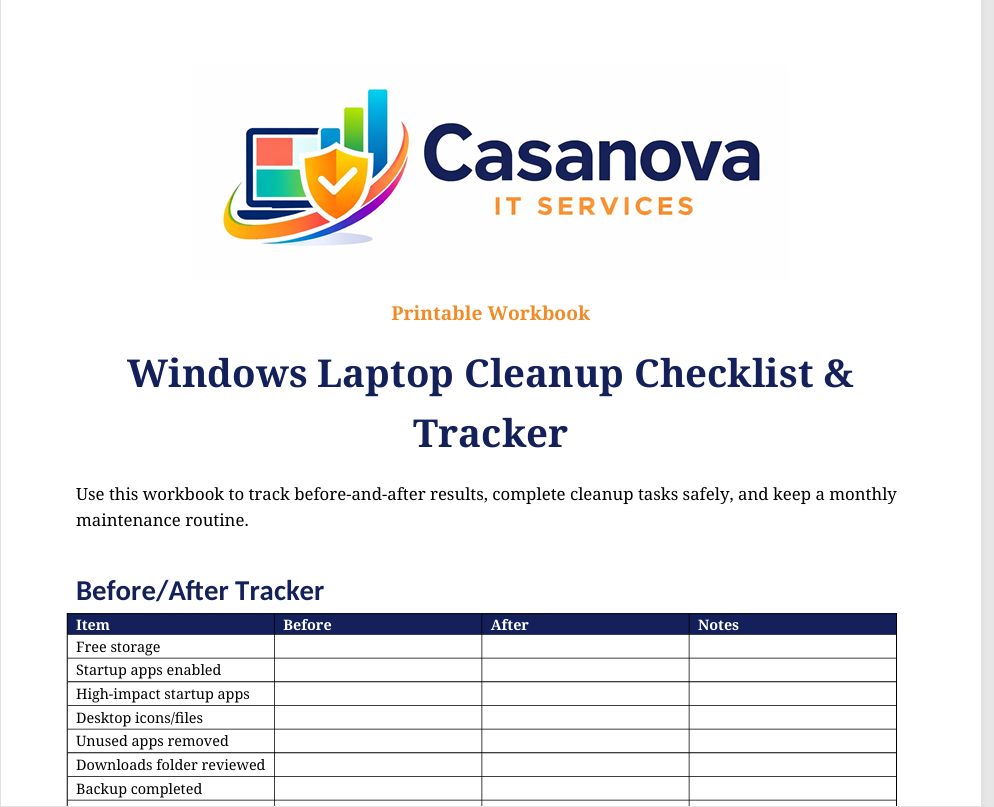
• Printable cleanup checklist and tracker
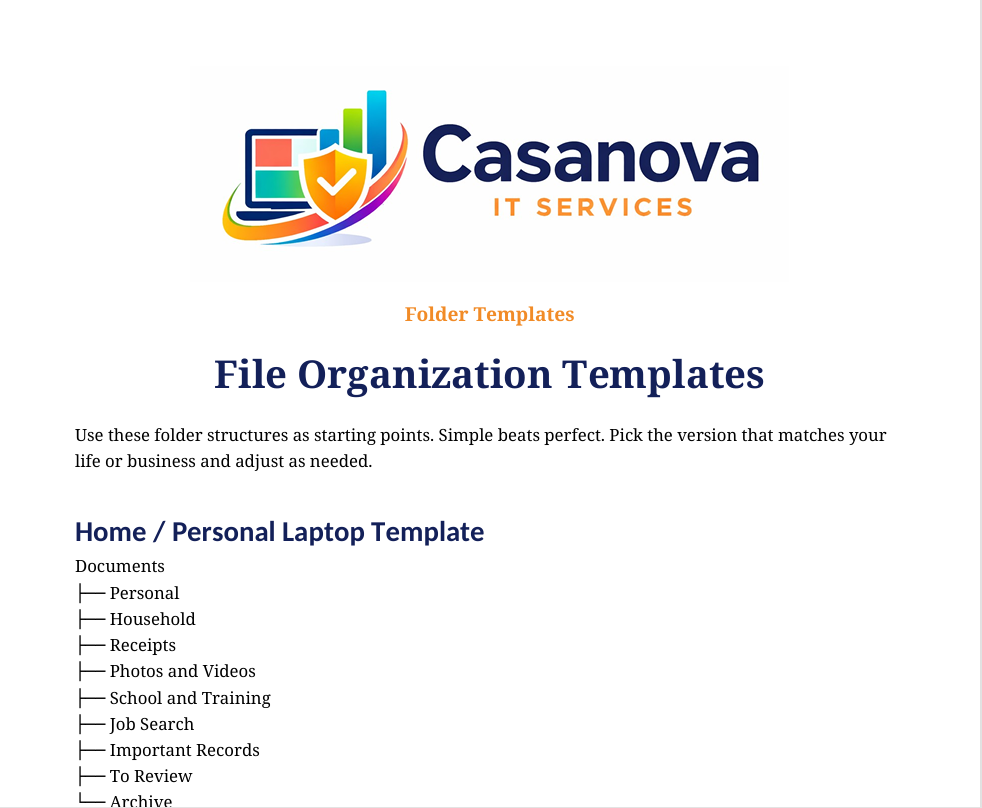
• File organization templates
• Startup apps review guidance
• “What Not to Delete” safety tips
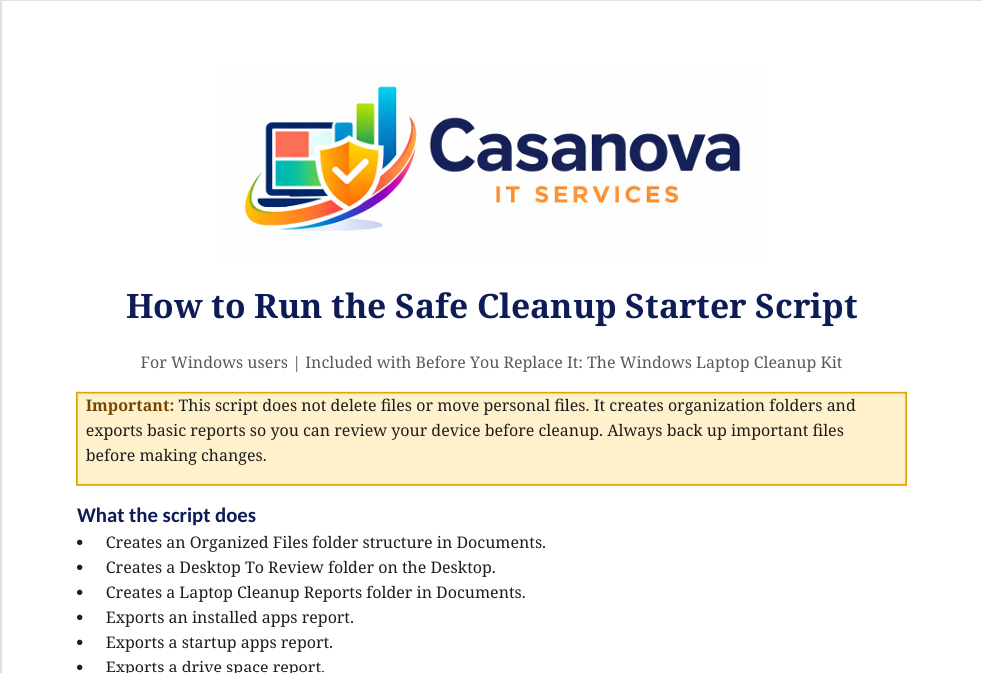
• Safe Cleanup Starter Script
• How to run the script instructions
• Personal-use license
• Editable Word versions of the included documents
The included Safe Cleanup Starter Script does not delete your files. It creates organization folders and exports basic system reports so you can review your device before cleaning it manually.
This kit is best for:
• Windows laptop users with low storage
• People with cluttered desktops and Downloads folders
• Students
• Work-from-home users
• Small business owners
• Anyone trying to extend the life of an older laptop
What this kit helps with:
• Freeing up storage space
• Organizing files and folders
• Reviewing startup apps
• Reducing unnecessary clutter
• Creating a simple maintenance routine
• Understanding when cleanup, upgrade, or replacement makes sense
Important: Always back up important files before deleting or moving data. This digital product is for general educational and maintenance purposes. If your device has signs of malware, hardware failure, data loss, or business-critical issues, contact a qualified IT professional.
Need help doing the cleanup? Casanova IT Services also offers one-time computer cleanup and organization services for homes and small businesses.