
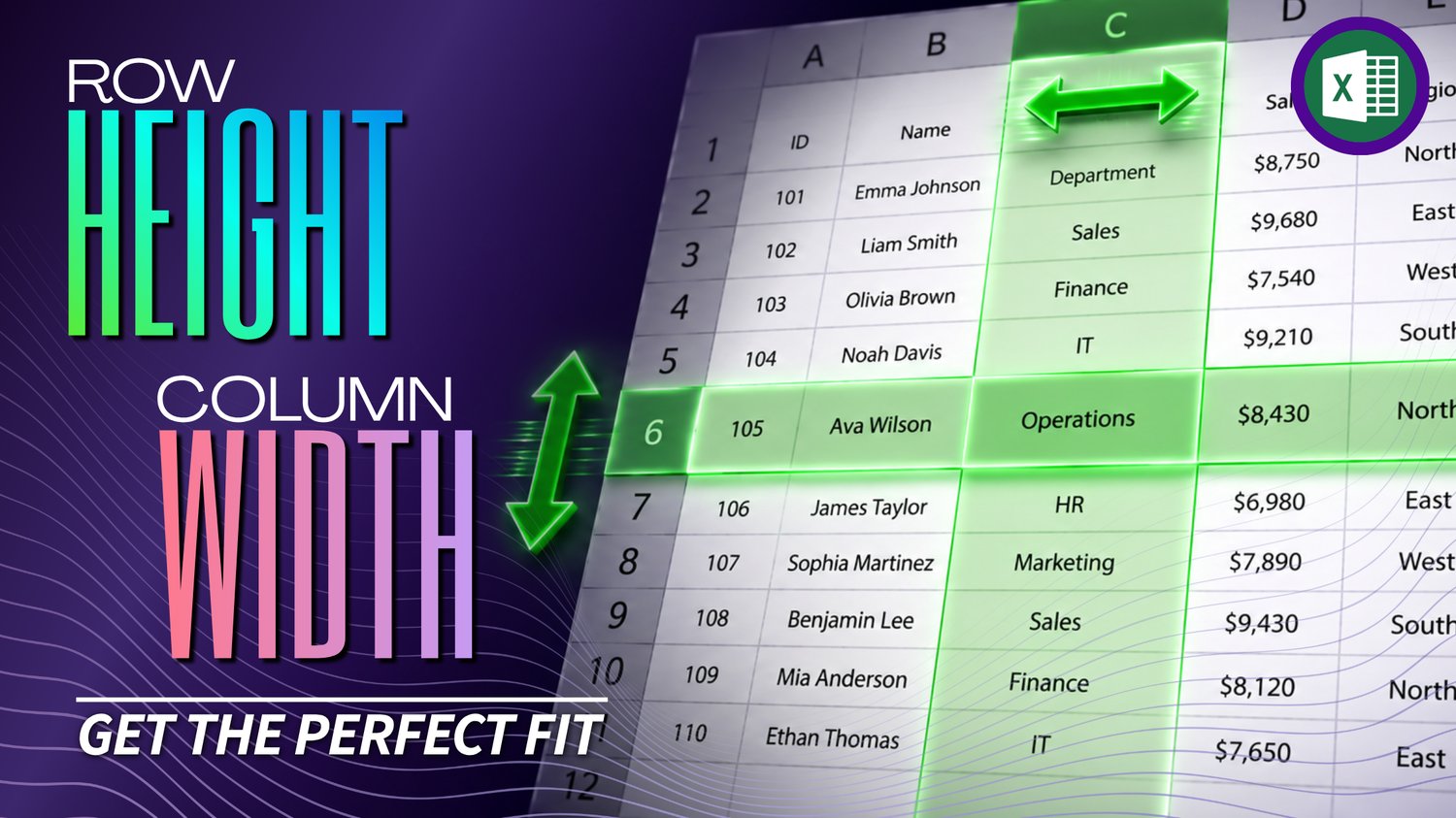
Excel Row Height & Column Width Practice Workbook | Beginner Formatting
Learn how to adjust row height and column width in Microsoft Excel with this beginner-friendly practice workbook from Easy Mode Excel Tutorials!
Are your columns too narrow to display everything? Or do your rows need a little more room? Excel gives you several easy ways to resize rows and columns so your spreadsheet looks neat and your information is easier to read.
This hands-on workbook accompanies our free Excel Row Height & Column Width video lesson, giving you the opportunity to practice resizing your spreadsheet with confidence.
What You'll Practice
✓ Adjust column widths by dragging with your mouse
✓ Change row heights to make more room for information
✓ Use double-click to automatically fit columns and rows
✓ Resize multiple rows or columns together
✓ Use right-click options to set row heights and column widths
✓ Build confidence making your worksheets neat and readable
What's Included
✓ One downloadable Excel practice workbook (.xlsx)
✓ Beginner-friendly exercises to reinforce the lesson
✓ A workbook you can open and edit in Microsoft Excel
✓ Hands-on practice you can complete at your own pace
Perfect for Excel beginners! Learn how to give your spreadsheet information the space it needs without struggling with rows and columns that are too small or too large.
Price: $2.49 USD — one-time purchase.
After purchasing, you'll be able to download your Excel practice workbook and start practicing right away.
This purchase includes the practice workbook only. Microsoft Excel is not included.
Watch the FREE Video Lesson
🎥 Excel Row Height & Column Width:
More FREE Learning
Continue learning with our free Excel Insert & Delete Rows and Columns lesson to practice adjusting the structure of your worksheets.