




AIx Tools — Remove Backgrounds, Erase Gemini & Veo Watermarks, Upscale, Restore Faces & Clean Videos — All-in-One AI Desktop App for Windows
🚀 AIx Tools — Remove Backgrounds, Erase Gemini & Veo Watermarks, Upscale, Restore Faces & Clean Videos — All-in-One AI Desktop App for Windows
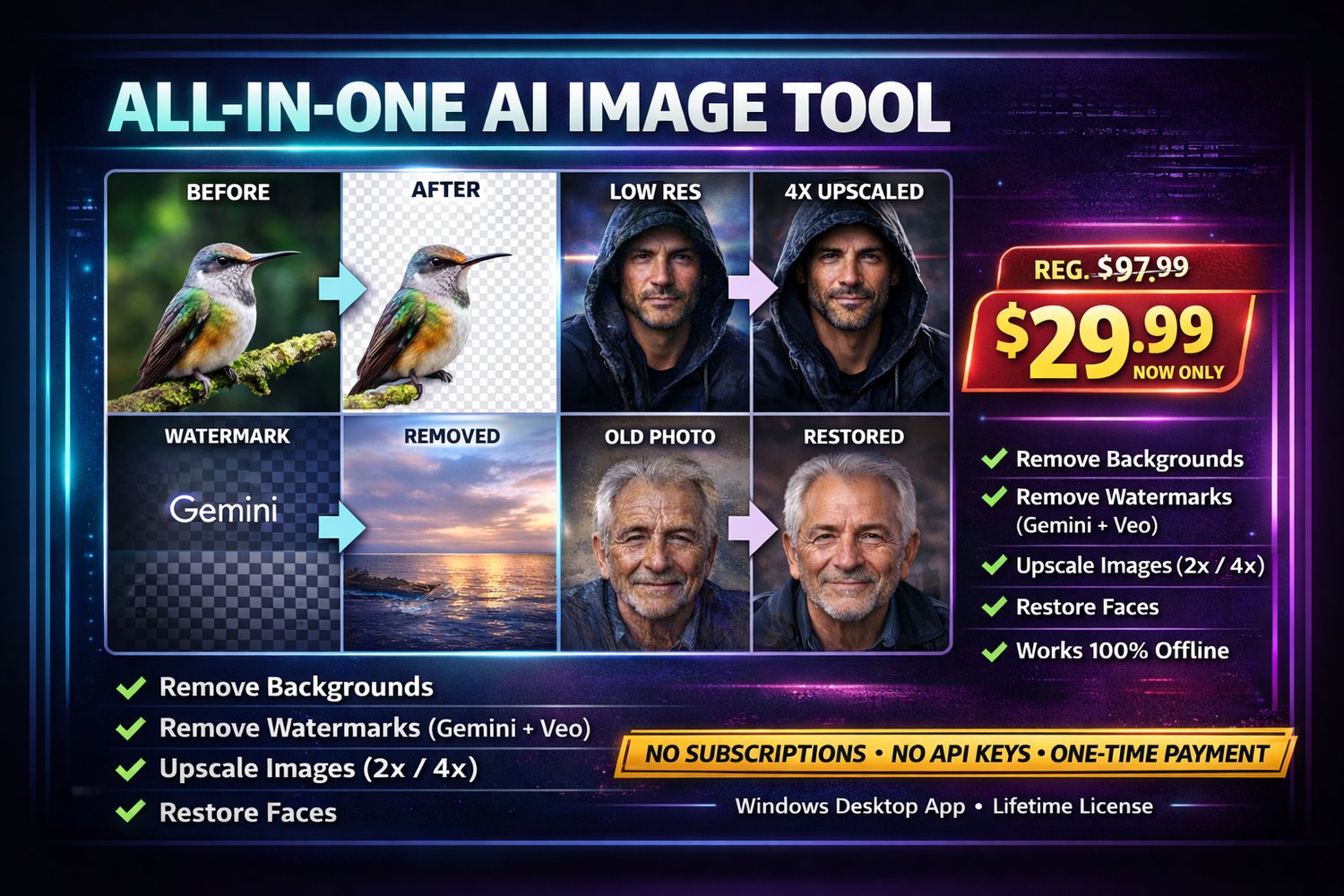
One app. Every AI image task you need.
AIx Tools is a powerful desktop application that brings professional-grade AI processing
directly to your Windows PC — no subscriptions, no cloud uploads, no per-image fees.
Pay once, own it forever.
Includes dedicated tools to remove Gemini AI image watermarks and Veo video watermarks
completely offline — no Google API key, no account, no trace.
✅ What You Can Do
🖼️ Background Removal
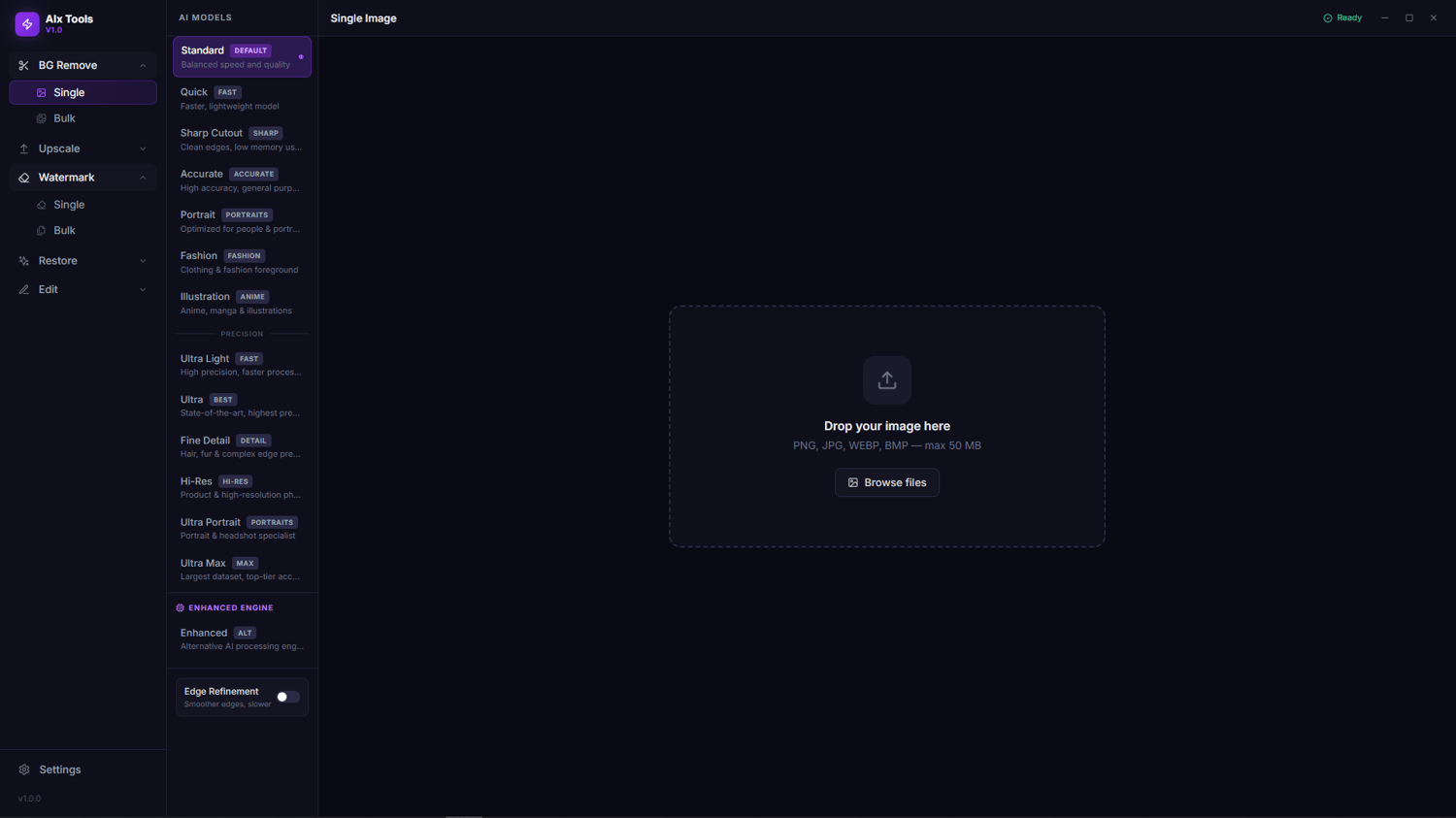
Remove backgrounds from photos instantly using the rembg AI engine. Single image or
batch-process hundreds at once. Export clean PNGs with transparent backgrounds.
🔍 AI Upscaler (2× & 4×)
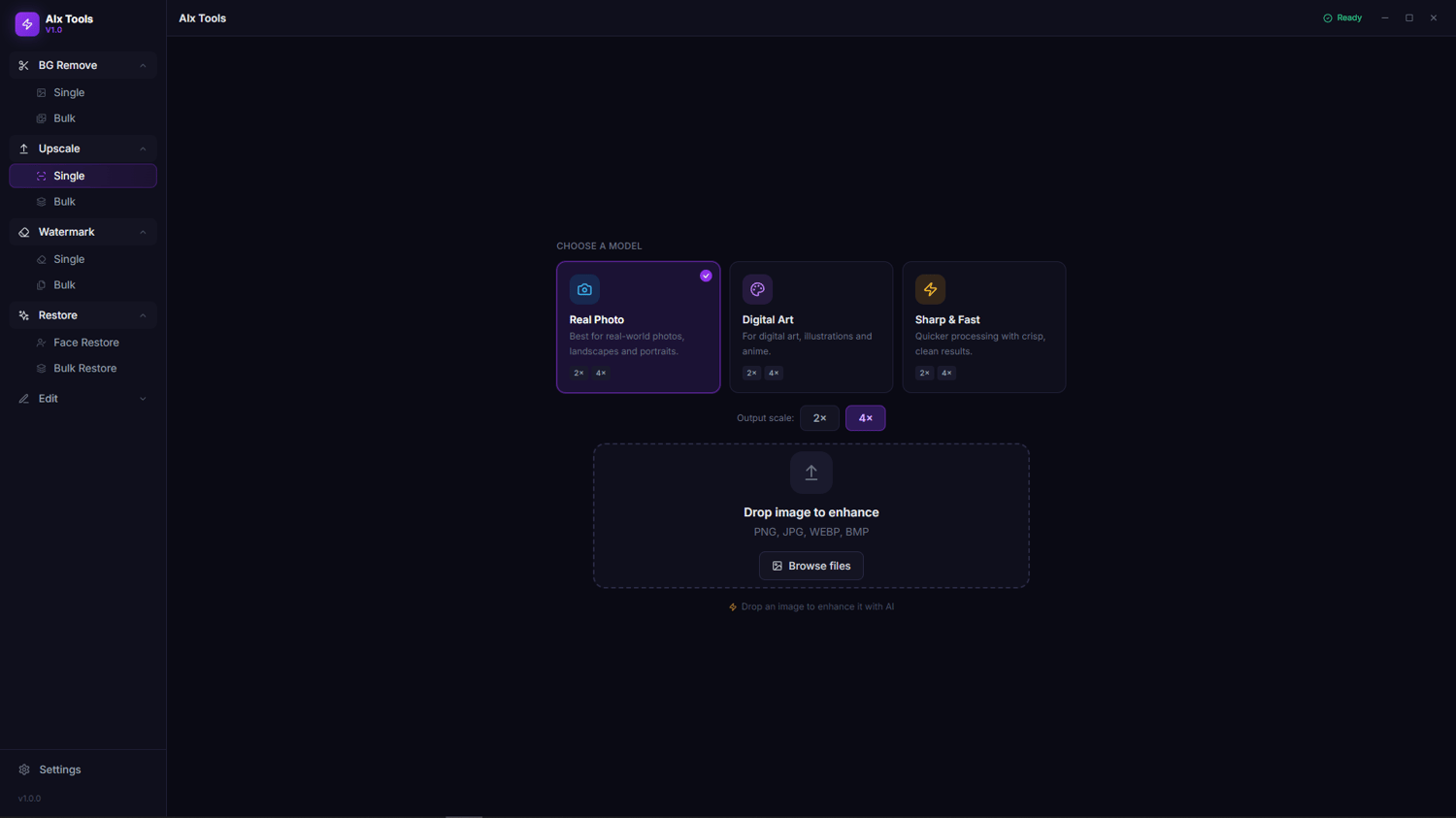
Super-resolution upscaling powered by Real-ESRGAN (the same engine used by Upscayl).
Choose from General, Anime, or Fast modes. Bring old, low-res images to life.
🧹 Object & Watermark Removal
Paint over anything — logos, watermarks, text, objects, people — and the LaMa AI
fills in the background seamlessly. Works on both photos and video frames.
✨ Gemini AI Watermark Remover
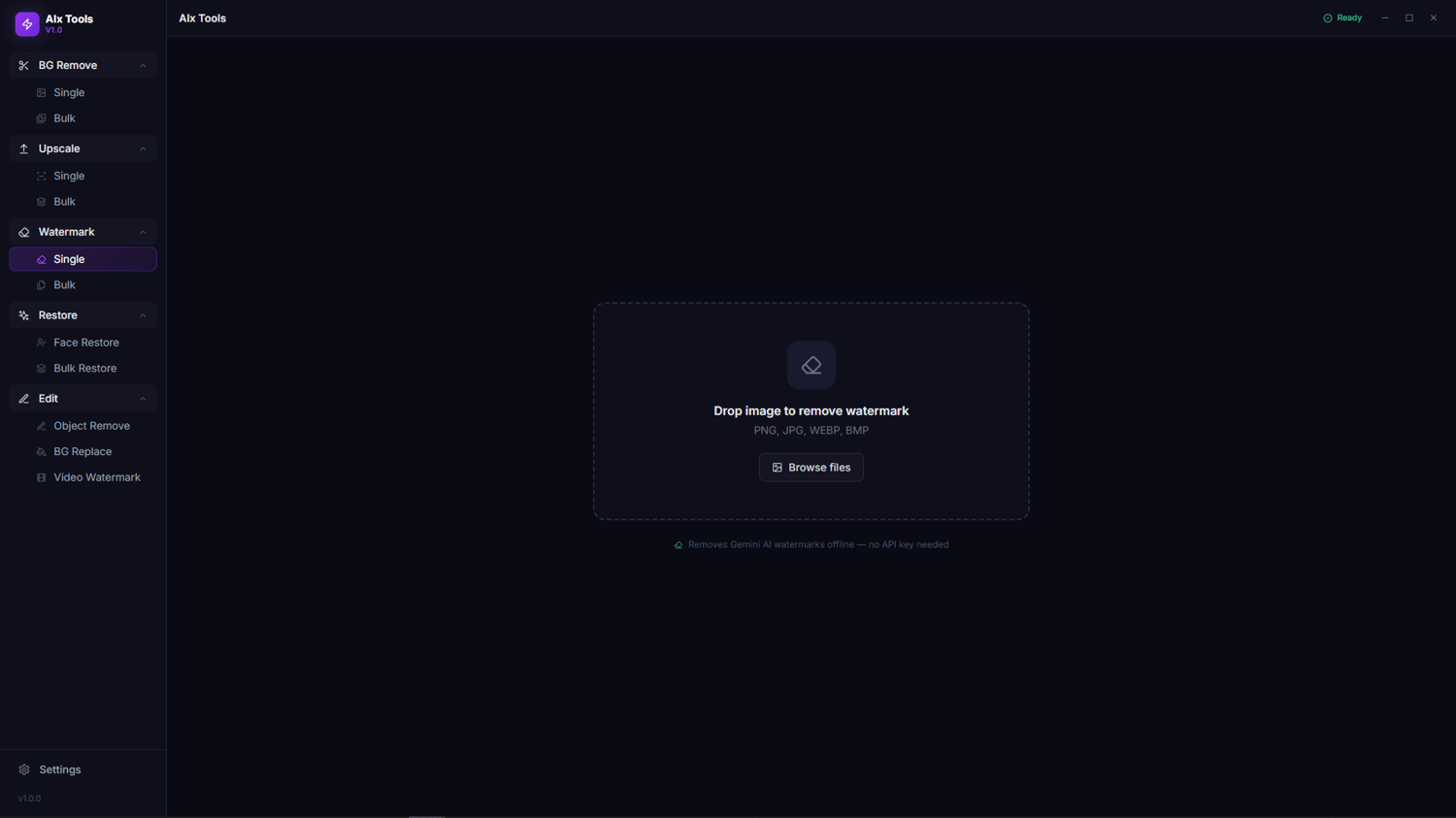
Specifically engineered to detect and remove SynthID / Gemini AI-generated image watermarks
without an API key. Runs fully offline. Single image or batch-process entire folders.
🎬 Veo & Video Watermark Removal
Draw a selection box over any watermark on a video frame — including Google Veo AI watermarks —
and AIx Tools inpaints over it across all frames. Supports saveable presets so you can
one-click remove the same watermark position from multiple videos. Bulk mode included.
💻 How It Works
AIx Tools runs 100% locally on your machine using your own GPU/CPU.
No images are ever uploaded to any server. Your files stay private.
On first launch, the app automatically sets up a Python environment and downloads only
the AI models you choose to use. Everything happens in the background.
System Requirements:
- Windows 10 / 11 (64-bit)
- 8 GB RAM minimum (16 GB recommended)
- ~4 GB free disk space for core tools
- Internet connection for first-time model downloads only
🔑 License & Activation
Your purchase includes a lifetime license key.
Enter it once on first launch — that's it. No internet required after activation.
📦 What's Included
- AIx Tools desktop installer (.exe)
- Lifetime license key (delivered by email)
- Free updates for all future versions in the v1.x series
❓ FAQ
Does it work offline?
Yes, after the first-time model downloads, everything runs fully offline.
Gemini and Veo watermark removal also works fully offline — no Google account needed.
Does it use my GPU?
Yes, if a compatible GPU is detected. Falls back to CPU automatically.
Can it remove Gemini or Veo watermarks?
Yes. The Watermark Remover tab handles Gemini AI image watermarks (SynthID) and the
Video Watermark tab handles Veo video watermarks — all offline, no API key required.
What image formats are supported?
PNG, JPEG, WebP, BMP, TIFF.
Is there a refund policy?
Due to the nature of digital software, all sales are final. Please review the
feature list carefully before purchasing.